Best Text to Voice Apps in 2026: Top Read-Aloud Tools Compared
Your eyes are tired. You've been staring at a screen for six hours and there's still a 3,000-word article you need to get through before tomorrow. There's an app for that — actually, several. The trick is knowing which one to use.
Text to voice apps have gotten surprisingly good. Not "good for assistive tech" good — good enough that I'd rather listen to an article than read it during my commute, even when I have plenty of time. The voices have crossed a threshold where you stop noticing they're synthetic and just absorb the content. Here's everything worth downloading in 2026.
What to Look for in a Text to Voice App
Before getting into specific tools, a few things actually separate the good apps from the frustrating ones.
Voice quality — The gap between old-school robotic TTS and modern neural voices is enormous. Premium apps use AI synthesis that sounds almost indistinguishable from a human reader. Free tiers often use older engines, and the difference is jarring once you've heard both. Voice quality is probably the single biggest factor affecting whether you'll actually use the app long-term.
Supported formats — Can it read PDFs? Web articles? ePub ebooks? Word documents? Some apps handle everything; others are weirdly narrow. If you're going to read academic papers, you need PDF support. If it's mainly articles, a browser extension might do the job.
Offline support — Cloud-based apps need a connection to generate audio. If you commute on a subway or travel by plane regularly, you'll want an app with downloadable voice packs that work without internet. This cuts the list significantly.
Platform coverage — iPhone-only apps exist. Android-only apps exist. True cross-platform apps with sync between devices are rarer and worth paying more for if you switch between devices throughout the day.
Price — Free tiers exist but usually cap daily listening time or limit you to lower-quality voices. Paid tiers range from $10 to $140 per year. Whether that's worth it depends entirely on how much you'll actually use the app.
Playback speed is the one feature most people don't test until they've already paid. The best read aloud apps let you push to 2–3× without the audio becoming unintelligible. Some apps are terrible at this — the voice warps rather than compressing cleanly. Test speed control before committing to a paid plan.
The 7 Best Text to Voice Apps in 2026
 1. AI Dictation — Best for Read-Aloud Alongside Voice Input
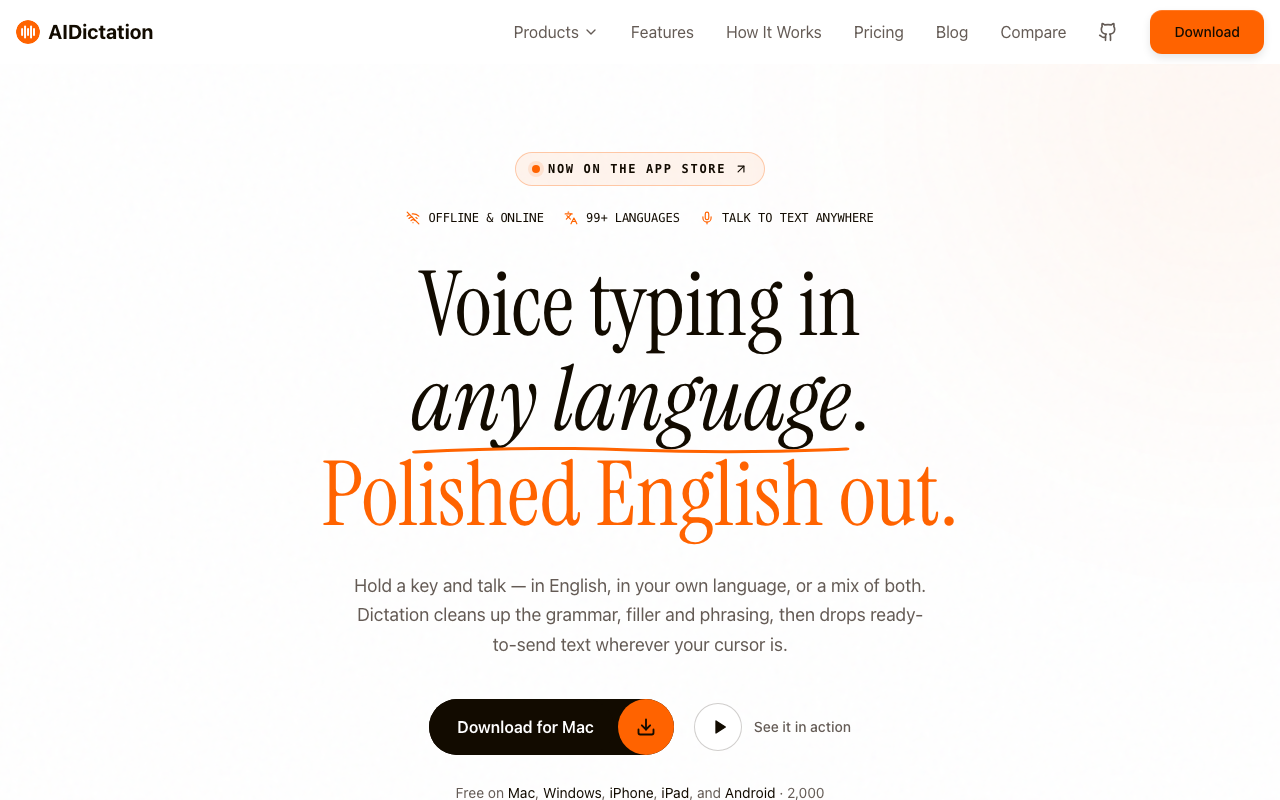
AI Dictation is primarily a voice to text tool — fast, accurate, with native apps for Mac, Windows, iPhone, and Android — but its read-aloud feature is worth knowing about if you're already using it for dictation. The workflow holds up in practice: dictate a draft, then have it read back to you to catch awkward phrasing before you finalize. Reviewing your own writing by ear catches different things than reading it visually.
It uses macOS system voices, which have improved substantially with Apple's on-device neural engine. The quality won't match Speechify's premium tier, but it's solid for everyday use and doesn't require an additional subscription on top of what you're already paying.
Lightweight, a generous free tier, and native on every platform you use — that's the pitch. If you're already in this ecosystem, the read-aloud feature is a bonus that costs nothing extra.
Platforms: macOS, Windows, iOS, Android
Price: Free tier available
Best for: Mac users who use voice input and want read-aloud in the same app
Download AI Dictation free to try it.
 2. NaturalReader — Best for Format Variety
NaturalReader handles more document types than most competitors. PDFs, Word docs, ePub ebooks, plain text, web pages — dump almost anything in and it reads it. That breadth is genuinely useful if your reading is spread across different file types.
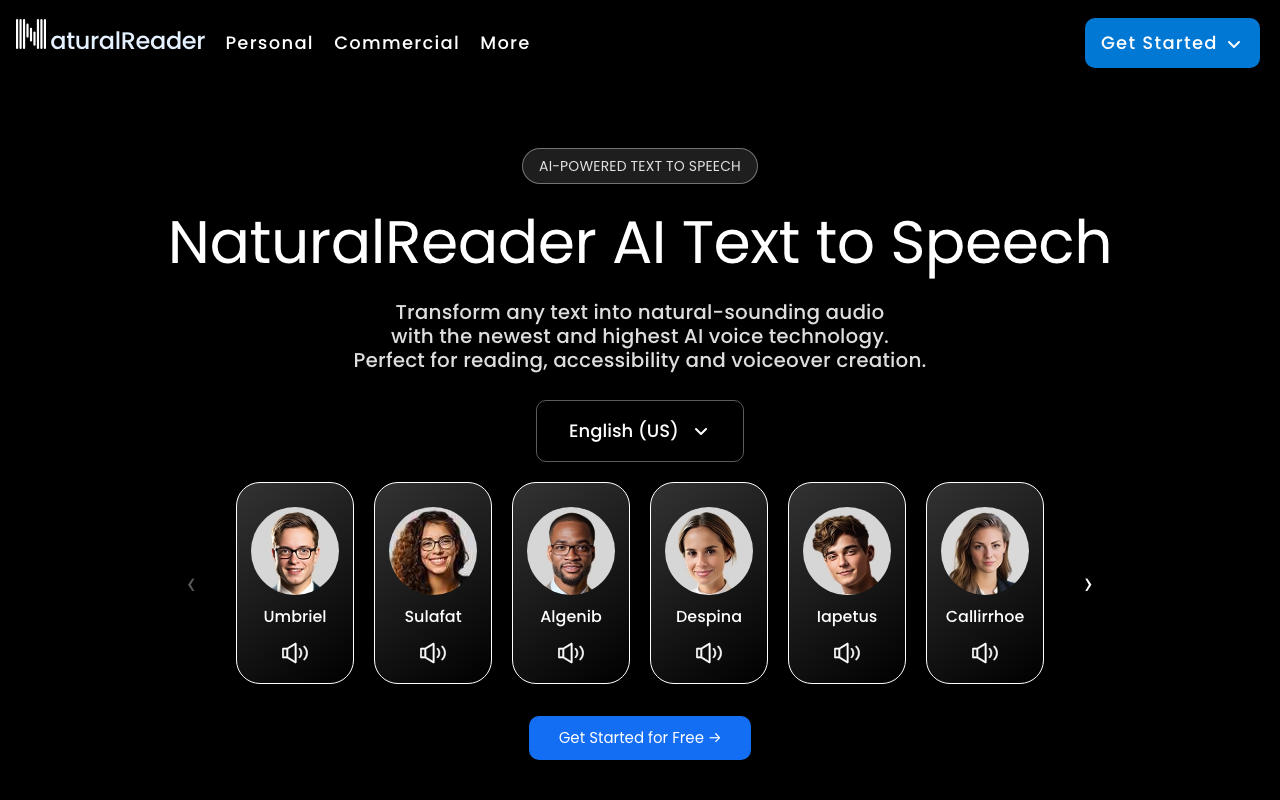
The free tier limits you to natural (non-neural) voices and a daily listening cap. The Premium plan (~$60/year) unlocks HD neural voices that are considerably more pleasant for extended listening. The interface is a bit cluttered — there's a lot happening on screen — but the core function works reliably.
Voice preference is surprisingly personal. What sounds natural to one person sounds flat to another. The free trial is worth doing before you commit to the annual plan. And if NaturalReader doesn't click after trying it, the NaturalReader alternatives breakdown covers every serious competitor.
Platforms: iOS, Android, web, Chrome extension
Price: Free; Premium from ~$60/year
Best for: People with varied document types — PDFs, ebooks, web articles, Word docs
 3. Voice Dream Reader — Best for Ebooks and PDFs on iPhone
Voice Dream Reader is the app iOS users have been recommending to each other for years, and it's still the best dedicated read-aloud app for iPhone. The reason: it handles PDFs and ebooks better than anything else in this roundup, with clean text extraction and none of the formatting chaos that plagues competing apps when they try to parse a densely-laid-out PDF.
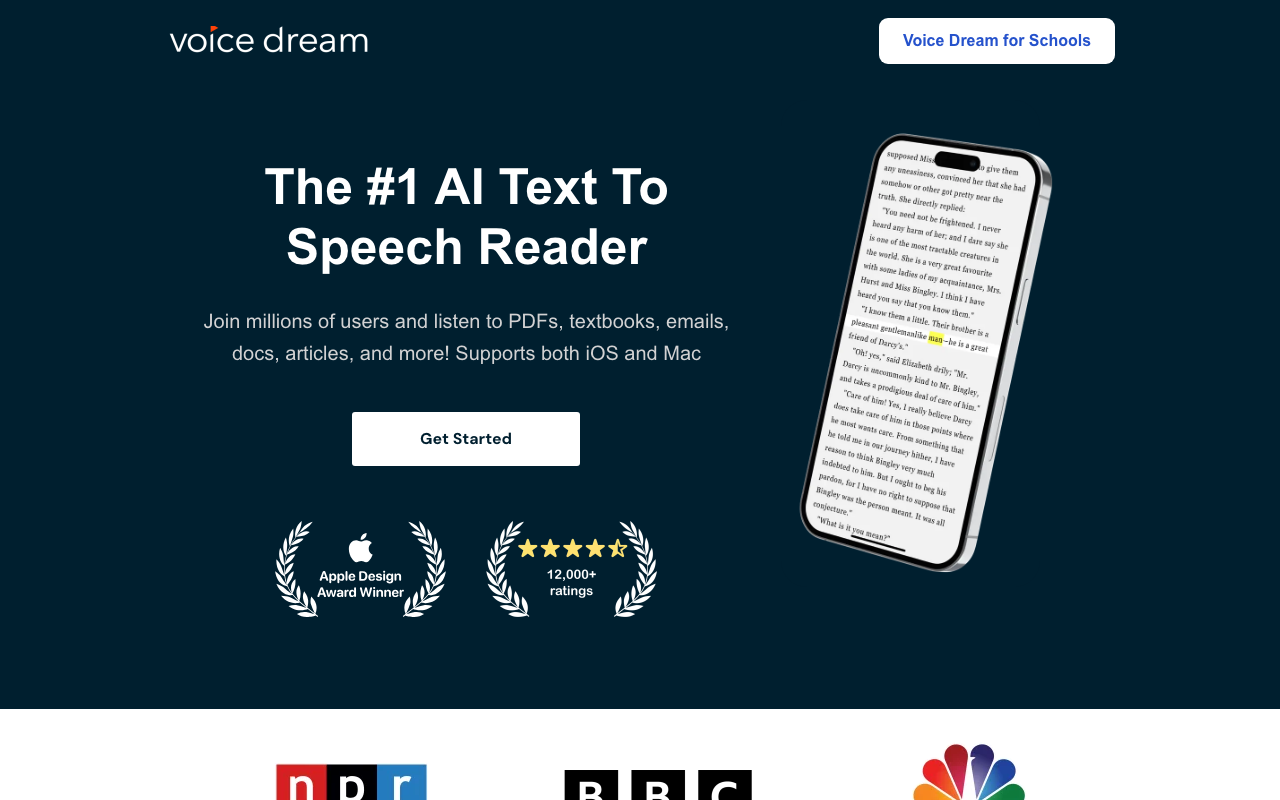
It costs $19.99 upfront — no subscription. I genuinely prefer this to the $10+/month recurring model that's taken over the space. The voices aren't built-in; you download them separately through the app for $5-15 per voice. Budget for one good voice and the total cost is still under $35. For a broader look at PDF listening methods beyond iOS, the read PDF aloud guide covers Mac and browser approaches too.
Works offline once voices are downloaded. The interface looks a bit dated. Doesn't matter — the core function is flawless, and it's been around long enough that the rough edges are known quantities, not surprises.
Platforms: iOS
Price: $19.99 one-time + voice packs ($5–15 each)
Best for: iPhone users reading lots of PDFs or ebooks who want offline support
 4. @Voice Aloud Reader — Best Free Option for Android
On Android, @Voice Aloud Reader is what people actually use. Free, supports a wide range of document formats, and works with Android's built-in TTS voices — which Google has quietly improved over the past few years with their WaveNet engine. It's not flashy. The UI looks like it was designed in 2015.
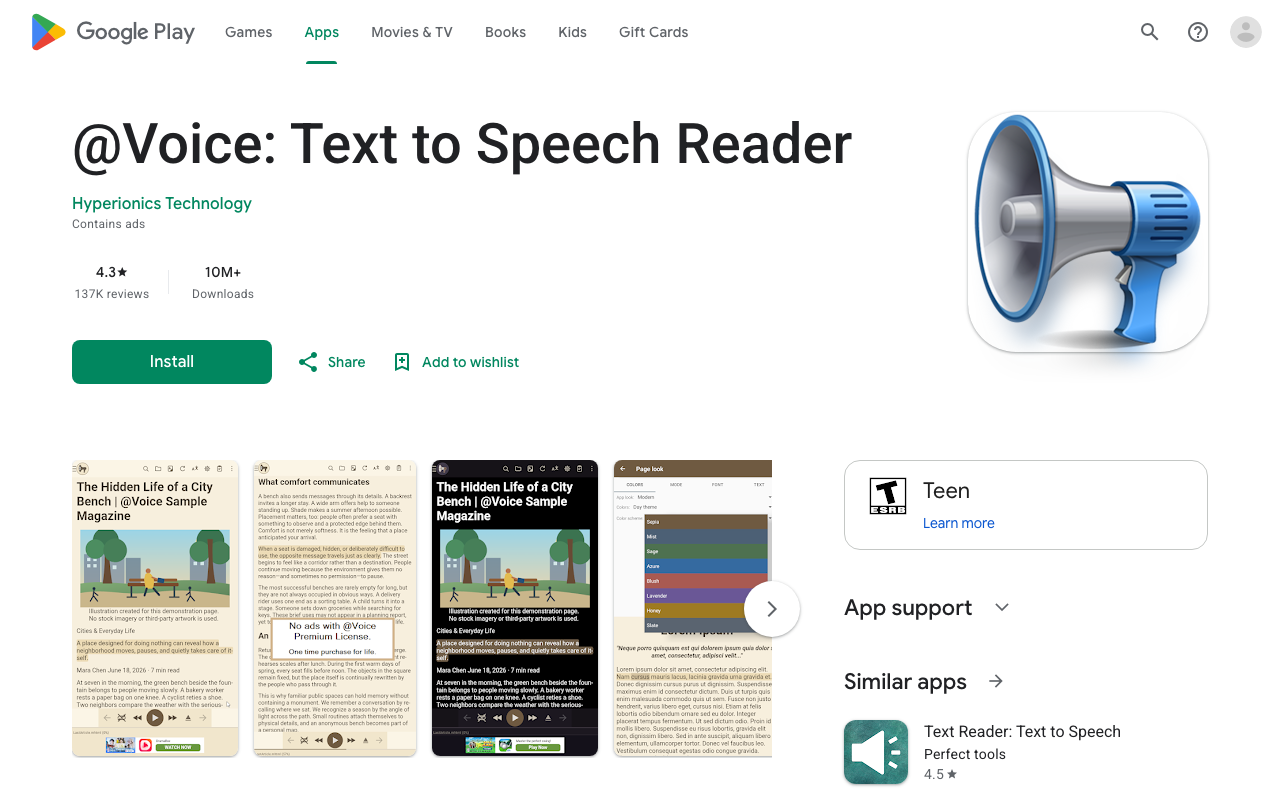
But it's stable, has a massive user base, and does exactly what it says. You can add better voices through Android system settings (purchased separately from Google), which gives you more options without being locked into the app's ecosystem. The paid Pro version ($9.99 one-time) removes ads and adds a handful of useful features.
If you're on Android and want a no-fuss read-aloud app without a monthly bill, this is the one.
Platforms: Android
Price: Free; Pro at $9.99 one-time
Best for: Android users who want a solid free read-aloud app
 5. Speechify — Best Voice Quality, Steepest Price
Speechify is the one with the celebrity ads and the bold claims about 4.5× speed reading. Some of it is real. The voices are excellent at higher tiers — they use ElevenLabs-quality neural synthesis, and the difference versus standard TTS is audible. The iOS and Android apps are polished. The Chrome extension is handy for articles.
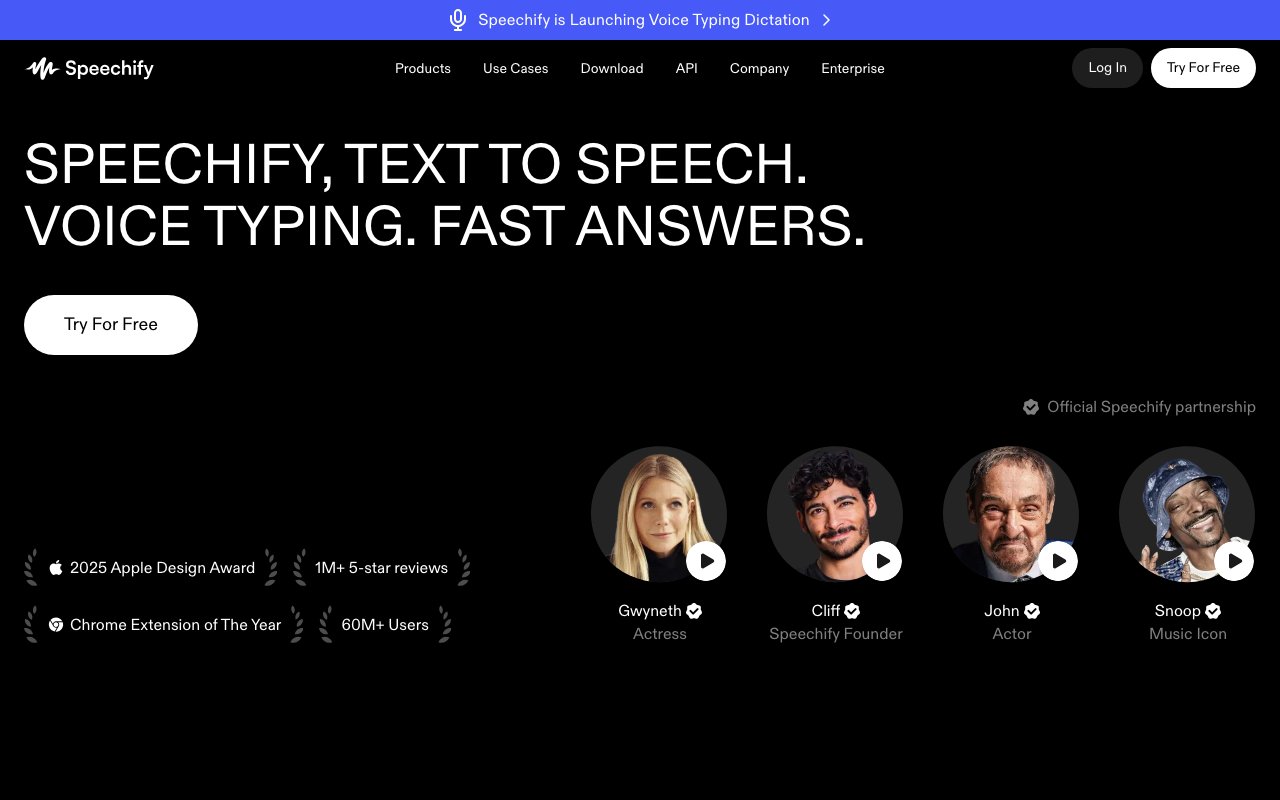
The price is where it gets harder to justify. Their full subscription is around $139/year as of early 2026. That's not absurd for a tool you use daily, but it's a lot compared to Voice Dream Reader's one-time $20. The free tier exists but caps listening time and limits you to lower-quality voices — which is frustrating because you can hear what the premium voices sound like, just not use them without paying.
Honest take: if voice quality is your top priority and you genuinely read a lot (think: hours per week), Speechify's premium voices are the best in this roundup by a real margin. If you're a casual user or mostly reading PDFs for work, you can get 80% of the benefit for a fraction of the price elsewhere.
Platforms: iOS, Android, Chrome extension, web
Price: Free tier; Premium at ~$139/year
Best for: Heavy users who prioritize voice quality above all else
 6. Google Play Books — Best Built-In Option for Android
This one surprises people. Google Play Books has had a read-aloud feature for years, and it's actually good. If you read ebooks — especially through Google's ecosystem — the Read Aloud feature is already sitting there waiting for you. No separate download, no subscription, no setup.
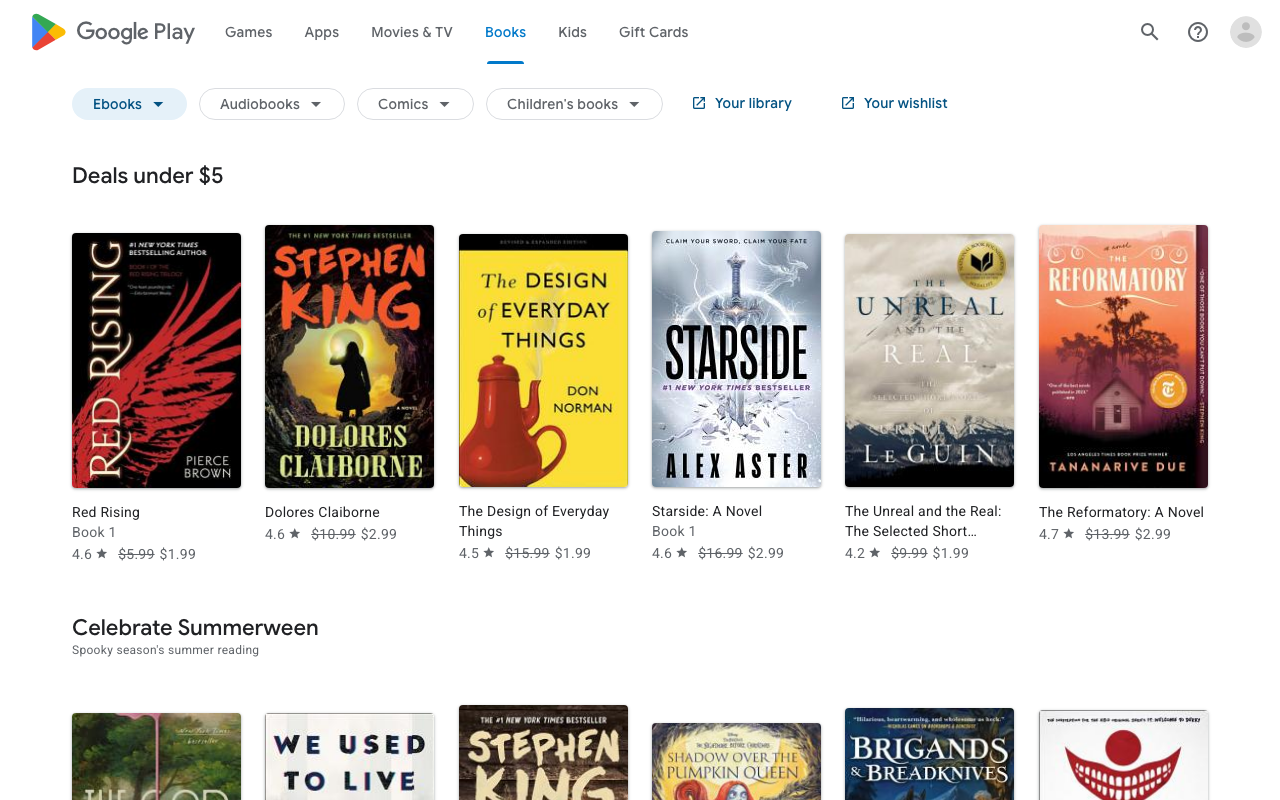
The voice uses Google's Neural TTS, which sounds natural. Speed control works well up to about 2×. The limitation is format support: Play Books is ebook-focused, so importing arbitrary PDFs is more awkward than it should be.
But for books? It's genuinely excellent, and it's free on every Android device. If you've never tried it, open a book tonight.
Platforms: Android (iOS app exists but Read Aloud feature is limited there)
Price: Free
Best for: Android users already reading ebooks in Google Play Books
 7. Apple Books / iPhone Read Aloud — Best Built-In Option for iPhone
Apple added Speak Screen to iOS years ago, and in iOS 17 they improved the read-aloud experience significantly with a dedicated Read Aloud mode inside Apple Books. It's already in your pocket if you have a recent iPhone.
The voice uses Apple's neural TTS — the same engine that powers the better-sounding Siri voices. It's good. Not Speechify-good, but convincingly natural for casual listening. Speed control is smooth. The auto-scroll feature is well-implemented.
The limitation: it's mainly designed for Apple Books content. Reading arbitrary web articles or third-party PDFs requires the older Speak Screen workflow, which is a different experience. For Apple Books ebooks, though, it's seamless and free.
Platforms: iOS
Price: Free (built into iOS 17+)
Best for: iPhone users reading Apple Books content who don't want another app
Best Text to Voice App by Use Case
| Use Case | Best Pick |
|---|---|
| Best overall | Voice Dream Reader (iPhone) / NaturalReader (cross-platform) |
| Best free | Apple Books (iPhone) / Google Play Books (Android) |
| Best for PDFs | Voice Dream Reader |
| Best for ebooks | Voice Dream Reader (iOS) / Google Play Books (Android) |
| Best offline | Voice Dream Reader / @Voice Aloud Reader |
| Best for Android | @Voice Aloud Reader |
| Best for iPhone | Voice Dream Reader |
| Best voice quality | Speechify (premium tier) |
| Best for Mac users | AI Dictation |
The honest summary: most iPhone users should start with Apple Books (it's free) and upgrade to Voice Dream Reader if they find themselves limited. Most Android users should try Google Play Books first and move to @Voice Aloud Reader or NaturalReader if they need more format support.
Frequently Asked Questions
What's the best free text to voice app?
Google Play Books on Android and Apple's built-in Read Aloud feature on iOS 17+ are both free and capable. For more control over voice quality and speed, NaturalReader's free tier is worth trying — though the HD voices require a paid plan. If you're on Mac, AI Dictation's free tier includes read-aloud functionality.
Can text to voice apps read PDFs?
Most can. Voice Dream Reader and NaturalReader handle PDFs natively with reliable text extraction. Speechify lets you import PDFs via the share sheet on mobile. @Voice Aloud Reader supports PDFs on Android. Google Play Books and Apple Books are ebook-focused and less suited for PDFs — don't reach for those if PDFs are your main use case.
Do text to voice apps work offline?
Some do. Voice Dream Reader and @Voice Aloud Reader both support offline playback with downloaded voice packs — once you've downloaded a voice, no internet is needed. Cloud-based apps like Speechify and the NaturalReader web app require an internet connection to generate audio. If you commute underground or travel frequently, offline support should be near the top of your criteria list.
What's the difference between a text to voice app and a screen reader?
Screen readers like VoiceOver (iPhone) and TalkBack (Android) narrate your entire device UI — buttons, menus, notifications, everything on screen. They're accessibility tools designed for people who can't see the screen. Text to voice apps only read selected text or imported content: articles, PDFs, ebooks. They're built for consuming written content hands-free, not navigating an interface. Different tools for different needs.
Which text to voice app sounds most natural?
Speechify's premium voices (powered by ElevenLabs neural synthesis) sound the most human — the difference at their top tier is real. NaturalReader's HD voices are a close second. Apple's and Google's built-in voices have improved a lot and are good for free options. The gap between free and paid voices is real — worth listening to a premium trial before committing to a year-long subscription.
If you're producing content rather than consuming it, AI voice generators are the right tool — built for YouTube narration, podcast ad reads, and production workflows rather than personal listening. For a deeper look at how this technology works, how text to speech works covers the underlying mechanics. If you mainly read on a desktop browser, read aloud Chrome extensions are worth checking out — and for Mac-specific options, text to speech on Mac goes deeper on the macOS side. For a broader view of text to speech tools across the AI voice landscape, the pillar post covers it well.
Already use voice input for writing? Download AI Dictation — it's the fastest way to dictate on Mac, and the read-aloud feature is included.
Frequently Asked Questions
What's the best free text to voice app?
Google Play Books on Android and Apple's built-in Read Aloud feature on iOS 17+ are both free and capable. For more control over voice quality and speed, NaturalReader's free tier is worth trying.
Can text to voice apps read PDFs?
Most can. Voice Dream Reader and NaturalReader handle PDFs natively. Speechify lets you import PDFs via the share sheet on mobile.
Do text to voice apps work offline?
Some do. Voice Dream Reader and @Voice Aloud Reader support offline playback with downloaded voices. Cloud-based apps like Speechify and the NaturalReader web app require an internet connection.
What's the difference between a text to voice app and a screen reader?
Screen readers like VoiceOver and TalkBack narrate your entire device UI—buttons, menus, notifications. Text to voice apps only read selected text or imported content. They're built for consuming articles and ebooks, not navigating an interface.
Which text to voice app sounds most natural?
Speechify's premium voices (powered by ElevenLabs) sound the most human. NaturalReader HD voices are a close second. The gap between free and paid voices is noticeable—worth trying a free trial before committing.
Ready to try AI Dictation?
Experience fast voice-to-text on your device. Free to download.
Download FreeRelated Posts
Knowledge Worker Productivity: A Practical Playbook
Boost knowledge worker productivity with a practical playbook covering measurement, frameworks, async workflows, and tools that actually move the needle.
Action Item Tracking: Drive Results from Meetings
Master action item tracking to ensure every meeting commitment leads to results. Improve productivity & achieve your goals with effective follow-through.
7 Dyslexia Examples of Writing You Need to See
Explore 7 common dyslexia examples of writing, from letter reversals to phonetic spelling. Understand the signs and discover helpful accommodations.