Best AI Voice Generator Tools in 2026: Tested for Creators
Recording voiceover is slow, inconsistent, and requires setup most creators don't have: a quiet room, decent microphone, and the patience to redo takes until you sound like yourself at 10am. AI voice generators solve most of this — but the market got crowded fast, and the quality difference between tools is real.
I ran the same 500-word script through 6 of the most-used tools. Here's what actually held up.
What Is an AI Voice Generator?
An AI voice generator converts written text into spoken audio using neural synthesis — a text-to-speech engine trained on human speech to produce natural-sounding output. Unlike older TTS systems that sounded robotic and clipped, modern AI voice generators produce audio that can be genuinely difficult to distinguish from a human narrator.
Unlike voice cloning, which trains a model on recordings of a specific person's voice, AI voice generators give you a library of pre-built synthetic voices to choose from. Text to voice apps like Speechify or Voice Dream Reader are a separate category — built for personal listening, not production workflows. For a broader look at how these tools fit into production workflows, the AI voice over pillar covers the full picture.
The 6 Best AI Voice Generators in 2026
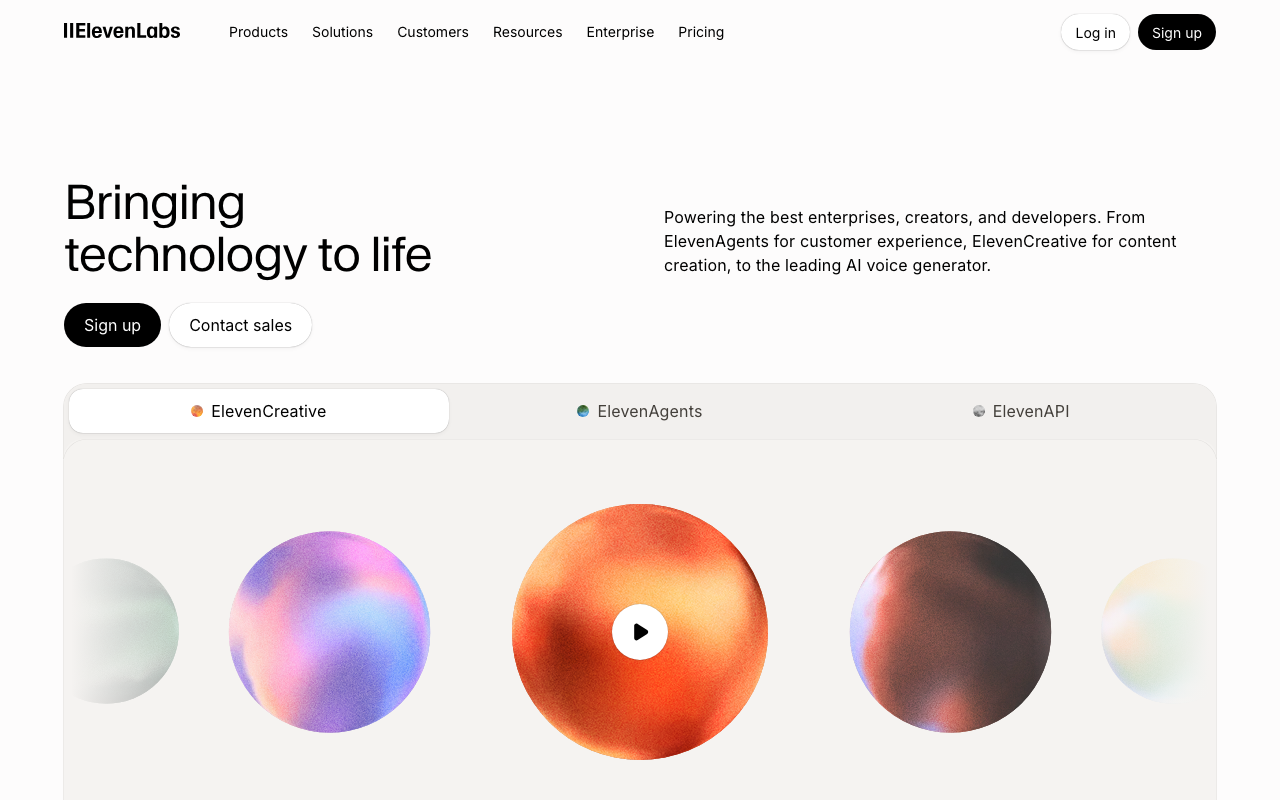
 ElevenLabs — Best Overall Voice Quality
ElevenLabs is the clear leader, and the gap is audible. The voices sound genuinely conversational on longer scripts — not just technically correct, but with appropriate pacing and inflection that sounds like a narrator who's actually read the sentence before. That matters more than people realize. Most TTS tools sound fine on short phrases but start accumulating weirdness around the 2-minute mark: rushed transitions, flat emphasis, missing beats. ElevenLabs handles long-form narration better than anything else in this test.
Voice library: 3,000+ voices, 30+ languages
Free tier: 10,000 characters/month, no watermark
Voice cloning: Instant clone from 1 minute of audio (Starter plan, $5/month)
Formats: MP3, WAV, PCM
Best for: YouTube narration, audiobooks, ad scripts
Limitation: 10,000 characters runs out fast — a 5-minute video script uses most of it
The free tier is genuinely functional, not a crippled demo. No watermarks, no time limits — just a character cap. For testing, it's ideal. For production volume, you'll hit the ceiling quickly and need to move to a paid plan.
 Murf AI — Best for Non-Technical Users
Murf's interface is built for people who want to get something done without reading documentation. The voice selection panel is clean, the text editor lets you adjust pacing and emphasis sentence by sentence, and the built-in video sync tool is legitimately useful — drag in a video file and the narration snaps to timing without needing a separate editor.
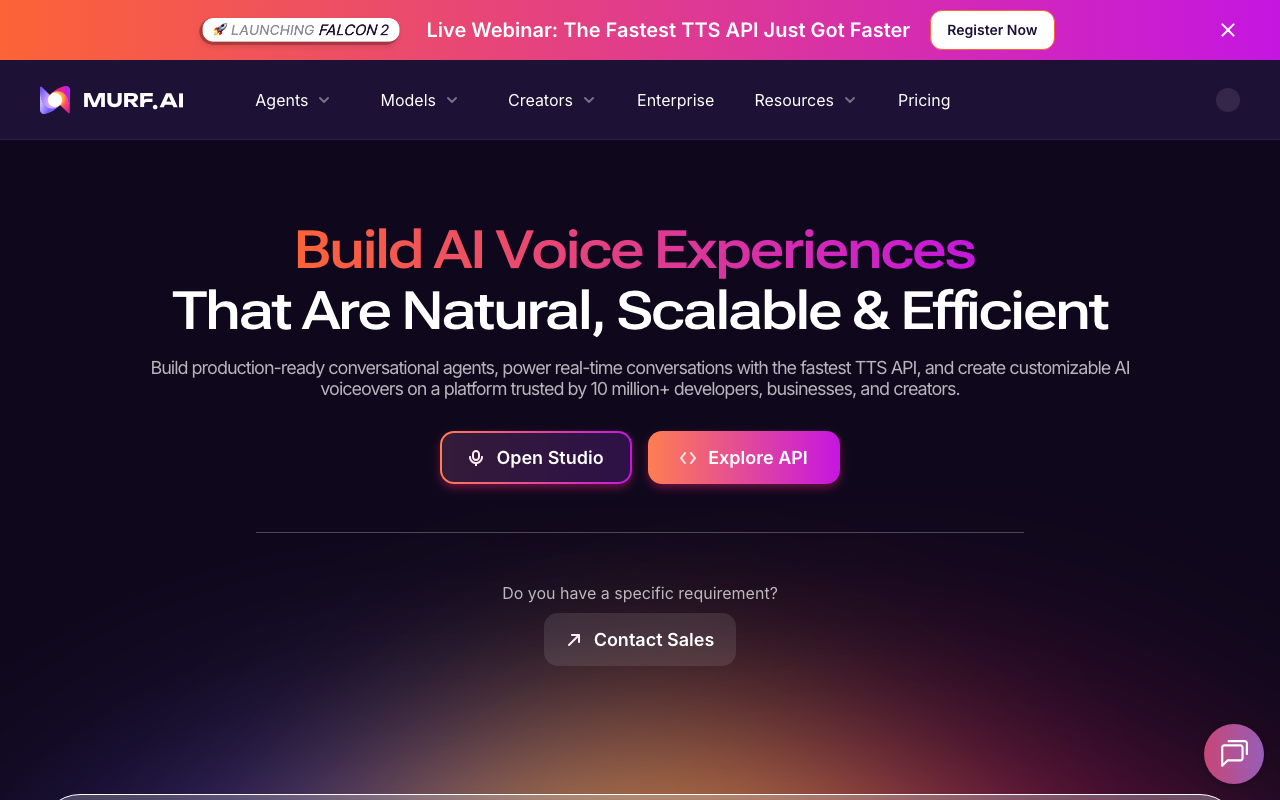
Voice quality is a step below ElevenLabs. On a direct A/B comparison with the same script, Murf voices sound slightly flatter, particularly on emotional emphasis and longer pauses. For eLearning content and presentation voiceovers, the quality is more than sufficient. For YouTube where viewers are increasingly accustomed to ElevenLabs-level output, the difference shows.
Voice library: 120+ voices, 20 languages
Free tier: 10 minutes of audio, watermarked exports
Interface: Browser-based, includes video sync
Formats: MP3, WAV
Best for: Presentation voiceovers, eLearning, internal video content
Limitation: Watermarked free exports; voice quality trails ElevenLabs on long-form
Play.ht — Best for API Access and Bulk Generation
Play.ht's differentiation is clear: 900+ voices across 142 languages and a full REST API that makes it practical to integrate into existing content pipelines. If you're building something that generates audio programmatically — a podcast tool, a video editor with AI narration, or a batch generation workflow — Play.ht is where to start.
The web interface is less polished than Murf or ElevenLabs. Navigation is cluttered and the voice browser takes patience to sort through. But the API documentation is thorough, and the character allowances on free and paid tiers are among the most generous in the category.
Voice library: 900+ voices, 142 languages
Free tier: 12,500 characters/month
API: Full REST API with streaming support
Formats: MP3, WAV, OGG
Best for: Developers integrating TTS into apps; bulk audio generation
Limitation: Web UI is clunky; less polished for casual one-off use
 Resemble AI — Best for Custom Voice Cloning
Where ElevenLabs does many things well, Resemble focuses on one: creating custom clones that sound professional. The clone quality from 5–10 minutes of training audio is noticeably better than what ElevenLabs produces at the same data volume. For branded content that needs a consistent voice across campaigns — a company narrator, a podcast host's AI-generated clips, a character voice — Resemble is worth evaluating seriously.
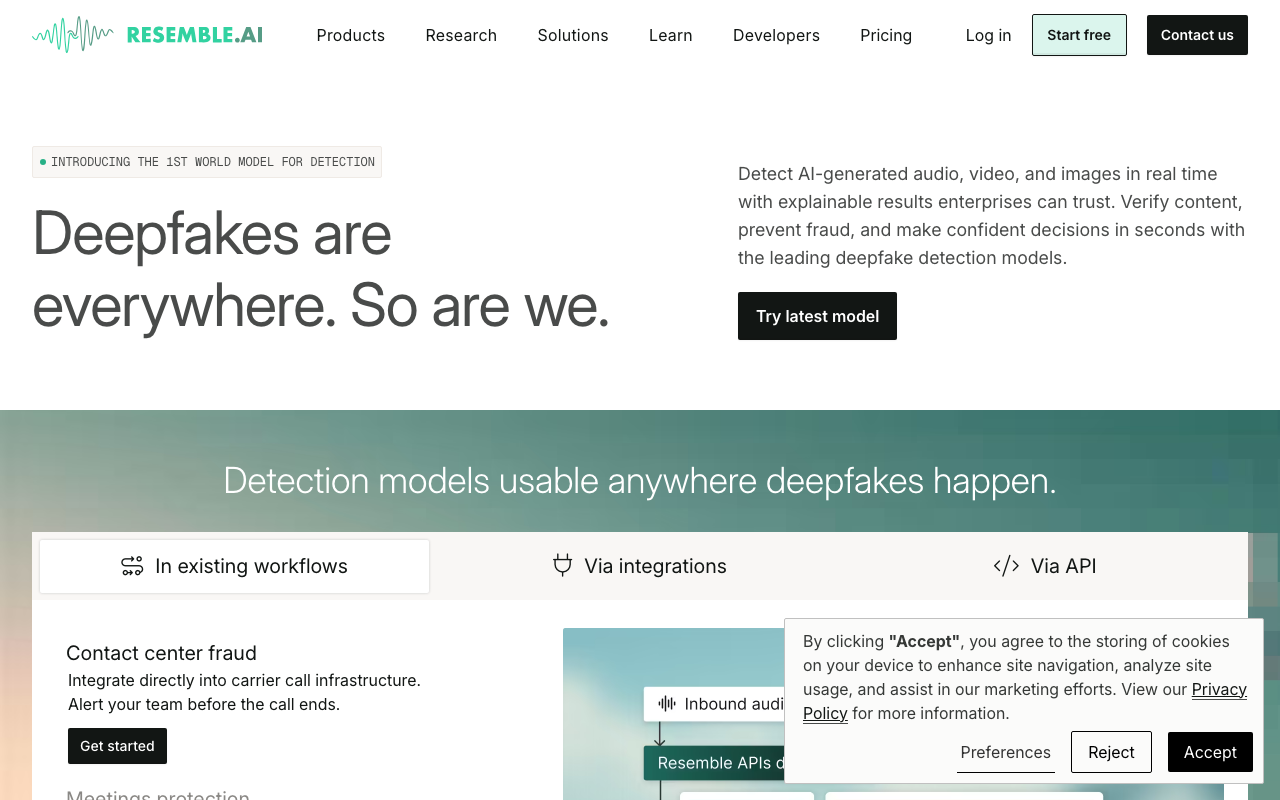
The tradeoff is that the free tier is essentially non-functional for production use. The Playground lets you poke around, but you'll hit limits before generating anything publishable. Resemble is a tool for teams with a budget and a specific voice asset to create, not individual creators looking for a free solution.
Voice library: Custom clones + stock voices
Free tier: Limited Playground access only
Cloning: 5–10 minutes of training data, professional output
Best for: Branded voice consistency, enterprise campaigns
Limitation: No meaningful free tier; not designed for casual or one-off use
 Speechify Studio — Best for Mobile Creators
Speechify already has a large user base for its read-aloud product, and Studio extends that to AI voice generation for content creation. The iOS app is the strongest part — drafting a script on your phone and generating a voiceover without touching a desktop is a smooth workflow, and the integration with the broader Speechify ecosystem means you can stay in one tool for writing and listening.
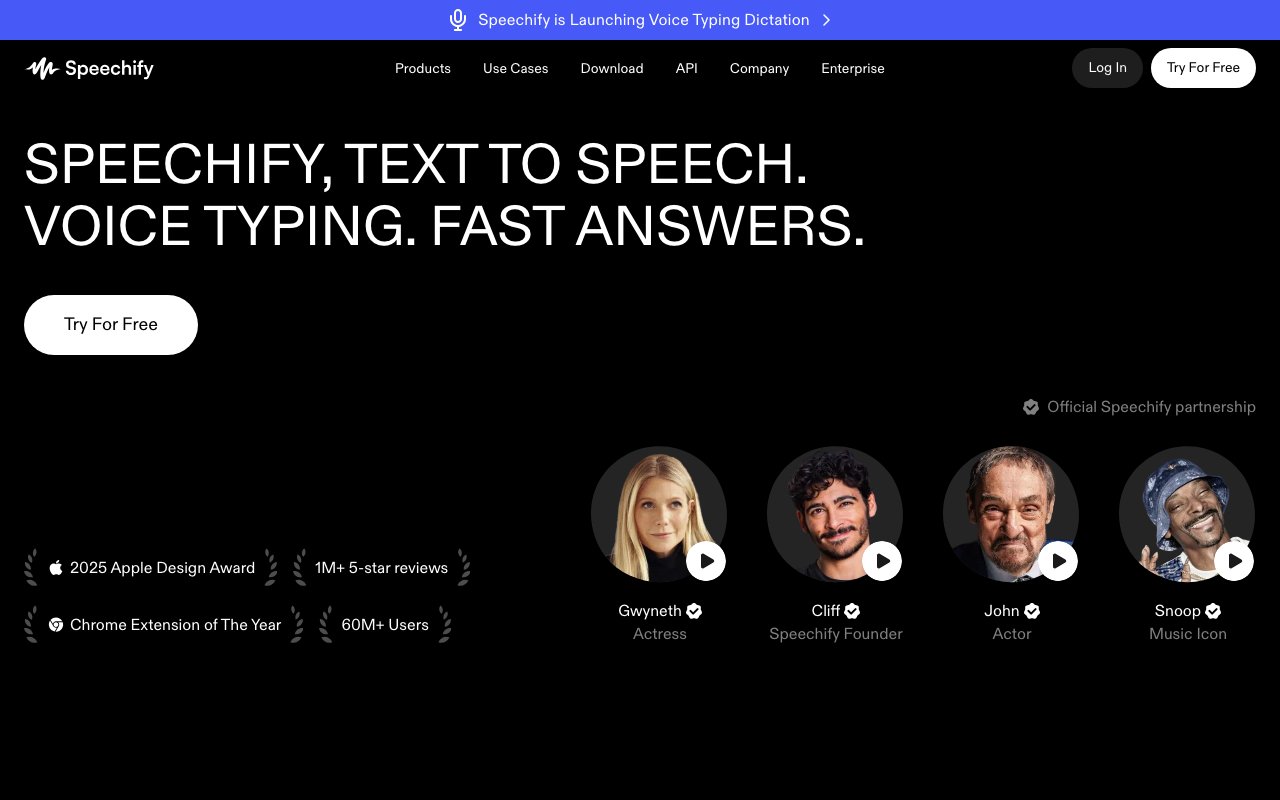
Voice quality at the premium tier is solid. Speechify uses ElevenLabs-powered voices for some of its top options, so the ceiling is the same. Export options are narrower than standalone generators: fewer format choices, no direct API access, and the desktop experience is less developed than its mobile counterpart.
Voice library: 200+ AI voices
Free tier: Basic access with limited exports
Integration: Syncs with Speechify reader app
Best for: Mobile-first creators who draft and produce on iPhone
Limitation: Fewer export options than desktop tools; API access is limited
 LMNT — Best for Real-Time and Low-Latency Applications
LMNT is solving a different problem than the other five. Its architecture is built for real-time streaming with sub-100ms latency — think interactive voice AI, live gaming NPCs, or conversational agents where there's no time to pre-generate audio. For that use case, it's the most capable tool I came across.
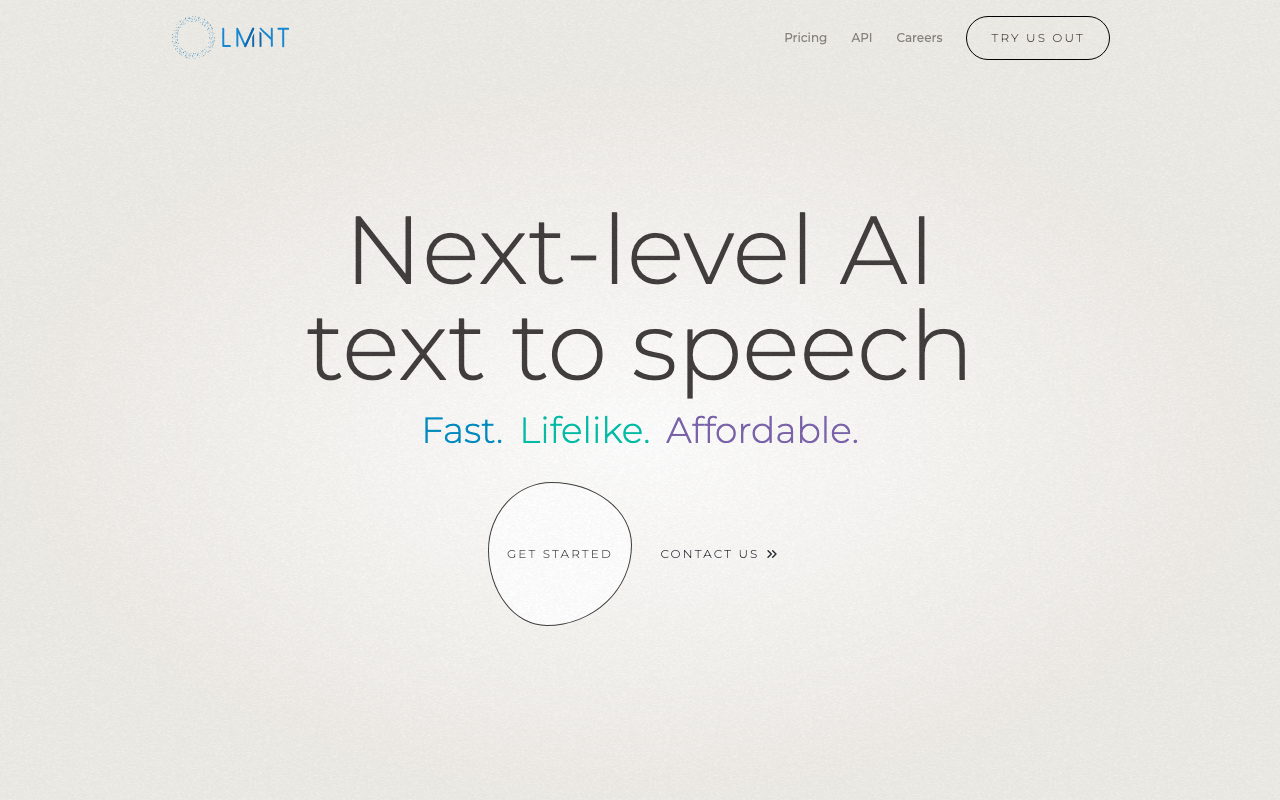
For traditional batch content creation — a YouTube script, a podcast ad read — LMNT isn't the right choice. The free tier caps at 500 characters per day, which isn't enough to test even a short script properly. The stock voice library is small at 10 voices. It's a specialist tool solving a specialist problem, and it does that well.
Voice library: 10 stock voices + unlimited custom
Free tier: 500 characters/day
Latency: Real-time streaming, built for interactive applications
Formats: WAV, raw PCM
Best for: Live apps, voice AI, interactive NPCs, real-time streaming
Limitation: Tiny free tier; not designed for batch content creation
How to Pick the Right AI Voice Generator
The honest version of this question is: what are you actually trying to do?
You want the best voice quality for YouTube → ElevenLabs, no real debate. The voices hold up through a 10-minute video without sounding mechanical. Start with their free tier (10,000 chars/month, no watermarks) and verify the quality matches what you're picturing before paying.
You need it free with no technical setup → ElevenLabs free tier is the best deal in the space. If you need more than that without paying, Murf's free trial works for short-form testing — but the watermarked exports aren't usable for publication.
You're building a product or pipeline → Play.ht for REST API integration, or LMNT if your use case involves real-time conversational interaction. Both have documentation that holds up to actual integration work.
You need a professional cloned voice for a brand → Resemble AI. The clone quality is the best in this comparison. Budget accordingly — there's no usable free tier.
What to Watch Out For
Commercial licensing is the thing most creators skip reading. Free tiers at several tools explicitly prohibit use in monetized content — that's not just a technicality, it's a real risk if you're building a channel or selling something. ElevenLabs is explicit about allowing commercial use on paid plans. Murf and Play.ht are similarly permissive on paid tiers. Read the actual plan ToS before you publish anything you're making money from.
Watermarks on free exports affect Murf and Speechify Studio. The watermark usually sounds like a brief voice attribution. ElevenLabs doesn't watermark free exports, which makes it more useful for testing audio quality before committing to a subscription.
Voice cloning consent requirements vary by platform. ElevenLabs and Resemble both require verified consent for any voice you clone. That's not just legal boilerplate — platforms actively monitor for consent violations. The voice cloning legal context is worth understanding before you use any cloning feature for published content.
If you're a creator who wants to close the whole production loop — getting words into text faster before generating audio — voice typing for creators covers how to use voice input in your drafting workflow.
Frequently Asked Questions
What is the best AI voice generator in 2026?
ElevenLabs is the best AI voice generator for most creators in 2026. It produces the most natural-sounding output, offers 3,000+ voices across 30+ languages, and its free tier includes 10,000 characters per month without watermarks. The gap between ElevenLabs and the next tier of tools — Murf, Play.ht — is real and audible on longer-form content.
Are AI voice generators free to use?
Most offer free tiers. ElevenLabs gives 10,000 characters per month free with no watermarks. Play.ht offers 12,500 characters. Murf's free plan limits you to 10 minutes of audio with watermarked exports. LMNT caps at 500 characters per day. None of the free tiers are sufficient for high-volume production, but ElevenLabs' free tier is enough to test quality and generate short-form content.
Can I use AI voice generators for YouTube videos commercially?
It depends on the tool and plan. ElevenLabs explicitly allows commercial use on paid plans and has no restrictions on monetized YouTube content. Murf and Play.ht also permit commercial use on paid tiers. Free plans at most tools prohibit commercial use — always check the specific plan's ToS before publishing monetized content.
What's the difference between an AI voice generator and voice cloning?
AI voice generators use pre-built synthetic voices you select from a library — no personal recordings needed. Voice cloning trains a model on recordings of a specific real voice to produce output that sounds like that person. Most top tools offer both: you pick from their library, or upload recordings to clone a custom voice. The legal requirements around cloning (consent verification, ownership) don't apply to pre-built library voices.
Which AI voice generator has the most realistic voices?
ElevenLabs consistently produces the most realistic output, particularly for English-language narration. The gap between ElevenLabs and competitors like Murf and Play.ht is noticeable on longer-form content, where unnatural prosody accumulates — flat transitions, misplaced emphasis, that slight sense the narrator is reading rather than speaking. At shorter lengths, the gap narrows, and the difference matters less.
Already using voice input to draft your scripts faster? Download AI Dictation — it's the quickest way to get words into text on Mac, which pairs well with any of the generators above for drafting scripts before generating audio.
Frequently Asked Questions
What is the best AI voice generator in 2026?
ElevenLabs is the best AI voice generator for most creators in 2026. It produces the most natural-sounding output, offers 3,000+ voices across 30+ languages, and its free tier includes 10,000 characters per month without watermarks.
Are AI voice generators free to use?
Most offer free tiers. ElevenLabs gives 10,000 characters per month free. Play.ht offers 12,500 characters. Murf's free plan limits you to 10 minutes of audio with watermarked exports. None of the free tiers are sufficient for high-volume content production.
Can I use AI voice generators for YouTube videos commercially?
It depends on the tool and plan. ElevenLabs explicitly allows commercial use on paid plans and has no restrictions on monetized YouTube content. Murf and Play.ht also permit commercial use on paid tiers. Always check the specific plan's ToS before publishing monetized content.
What's the difference between an AI voice generator and voice cloning?
AI voice generators use pre-built synthetic voices you select from a library. Voice cloning trains a model on recordings of a specific real voice — yours or someone else's — to produce output that sounds like that person. Most top tools offer both capabilities.
Which AI voice generator has the most realistic voices?
ElevenLabs consistently produces the most realistic output in testing, particularly for English-language narration. The gap between ElevenLabs and competitors like Murf and Play.ht is noticeable on longer-form content where unnatural prosody tends to accumulate.
Ready to try AI Dictation?
Experience fast voice-to-text on your device. Free to download.
Download FreeRelated Posts
How to Transcribe a YouTube Video to Text (Free & Fast, 2026)
Learn how to transcribe a YouTube video to text fast — free built-in captions, the no-captions workaround, and how to clean up the transcript in 2026.
Text to Speech on Android: Built-In Tools, Apps & AI Voices (2026)
How to use text to speech on Android: Google's built-in Select to Speak, the best free and paid TTS apps, AI voices, and how to fine-tune speed and voices.
Text to Speech on iPhone & iPad: Built-In Tools & AI Voices (2026)
How to use text to speech on iPhone and iPad with built-in Spoken Content, the best third-party apps, and AI voices. Make your iPhone read anything aloud.