AI Dictation vs Willow Voice: Established vs Emerging
Willow Voice is a well-funded newcomer with promising features. AI Dictation is a proven platform with established AI workflows and a growing community.
This guide compares setup friction, transcription quality, editing controls, pricing, and how each product performs in real day-to-day workflows, not just feature checklists.
Read the breakdown below if you care about accuracy, usable formatting, and whether the tool actually saves time once you start using it across docs, chats, tickets, and product work.
Updated March 2026
Or jump to the full comparison table.
Official Product Previews
These visuals come from the public Willow Voice site and AI Dictation’s own demo assets so visitors can compare product feel before reading the table.
AI Dictation
These official AIDictation assets show what buyers usually care about most: how fast spoken thoughts become usable writing, and how much control you get over the output. Visit the official site.
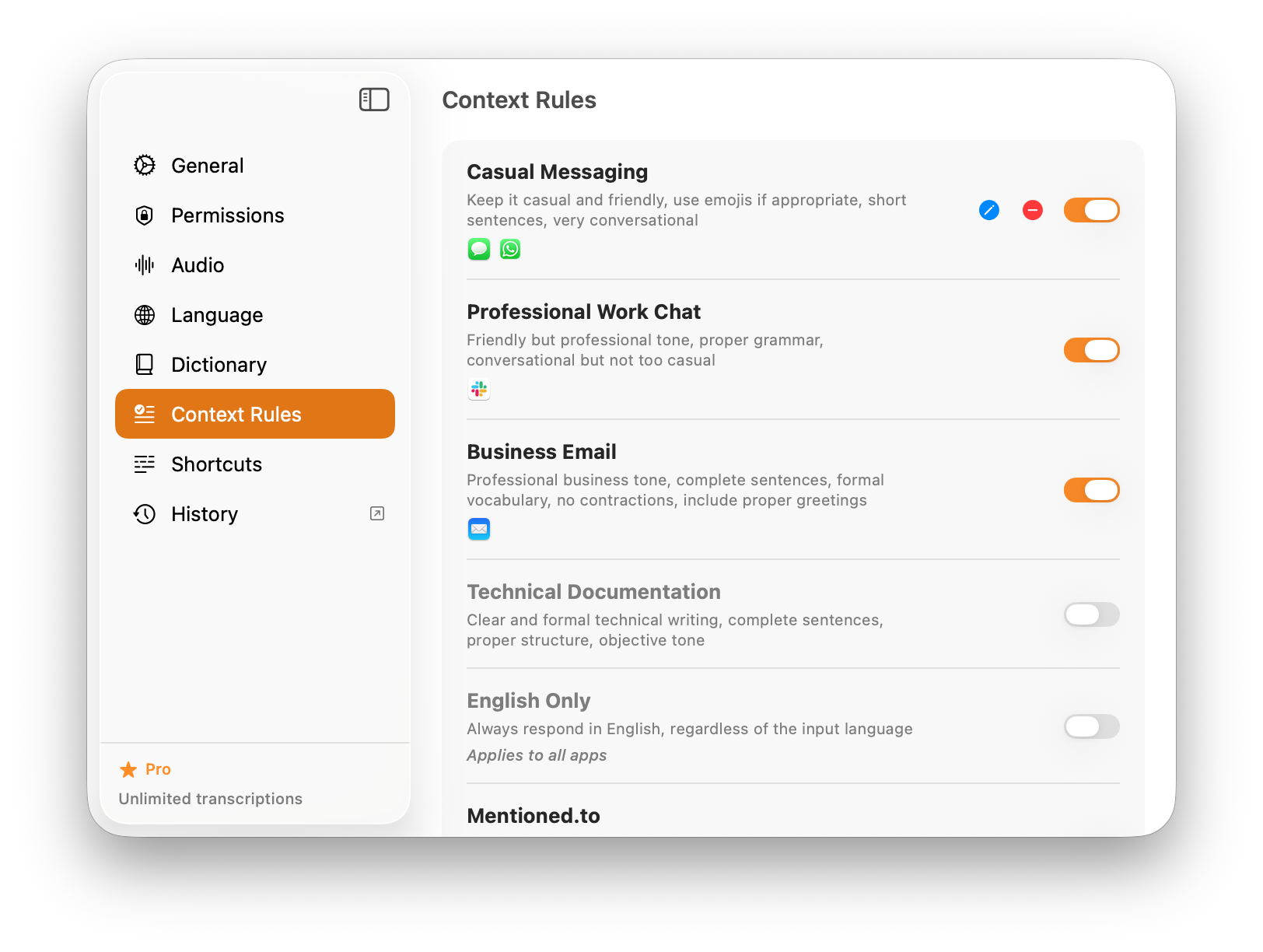
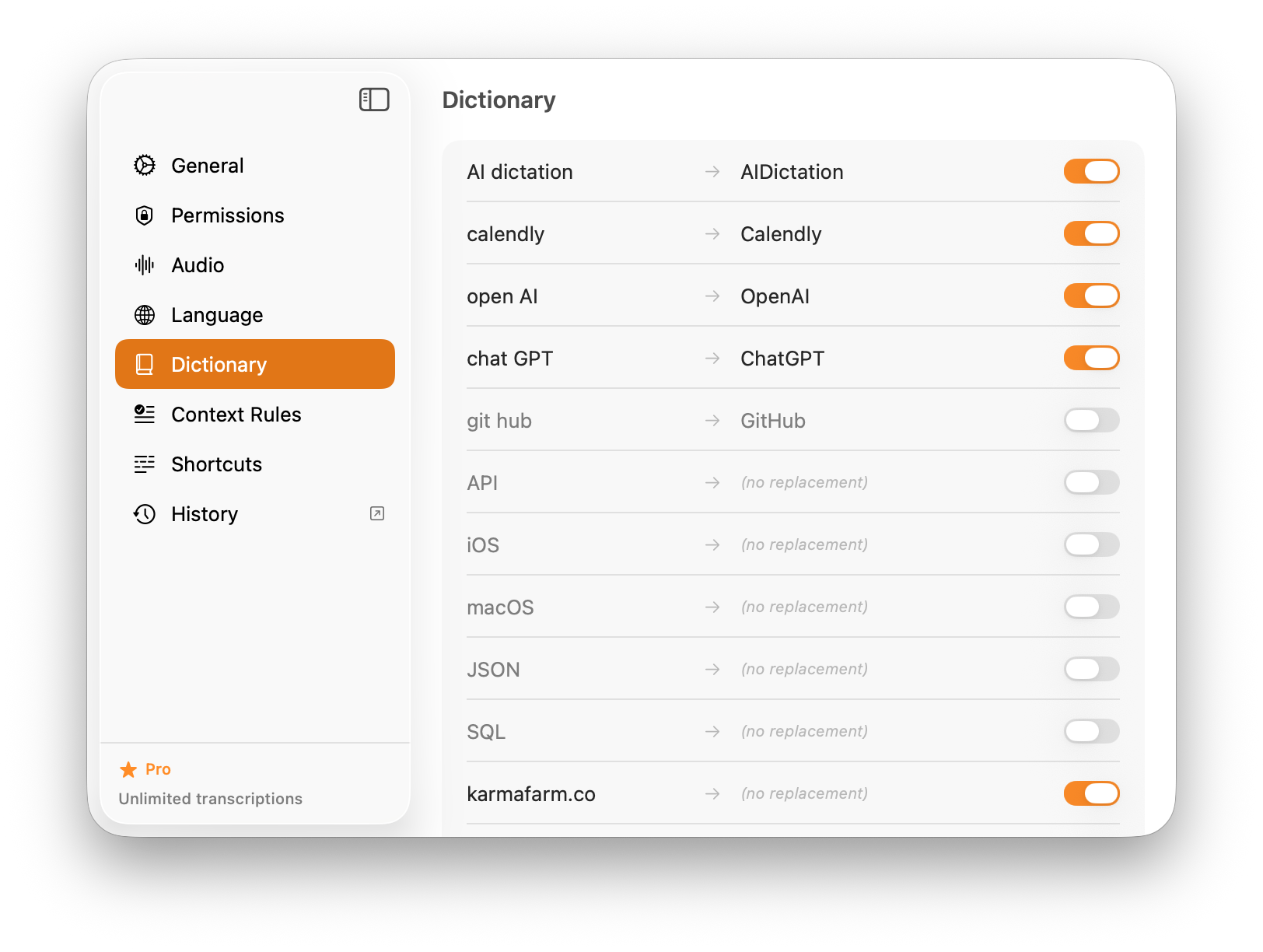
Willow Voice
These official Willow Voice visuals help buyers judge polish and approachability, which matters if you want a modern dictation app without a complicated setup story. Visit the official site.


Feature-by-feature comparison
| Feature | AIDictation | Willow Voice |
|---|---|---|
| Pricing | $8.49/mo | $15/mo |
| Free Tier | 5,000-word one-time trial | Limited trial |
| Platforms | Mac, Windows, iPhone, iPad, Android | Mac, Windows, iPhone (no Android) |
| AI Integration | Proven Claude optimization | Emerging AI features |
| Community | Established user base | Growing community |
| Funding | Self-funded | Y Combinator backed |
The verdict
Choose AIDictation
Choose AIDictation if you want proven workflows, better value, and cross-platform support with an established community.
Best for:
- Users who want proven, stable workflows
- Teams looking for better value ($8.49 vs $15)
- iOS users needing mobile dictation
- Developers wanting established AI integration
Choose Willow Voice
Choose Willow Voice if you're an early adopter willing to pay premium for cutting-edge features from a well-funded startup.
Best for:
- Early adopters who want cutting-edge features
- Users willing to pay premium for newest tech
- Mac-only users
Common questions about AI Dictation vs Willow Voice
Is Willow Voice better because it's Y Combinator backed?
Funding doesn't determine quality. AI Dictation has proven workflows and an established user base. Both are excellent tools with different strengths.
Which one has better AI features?
AI Dictation has deeper Claude optimization and proven AI workflows. Willow Voice is rapidly developing new AI features.
Does Willow Voice have an Android app?
No. Willow Voice ships on Mac, Windows, and iPhone, and there is no Willow Voice Android app or keyboard today. AI Dictation has a public Android app on Google Play, alongside Mac, Windows, iPhone, and iPad, so you can keep the same dictation workflow on an Android phone or tablet.
Try AI Dictation free with a 5,000-word trial. No credit card required. See pricing for details.