MP3 to Text: How to Transcribe Any Audio File in 2026
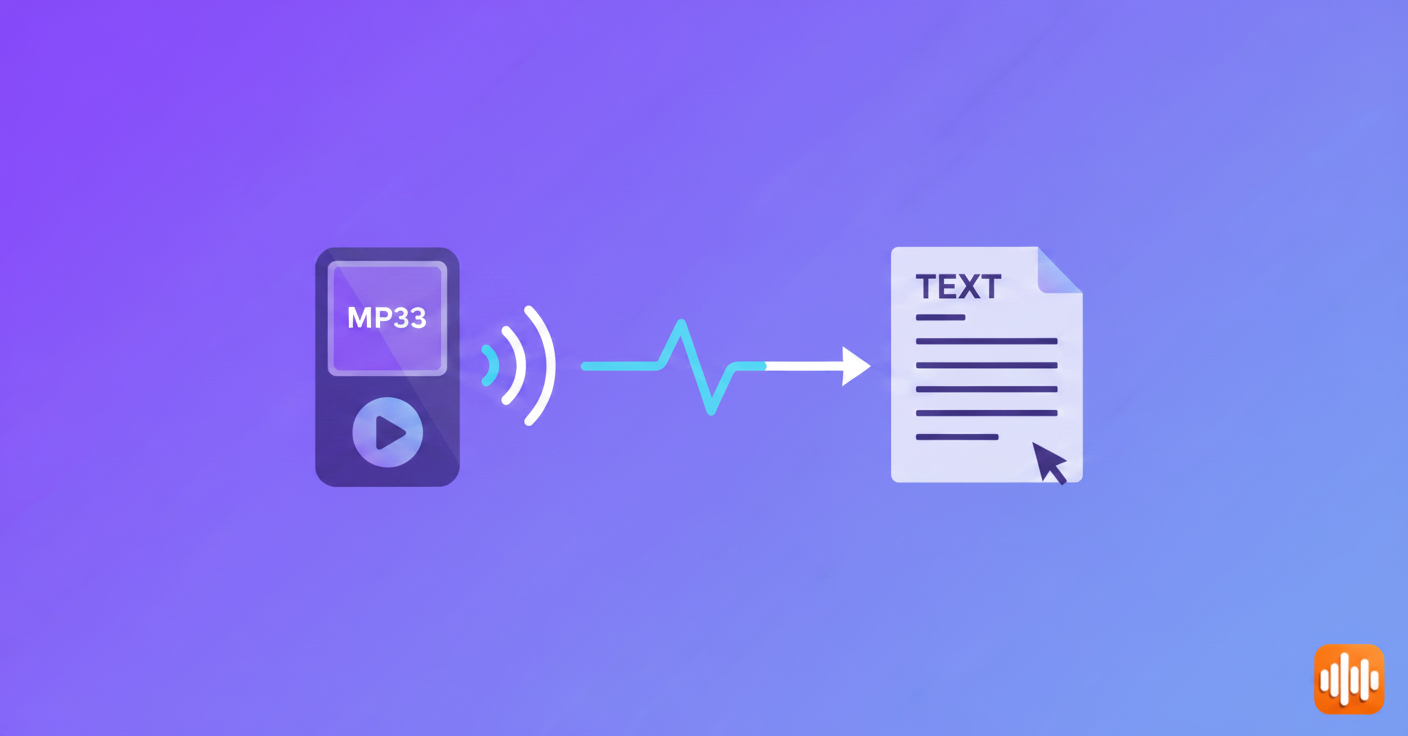
You've got a 45-minute interview recording and need a usable transcript in the next hour. Or maybe it's a lecture, a podcast clip, or a backlog of voice memos you keep telling yourself you'll deal with. The audio exists — you just need the words out of it.
The good news: audio transcription has gotten genuinely fast and accurate. The frustrating part is that most guides online are still recommending 2019-era cloud tools and ignoring options that are faster, cheaper, or fully offline. Here's what actually works in 2026 — and what to skip.
What You Need Before You Start
A few things matter before you pick a method.
Supported formats: Most tools handle MP3, M4A, WAV, FLAC, OGG, and WebM without any conversion step. If you have a proprietary format from an older voice recorder, convert it to MP3 or WAV first using a free tool like Audacity. (If your audio is locked inside a video, the same methods apply once you pull the audio out — see how to transcribe a YouTube video to text.)
File size limits: Cloud services have caps that catch people off guard. Otter's free tier limits files to 90 minutes. Google's tools have their own quirks. The Whisper CLI and AI Dictation have no size limits — throw a 3-hour recording at them and they won't complain.
Audio quality directly affects accuracy: This part gets glossed over in most guides, but it matters a lot. A clean recording in a quiet room will transcribe at 95%+. A phone recording in a coffee shop with two people talking over each other might hit 70%, regardless of which tool you use. If the audio is messy and accuracy matters, running noise reduction in Audacity before transcribing will meaningfully improve results.
Method 1 — Browser-Based Tools (No Install Required)
Best for: One-off files, Windows users, anyone who just needs this done without installing software.
Whisper Web is OpenAI Whisper running directly in your browser using WebGPU. You drag in a file, it processes locally without uploading anything to a server, and you get clean text back. Completely free, works in Chrome and Firefox. The catch: it's slow on older hardware because the model runs locally on your GPU. On a mid-range laptop, expect 2–3x real-time (a 30-minute file might take 15+ minutes). On newer hardware with a discrete GPU, it's much faster.
Otter.ai is more polished, with a transcript interface that includes speaker labels and timestamps. The free tier gives you 600 minutes per month and supports files up to 90 minutes. Accuracy is solid — Otter uses its own fine-tuned model and handles meeting-style audio particularly well. The tradeoff: your audio goes to their servers.
Google Docs workaround — technically possible by playing your audio through speakers while Google Docs voice typing listens. In practice, room echo kills accuracy and it's not worth the effort. I'd call this a last resort.
| Tool | Free Tier | Upload Limit | Privacy | Accuracy |
|---|---|---|---|---|
| Whisper Web | Unlimited | None | Fully local | Very high |
| Otter.ai | 600 min/month | 90 min/file | Cloud | High |
| Google Docs | Unlimited | Playback only | Google cloud | Low–medium |
Method 2 — AI Dictation on Mac (Fastest for Regular Use)
Best for: Mac users who transcribe audio files more than once a week.
AI Dictation runs OpenAI's Whisper model locally on your Mac — no internet connection, no file upload, no per-minute charges. On Apple Silicon (M1 and later), it's fast: a 30-minute file processes in about 3–4 minutes. The output appears in a text window you can copy directly into your notes app, a doc, or wherever you need it.
What makes this stand out from browser options is native performance. Whisper Web in a browser is clever but sandboxed — AI Dictation uses Apple Silicon's neural engine directly, which means faster processing and no browser overhead. And unlike any cloud service, nothing leaves your device.
That privacy advantage isn't just theoretical. Legal recordings, medical notes, confidential interviews — the audio stays on your Mac, period. No terms of service to worry about, no files sitting on someone else's server.
If you're transcribing audio regularly, the economics shift fast. At Rev's AI rates, 10 hours per month costs around $150. AI Dictation gives you a generous free tier and a flat Pro subscription — no per-minute charges and no worrying about file size caps.
For a completely offline transcription workflow, this is the cleanest option available for Mac. For more on what's possible without any cloud connection, the guide on offline voice to text covers the full picture.
Download AI Dictation free and run it on your first file — setup takes about two minutes.
Method 3 — OpenAI Whisper via Command Line (Free, Unlimited)
Best for: Developers, power users, batch transcription jobs.
Whisper is open-source and completely free. If you're comfortable in a terminal, this is the most powerful option — no file limits, no subscriptions, full control over every parameter.
Install and run a basic transcription:
pip install openai-whisper
whisper audio.mp3 --model medium
Whisper downloads the model on first run (one-time), then processes the file. Output goes to a .txt file in the same directory. You can also get .srt and .vtt subtitle files automatically.
Model size tradeoffs:
| Model | Speed | Accuracy | Download Size |
|---|---|---|---|
| tiny | Very fast | Acceptable | 75 MB |
| base | Fast | Good | 145 MB |
| medium | Moderate | Very high | 1.5 GB |
| large | Slow | Best | 3 GB |
For most audio, medium is the right default — accuracy is significantly better than base without the processing time of large. On a modern Mac with Apple Silicon, a 1-hour file on medium finishes in roughly 8 minutes.
A few practical flags worth knowing:
# Specify language (skip auto-detection for short clips)
whisper audio.mp3 --model medium --language en

# Bias punctuation with an initial prompt
whisper audio.mp3 --model medium --initial_prompt "This is an interview. Transcribe with proper punctuation."

# Output subtitle files alongside text
whisper audio.mp3 --model medium --output_format all
If you want to understand what's actually happening under the hood, the post on how Whisper's ASR actually works goes deep on the model architecture, accuracy benchmarks, and why it outperforms older speech recognition systems.
Method 4 — Dedicated Transcription Services (Best Accuracy, Pay Per Use)
Best for: High-stakes audio — podcasts, legal interviews, medical recordings, anything where a transcription error has real consequences.
When accuracy above 95% matters, or when audio quality is genuinely poor (heavy accents, crosstalk, background noise), paid services are worth it.
Rev charges $0.25 per minute for AI transcription and $1.50/min for human transcription. Human Rev transcription consistently hits 99%+ accuracy. AI turnaround is under 5 minutes; human takes 12–24 hours. If you're producing content that needs to be defensible — legal work, journalism, compliance recordings — human transcription from Rev is the right call.
Descript starts at $12/month for 10 hours of transcription. What sets it apart: you edit audio by editing the text. Delete a sentence from the transcript, and Descript cuts that audio from the recording. For podcasters and video editors, this workflow is genuinely different. It's not just a transcription tool — it's an editor.
Sonix runs $10/hour or $22/month for 5 hours. Solid accuracy, good UI with timestamp navigation, clean export options. Useful if you need more hours than Descript's base plan or prefer simpler pricing.
For a deeper comparison of these services including accuracy testing, the dedicated transcription services guide has more detail.
Which Method Should You Use?
Rather than a flowchart, here's the honest version:
One-off file, no software install → Whisper Web (browser, free, private) or Otter.ai free tier
Regular transcription on Mac, privacy matters → AI Dictation — fastest workflow, no recurring cost, fully offline
Batch processing, automation, or developer pipeline → Whisper CLI — free, scriptable, 99 languages supported
Difficult audio or high-accuracy requirements → Rev human transcription for critical content, Descript if you're editing audio/video too
Budget is zero but accuracy matters → Whisper CLI with the medium or large model. On clear audio it matches or beats most paid services.
Want to skip the audio file entirely and dictate in real time → The voice to text guide covers live dictation options for any app on your Mac.
Tips for Better Transcription Accuracy
A few of these make a real difference — regardless of which tool you pick.
Trim silence and noise first. Audacity's noise reduction filter takes about two minutes and makes a real difference on recordings with consistent background noise — fans, AC units, office hum. The improvement on output accuracy is usually noticeable.
Normalize audio levels. If the recording is quiet or has big volume swings between speakers, normalization helps. In Audacity: Effect → Normalize → OK. Export as WAV for best results.
Specify the language. Whisper and most AI tools auto-detect language, which works most of the time. On short clips or recordings with some foreign words mixed in, explicitly setting the language (--language en) prevents wrong-language confusion.
Separate speakers before processing. If you have a multi-speaker recording and speaker accuracy matters, splitting it into single-speaker segments and transcribing separately often produces cleaner results than relying on automatic speaker diarization, which most tools still handle imperfectly.
For Whisper CLI specifically, the --initial_prompt flag is underused. Passing a brief description of the audio biases the model toward better punctuation and terminology: --initial_prompt "This is a medical consultation. The speaker uses medical terminology." Works surprisingly well for domain-specific vocabulary.
Audio files pile up and sit unread. Once you have a working transcription method, the backlog becomes manageable in a single afternoon. Need a system for capturing new ideas by voice before they even become audio files? The guide on turning voice memos into searchable text covers the capture-to-text workflow end to end.
Ready to skip the audio file entirely and dictate directly into any app on your Mac? Download AI Dictation free.
Frequently Asked Questions
Can I convert MP3 to text for free?
Yes. Whisper Web runs in your browser at no cost, and the Whisper CLI is free and open-source. Otter.ai offers a free tier with 600 minutes per month. AI Dictation has a free tier of 2,000 words per month, with a Pro subscription for unlimited use.
How accurate is automatic MP3 transcription?
With Whisper's medium or large model, expect 90–95% accuracy on clear speech in quiet conditions. Accuracy drops with heavy background noise, strong accents, or fast overlapping speech. Human transcription services like Rev reach 99%+ accuracy but cost significantly more.
Does MP3 to text work offline?
Yes, if you use the right tool. AI Dictation on Mac and the Whisper CLI both run entirely offline — nothing leaves your device. Browser tools like Otter.ai and Rev require an internet connection.
How long does it take to transcribe a 1-hour audio file?
With AI Dictation or Whisper CLI on Apple Silicon (M1 or later), a 1-hour file takes roughly 5–10 minutes using the medium model. Cloud services like Otter typically return results in 3–5 minutes. Human transcription from Rev takes 12–24 hours.
Can I transcribe MP3 files on iPhone or Android?
Yes. Otter.ai works on both iOS and Android with direct file upload. On iOS 17+, the Voice Memos app includes basic built-in transcription. For better accuracy on mobile, uploading to a service like Otter or using a browser-based tool is more reliable than native options.
Frequently Asked Questions
Can I convert MP3 to text for free?
Yes. Whisper Web runs in your browser at no cost, and the Whisper CLI is free and open-source. Otter.ai offers a free tier with 600 minutes per month. AI Dictation has a free tier of 2,000 words per month, with a Pro subscription for unlimited use.
How accurate is automatic MP3 transcription?
With Whisper's medium or large model, expect 90–95% accuracy on clear speech in quiet conditions. Accuracy drops with heavy background noise, strong accents, or fast overlapping speech. Human transcription services like Rev reach 99%+ accuracy but cost significantly more.
Does MP3 to text work offline?
Yes, if you use the right tool. AI Dictation on Mac and the Whisper CLI both run entirely offline — nothing leaves your device. Browser tools like Otter.ai and Rev require an internet connection.
How long does it take to transcribe a 1-hour audio file?
With AI Dictation or Whisper CLI on Apple Silicon (M1 or later), a 1-hour file takes roughly 5–10 minutes using the medium model. Cloud services like Otter typically return results in 3–5 minutes. Human transcription from Rev takes 12–24 hours.
Can I transcribe MP3 files on iPhone or Android?
Yes. Otter.ai works on both iOS and Android with direct file upload. On iOS 17+, the Voice Memos app includes basic built-in transcription. For better accuracy on mobile, uploading to a service like Otter or using a browser-based tool is more reliable than native options.
Ready to try AI Dictation?
Experience fast voice-to-text on your device. Free to download.
Download FreeRelated Posts
Free Audio to Text Tools: 10 Options Compared for 2026
Compare 10 free audio to text tools: built-in recorders, free apps, offline models, and cloud APIs, with privacy and accuracy trade-offs.
8 Best Bilingual Dictation Apps: 5 Tested + 3 Baselines
We tested five bilingual dictation apps on Russian-English code-switching, plus three common baselines. Compare WER, language recall, script, and workflow.
AI Dictation vs Diktuy: Russian-English Accuracy Test
We tested AI Dictation vs Diktuy on the same Russian-English recording. Compare WER, English-word preservation, full transcripts, and errors.