8 Technical Documentation Best Practices for 2026
Most documentation fails before the first paragraph. Teams blame vague language or missing examples, then hire another writer and change the style guide. The underlying problem is older: nobody defined who the documentation is for, nobody owns the information architecture, and nobody is responsible for keeping pages alive after launch. That's why documentation rots within two release cycles, even when the prose is clean. Bad documentation is rarely a writing problem. It is a strategy, process, and governance problem.
These eight practices are an operating system for documentation, not a checklist of writing tips. Each one comes with implementation steps, trade-offs, and anti-patterns to avoid. Start here and you'll spend less time fixing broken pages and more time shipping product.
Table of Contents
- 1. Start with audience-centered documentation strategy
- 2. Use task-based information architecture and consistent navigation
- 3. Adopt documentation-as-code with version control and automated publishing
- 4. Maintain a shared style guide, terminology system, and content template
- 5. Write actionable, realistic examples and validate them in real workflows
- 6. Integrate documentation into the product development and release lifecycle
- 7. Use layered versioning, change management, and archival practices
- 8. Operate a documentation quality program with feedback, analytics, and privacy safeguards
- The 8 Best Practices at a Glance
- Build the System, Not Just the Pages
1. Start with audience-centered documentation strategy
It's common to write documentation from the product's perspective: here's every feature, here's every setting, here's every endpoint. Readers don't come for the product tour. They come with a task and a deadline. A developer integrating an API wants a working example. A product manager reviewing requirements wants decision context. A compliance officer wants accurate privacy and data-processing language. When one page tries to serve all three, it serves none of them.
Microsoft Learn organizes content around user goals, roles, and learning paths rather than internal product structures. Stripe separates paths for developers, product managers, and business decision-makers. That's the right pattern: audience first, product second. A one-page audience matrix is the cheapest high-impact document you can create. For each reader group, write down their primary task, required technical level, and preferred format. If you can't articulate that for a page, don't write the page yet.
Where teams get this wrong: they interview stakeholders, not actual users. Ask support to pull the last fifty tickets from each channel and categorize what people were trying to do when they got stuck. Look at failed search queries in your documentation platform. Those signals are more honest than any internal assumption.
Practical rule: A new reader should complete the key task without relying on internal knowledge, tribal context, or a colleague's Slack response. If that test takes more than one try, the audience definition is still too vague.
2. Use task-based information architecture and consistent navigation
A navigation sidebar that mirrors your org chart is a symptom, not a solution. Readers should move from orientation to implementation to detailed lookup without guessing where information lives. That requires a deliberate split: quickstarts for fast wins, tutorials for guided learning, how-to guides for specific tasks, reference pages for lookup, and troubleshooting for failure states. Atlassian, Google Cloud, and AWS all use recognizable versions of this model, and the consistency is the point. Once a reader learns your structure, every future page should be predictable.
Say you run AIDictation as a documentation project. A user who wants to dictate into a specific editor should never have to read a product spec first. A developer who wants to add a custom dictionary term for API names should find a focused how-to page, not a conceptual essay. Separate first-time setup, Auto Mode, Local Mode, Cloud Mode, custom dictionaries, context rules, transcription, privacy, and integration sections, then link each one to the related reference material when the reader is ready for depth. Read this guide on technical documentation design for a deeper structure breakdown.
Implementation steps:
- Run a card-sorting exercise with five representative users before reorganizing content. Put topic names on cards and let them group the cards their way.
- Use parallel verbs for action pages. 'Configure Local Mode' and 'Create a custom dictionary' teach readers the pattern on the first click.
- Keep reference pages scannable. Headings, tables, parameter lists, and examples belong on lookup pages. Long paragraphs don't.
The trade-off: a full information architecture redesign can take a quarter and temporarily confuse existing users. Do it in stages. Rename the most-visited pages first, then roll out deeper restructuring once search analytics show the new patterns are working.
3. Adopt documentation-as-code with version control and automated publishing
Documentation that lives in a wiki or a shared drive drifts. Documentation that lives in a Git repository next to the product gets reviewed, versioned, and tested. Store pages as Markdown or AsciiDoc files, require pull requests for changes, and publish automatically when a branch merges. The Kubernetes website runs exactly this way, and the resulting quality reflects a genuine engineering workflow rather than a publishing afterthought.
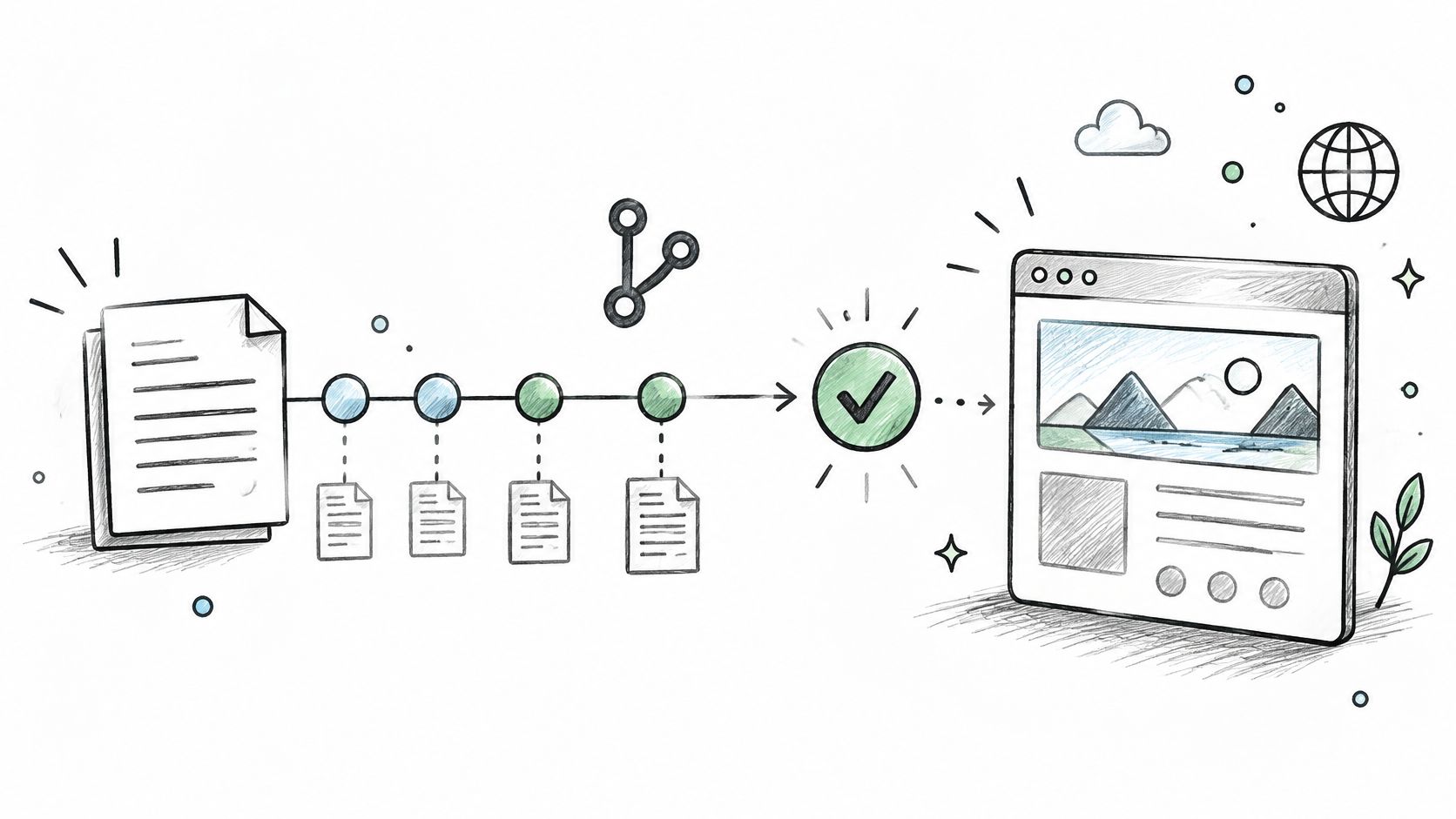
The CI checkpoint
A documentation pipeline should run checks on every pull request: broken links, stale commands, spelling issues, inaccessible markup, and missing front matter. That catches most regressions before a human reviewer wastes time. For API documentation, generate reference pages from machine-readable definitions when possible. Rust does this well with rustdoc, and tools built around the OpenAPI specification let you regenerate endpoint docs when the schema changes rather than manually syncing every parameter.
The hidden cost: documentation-as-code demands that engineers learn a new workflow. A developer who never commits Markdown may resist the friction. The fix is to keep the first contribution lightweight: a one-page how-to that pairs a sample pull request with a working CI check, plus a named reviewer who responds within one business day. Once the first three pull requests merge smoothly, adoption stops being a cultural fight.
Versioned documentation for every supported release, with the current version clearly labeled, prevents readers from following instructions for a product they no longer run.
4. Maintain a shared style guide, terminology system, and content template
Consistency is a feature. When three different teams describe the same button, mode, or privacy behavior in three different ways, readers lose trust and search gets worse. A style guide fixes voice, tone, grammar, heading structure, button labels, and permitted terminology. A separate glossary fixes vocabulary. Google's Developer Documentation Style Guide and Microsoft Writing Style Guide both standardize terminology and tone, and the discipline pays off at scale because writers spend less time guessing.
The biggest failure mode is a style guide nobody reads. A forty-page PDF on a shared drive is a suggestion, not a system. Keep the core guide to a few pages: voice and tone, capitalization rules, heading case, product names, and before-and-after examples. Put the rest in a searchable glossary that contributors discover while writing, not after they've already shipped a page that uses three synonyms for the same concept.
For AIDictation, define each term once: Auto Mode, Local Mode, Cloud Mode, on-device recognition, transcription, dictation, cleanup, custom dictionary, and context rule. Privacy statements should use approved wording rather than informal assurances, because healthcare and compliance readers notice when security language drifts between pages. Use this documentation template as a starting point for page structure and component reuse.
5. Write actionable, realistic examples and validate them in real workflows
An example that works in a blog post but fails on a fresh machine is a support ticket generator. Examples must be executable or independently verifiable. Stripe shows complete requests and responses for common integration tasks. GitHub Actions documentation pairs workflow files with expected output and failure scenarios. Python's doctests verify many examples during the test run itself. That's the standard: if the example isn't tested, it doesn't ship.
The temptation is to write one giant example that demonstrates every feature at once. Don't. Show the smallest complete example first, then explain the details. For an AIDictation user, start with a short dictation that goes through cleanup and appears in the target app. Then add a custom dictionary term for a technical name. Then show a context rule that keeps the output formal in email and casual in chat. Each example stands alone, and each one demonstrates exactly one new concept.
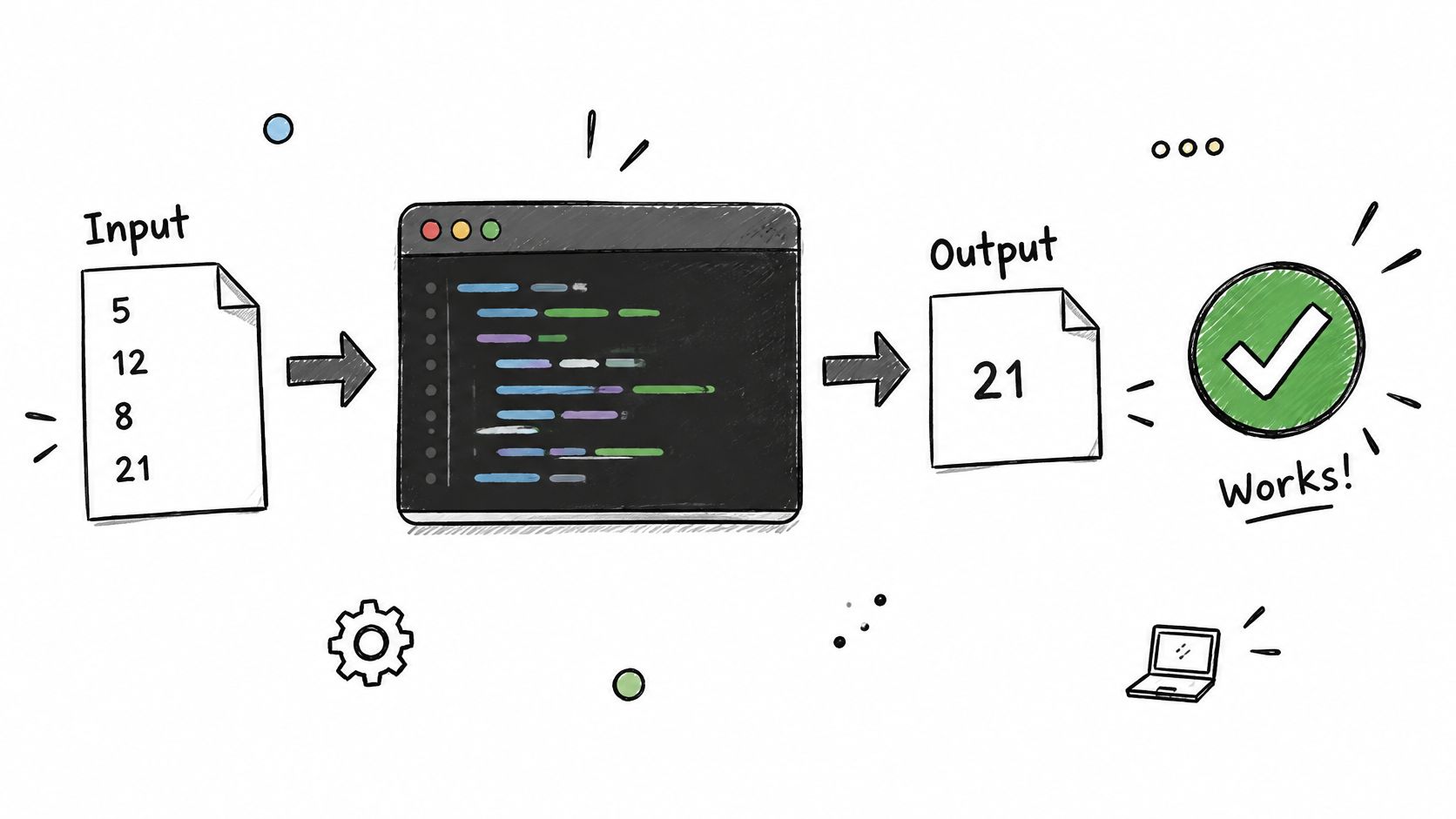
A common trade-off when including screenshots: images are helpful, but copyable commands and error messages are more useful. Use text for everything that can be copied, and screenshots only for interface states that are hard to describe. That keeps examples testable and reduces maintenance on every UI release.
6. Integrate documentation into the product development and release lifecycle
Every feature should have a documentation owner, an acceptance checklist, and a release-note entry. When documentation is a final marketing step, it gets deprioritized, rushed, or skipped. Kubernetes requires feature proposals to include documentation plans. Google integrates documentation planning with product launches. Those aren't aspirational choices; they're risk controls. A feature that ships with bad docs creates the same support burden as a feature that ships with a bug.
Commit to a content impact checklist.
Include setup, configuration, reference, security, release notes, and support articles. A change to recognition engines, privacy behavior, context rules, or terminology triggers updates in all six areas, even if the engineering work touches only one. The EU Digital Operational Resilience Act raises the stakes: regulated teams need documentation to trace how a system behaves, not just how it is supposed to behave.
Where this integrated approach breaks down
Small teams often lack a dedicated technical writer, so documentation becomes an extra task on the last engineer standing. The fix is not to hire a writer immediately. It's to reduce the scope of required documentation per release: one task page, one changelog entry, one reference update. A smaller, correctly scoped deliverable beats a sprawling page that no one reviewed. Pull request templates can enforce the documentation question: "Does this change affect documented behavior?" If yes, the diff can't merge without a docs update.
7. Use layered versioning, change management, and archival practices
A page that describes behavior which no longer exists is worse than a missing page. Readers act on it, then file a support ticket when the instructions fail. Microsoft Learn, the Kubernetes website, and Stripe all maintain versioned documentation for current and historical releases, and every page indicates which version it describes. That's the minimum bar: show the supported version near the top of the page, publish a dated changelog when behavior changes, and archive obsolete versions read-only with a prominent link to the current release.
The operational question is how to handle deprecations. When a feature changes in a way that affects existing users, the documentation should explain the migration path before the old behavior disappears. That means testing upgrade procedures from the previous supported release, not just from the current one. For a product like AIDictation, the versioned behavior matters in specific places: macOS and Apple Silicon requirements, model versions, plan limits, and any changes to data-processing or security commitments. If those details drift out of sync, trust drops quickly for healthcare and developer audiences.
A version label is not enough. The reader also needs to know whether the page they're looking at applies to them. Make that decision visible in the first screenful, not buried in a footer.
8. Operate a documentation quality program with feedback, analytics, and privacy safeguards
You can't improve what you don't measure, but raw page views are a vanity metric. The quality signals that matter are failed searches, page exits on task pages, support contacts triggered by documentation gaps, and task-completion observations. GitHub's documentation repository and community review process show what continuous maintenance looks like: issue reports become reviewable units, and every high-traffic page has an owner and a review date. A dedicated documentation quality framework formalizes the loop.
Privacy is a hard requirement for analytics
The challenge is acute for documentation that coordinates with voice input or dictated text. When a product handles clinical or business-sensitive recordings, the quality program must ensure that analytics and feedback tools do not collect or expose confidential content. That means no raw transcript storage without explicit consent and a documented legal basis. It also means the team should record the evidence, date, and owner for claims about SOC 2 readiness, encryption, or data residency. Quarterly content audits keep critical workflows fresh; event-driven reviews catch the changes that happen between audits.
Task-based indicators work better than sentiment ratings. Successful setup completion, time-to-answer for a specific documented procedure, and reduced support contacts all tell you whether the page helps people. Define those indicators first, then instrument the site. Otherwise you'll drown in engagement metrics that never connect to outcomes.
The 8 Best Practices at a Glance
| Practice | Primary Focus | Difficulty to Adopt | Best For |
|---|---|---|---|
| Start with audience-centered documentation strategy | Organizing content around reader needs and tasks | Moderate; requires ongoing research | Products serving diverse user groups |
| Use task-based information architecture and consistent navigation | Clear task-oriented structure and predictable navigation | Moderate; requires planning and upkeep | Large or growing documentation sets |
| Adopt documentation-as-code with version control and automated publishing | Version-controlled content and automated quality checks | High; requires tooling and training | Engineering teams maintaining technical content |
| Maintain a shared style guide, terminology system, and content template | Consistent language, terminology, and reusable formats | Moderate; requires governance and adoption | Teams producing content across multiple groups |
| Write actionable, realistic examples and validate them in real workflows | Practical examples tested against actual product behavior | Moderate; examples need ongoing testing | Users implementing features, workflows, or APIs |
| Integrate documentation into the product development and release lifecycle | Documentation planning, ownership, and review throughout delivery | High; requires cross-functional process changes | Teams releasing features frequently or across versions |
| Use layered versioning, change management, and archival practices | Version compatibility, migration guidance, and historical content | High; maintaining multiple versions takes effort | Products with supported releases or changing interfaces |
| Operate a documentation quality program with feedback, analytics, and privacy safeguards | Measuring usefulness and improving content responsibly | High; requires analytics, review, and privacy controls | Teams maintaining critical or sensitive documentation |
Build the System, Not Just the Pages
These eight practices form one connected operating system. Audience strategy feeds information architecture. Architecture feeds authoring standards. Lifecycle integration and versioning keep everything alive after launch. Quality measurement closes the loop and forces each part to improve. None of this works if you treat documentation as a one-time writing project.
The fastest first step is to run a lightweight audience matrix workshop. Bring three people: one engineer, one support lead, and one product manager. List every reader group, their primary task, and the format each one needs. You'll end up with a one-page map that exposes the gaps faster than any style guide. Then pick one practice from this list to implement this quarter. Documentation-as-code with CI checks usually delivers the most visible improvement for the least ongoing effort, but any one of the eight beats trying to do all of them simultaneously.
For teams who want to apply these principles without slowing down drafting, AIDictation fits the workflow. It's strongest at first drafts, collaborative notes, and long-form writing where capturing momentum matters more than polishing each sentence. You hold a hotkey, talk in any text field, and punctuated text appears at the cursor, with automatic cleanup and clipboard handoff. Local Mode offers offline dictation with tighter privacy controls, while Cloud Mode adds AI cleanup, formatting, and context-aware writing help. That's a practical fit for teams drafting specs, PRDs, and developer documentation, and for capturing technical explanations that would otherwise get lost in a meeting.
If you want to keep learning, browse the Write the Docs community. They publish a guide, run local meetups, and maintain a job board, and the Slack community answers architecture and tooling questions faster than any vendor rep.
Turn your spoken drafts into clean technical documentation. AIDictation captures your voice with a simple hotkey in any text field, applies automatic cleanup and formatting, and handles technical terms through a custom dictionary. It works for API notes, PRDs, runbooks, and troubleshooting guides. Visit AIDictation to start dictating your first documentation draft today.
Frequently Asked Questions
What does 8 Technical Documentation Best Practices for 2026 cover?
Most documentation fails before the first paragraph. Teams blame vague language or missing examples, then hire another writer and change the style guide.
Who should read 8 Technical Documentation Best Practices for 2026?
8 Technical Documentation Best Practices for 2026 is most useful for readers who want clear, practical guidance and a faster path to the main takeaways without guessing what matters most.
What are the main takeaways from 8 Technical Documentation Best Practices for 2026?
Key topics include Table of Contents, 1. Start with audience-centered documentation strategy, 2. Use task-based information architecture and consistent navigation.
Ready to try AI Dictation?
Experience fast voice-to-text on your device. Free to download.
Download FreeRelated Posts
How to Write Technical Documentation: A Practical Guide
Learn how to write technical documentation step by step: audience analysis, page templates, clear sentences, AI-assisted drafting and review gates.
Technical Documentation for Developers: A Practical Guide
Learn how to structure, write and maintain technical documentation for developers, with templates, examples and checks that keep docs accurate.
Formatting Rules Explained for Email, Docs and Code
Learn formatting rules for email, documentation and code comments: capitalization, lists, spacing and how to enforce them consistently.