10 Technical Documentation Templates Compared for 2026
A new engineer joins on Monday and needs three answers before lunch: how authentication works, which service owns billing, and why the team rejected the obvious design two years ago. The pages exist, but one is a loose wiki note, one is a slide deck, and one buries the decision in meeting chatter. Nobody knows which version is current.
A technical documentation template gives every page a consistent structure, so readers know where to find prerequisites, procedures, or decisions. IEEE 1063, published in 1988, set minimum requirements for the structure, information content, and format of software user documentation. It was later revised as IEEE 1063-2001.
The ten options below are assessed by the documentation job each fits, whether that is an API reference, an architecture record, an internal runbook, or a public docs site. Each also leaves different work for the team, from adapting a template to setting up hosting and search.
Table of Contents
- 1. The Good Docs Project
- 2. arc42
- 3. GitBook
- 4. ReadMe
- 5. Docusaurus
- 6. Mintlify
- 7. Confluence
- 8. Microsoft Word
- 9. Zensical
- 10. Astro Starlight
- How the 10 technical documentation templates differ by fit, format, pricing, and setup effort
- Choosing the Right Template for Your Next Documentation Project
1. The Good Docs Project

Start here if your problem is inconsistency, not publishing. The Good Docs Project is a free, community-maintained library of software documentation templates with guidance to move contributors from a blank page to a first draft. It's the right fit for a team that already has a wiki or docs site but needs shared structures for common page types.
That baseline matters because documentation is a primary learning channel. In Stack Overflow's 2025 Developer Survey, 67.8% of respondents reported using technical documentation during the previous year. Predictable headings help those readers retrieve a procedure or prerequisite quickly instead of rereading narrative prose.
Where It Falls Short
You're adopting content structures, not a platform. There's no hosting, search, analytics, or review workflow, and you'll need to tailor each template to your product, audience, and approval process. Pair it with a clear definition from this guide to what technical documentation covers so contributors know which template applies before they start writing.
- Best job: Standardizing how-to guides, concepts, and reference pages
- You still build: Publishing, ownership rules, and review checks
2. arc42
Use arc42 when the job is explaining a system, not teaching a product feature. This free, open-source architecture template gives you defined sections for system context, constraints, building blocks, runtime behavior, deployment, and decisions. Each section explains its purpose, so a team can include what's relevant and skip what isn't without guessing.
That selectivity is the point. A small service doesn't need the full structure, while a regulated platform may need every section plus owners, source links, and review triggers. Finding information was the top reported source of developer friction and time waste in a 2025 developer-experience study, so treat arc42 as a maintenance contract, not a one-time diagram dump.
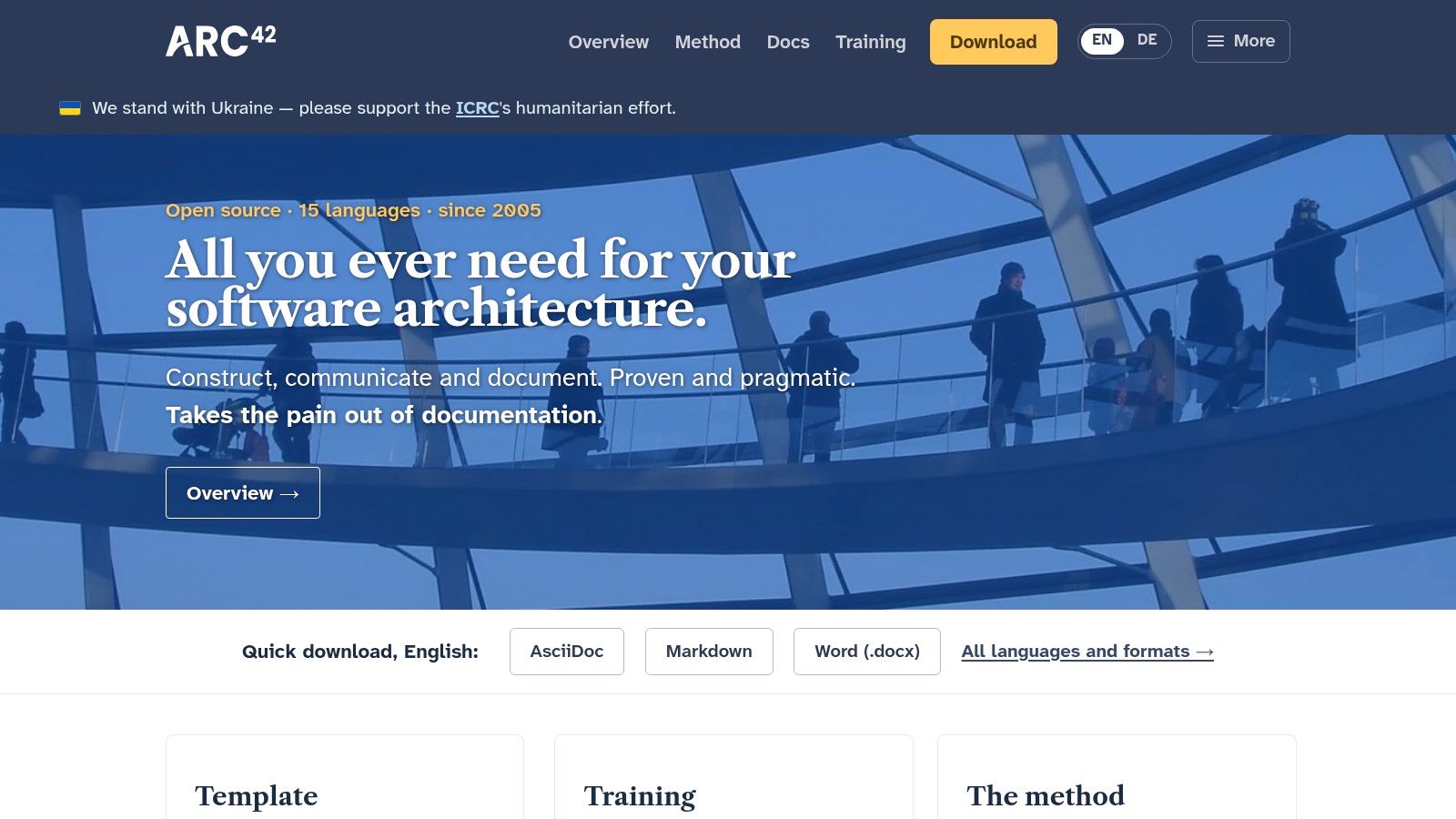
It's available in formats including Word and Markdown through the arc42 generator, which suits both document review and repository workflows. Before adopting it, check your technical documentation requirements for version, owner, and validation fields, then add them to the template header. Without an update trigger tied to releases or architecture reviews, arc42 documents go stale like any other.
Trim arc42 hard for small systems. An honest five-section record that stays current beats a complete structure nobody updates.
3. GitBook
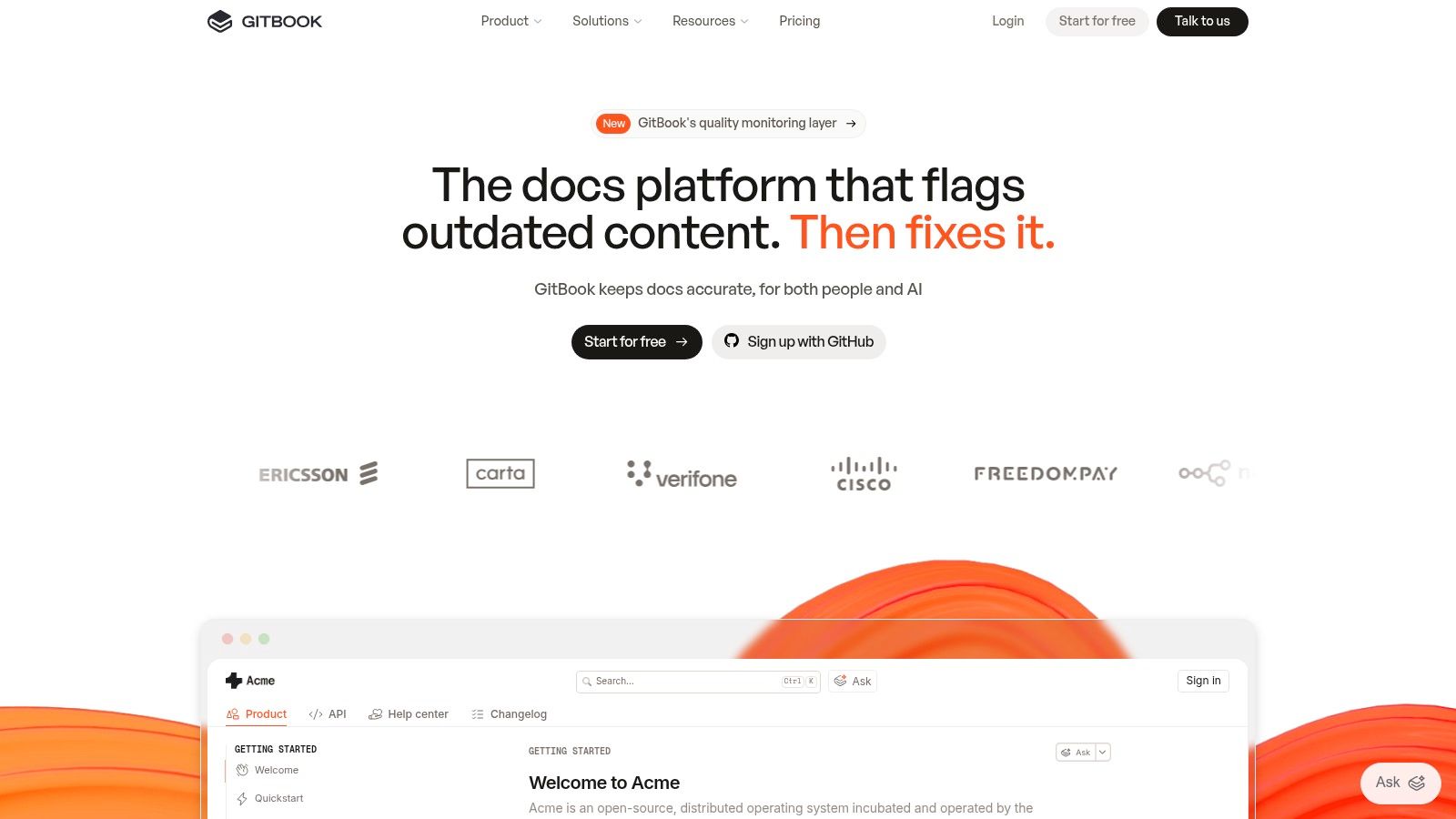
GitBook fits teams that want templates and publishing in one place. You get starting points for product documentation, API references, help centers, changelogs, and landing pages, plus a visual editor with reusable blocks. Teams can import existing content or sync with GitHub and GitLab if they prefer a docs-as-code workflow.
The Real Trade-Off
Setup is faster than building a docs site from scratch, and non-developers can contribute without learning a static-site toolchain. The cost is control. A hosted workflow won't suit teams that need full ownership of the publishing stack, and branded, collaborative setups move you into paid plans after the free individual tier.
Starter structures also don't know your audience. You'll still need to decide which pages are tutorials, which are references, and which belong in support. Comparing it against other technical writing tools helps clarify whether you need a hosted platform or just better page templates.
- Best job: Product docs and help centers with mixed contributors
- You still build: Information architecture, ownership, and content tailoring
- Watch for: Ongoing cost as collaboration and branding needs grow
4. ReadMe
If your product is an API, ReadMe is built for that specific job. Import an OpenAPI file or URL and it generates interactive reference pages, while separate guide pages cover getting started, authentication, and tutorials. Markdown editing, customizable themes, and bi-directional sync round out the workflow, with a free Starter plan to test it.
The fit is strong because API documentation sits at the center of developer work. Stack Overflow's 2024 survey reported that 90% of developers who use technical documentation rely on documentation included with API and SDK packages. That makes your specification the source of truth, not an appendix to hand-written prose.
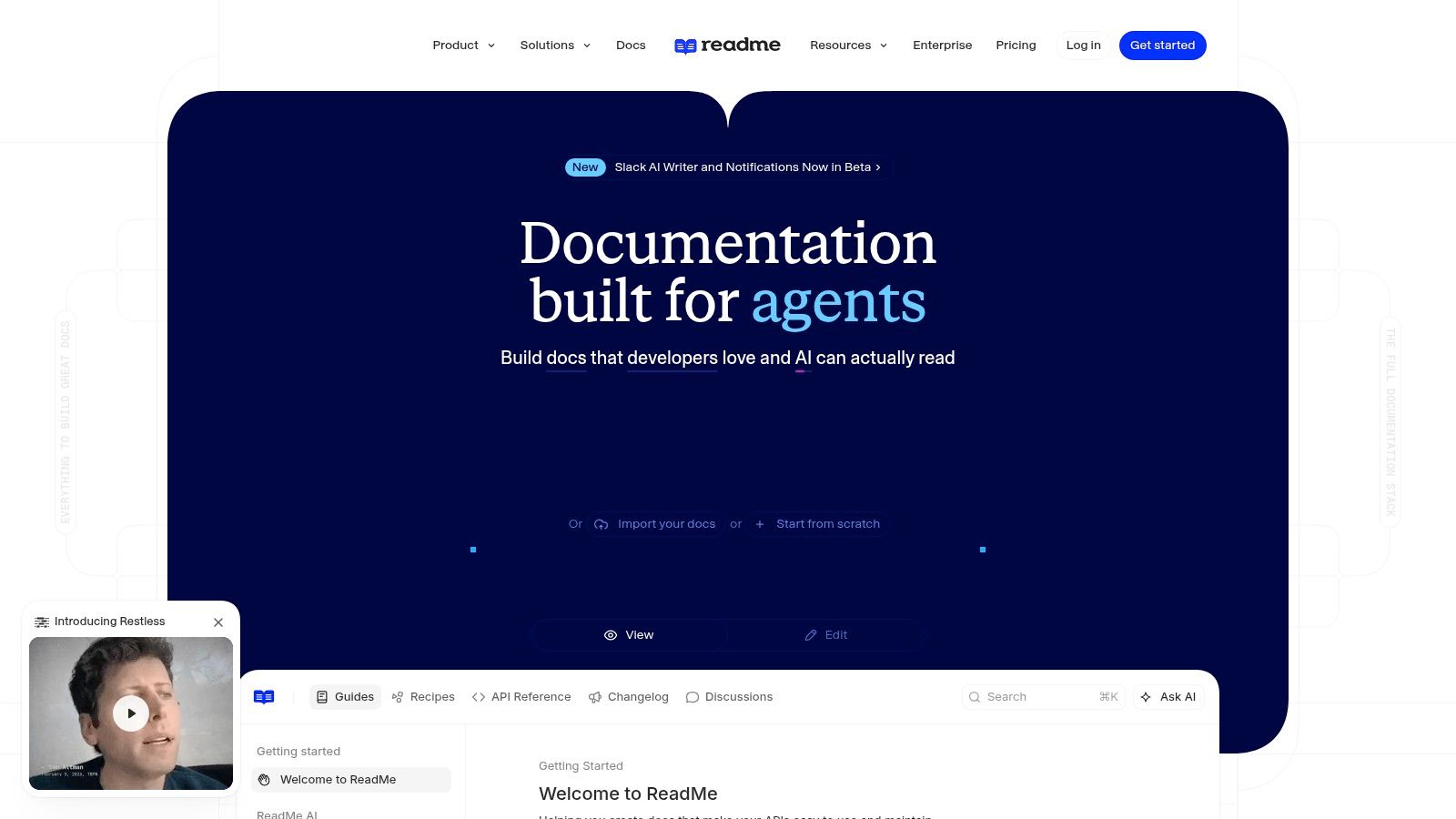
That strength is also the risk. If your OpenAPI spec is incomplete or drifts from the implementation, ReadMe will publish polished pages that are wrong. You still need schema checks, working examples, status codes, error payloads, and version notes, plus a paid plan for advanced collaboration. Skip it if maximum infrastructure control matters more than a ready-made developer hub.
5. Docusaurus
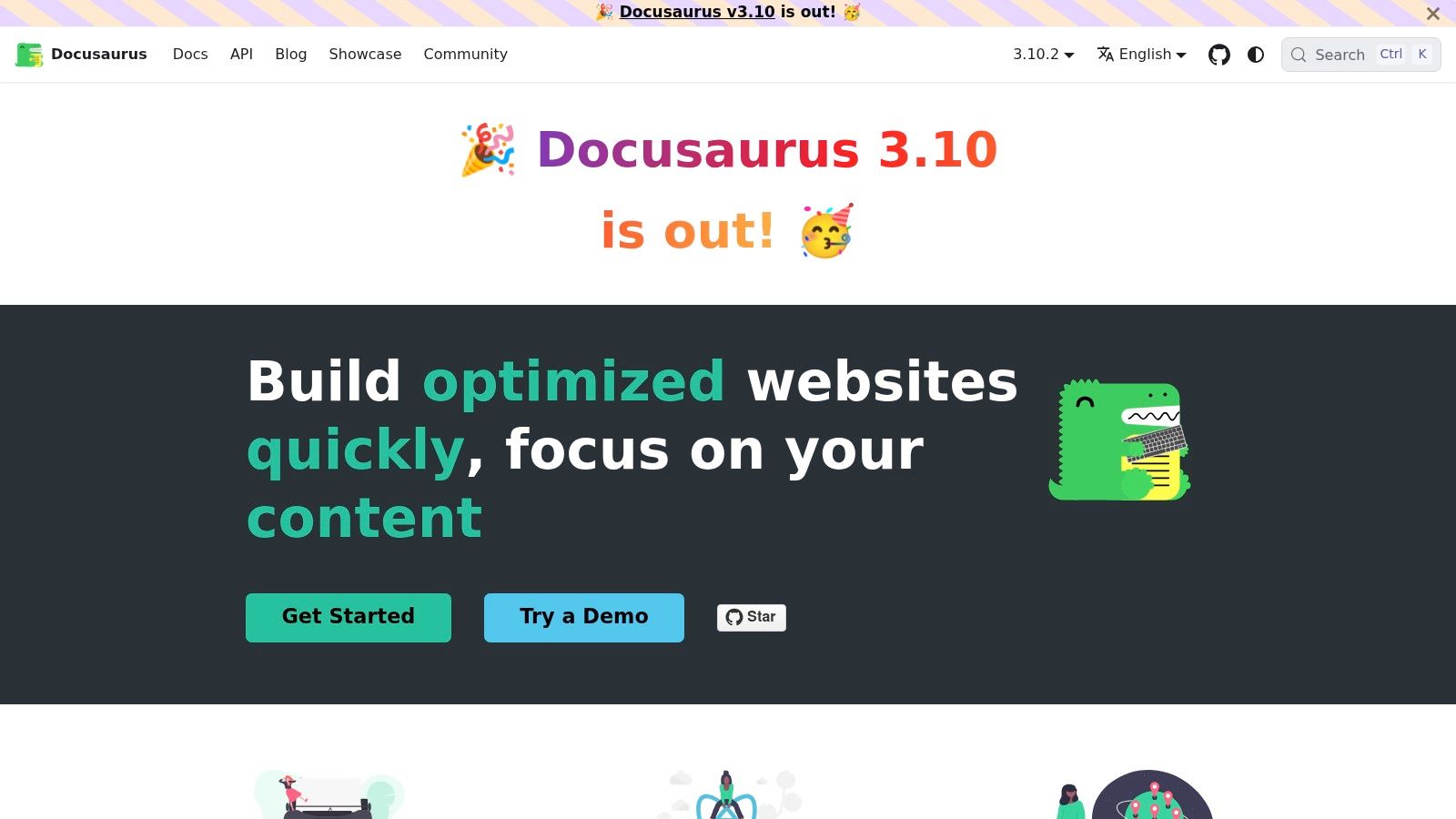
Docusaurus is an open-source framework for building documentation sites from Markdown and MDX files, not a library of ready-made page templates. Its classic starter includes versioning and internationalization. Search requires a plugin or a hosted service such as Algolia DocSearch. You deploy the generated static site wherever you choose.
Docusaurus fits public documentation that needs to stay alongside a codebase and follow its review cycle. Teams with frontend skills can add React components for interactive examples or version banners. That flexibility comes with setup and maintenance work: customizations may require React knowledge, and the team owns upgrades, hosting, and build failures.
What You Still Owe
The starter provides a site shell, navigation, and versioning. Your team must define page structures for tutorials, API references, and runbooks, along with review rules and ongoing site maintenance.
- Best job: A public, versioned documentation site maintained by engineers
- You still build: Page templates, review rules, and site maintenance
6. Mintlify
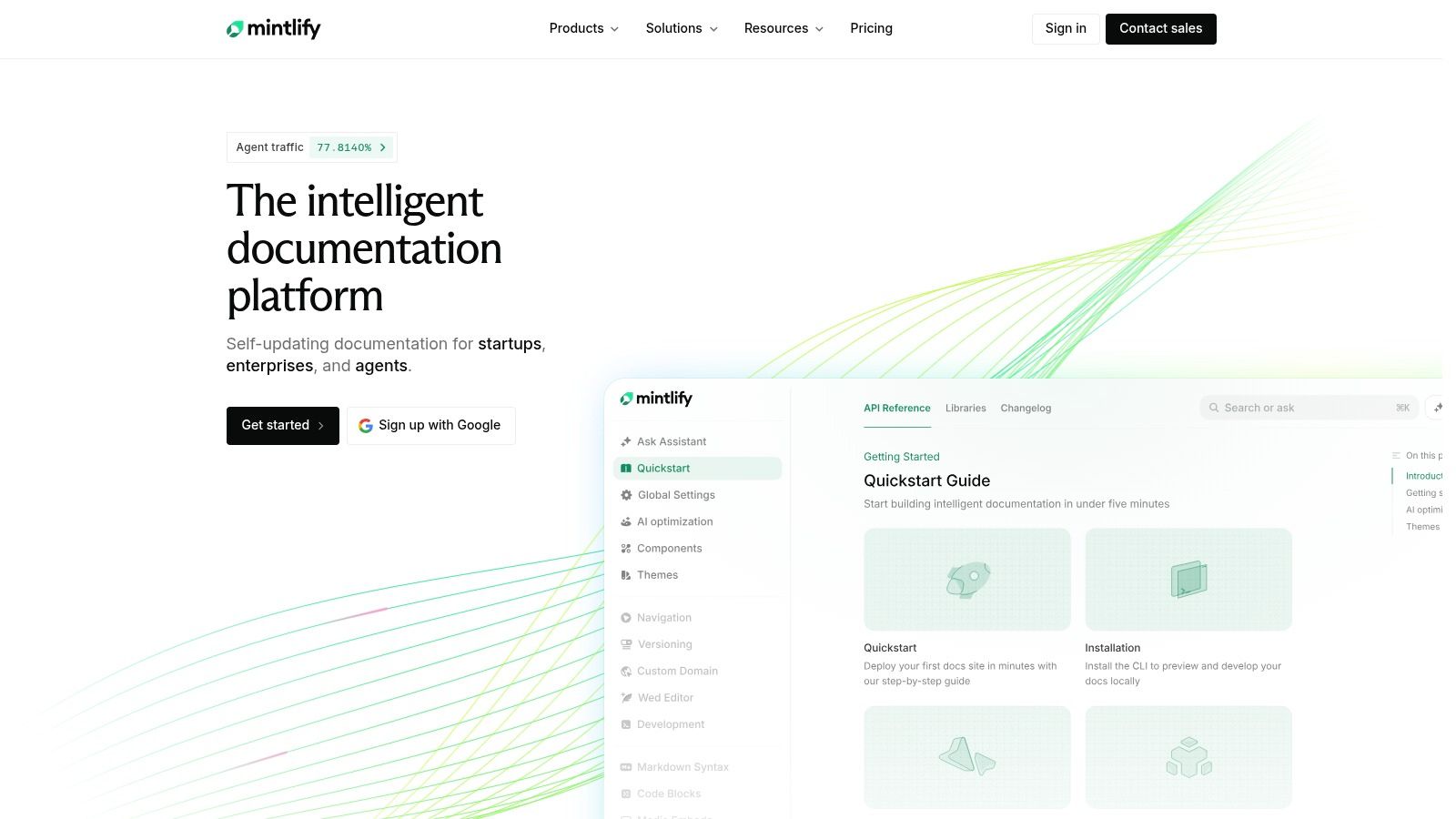
Mintlify sits between a blank framework and a hosted editor. Its starter kit includes concrete examples of guide pages, navigation, customizations, API references, and components that you adapt rather than invent. You edit documentation files, preview locally through its CLI, and publish through a GitHub-based workflow.
Concrete examples help more than abstract guidance when a team is starting out. You can see how a guide is structured, copy the pattern, and replace the content with validated product material. A free Starter plan lowers the cost of trying that approach before committing to Pro or Enterprise tiers.
The mismatch shows up with non-technical contributors. If your writers expect purely visual editing, a workflow built around structured files and GitHub will create friction. Hosted costs can also grow with advanced needs. I recommend it for developer-led teams that want a polished public site without assembling one from parts, not for internal knowledge bases maintained by occasional contributors.
7. Confluence
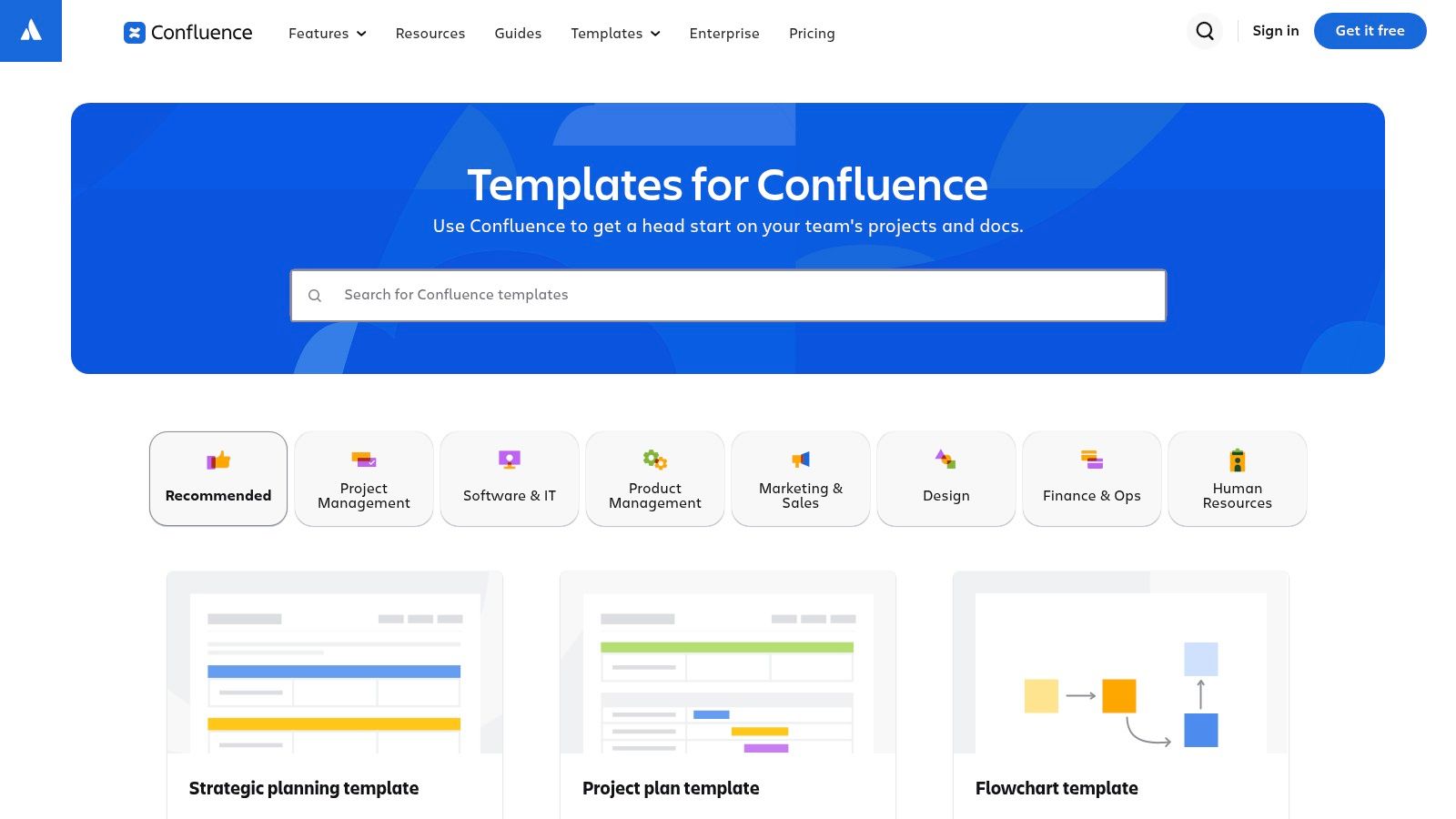
For internal documentation, Confluence templates are often the pragmatic choice. Atlassian provides ready-made templates for software, IT, product, and project work, and teams can create custom page templates for recurring layouts. That's a strong fit for runbooks, engineering notes, incident reviews, and process pages that many people draft and review together.
The convenience is real if your team already works in Confluence spaces. People don't need a new tool, a repository, or a publishing pipeline to contribute. Collaborative drafting is built in, and a custom template can force every runbook to include owner, prerequisites, steps, rollback, and escalation contacts.
Don't mistake it for a public docs site. A workspace template doesn't deliver the navigation, versioning, or presentation a customer-facing portal needs. You also have to govern spaces, page ownership, and archiving, or the wiki fills with near-duplicates. Features and access depend on your plan and workspace settings, so confirm those limits before standardizing.
Practical rule: If a page needs a named owner and a review date to stay trustworthy, put both fields at the top of the template, not in a footer nobody reads.
8. Microsoft Word
Sometimes the deliverable is a file, not a website. A specification for a client, a procedure for an auditor, or a report for formal review still belongs in Microsoft Word, where reviewers expect Track Changes and comments. Build a master document with consistent headings, styles, and tables, then save it as a reusable .dotx template.
That discipline matters for compliance evidence as much as prose. One guide to technical writing and documentation notes that EU guidance says technical documentation must be proportionate to product complexity and risk, remain up to date, be retained for 10 years, and be available to market-surveillance authorities. A Word template can carry fields for jurisdiction, approval authority, retention, and change history alongside the instructions.
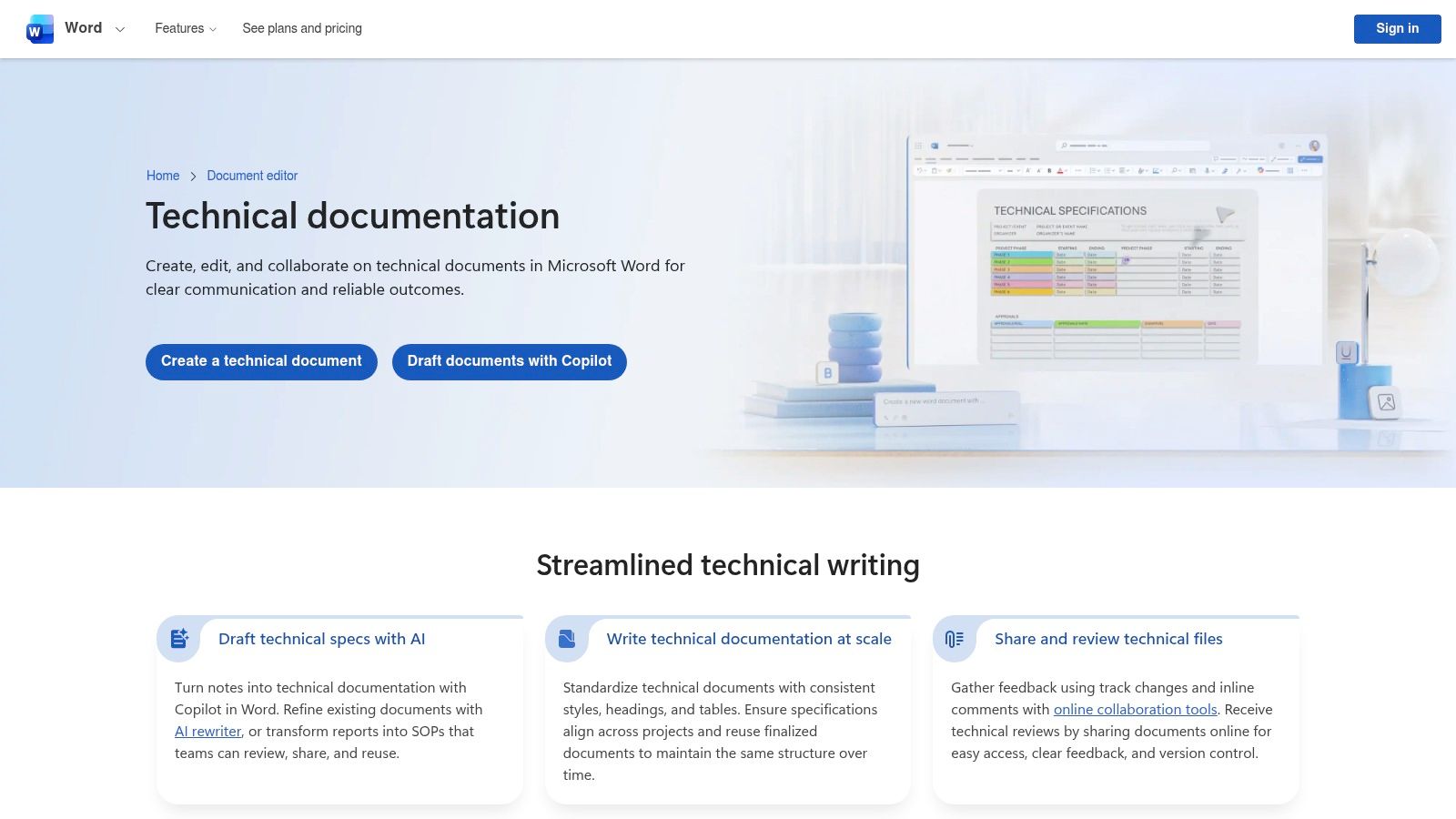
Word falls down at scale. Navigating many linked pages is awkward, and emailed copies diverge fast without clear version control. It also isn't a specialized template library, so your team defines the structure. Use it for formal, archivable documents, and use a docs site for living product documentation.
9. Zensical
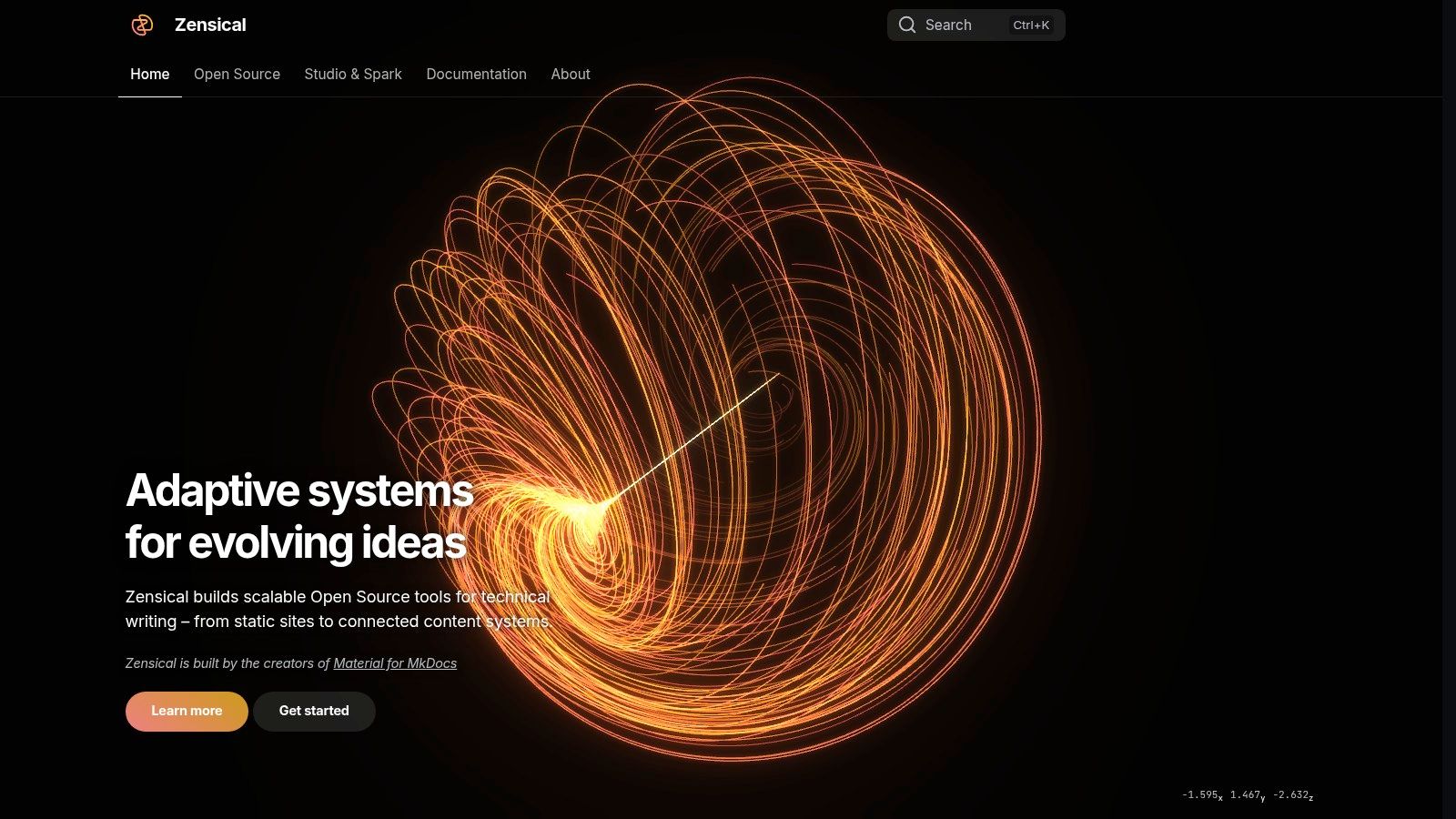
A team maintaining public product docs in a code repository may find Zensical a familiar starting point. It is a Markdown-based static-site generator for documentation, created by the team behind Material for MkDocs. Its setup flow bootstraps a project with repository-based files and a local preview. That gives developers a site foundation, not ready-made structures for API references, architecture records, or runbooks.
Structured, reusable content has long been a goal in technical writing. Markdown generators pursue the same goal with a lighter format, but reuse depends on your team defining shared patterns and applying them consistently.
Evaluate Before Migrating
For an established site, compare Zensical's current capabilities and ecosystem with the requirements you already support. Your team owns setup, builds, deployment, and ongoing maintenance, and contributors need to be comfortable editing files in a repository. Zensical scaffolds the site; your team still has to create page templates, writing standards, and review practices. That trade-off suits teams willing to maintain their own documentation workflow, but it leaves more structure to build than a template library would.
10. Astro Starlight
Say your team already builds with Astro and wants documentation on the same stack. Astro Starlight is a documentation theme for Astro, and its starter command scaffolds a project with a documentation-oriented foundation you can customize. That's a faster start than assembling a docs layout from a generic site starter.
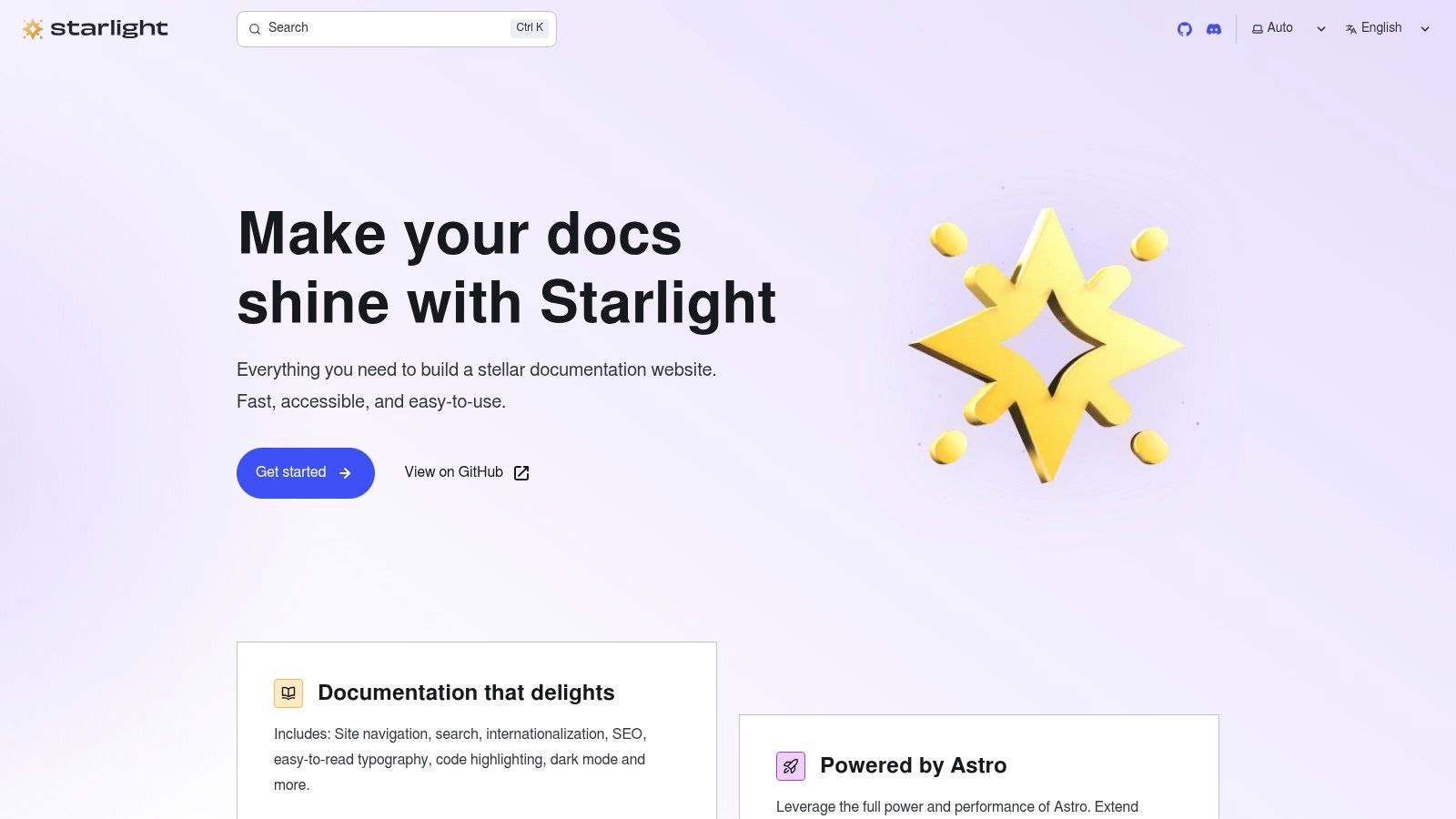
Be clear about what you're getting. Starlight is a website starter, not a downloadable technical documentation template with outlines for each document type. You'll define how a tutorial differs from a reference page, which metadata every page carries, and how examples get tested. You'll also own the modern web-development and deployment workflow.
Check integrations and customization requirements against your actual needs before committing, especially if you need versioned docs or generated API references. I see it as a reasonable foundation for Astro teams building a public docs site, and a poor fit for teams wanting ready-made document structures without developer setup.
- Best job: Public docs sites inside the Astro ecosystem
- You still build: Page templates, integrations, deployment, and upkeep
How the 10 technical documentation templates differ by fit, format, pricing, and setup effort
| Item | Best for | Format | Pricing | Setup effort |
|---|---|---|---|---|
| The Good Docs Project | Consistent software documentation drafts | Open-source template library and guidance | Free | Low; tailor templates to your team |
| arc42 | Software architecture documentation | Open-source architecture template in multiple formats | Free | Moderate; select sections and keep them current |
| GitBook | Product, API, and help-center documentation | Hosted platform with visual and Git-based authoring | Free plan; paid plans available | Low; adapt a starter structure |
| ReadMe | API documentation with interactive references | Hosted platform with OpenAPI references and guides | Free Starter plan; paid features available | Moderate; maintain an accurate API specification |
| Docusaurus | Custom developer documentation websites | Open-source static-site framework using Markdown and MDX | Free | High; requires technical setup and maintenance |
| Mintlify | Git-based documentation sites with starter examples | Hosted platform with Markdown files and local preview | Free Starter plan; Pro and Enterprise plans available | Moderate; edit structured files and tailor examples |
| Confluence | Collaborative internal documentation | Workspace with built-in and custom page templates | Depends on plan and workspace settings | Low to moderate; organize and maintain team spaces |
| Microsoft Word | Formal specifications, procedures, and reports | Document editor with reusable Word templates | Not specified | Low; create or adapt a master document |
| Zensical | Markdown-based documentation sites | Static-site generator with repository-based project scaffolding | Not specified | High; requires technical setup and deployment |
| Astro Starlight | Customizable documentation sites for Astro teams | Astro documentation theme and site starter | Not specified | High; requires developer setup and deployment |
Choosing the Right Template for Your Next Documentation Project
Start by naming the documentation job in one sentence. An API reference, an architecture record, a team runbook, and a public docs site need different skeletons, different owners, and different evidence that the content is correct. If you can't name the job, you can't judge whether a technical documentation template fits, and you'll end up comparing feature lists that don't predict whether anyone maintains the result.
Match the job to one or two options from the list. Choose The Good Docs Project for shared page structures, arc42 for architecture, ReadMe for an OpenAPI-driven reference, Confluence for internal runbooks, and Word for formal files. Choose GitBook or Mintlify for a hosted public site, and Docusaurus, Zensical, or Starlight when your team wants to own the site and keep source files with code.
Budget for What No Template Does
Every option leaves work behind. You'll tailor sections to your audience, add fields for product version, canonical source, owner, last validation date, and deprecation status, and decide what triggers a review. You'll also need accessibility and localization checks, including meaningful alt text, heading hierarchy, locale formats, and language readers readily understand, rather than bolting them on at release.
That maintenance layer decides whether readers trust the page six months later. Add a known limitations section, link to the source of truth, and test examples the way you'd test code. Teams improving their delivery process can also review tools for smoother CI/CD workflows so documentation checks run beside builds instead of after complaints.
If drafting itself is the bottleneck, AIDictation can help you dictate first drafts of API notes, runbook steps, and technical explanations directly into your documents, with a custom dictionary for API and integration terms. Keep the structure from the template you chose, and let dictation fill it faster. Then have a human reviewer validate terminology, links, and safety details before publication, because a clean transcript isn't a finished document.
Pick the smallest option that fits the job, pilot it on one real document set, and measure whether readers complete tasks faster and find answers without asking. Expand only after that pilot proves the structure works for your writers and your readers.
Dictate your next runbook, API note, or specification draft straight into the template you picked, and let AIDictation clean up filler words, format the text for your editor, and protect technical terms with its custom dictionary. Try it on one real page this week and compare the drafting time against typing it from a blank outline.
Frequently Asked Questions
What does 10 Technical Documentation Templates Compared for 2026 cover?
A new engineer joins on Monday and needs three answers before lunch: how authentication works, which service owns billing, and why the team rejected the obvious design two years ago. The pages exist, but one is a loose wiki note, one is a slide deck, and one buries the decision in meeting chatter.
Who should read 10 Technical Documentation Templates Compared for 2026?
10 Technical Documentation Templates Compared for 2026 is most useful for readers who want clear, practical guidance and a faster path to the main takeaways without guessing what matters most.
What are the main takeaways from 10 Technical Documentation Templates Compared for 2026?
Key topics include Table of Contents, 1. The Good Docs Project, Where It Falls Short.
Ready to try AI Dictation?
Experience fast voice-to-text on your device. Free to download.
Download Free