Software Code Documentation: The Practical Developer Guide
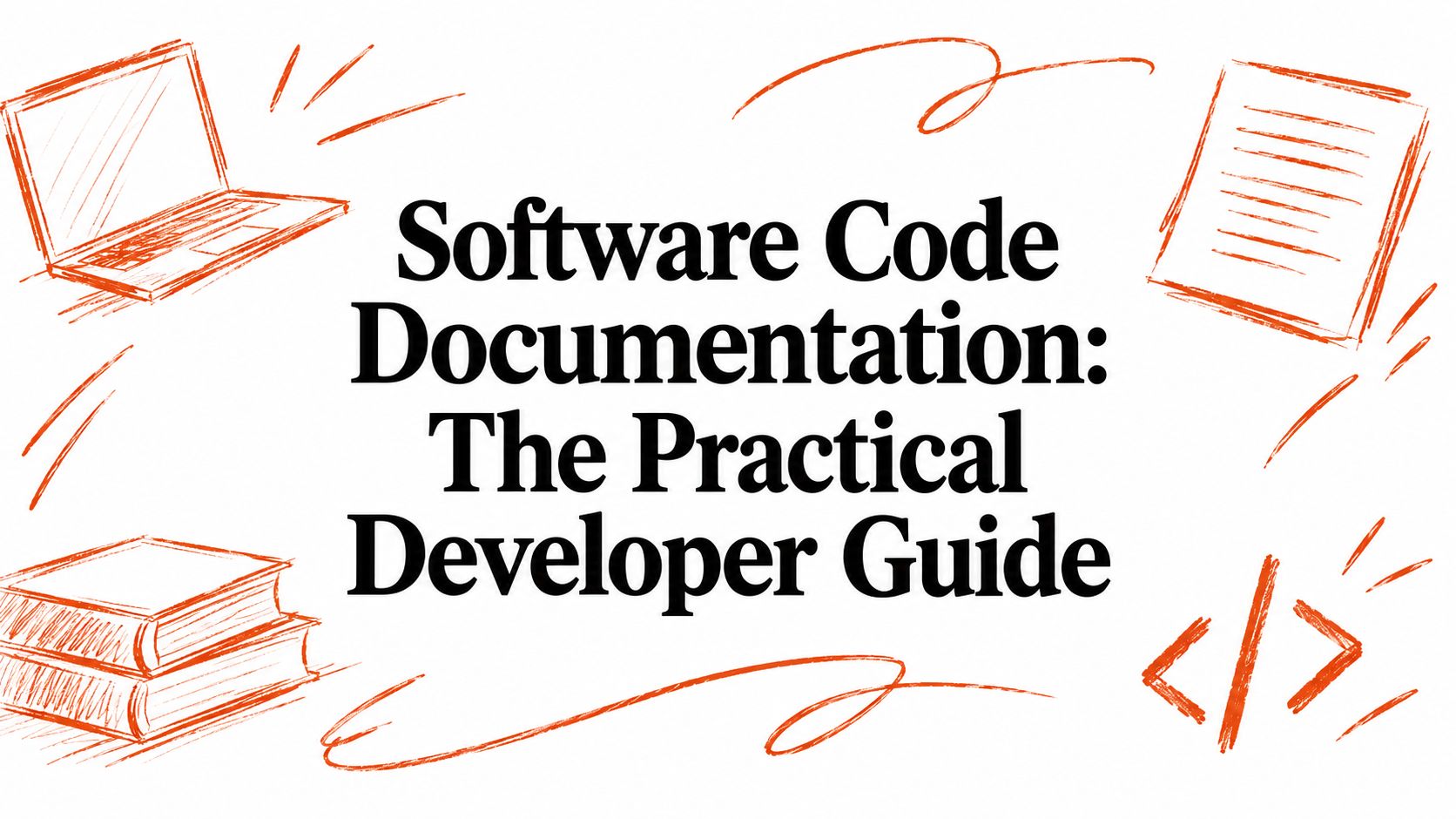
28.9% of software projects have documentation with at least one outdated code-element reference, so stale documentation is a mainstream engineering problem, not an occasional oversight. In a larger top-1000 dataset, 82.3% of projects showed outdated references at some point in their history.
The popular advice is to “just add more comments.” That advice misses the failure mode that costs teams the most: documentation can be plentiful and still be useless when it doesn't explain intent, constraints, or the decisions that shaped the system.
Software code documentation works when it helps a developer act correctly. It should answer what a component does, how to use it, what can go wrong, and why the implementation works this way. It also has to stay close enough to the code and workflow that updates happen as part of engineering, not during a heroic cleanup months later.
Table of Contents
- The Hidden Cost of Stale Documentation
- Understanding What Effective Code Documentation Actually Is
- The Three Core Layers of Documentation You Must Master
- Common Documentation Defects That Break Development Workflows
- Modern Workflows and Tools for Automating Documentation
- Real-World Examples of Good Versus Bad Documentation
- The Future of Documentation - Bridging the Why Gap
The Hidden Cost of Stale Documentation
Documentation is often treated as a task developers complete after the main work is finished. In practice, stale documentation creates a second interface to the system, and that interface can actively mislead people. A README can recommend a command that no longer exists, an API reference can describe a parameter the implementation ignores, and an inline comment can preserve an assumption that a later refactor removed.
A 2023 study of more than 3,000 GitHub projects found that 28.9% of projects had documentation with at least one outdated code-element reference. In a larger top-1000 dataset, 82.3% of projects showed outdated references at some point in their history. The problem persisted for years, with outdated references averaging 4.7 years in the top-1000 set and 4.2 years in the Google dataset.
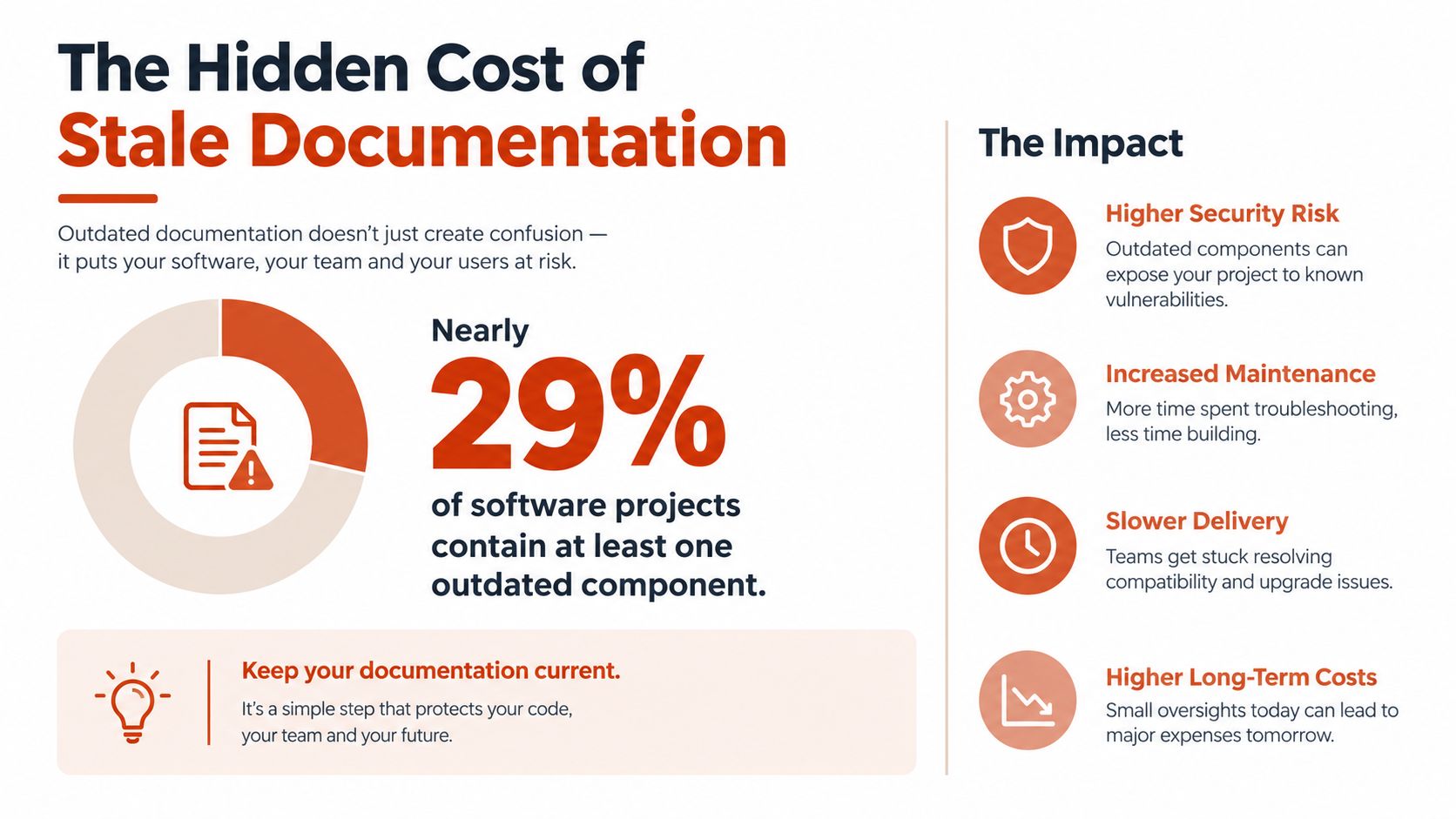
Documentation debt is engineering debt
The industry has a name for this condition: documentation debt. Technical-debt research has treated documentation as a distinct category for decades, covering missing, inconsistent, outdated, or incomplete material. A 2020 technical-debt tools mapping study found that 30% of surveyed tools, or 15 out of 50, supported documentation-debt activities, which shows that documentation had already become a measurable engineering concern rather than a purely editorial responsibility.
The cost isn't limited to a confused new hire. Engineers lose time validating instructions, support teams repeat questions, and reviewers spend energy reconstructing behavior that should have been recorded. Worse, misleading documentation can produce confident mistakes because a developer follows an apparently authoritative explanation instead of checking the implementation.
Practical rule: Treat every public explanation of code as an interface. If the interface can become wrong, give it an owner, a review path, and an automated check where possible.
Measure the condition before choosing a tool
Start with an inventory, not a platform purchase. Search for broken links, references to removed symbols, deprecated commands, empty API fields, unresolved TODOs, and examples that no longer run. Then classify findings by risk: onboarding blockers, public API errors, operational instructions, architectural decisions, and low-impact wording issues.
A useful maintenance backlog records the documentation location, related code path, failure type, owner, and verification method. That turns “the docs need work” into engineering work that can enter a sprint, receive review, and show progress. The objective isn't perfect prose. It's a reliable path from a developer's question to a correct implementation.
Understanding What Effective Code Documentation Actually Is
Software code documentation is the layer of human-readable information that explains a system's purpose, behavior, usage, constraints, and intent. It includes README files, API references, docstrings, comments, tutorials, architecture records, examples, and operational notes. The format matters less than the job each piece performs.
A useful document reduces the amount of code a reader must hold in their head. It provides the right detail at the moment of need, with navigation that lets someone move from a broad concept to a specific API element and then to a working example. That is why documentation should be designed around tasks, not around the internal organization of the team that wrote it.
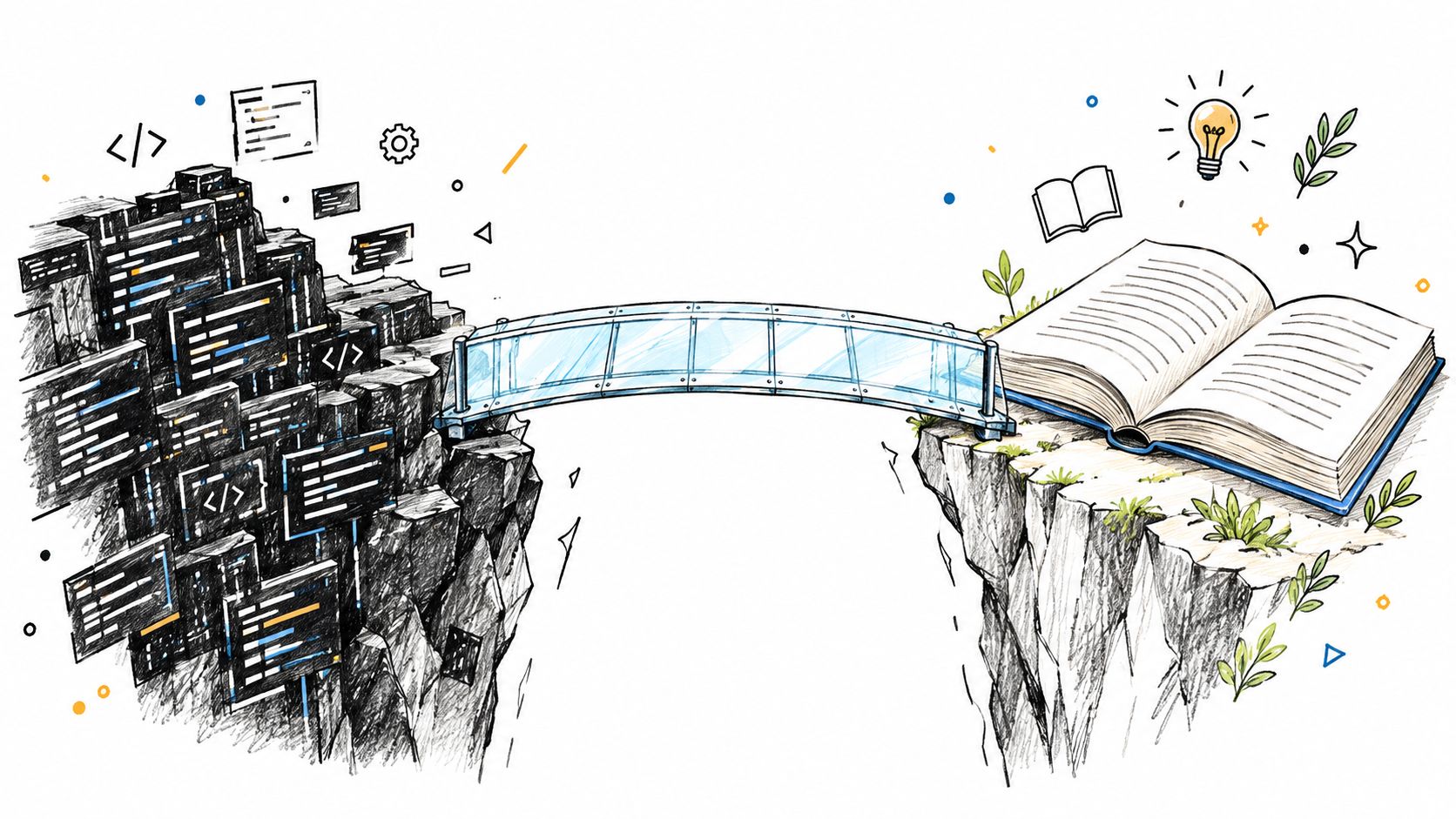
Optimize for the reader's next action
A controlled study of optimized API documentation found that developers made fewer errors and were faster at planning and executing tasks. The authors recommend organizing information around common usage scenarios, embedding key concepts within those scenarios, and offering clean examples that can be copied with minimal adaptation. The findings are available in the study of optimized API documentation.
That leads to a practical definition of quality. Good documentation lets a reader:
- Recognize the use case: Understand when a component or endpoint is appropriate.
- Prepare valid inputs: See required fields, types, defaults, limits, and assumptions.
- Predict the result: Know the output shape, side effects, and state changes.
- Recover from failure: Find possible errors and the action required for each one.
- Verify the integration: Run an example that reflects supported behavior.
This is also why code comments alone aren't enough. A comment attached to a function may explain a local workaround, but it rarely teaches a new contributor how the service fits into the architecture or how to choose between related interfaces.
For concise technical writing principles, the technical writing best practices guide is useful when teams are standardizing tone, structure, and clarity. For examples of focused product and integration references, see docs for demos. Both resources reinforce the same operational idea: documentation should help a reader complete a task without forcing them to decode the author's private context.
The Three Core Layers of Documentation You Must Master
A durable documentation system separates reader jobs instead of forcing one README to do everything. Three layers cover the most common needs: the README for orientation, inline comments for local intent, and API documentation for the contract between a component and its consumers.
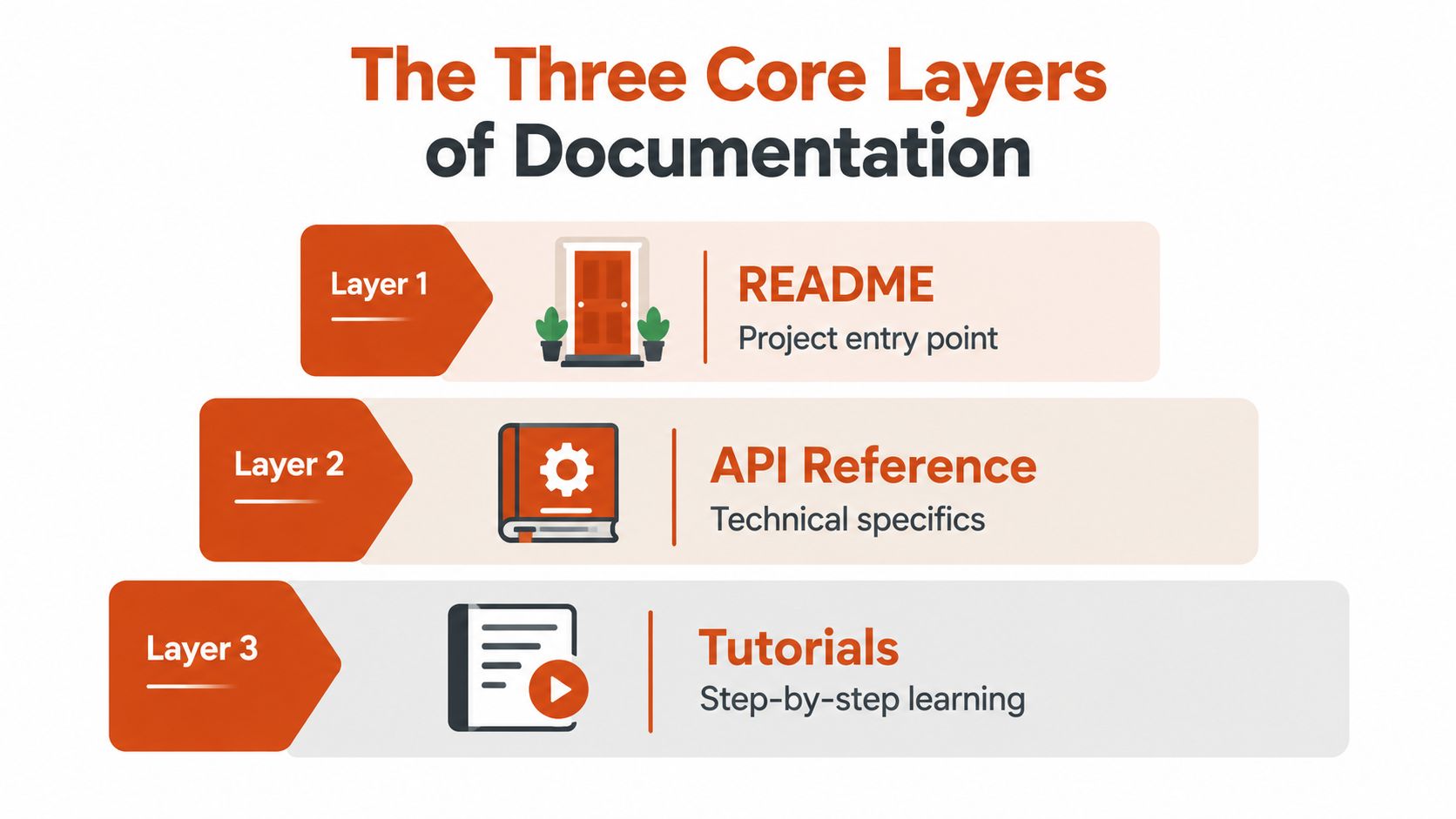
The README is the front door
A strong README gets a reader from repository discovery to a working mental model. Keep it focused on purpose, prerequisites, installation, the shortest successful usage path, configuration, project status, and where deeper references live. Put the first runnable example early, and make sure its commands reflect the current repository.
Don't turn the README into an architecture encyclopedia. Link to separate decision records, diagrams, troubleshooting pages, and API references so the entry point stays useful for both newcomers and returning maintainers.
Inline comments should preserve intent
Comments earn their place when the code can't express the reason clearly. Explain a surprising algorithm, a compatibility constraint, a security boundary, a race-condition avoidance, or the reason a seemingly inferior implementation is required. Avoid narrating syntax that a competent reader can already see.
A durable comment answers, “Why is this necessary?” It may also record what would break if the code changed. That information is especially valuable around edge cases and cross-service behavior, where a local refactor can violate an assumption maintained elsewhere.
API references define a contract
API documentation should be systematic rather than literary. For every public function, method, endpoint, or class, document inputs, input types, outputs, output types, error conditions, authentication or permission requirements, side effects, and a working example.
Use generated references for facts that the code can expose reliably, then add human-written guidance for workflows and decisions. A system design documentation guide can help teams separate architectural explanations from the lower-level reference material that tools generate.
The three layers should link to one another. A README can point to a tutorial, the tutorial can link to the API reference, and the API reference can identify the architectural constraint that explains an unusual behavior. That network is more useful than a large, disconnected documentation portal.
Common Documentation Defects That Break Development Workflows
Most documentation failures fall into three technical categories: ambiguity, incompleteness, and incorrectness. An IEEE Software study of API documentation quality, based on responses from 323 IBM software professionals, identified these as the three severest problems.
Ambiguity leaves too much room for interpretation
Ambiguous documentation uses terms that sound familiar but don't define behavior. “Optional,” for example, might mean a field can be omitted, set to null, or supplied with an empty value. “Returns the user” says little if the reader doesn't know whether the result is a full object, a summary, or a nullable value.
Replace broad descriptions with observable rules. State accepted formats, default behavior, ordering guarantees, units, mutability, and whether the function performs network or storage work. If two related methods differ in an important way, put that difference directly in their descriptions instead of expecting readers to infer it.
Incompleteness creates implementation uncertainty
Incomplete documentation often looks polished because the missing information is invisible until someone tries to use the interface. A parameter may have a name and a type but no explanation of valid ranges. A response may show a successful payload but omit failure states. An endpoint may explain authentication but not permissions or side effects.
Use a contract checklist during review:
- Inputs: Name every required and optional value, with types, formats, defaults, and constraints.
- Outputs: Show the returned shape, types, nullability, ordering, and meaningful state changes.
- Errors: Describe possible failures, their conditions, and how callers should respond.
- Examples: Keep examples executable or testable, and show realistic edge cases.
- Compatibility: Identify version limits, deprecations, and behavior that callers must preserve.
The documentation quality checklist is a practical reference for turning these expectations into review criteria rather than personal preferences.
Incorrectness is the most dangerous defect
A missing explanation invites a question. A wrong explanation invites the wrong implementation. Stale examples, inaccurate return descriptions, and comments that contradict the code can survive review because they look plausible.
Connect documentation checks to the code that proves the claim. Run examples in CI, generate API schemas from typed definitions where appropriate, test links, and require documentation updates when public behavior changes. Automation won't understand every architectural decision, but it can catch many mechanical contradictions before they reach readers.
Modern Workflows and Tools for Automating Documentation
Automation is valuable when it verifies facts, generates repetitive reference material, and makes drift visible in the same workflow as code changes. It isn't a substitute for judgment. A generator can describe a function signature, but it can't reliably explain why a service uses an unusual retry policy or why two repositories must deploy in a particular order.
A practical stack usually combines source annotations, generated references, version control, and CI checks. JSDoc, Swagger, and Doxygen can turn structured comments or interface definitions into navigable output, while pull requests provide a natural place to review changes alongside implementation.
Put freshness checks inside delivery
A documentation pipeline should fail or warn for conditions that are objective and repeatable:
- Broken references: Check links, anchors, imports, symbols, and referenced files.
- Unrendered examples: Build or execute code samples where the environment permits it.
- Schema drift: Compare published API descriptions with implementation contracts.
- Missing coverage: Flag changed public interfaces without corresponding reference updates.
- Stale ownership: Route changes to an accountable team instead of leaving review responsibility unclear.
The right enforcement level depends on risk. A public payment API may require blocking checks, while an internal design note may need only an owner and a review reminder. Overly strict pipelines encourage teams to bypass documentation; overly loose pipelines turn checks into background noise.
Use AI for drafts, not authority
Market reports project AI code-comment generation to grow from $0.88 billion in 2025 to $1.16 billion in 2026, with repository-wide refactoring, policy-driven compliance, and CI/CD automation among the cited trends in the state of documentation report. That direction makes sense for repetitive work, especially when a tool can open a proposed change instead of rewriting production documentation without notice.
Human review remains mandatory for generated claims. AI can produce a fluent explanation of behavior that the code doesn't support, and it usually has limited access to historical rationale. A voice tool such as AIDictation can also turn spoken engineering notes into structured drafts for comments, README updates, or architecture decision records, but the author still needs to verify terminology, security implications, and technical accuracy.
For teams optimizing discoverability as well as correctness, a SaaS documentation SEO guide offers useful guidance on organizing reference content so people can find the right answer. Searchability helps only when the underlying page is current and precise.
Real-World Examples of Good Versus Bad Documentation
The difference between weak and strong documentation often appears in a few lines.
Weak inline comment:
// Process the records
Useful inline comment:
// Preserve source order because downstream reconciliation matches records by position.
// Do not replace this with an unordered batch operation.
The first repeats the code. The second records a constraint that a future refactor might otherwise remove.
A weak README says, “Install dependencies and run the app.” It leaves the reader to discover prerequisites, environment variables, the development command, the expected result, and common failure modes. A useful README names the required setup, gives the exact sequence for a clean start, shows a minimal request or screen, and links to configuration and troubleshooting details.
API references show the same contrast. “Gets account details” doesn't tell a caller whether the account can be missing, which fields are returned, or what authorization is required. A stronger entry describes the input, response shape, absence behavior, permission failure, and a request that matches the supported interface.
Documentation is good when a reader can make a correct decision without consulting the author.
Avoid the opposite mistake too. A comment that restates every assignment creates visual noise, while a long tutorial that duplicates every API field will drift quickly. Keep each explanation at the layer where its reader needs it, then link outward for depth.
The Future of Documentation - Bridging the Why Gap
AI-assisted documentation is becoming normal. A 2025 DORA/Google Cloud finding cited by IBM reports that 64% of software development professionals use AI for writing documentation, while Stack Overflow's 2025 survey reports that 24.8% mostly use AI and 27.3% partially use AI for creating or maintaining documentation. These figures are documented in the AI documentation practices overview.
The harder problem isn't generating a comment for a function. It's preserving the reasoning behind an architecture, the edge case that shaped a data model, or the cross-repository dependency that isn't visible in one file. AI can summarize what exists, but it can't recover intent that the team never recorded with enough evidence.
A maintainable documentation culture therefore needs both automation and deliberate capture:
- Record architectural decisions when they are made, including rejected alternatives and constraints.
- Keep examples close to the interfaces they demonstrate.
- Review documentation changes with code changes.
- Use automated checks for links, schemas, examples, and obvious drift.
- Assign ownership for high-risk pages and retire obsolete guidance.
- Ask during review, “What would a new maintainer misunderstand here?”
The winning workflow isn't “write everything manually” or “let AI document the repository.” It's to automate the mechanical layer and reserve human attention for context, trade-offs, and intent. That is how software code documentation becomes a maintained engineering asset instead of another archive of plausible text.
AIDictation turns spoken notes into clean, structured writing, which can help engineers draft README updates, code comments, API summaries, and architecture decision records while the reasoning is still fresh. Visit AIDictation to dictate documentation drafts in your editor and refine them through your normal technical review process.
Frequently Asked Questions
What does Software Code Documentation: The Practical Developer Guide cover?
28.9% of software projects have documentation with at least one outdated code-element reference, so stale documentation is a mainstream engineering problem, not an occasional oversight. In a larger top-1000 dataset, 82.3% of projects showed outdated references at some point in their history.
Who should read Software Code Documentation: The Practical Developer Guide?
Software Code Documentation: The Practical Developer Guide is most useful for readers who want clear, practical guidance and a faster path to the main takeaways without guessing what matters most.
What are the main takeaways from Software Code Documentation: The Practical Developer Guide?
Key topics include Table of Contents, The Hidden Cost of Stale Documentation, Documentation debt is engineering debt.
Ready to try AI Dictation?
Experience fast voice-to-text on your device. Free to download.
Download FreeRelated Posts
Onboarding Documentation: Types, Examples, and Tools
Learn what effective onboarding documentation looks like with real examples, types, and tools to streamline employee training and retention.
10 Technical Writing Best Practices for 2026
Master technical writing best practices with actionable guidance on clarity, structure, code, reviews, accessibility, localization, metrics, and dictation.
Content Structure Done Right: A Practical Guide
Master content structure. Learn core principles, see templates for docs and notes, and discover how to create structured text instantly from speech.