Voice Cloning: Best AI Tools to Clone Your Voice in 2026
Five years ago, cloning a voice required a professional recording studio and weeks of training data. Today it's a $12/month SaaS tool and 10 minutes of audio. Here's what actually works — and what to watch out for.
What Is Voice Cloning (And How Does It Actually Work)?
Voice cloning is the process of training an AI model on recordings of a specific person's voice so it can generate new speech that sounds like that person. Feed the model enough audio samples, and it learns the speaker's pitch, cadence, accent, and vocal texture. Give it any text, and it reads that text back in the cloned voice.
Under the hood, most tools use neural text-to-speech (TTS) architectures — the same technology behind generic AI narration, just fine-tuned on your specific voice samples. The big difference from standard TTS is personalization: instead of a generic "female voice #3," you get something that actually sounds like you.
Sample requirements vary by tool. ElevenLabs' Instant Voice Cloning can work with under a minute of audio (the results are passable). Professional-grade clones typically need 5–10 minutes of clean, consistent audio — no background music, no room echo, minimal mouth noise. Recording that is genuinely annoying the first time you do it, and most people need two or three takes before they realize they need to move away from the AC vent.
The Best Voice Cloning Tools in 2026
I've spent time with all of these. Here's my honest take:
ElevenLabs — Best Overall
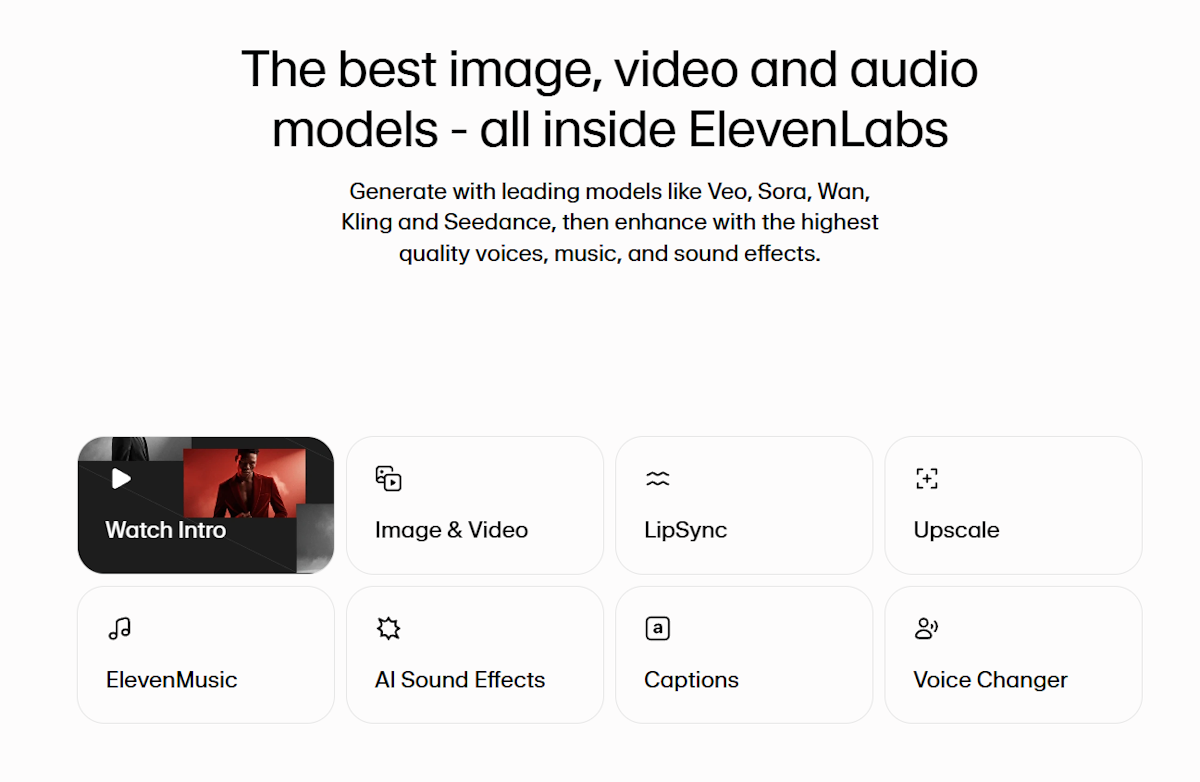
ElevenLabs is the clear market leader. The voice quality is noticeably better than competitors, and the Instant Voice Clone feature — upload samples, get a working voice in under 2 minutes — actually delivers on that promise. The free tier gives you 10,000 characters/month — enough to test, not enough to produce real content at scale.
The catch: the free tier attaches a "Made with ElevenLabs" audio badge, and commercial rights are locked behind paid plans starting at $5/month. Once you're on a paid plan, quality jumps again with their Professional Voice Clone tier, which requires 30+ minutes of audio but produces output that's hard to distinguish from the real thing.
Best for: Podcasters, content creators, anyone who wants the best quality and doesn't mind paying for it.
Free tier: 10,000 characters/month, watermarked
Paid: from $5/month
Resemble AI — Best for Developers
Resemble is built API-first. The dashboard is functional but clearly designed for engineers who'll be calling endpoints rather than clicking around a UI. Voice quality is close to ElevenLabs — maybe 90% of the way there — and the API is well-documented with streaming support and custom emotion controls.
If you're building an app that needs dynamic voice generation (customer service bots, interactive fiction, personalized video), Resemble is worth the extra integration effort. The free tier is limited (one voice, 3,000 characters), but the API pricing is reasonable at scale.
Best for: Developers building voice-enabled applications.
Free tier: 1 voice, 3,000 characters
Paid: from $29/month, pay-as-you-go API available
Murf AI — Best for Content Creators Without Coding Skills
Murf is the most polished option for people who don't want to touch an API. The editor looks like a cross between Notion and a video timeline — you paste your script, apply your cloned voice, and adjust pacing and emphasis with a visual interface. No API knowledge required.
The voice quality is good but not quite ElevenLabs-level. Where Murf wins is workflow: built-in background music, royalty-free audio library, and a simple presentation-to-voiceover pipeline that takes maybe 20 minutes to learn. Slides, YouTube scripts, e-learning modules — this is the tool for that.
Best for: Marketers, educators, and creators who want an all-in-one studio.
Free tier: 10 minutes of voice generation, limited voices
Paid: from $19/month
Play.ht — Best for Podcasts and Long-Form Audio
Play.ht has the best podcast-specific feature set: chapter markers, SSML support, multi-speaker dialogue, and a WordPress plugin for automatically generating audio versions of blog posts. If you want to publish an audio edition of your newsletter without recording every issue, Play.ht actually makes that workflow easy instead of just claiming to.
Voice cloning quality is solid. The Ultra-realistic voices tier is worth the upgrade, and cloning your voice to narrate an entire podcast series takes maybe an afternoon of setup. The free tier (2,500 words/month) is more generous than most.
Best for: Podcasters and newsletter writers who want automated audio publishing.
Free tier: 2,500 words/month
Paid: from $29/month
Descript Overdub — Best for Podcast Editing Workflows
Descript is an editing tool first, voice cloner second. The killer feature is Overdub: you misread a word during recording, and instead of re-recording that sentence, you just type the correct word in the transcript and Descript replaces it with your cloned voice. For podcast production, this saves an absurd amount of time.
The trade-off is that Descript's cloned voice is optimized for correction, not generation. It's great at making small fixes sound seamless, but generating a 10-minute narration entirely from cloned voice sounds slightly synthetic. Use it for what it's designed for and it's excellent.
Best for: Podcast editors who want seamless word replacement, not full synthetic narration.
Free tier: Yes (limited Overdub use)
Paid: from $24/month
Coqui TTS — Best Free Open-Source Option
Coqui TTS is free, self-hostable, and runs entirely on your own hardware. Voice quality punches well above what you'd expect from open source — the XTTS model can produce a working clone from a few minutes of audio. The catch is obvious: you need a machine with a decent GPU and some Python comfort level.
For developers or privacy-conscious users who don't want their voice data on anyone's servers, Coqui is the answer. For everyone else, it's more work than it's worth.
Best for: Developers, privacy advocates, anyone who wants full control.
Free tier: Fully free, self-hosted
Paid: N/A (open source)
Quick Comparison
| Tool | Free Tier | Best For | Paid Starts At |
|---|---|---|---|
| ElevenLabs | 10K chars/month | Best overall quality | $5/month |
| Resemble AI | 3K chars, 1 voice | Developer API | $29/month |
| Murf AI | 10 min generation | Content creators | $19/month |
| Play.ht | 2,500 words/month | Podcasts & newsletters | $29/month |
| Descript Overdub | Limited | Podcast editing | $24/month |
| Coqui TTS | Fully free | Self-hosted/developers | Free |
Free Voice Cloning: What You Actually Get
The free tiers are real — you can test this without a credit card. But there are gotchas.
Character/word limits are the main constraint. ElevenLabs' 10,000 characters sounds like a lot until you realize a 5-minute audio clip is roughly 7,500 characters. You'll hit the ceiling fast if you're producing actual content.
Watermarks are common. ElevenLabs adds an audio watermark to free-tier output. Play.ht restricts commercial use on free. Check the terms before publishing — don't find out the hard way.
Voice quality on free tiers is sometimes artificially degraded (lower bitrate, slight artifacts) to push you toward paid plans. ElevenLabs is notably honest here — Instant Voice Clone quality is the same on free and paid, the limits are just on output volume.
Commercial rights are almost universally restricted on free plans. If you're monetizing content with a cloned voice, assume you need a paid subscription.
For quick personal projects or testing, free tiers work fine. For anything professional, budget at least $10–20/month.
Voice Cloning vs. AI Dictation: Different Tools, Different Jobs
Voice cloning and AI voice over tools both work with voices, but they do completely opposite things.
Voice cloning is output: you type text, the AI speaks it in a specific voice. It's text → audio.
AI dictation is input: you speak, the AI writes it down as text. It's audio → text.
They're not competing products — they solve different problems. If you're a content creator who wants to narrate videos without recording every time, voice cloning is your tool — or see our AI voice generator comparison if you'd rather pick from a pre-built library than clone your own voice. If you want to write faster by talking instead of typing, voice typing for content creators covers that workflow in depth — and AI Dictation is the tool for it on Mac.
A common workflow: use AI Dictation to draft your script by speaking naturally, then use ElevenLabs to produce the final narration in a polished cloned voice. You get the speed of voice drafting and the consistency of synthetic audio.
If you want to use text to speech on Mac for accessibility or listening back to your writing, that's a third, separate use case — and there are dedicated tools for that too.
How to Clone Your Voice: Step-by-Step (Using ElevenLabs as Example)
Using ElevenLabs since it's the most straightforward — here's what the process actually looks like:
Step 1: Record your samples
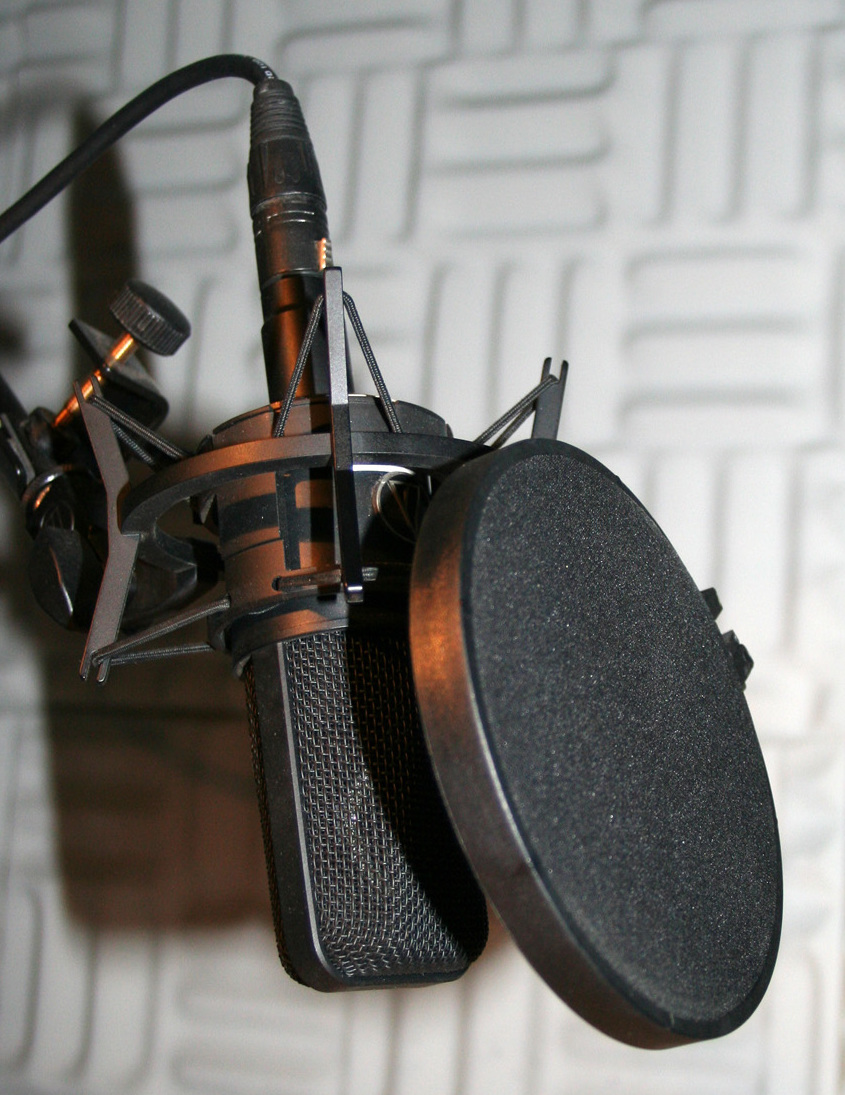
This is where most people underestimate the work. You need clean, consistent audio — no background noise, no music, no other voices. A USB microphone or quiet room with your laptop mic works. Read something natural: a few paragraphs of varied text, some sentences with questions, some emphatic statements. Avoid whispering or speaking unusually — record the voice you actually use.
For an Instant Voice Clone, 30 seconds to 2 minutes works. For a Professional Voice Clone, ElevenLabs recommends 30+ minutes split across multiple sessions. I found that 10 minutes of clean audio hits a practical sweet spot for most use cases.
Step 2: Create an ElevenLabs account and go to Voice Lab
Free account takes 30 seconds. Navigate to Voices → Add a New Voice → Instant Voice Clone.
Step 3: Upload your recordings
Drag your audio files into the uploader. ElevenLabs accepts MP3, WAV, and M4A. If you recorded multiple sessions, upload them all — more data generally helps.
Step 4: Name your voice and generate
Give it a name (you'll pick it from a dropdown later), agree to the terms (you're confirming this is your own voice or you have rights to it), and click Add Voice. Processing takes 15–30 seconds.
Step 5: Test and iterate
Go to Text to Speech, select your new voice from the dropdown, type something, and generate. Listen critically. If it sounds slightly off, you usually need more audio samples or cleaner recordings. Common issues: robotic intonation (need more varied sample sentences), wrong accent (model is blending multiple accents — record more in your natural voice), or clipping (fix in your recording software before re-uploading).
Step 6: Export
Hit Download on any generated audio clip. ElevenLabs exports as MP3 by default. You can adjust bitrate in settings if you need WAV for professional production.
The whole process from zero to a working voice clone takes about 30–45 minutes if you already have audio, or 90 minutes if you're recording from scratch.
Frequently Asked Questions
Is voice cloning legal?
Voice cloning is legal when you clone your own voice or have explicit permission from the voice owner. Using someone else's voice without consent is a copyright and likeness violation in most jurisdictions. Most platforms require you to confirm during setup that you have the right to the voice you're cloning — this isn't just a formality, it's a real legal boundary. Cloning a celebrity or public figure's voice without permission to create commercial content will get you into trouble.
How much audio do you need to clone a voice?
Most tools need 1–10 minutes of clean audio. ElevenLabs can produce a basic clone from under 1 minute, but 5–10 minutes gives noticeably better results. If you want professional-grade output indistinguishable from real speech, plan for 30+ minutes across multiple recording sessions. The quality ceiling is high, but you have to put in the recording time to reach it.
What's the difference between voice cloning and text-to-speech?
Standard TTS uses a generic AI voice — think the robotic narrator you've heard on e-learning modules or GPS directions. Voice cloning trains a model on a specific person's voice to produce output that sounds like them. Voice cloning is technically a subset of TTS. The same underlying architecture, but personalized. For a deeper look at how TTS works and why modern voices sound so much better, see our plain-English explainer on text to speech.
Can you clone a voice for free?
Yes — ElevenLabs, Play.ht, and Resemble AI all have free tiers. Free plans typically limit monthly character counts and may add watermarks or restrict commercial use. ElevenLabs gives you 10,000 characters/month free, which is enough to test the quality. Don't expect to run a commercial production pipeline on a free tier — budget for paid once you're past the evaluation phase.
Is voice cloning the same as AI dictation?
No. Voice cloning converts text into speech that sounds like a specific person. AI dictation converts your spoken voice into typed text. They work in opposite directions. Voice cloning is for producing audio content. AI dictation is for producing written content faster. There's also a broader category — read aloud Chrome extensions — that reads existing text using generic TTS, not your cloned voice.
Bottom Line
ElevenLabs is the clear winner for quality, but its free tier is stingier than it looks once you start producing real content. Start with Instant Voice Clone on the free plan to evaluate quality, then upgrade when you hit the character limit. If you need an API or want self-hosted control, Resemble AI and Coqui TTS are the alternatives worth your time.
And if you want your voice to work in the opposite direction — turning speech into text rather than text into speech — Download AI Dictation free. It handles the dictation side of the equation with the same kind of quality obsession these voice cloning tools bring to synthesis.
Frequently Asked Questions
Is voice cloning legal?
Voice cloning is legal when you clone your own voice or have explicit permission from the voice owner. Using someone else's voice without consent is a copyright and likeness violation in most jurisdictions.
How much audio do you need to clone a voice?
Most tools need 1–10 minutes of clean audio. ElevenLabs can produce a basic clone from under 1 minute, but 5–10 minutes gives noticeably better results.
What's the difference between voice cloning and text-to-speech?
Standard TTS uses a generic AI voice. Voice cloning trains a model on a specific person's voice to produce output that sounds like them. Voice cloning is a subset of TTS.
Can you clone a voice for free?
Yes — ElevenLabs, Play.ht, and Resemble AI all have free tiers. Free plans typically limit monthly character counts and may add watermarks or restrict commercial use.
Is voice cloning the same as AI dictation?
No. Voice cloning converts text into speech that sounds like a specific person. AI dictation converts your spoken voice into typed text. They work in opposite directions.
Ready to try AI Dictation?
Experience fast voice-to-text on your device. Free to download.
Download FreeRelated Posts
Text to Speech on Android: Built-In Tools, Apps & AI Voices (2026)
How to use text to speech on Android: Google's built-in Select to Speak, the best free and paid TTS apps, AI voices, and how to fine-tune speed and voices.
Text to Speech on iPhone & iPad: Built-In Tools & AI Voices (2026)
How to use text to speech on iPhone and iPad with built-in Spoken Content, the best third-party apps, and AI voices. Make your iPhone read anything aloud.
Master Accessibility Shortcut iPhone: Tips & Tricks for 2026
Discover how to set up, customize, and use the accessibility shortcut iphone. Our 2026 guide covers triple-click, Back Tap, examples, and power-user tips.