10 Best Ways to Transcribe Audio to Text Free in 2026
You have a 50-minute interview on your phone, the client details in it aren't public, and the written version is due tomorrow morning. A search for ways to transcribe audio to text free gives you dozens of results, but most of them hide the detail that decides whether they'll work for you. One tool caps uploads at 30 minutes. Another needs an account and a workspace before it'll touch a file. A third sends your recording to a server you'd rather not use for confidential material.
The differences that matter are practical, not promotional. Check the daily or per-file limit, whether audio leaves your device, whether you need an account, and how much setup stands between you and a transcript. A short public clip and a sensitive consultation shouldn't go through the same workflow by default.
Transcripts also serve people who can't rely on hearing alone. The World Health Organization fact sheet on deafness and hearing loss reports that more than 1.5 billion people live with hearing loss, and it identifies captioning and written transcripts as assistive technologies. That's one reason text output matters beyond convenience. If your source starts as video rather than audio, RenderIO's video text extraction guide covers that related workflow. For audio, start by matching the tool below to the recording in front of you.
Table of Contents
- 1. AIDictation
- 2. Riverside
- 3. TurboScribe
- 4. Otter.ai
- 5. Notta
- 6. MacWhisper
- 7. Vibe
- 8. Descript
- 9. AssemblyAI Playground
- 10. OpenAI Whisper
- How the free options compare on limits, offline use, and account requirements
- Match the Free Tool to the Recording Before You Upload Anything
1. AIDictation
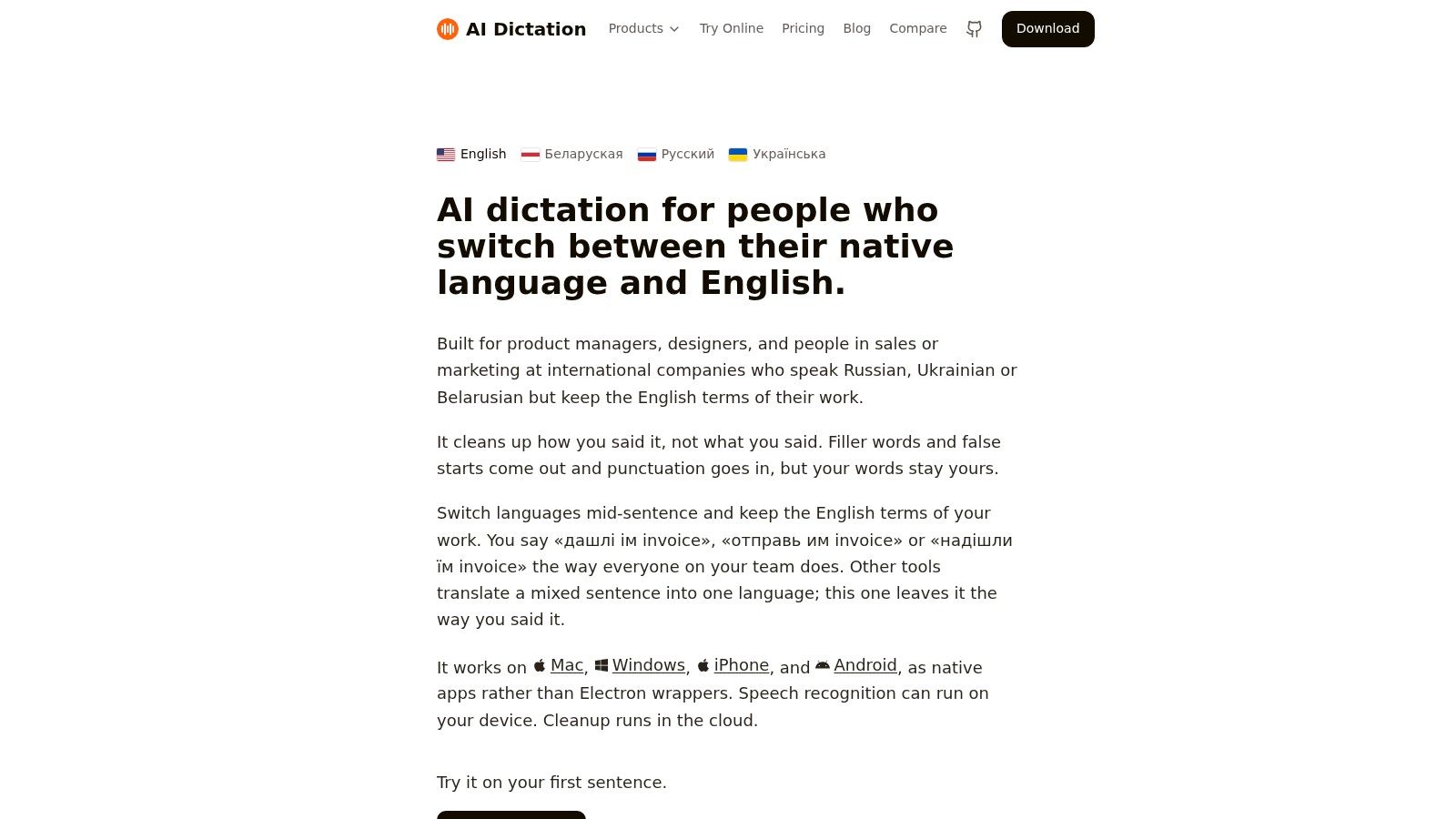
AIDictation is a macOS voice-to-text app for dictating directly into the app where you work. It cleans up speech by adding punctuation, removing filler words, and handling self-corrections, so the result is formatted writing rather than a raw transcript.
Where It Stands Out
Auto Mode selects between on-device recognition and a cloud service. Local Mode runs Parakeet v3 on Apple Silicon, so you can dictate offline with audio kept on your Mac. Cloud Mode adds AI cleanup and app-specific formatting, such as a professional tone for email or a casual style for chat.
A custom dictionary helps with names and technical terms. For audio or video files, meeting recordings, or translation to English, check the plan requirements before choosing a workflow.
Limits to Check Before You Start
The free option includes 2,000 words per month and requires no account. Pro plans offer unlimited dictation, with options billed monthly, annually, or as a lifetime purchase. Setup is straightforward on a Mac, but this is not a browser uploader for transcribing a file from any device. If keeping audio local matters, select Local Mode; cloud features require an internet connection.
2. Riverside
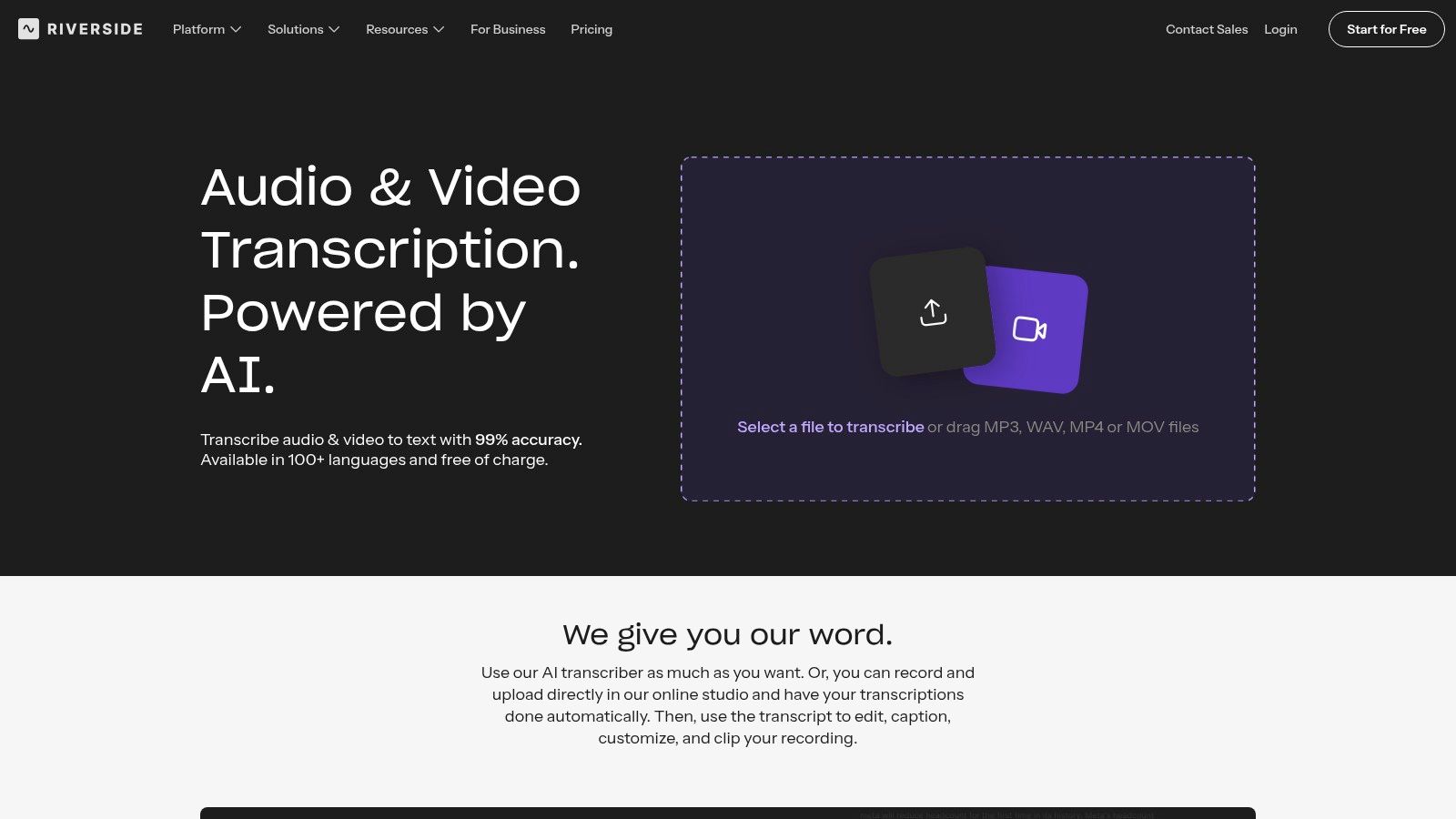
If you want a transcript without creating an account first, start here. Riverside's transcription tool runs in the browser, and its standalone transcriber doesn't require signup. You upload audio or video, get text back, and download a transcript or subtitle file.
That low-friction setup suits interviews, podcasts, and webinars, especially one-off files where installing software would be overkill. Speaker identification helps when two voices trade questions and answers, and support for more than 100 languages covers more than English-only work.
- Best fit: A public recording you need transcribed once, quickly, with subtitle export as a bonus.
- Main constraint: Your file goes to a cloud service, so confidential audio doesn't belong here.
- Watch for scope creep: The wider production and editing platform is more than you need if plain text is the whole job.
I'd use Riverside when the recording is already destined for publication and speed matters more than local control. For a private client call or a clinical conversation, skip the convenience and pick a local option further down this list. The trade-off is clear, and that's what makes it easy to place.
3. TurboScribe
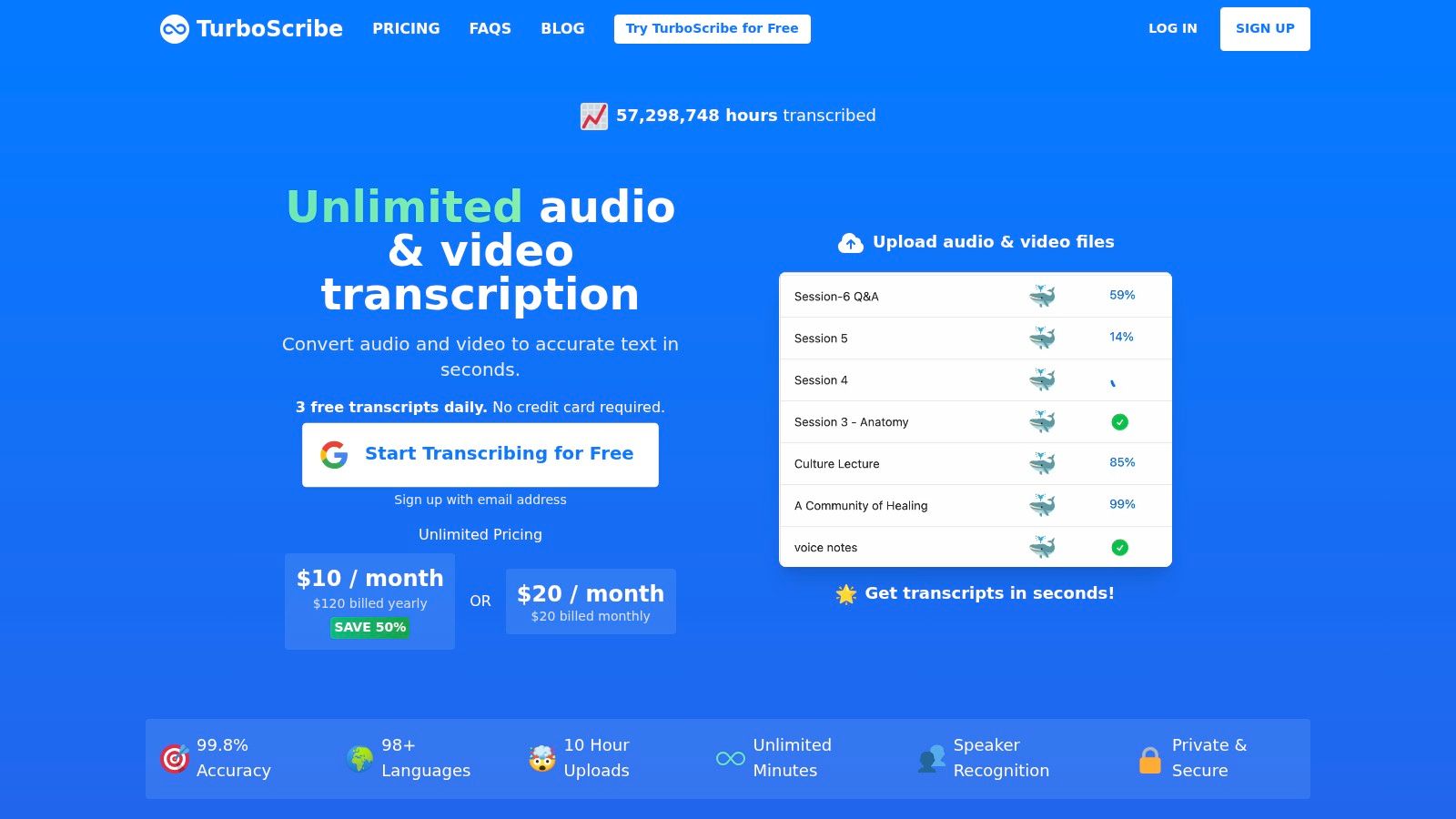
TurboScribe states its free limits plainly, which I prefer to tools that reveal caps after upload. You get up to three files per day, with a maximum of 30 minutes per file. For occasional use, that's a workable allowance. For a daily interview habit, you'll hit the wall fast.
The service is cloud-based and powered by Whisper. It transcribes audio and video, supports more than 98 languages, and offers speaker recognition, transcript translation, and exports for transcripts and subtitles. Several short recordings in a day fit this shape well, say three voice memos or two brief check-in calls.
Practical rule: Split a long recording only if the break points are clean. Chopping mid-sentence to fit a file cap costs you more cleanup time than it saves.
The constraint to respect is privacy. Uploading to a cloud service may not suit confidential recordings, whatever the language support looks like. I'd reach for TurboScribe for short, non-sensitive files in languages that narrower tools don't cover, and I'd plan the day's uploads around that three-file limit rather than discovering it on the fourth file.
4. Otter.ai
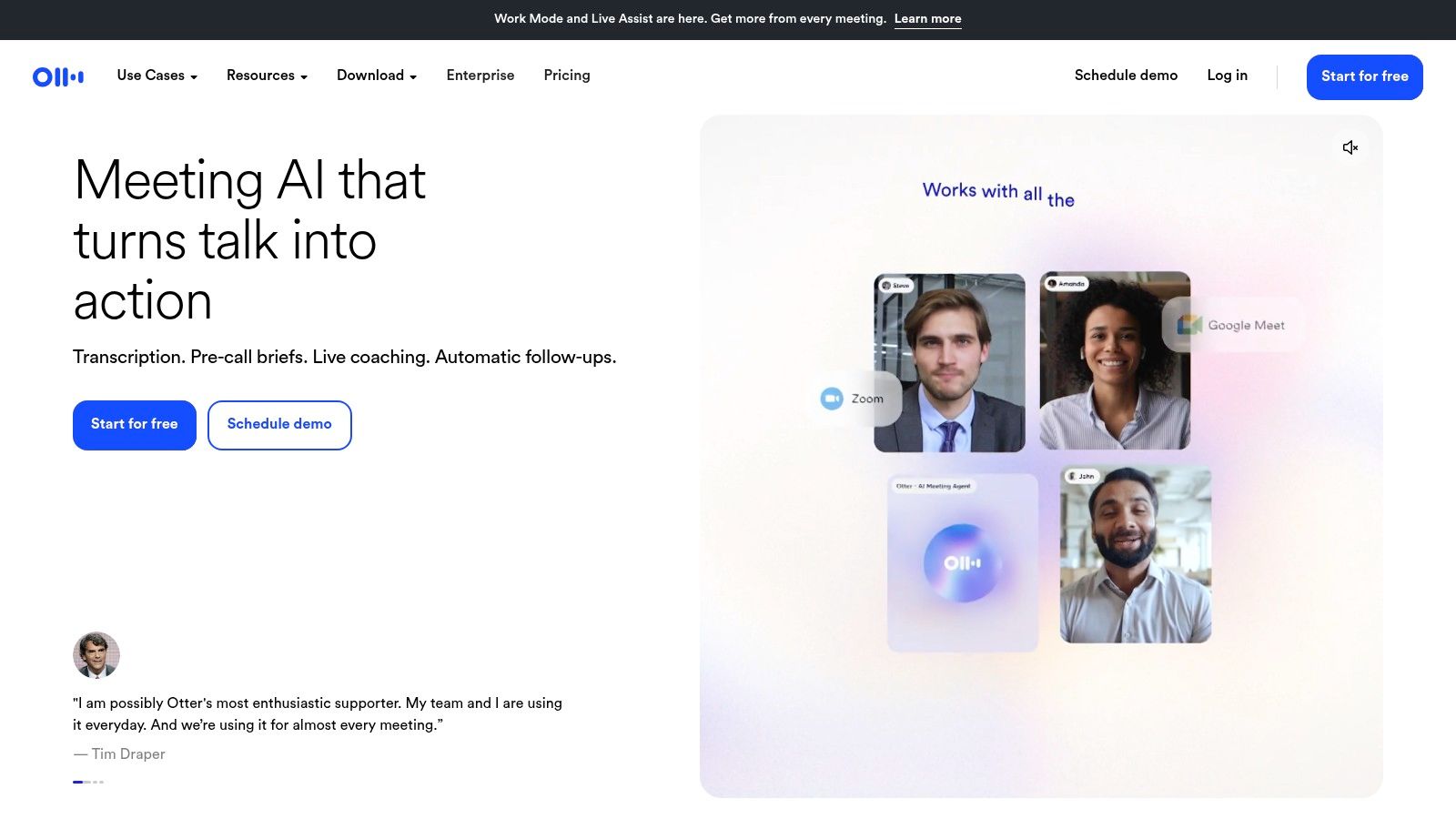
Otter.ai is geared toward meetings. It combines live transcription with uploaded-file transcription, searchable notes, AI summaries, and integrations with Zoom, Google Meet, and Microsoft Teams. That setup suits teams who need meeting follow-ups they can search later, more than people converting a folder of existing recordings.
The free plan is restrictive for batch work: it allows only a few lifetime audio or video imports and limits each conversation or import to a short length. Check Otter's current plan details before planning a batch. Its listed transcription languages are also more limited than some competitors here.
When the Meeting Features Justify the Caps
For a closer comparison of tools built around calls, see this guide to meeting transcription software. Otter makes the most sense when meetings are recorded within its ecosystem. If you already have a large archive of recordings, the free import allowance may not be enough.
5. Notta
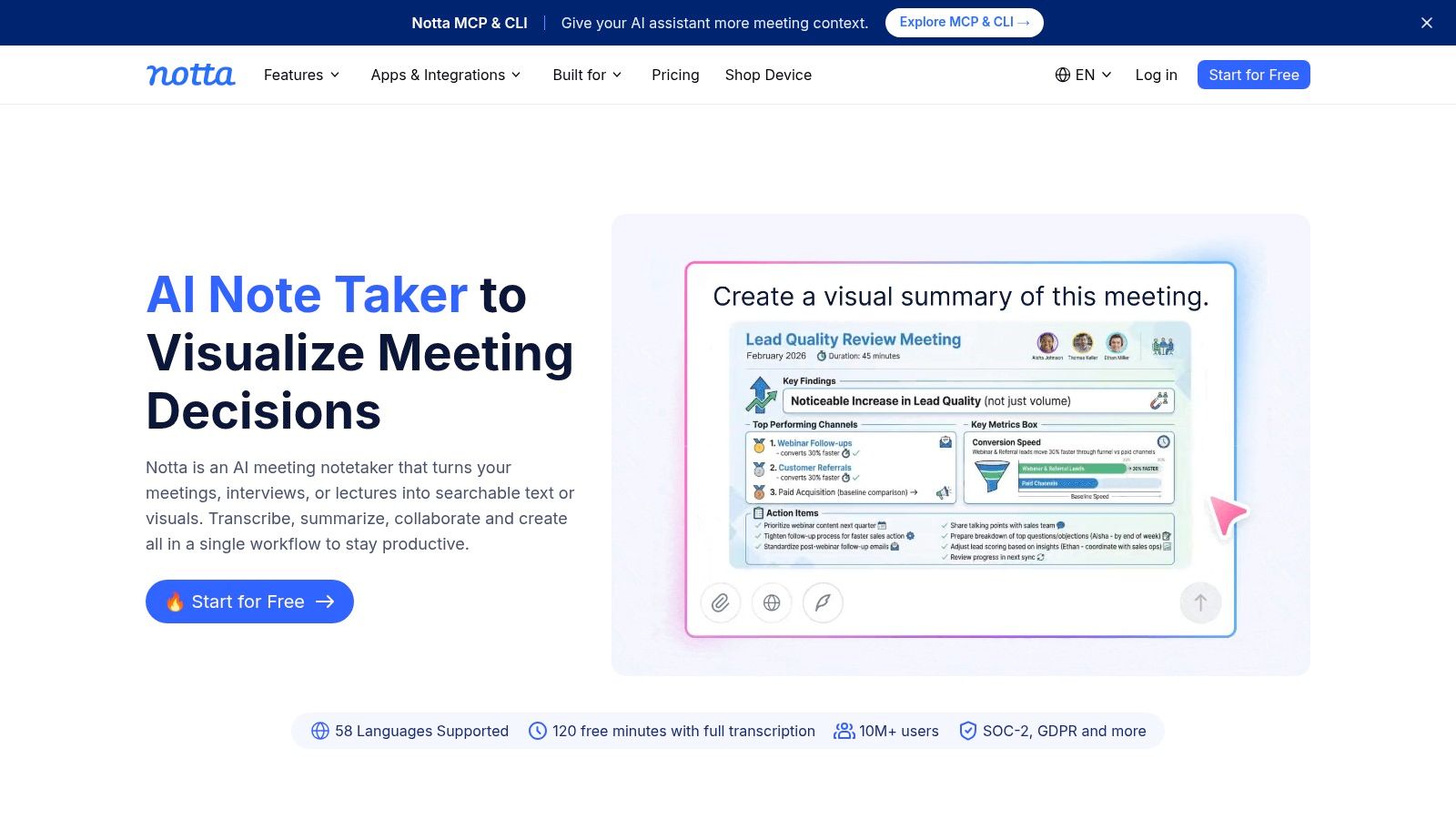
A short voice note and a full interview are different jobs. Notta combines live recording, imported audio and video, and online meetings with transcript exports and speaker-related features. Its browser and mobile apps also organize conversations in one workspace, which can suit readers who want recording, transcription, and notes together.
The free plan includes a monthly transcription allowance and file imports, but limits the length of each free recording. Check Notta's current limits before uploading: the per-recording cap matters more than the monthly allowance if your files run long.
- Setup cost: You need an account and workspace before transcribing.
- Format range: Notta accepts a range of audio and video formats for import.
- Best fit: Short recordings and users who want conversation notes organized in one place.
For a long lecture or interview, verify that the current per-recording limit fits the file before choosing Notta. For brief clips, the workspace features may matter more than the total monthly allowance.
6. MacWhisper
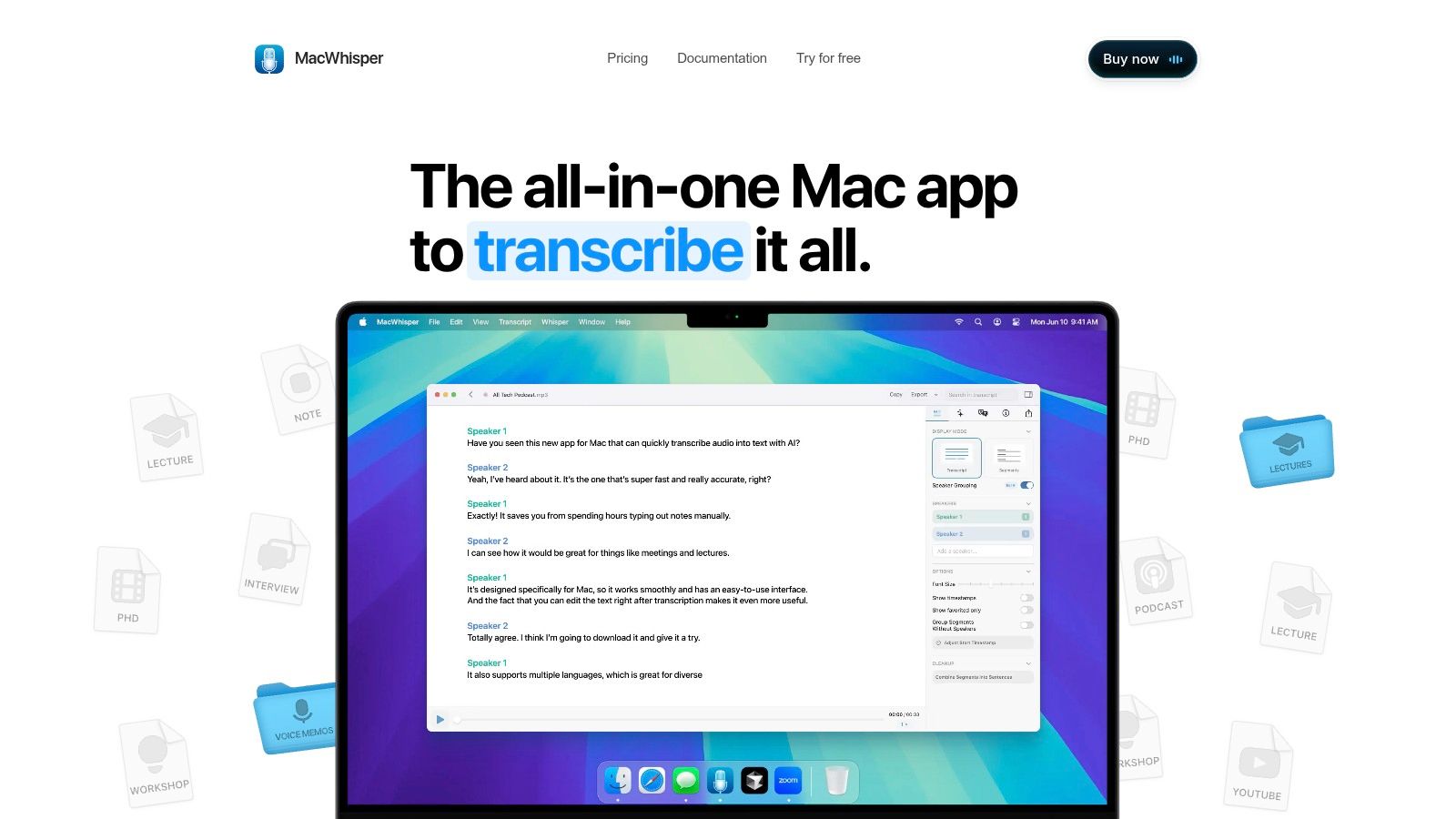
Privacy is the reason to choose MacWhisper. It's a macOS app that transcribes audio and video locally on your Mac, so recordings don't need to go to a web service. For a journalist protecting a source or a clinician handling sensitive conversations, that architecture matters more than any feature list.
That concern isn't abstract. Guidance in the HHS overview of HIPAA and audio-only telehealth underlines that covered entities need reasonable safeguards for protected health information. A local workflow doesn't make you compliant by itself, but it removes one unnecessary disclosure from the chain.
MacWhisper supports common audio and video formats and exports text and subtitle files. A free version is available, while Pro adds options such as batch transcription and speaker recognition. Check which tier holds the workflow you need before you commit a project to it.
The limits are straightforward. It's Mac-only, and free and Pro features differ. If you're on a Mac and weighing your options, our guide on how to transcribe audio to text on Mac compares the local routes in more detail.
7. Vibe
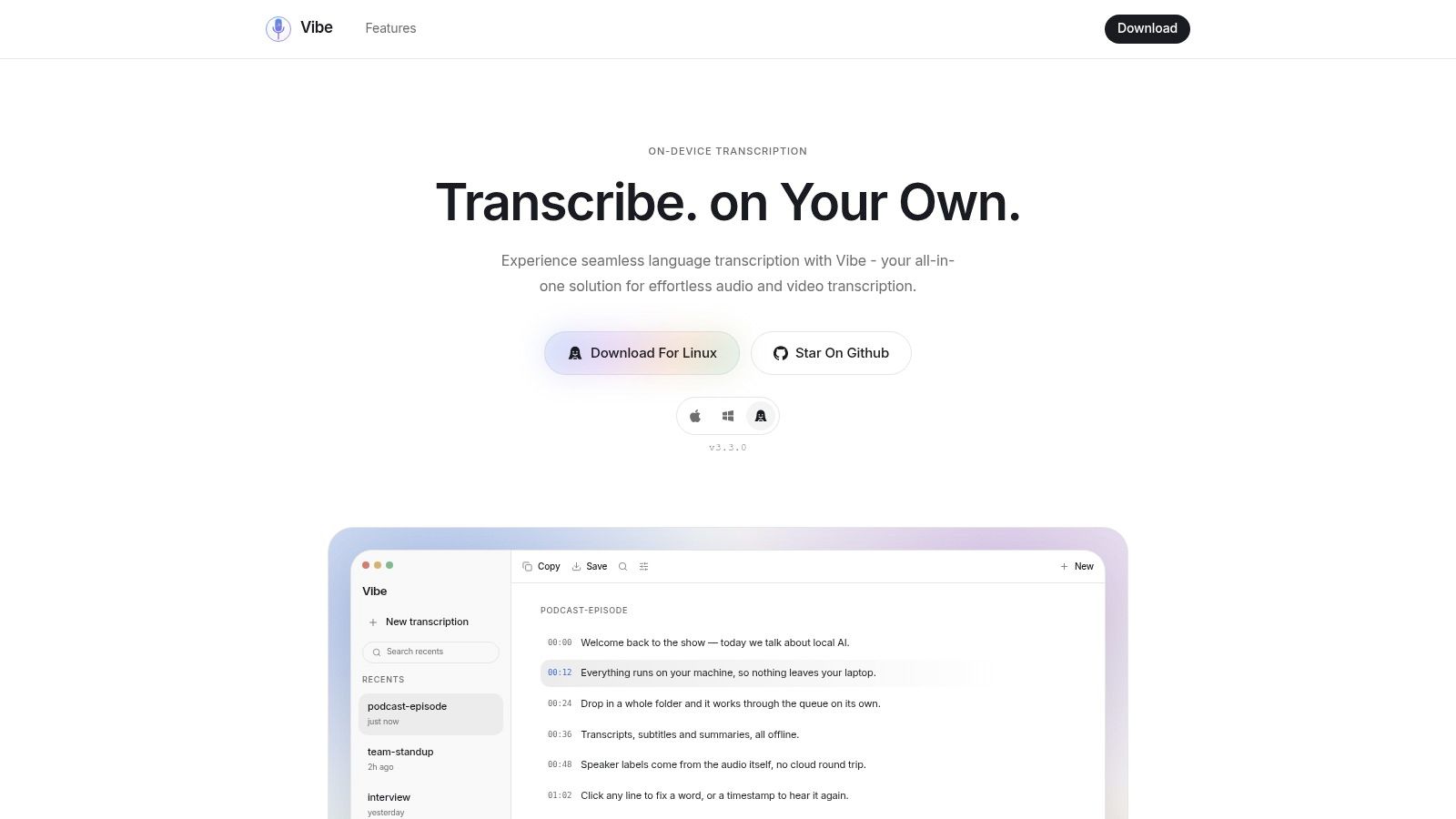
Vibe is the open-source desktop option for people who want local processing without a command line. It's free, works offline, and transcribes audio and video on-device using Whisper models. You install an app, pick a model size, and keep your files on your own machine.
The export list is generous for a free tool. You can output TXT, SRT, VTT, PDF, and JSON, run batch jobs, and work across close to 100 languages. Batch processing matters when you have a semester of lectures or a backlog of research interviews rather than one urgent file.
Model size is a trade-off you control here. Larger models generally handle difficult audio better, and they also demand more from your computer and take longer.
That dependence on your hardware is the main cost. Processing speed and usable model size depend on the machine you own, and installing a desktop app is less turnkey than opening a web uploader. I'd pick Vibe when offline privacy and batch work outweigh setup effort, and I'd run one representative file first to see how your computer handles the model you chose.
8. Descript
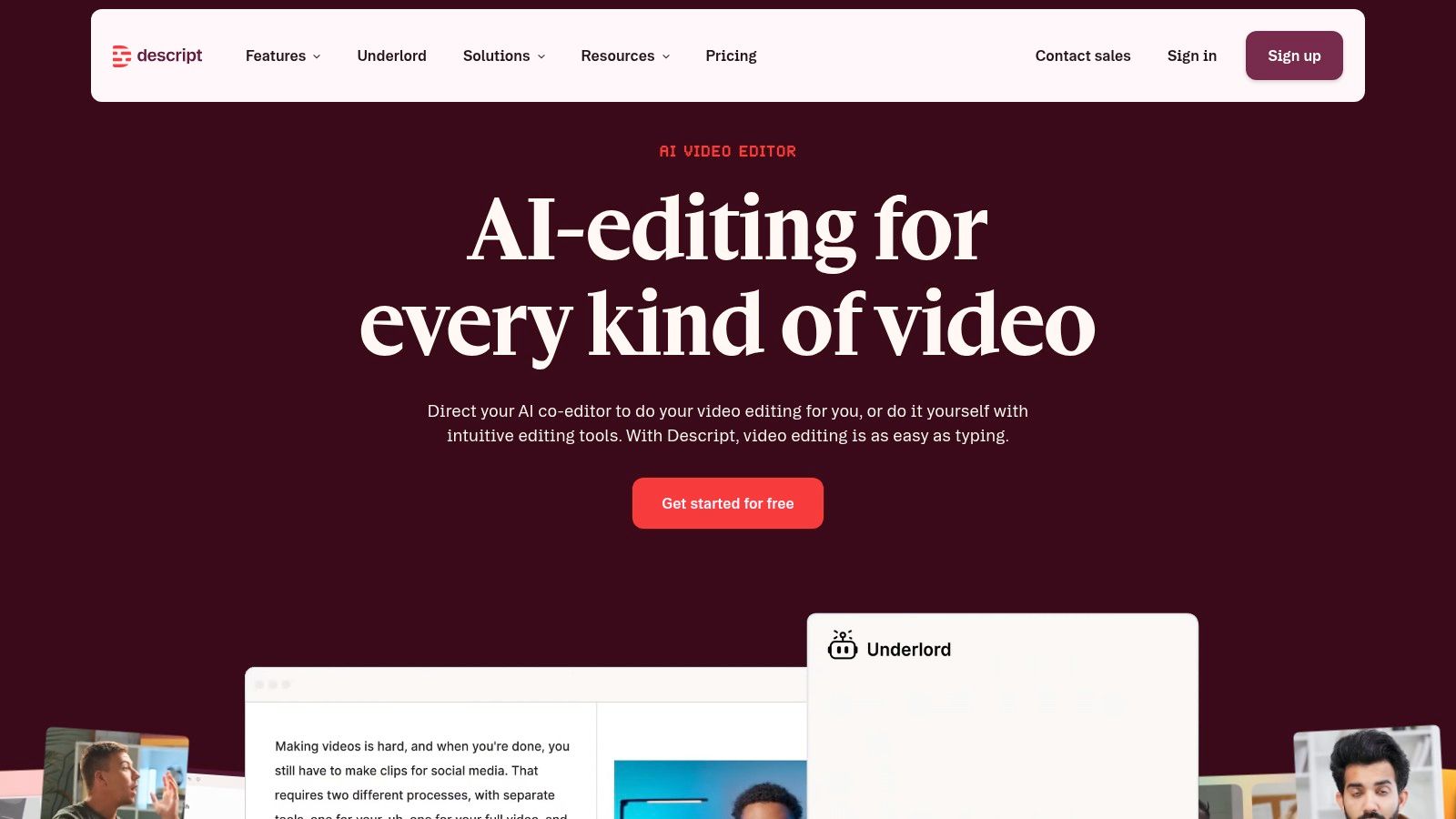
Choose Descript when the transcript is the editing interface, not the end product. It pairs automatic transcription with a text-based audio and video editing workspace, so you cut a recording by deleting words from its transcript. Synchronized captions and transcription in multiple languages sit in the same workspace.
That workflow suits podcasters and video creators producing finished media. Fixing a transcript error and trimming a rambling answer happen in one pass, instead of bouncing between a transcription site and an editor. Our overview of podcast transcription software covers how this category differs from plain converters.
The Free Limit That Shapes It
The free plan is capped at one media hour per month. That's enough to evaluate the editing model on a real episode. It isn't enough to run a weekly show. And if you only need plain text from an interview, the editing workspace is overhead you'll pay for in learning time without any payoff.
I'd recommend Descript to creators who already know the transcript will drive edits and captions. Everyone else gets text faster elsewhere.
9. AssemblyAI Playground
The AssemblyAI Playground isn't a transcript workspace, and judging it as one misses the point. It's a browser tool for testing speech-to-text models on your own audio without writing code. You upload a file, run transcription, and also try speaker identification, summarization, and other speech-understanding options.
That testing role is valuable because headline accuracy claims don't predict your results. A 2025 IEEE study of Southeast Asian-accented air-traffic-control speech found existing systems showed accuracy differences of up to 26.37% across accents. Your speakers, noise, and terminology decide your outcome, so a playground where you can try representative audio earns its place.
- Strength: Evaluating model capabilities and related analysis features quickly.
- Setup: An account or trial may be needed for ongoing use.
- Ceiling: The free tier has limited credits, and it isn't built for organizing, editing, and exporting transcripts as a personal workspace.
Use the Playground to answer a specific question about how a model handles your audio. Then move the actual production work to a tool designed for managing finished transcripts.
10. OpenAI Whisper
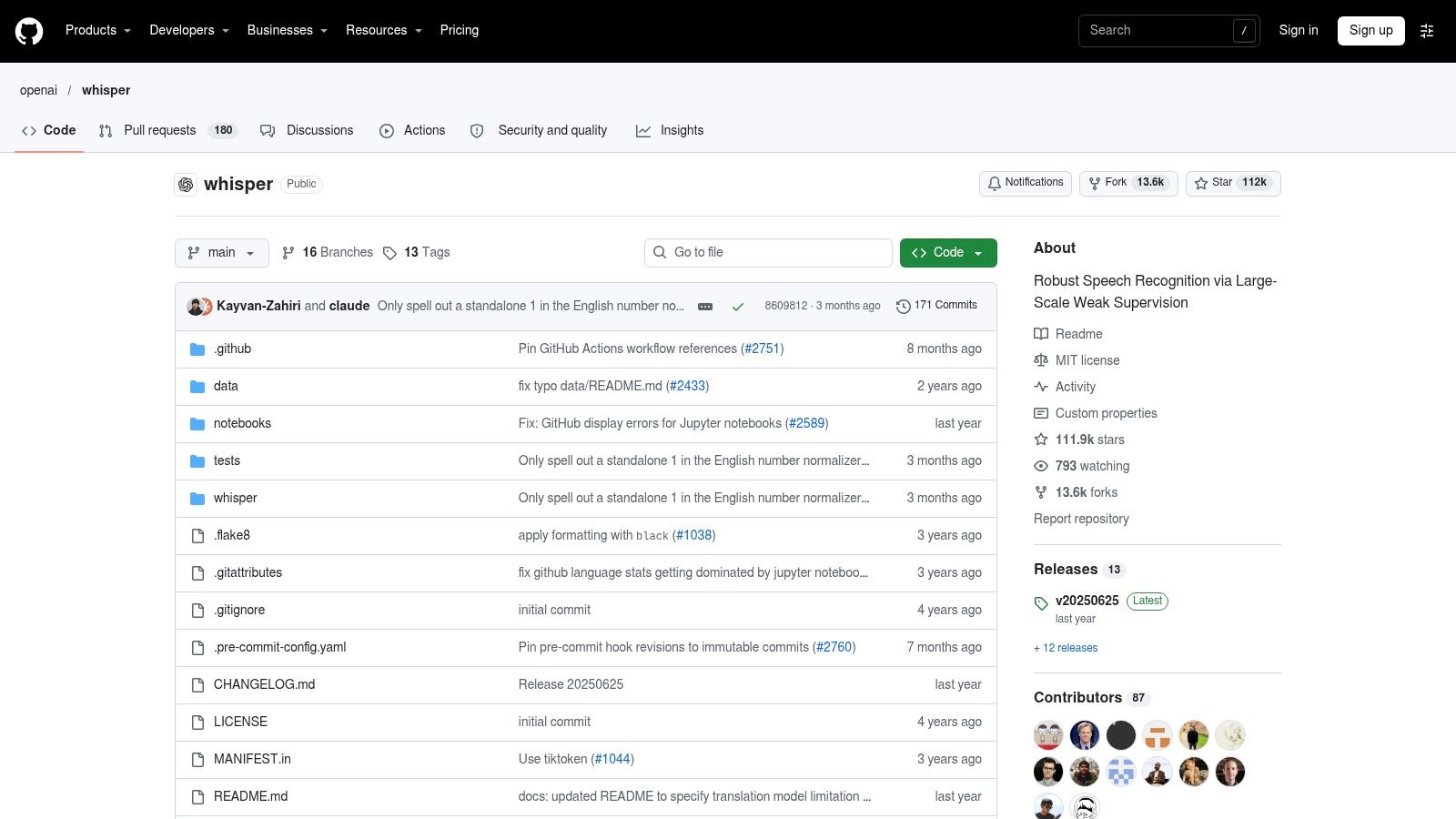
OpenAI Whisper is the fully self-controlled route. It's an open-source speech-recognition model and codebase you install and run locally, with no subscription or per-transcript fee for local use. You decide where files are processed, and you can adapt it to different workflows, including multilingual transcription and translating speech into English.
The cost shows up as effort instead of money. Setup is more involved than any browser tool here. You install dependencies, manage outputs yourself, and accept that transcription speed depends on your computer. If that sentence reads as a warning rather than a project, choose Vibe or MacWhisper for a packaged local experience instead.
Set expectations about audio quality before you blame the model. A 2024 study in Frontiers in Communication found Whisper correctly transcribed only 50% of the speech material in poor-quality, forensic-like audio, while several systems reached 96% accuracy on good-quality recordings. Clean input matters more than tool loyalty.
Before a big batch: Transcribe a two-minute sample with your worst speaker and your hardest technical terms. That result tells you more than any benchmark.
How the free options compare on limits, offline use, and account requirements
Free plans differ most in their caps, whether they process files locally, and whether you need to register. The table keeps those trade-offs side by side. AIDictation offers 2,000 words per month free and a separate 5,000-word free trial.
| Item | Free limit | Works offline | Account needed | Best for |
|---|---|---|---|---|
| AIDictation | 2,000 words/month free, plus a 5,000-word free trial | Yes, in Local Mode | No account required for the free allowance | Mac dictation with local processing available |
| Riverside | Free standalone transcriber; no specific usage limit stated | No, cloud-based | No | Interviews, podcasts, and video recordings |
| TurboScribe | 3 files per day, up to 30 minutes per file | No, cloud-based | Not specified | Transcribing several short recordings |
| Otter.ai | 3 lifetime imports; up to 30 minutes per conversation or import | No, cloud-based | Yes | Meeting transcription, notes, and follow-up |
| Notta | 120 minutes/month, up to 50 imports; 3 minutes per recording | No, cloud-based | Yes | Short recordings and meeting capture |
| MacWhisper | Free tier available | Yes, local processing | Not specified | Local transcription on Mac |
| Vibe | Free, with no specific usage limit stated | Yes | Not specified | Offline, private batch transcription |
| Descript | 1 media hour per month | No, cloud-based | Yes | Creators editing audio or video from transcripts |
| AssemblyAI Playground | Limited credits | No, browser-based upload | May be needed | Testing transcription models and speech-analysis features |
| OpenAI Whisper | No per-transcript fee for local use | Yes, after local installation | No account required for local use | Technical users who want a customizable local transcription setup |
Match the Free Tool to the Recording Before You Upload Anything
Start with the recording, not the ranking. A short public clip belongs in a browser uploader like Riverside or TurboScribe, where no install and a stated daily cap keep things simple. A recurring call that needs searchable notes and summaries belongs in a meeting tool like Otter or Notta, as long as you've read the per-recording limits first. Confidential audio belongs in a local app or open-source install, meaning MacWhisper, Vibe, or Whisper itself, where the file stays on your machine. An editing suite like Descript earns its complexity only when the transcript will drive cuts and captions in finished media.
That decision order protects you from the most common mistake, which is optimizing for free while ignoring where your audio goes. A zero-cost cloud workflow can create confidentiality exposure that outweighs its price. Before any upload, ask whether processing happens locally or on a vendor's servers, how long files are retained, and who can access them. If you can't answer those questions for a sensitive recording, don't upload it.
Check current limits on the day you work, because free allowances change and the cap you remember may not be the cap you get. Then test accuracy on a short representative clip before committing a long file. Include the accents, background noise, overlapping voices, and self-corrections your real audio contains, because clean demo conditions flatter every tool. After transcription, budget a cleanup pass for names and technical terms, since those errors carry the highest cost in clinical notes, research interviews, and engineering documentation.
Usage patterns suggest this won't stay a niche need. SpeechTech Magazine reporting on 2024 voice-technology research notes that 44% of surveyed Americans used voice-to-text for email, messaging, or content creation at work. Wider evaluation is also getting more rigorous, as the 2024 State of ASR benchmark from Rev tested nine providers across more than 13 hours of news, legal, noisy, far-field, and telephony audio. The practical lesson for you is unchanged. Your own two-minute test on your own audio beats any leaderboard.
If you'd like a different comparison angle, you can also compare recording apps with transcription that capture and transcribe in one step. For Mac users who'd rather dictate in the app where they already work, AIDictation's free tier is a practical option to try, and we don't use your audio to train our own AI models. Whatever you pick from this list, let the file length, the privacy stakes, and the setup you're willing to do make the decision. Those three constraints will point you to the right tool faster than any feature checklist.
If you dictate in one language and drop English work terms into the same sentence, or you want clean text inside the apps you already use, AIDictation is built for exactly that, with filler removal, punctuation, custom vocabulary, and an on-device mode for private work. Try the free trial on a real dictation today and see how the cleanup handles your names, accents, and technical terms before you commit to anything.
Frequently Asked Questions
What does 10 Best Ways to Transcribe Audio to Text Free in 2026 cover?
You have a 50-minute interview on your phone, the client details in it aren't public, and the written version is due tomorrow morning. A search for ways to transcribe audio to text free gives you dozens of results, but most of them hide the detail that decides whether they'll work for you.
Who should read 10 Best Ways to Transcribe Audio to Text Free in 2026?
10 Best Ways to Transcribe Audio to Text Free in 2026 is most useful for readers who want clear, practical guidance and a faster path to the main takeaways without guessing what matters most.
What are the main takeaways from 10 Best Ways to Transcribe Audio to Text Free in 2026?
Key topics include Table of Contents, 1. AIDictation, Where It Stands Out.
Ready to try AI Dictation?
Experience fast voice-to-text on your device. Free to download.
Download FreeRelated Posts
Email Dictation Software: What It Is and How to Choose
Learn what email dictation software is, how it works, and how to pick the right one. Covers accuracy, privacy, HIPAA, accents, and real buyer checklists.
Choosing a Medical Dictation App for Clinical Work
Compare medical dictation apps on HIPAA compliance, on-device vs cloud, medical vocabulary accuracy, EHR integration, and pricing to find the right fit.
Free Audio to Text Tools: 10 Options Compared for 2026
Compare 10 free audio to text tools: built-in recorders, free apps, offline models, and cloud APIs, with privacy and accuracy trade-offs.