10 Team Collaboration Tools for Every Workflow
Most advice about team collaboration tools starts with a platform and works backward. That's the wrong order. A team that mainly needs quick decisions, a team that needs airtight project tracking, and a team that lives in documentation shouldn't buy on the same criteria just because one vendor offers chat, meetings, docs, and AI in one menu.
The better question is simpler. What job must the tool handle every day without friction? Communication speed matters if teams need rapid coordination. Document ownership matters if knowledge has to survive staff turnover. Project visibility matters if work crosses functions. Workflow specialization matters if product, clinical, or engineering teams need precision that a general chat tool won't provide. Then come the harder trade-offs: integrations, admin controls, security posture, pricing complexity, and the effort required to get people to use the thing consistently.
That lens matters because this category is no longer niche. One market report projects the team collaboration tools market will grow from USD 20.86 billion in 2025 to USD 42.2 billion by 2031, with cloud deployment representing 72.17% of the market in 2025 and communication-and-coordination tools holding a 41.29% share of software type demand, according to Mordor Intelligence's team collaboration tools market analysis. Growth, though, doesn't mean any single platform solves coordination overload.
If you're mapping tools to actual operating needs, it helps to separate chat from project execution, documentation from workshops, and voice capture from everything else. That's also where products like AIDictation fit. Instead of trying to replace your main workspace, it turns meetings and spoken ideas into usable written assets that can feed the rest of your stack. If you're also reviewing broader process tooling, this guide to features of workflow management software is a useful companion.
Table of Contents
- 1. AIDictation
- 2. Slack
- 3. Microsoft Teams
- 4. Google Workspace
- 5. Notion
- 6. ClickUp
- 7. Asana
- 8. monday.com
- 9. Atlassian Confluence
- 10. Miro
- Top 10 Team Collaboration Tools, Feature Comparison
- Build a Collaboration Stack That Teams Will Actually Use
1. AIDictation
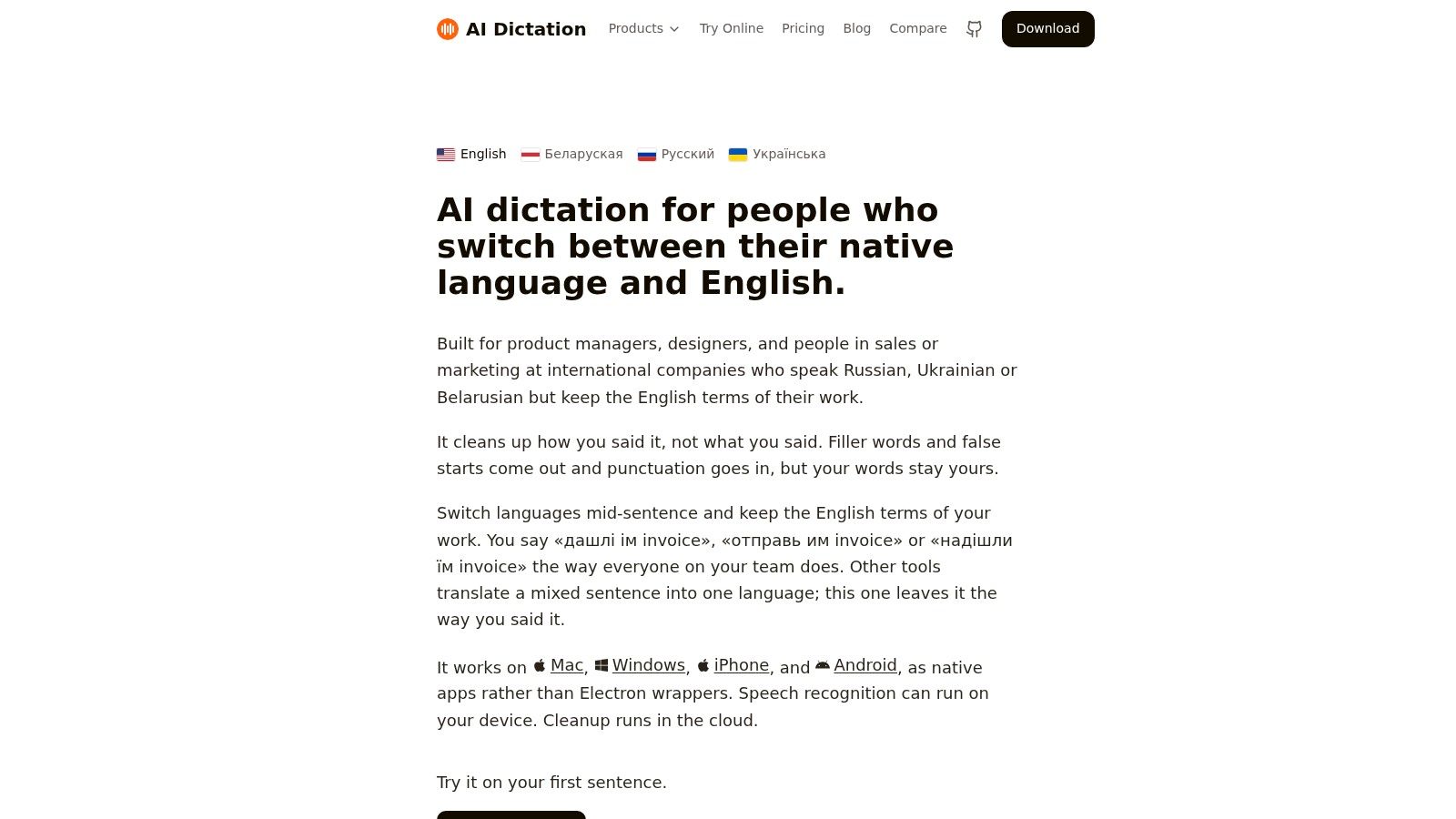
AIDictation is the specialist on this list. It doesn't try to become your chat hub, wiki, or task database. It handles a narrower but important job: capturing spoken work and turning it into clean writing that teams can reuse.
That makes it unusually practical for product managers dictating specs, developers drafting comments or handoff notes, clinicians capturing observations, and multilingual professionals who switch languages mid-sentence. In many teams, the collaboration failure happens before work reaches Slack, Teams, Notion, or Confluence. Notes are incomplete, action items are vague, and context gets lost between the meeting and the written record.
Where it fits best
AIDictation runs across Mac, Windows, iPhone, and Android, with three working modes that create a clear trade-off between privacy and polish. Local Mode runs on Apple Silicon for on-device dictation. Cloud Mode adds AI cleanup, including punctuation, grammar fixes, filler-word removal, and formatting. Auto Mode chooses the engine for you.
That setup is more useful than it first sounds. Some teams need instant offline capture on a personal device. Others need the cleanest possible meeting summary or draft email. AIDictation lets one product cover both ends without forcing the same workflow on every user.
Practical rule: Use AIDictation when the collaboration bottleneck is turning speech into dependable text. Don't use it as a substitute for your system of record.
Its strengths are specific:
- Mixed-language preservation: It's built for bilingual and multilingual dictation, including preserving embedded English work terms instead of flattening them into a single-language output.
- Writing cleanup: Cloud processing can turn rough speech into paragraphs, lists, or messages that are close to send-ready.
- Context tuning: Custom dictionary and context rules help with names, terminology, and app-specific tone.
AIDictation also supports meeting recording and transcription, which makes it a practical bridge between live conversation and durable documentation. Teams that want a cleaner handoff from meeting to written artifact can use its guide to meeting transcription and summary workflows.
Trade-offs and fit
This isn't the right primary choice for organizations that need deep admin governance, broad enterprise controls, or a full collaboration suite. The product is strongest as a layer inside a larger stack, not as the center of one.
Pricing is straightforward by comparison with many enterprise tools. AIDictation offers a free tier, and its published paid pricing starts at $8.49/month or $84.99/year on AIDictation's website. Paid options add unlimited dictation and broader transcription capabilities. The implementation effort is low for individual users and moderate for teams that want shared terminology standards.
For healthcare, legal, or other sensitive workflows, teams should validate compliance requirements directly before rollout. The privacy-minded local mode is attractive, but governance needs vary by organization.
2. Slack
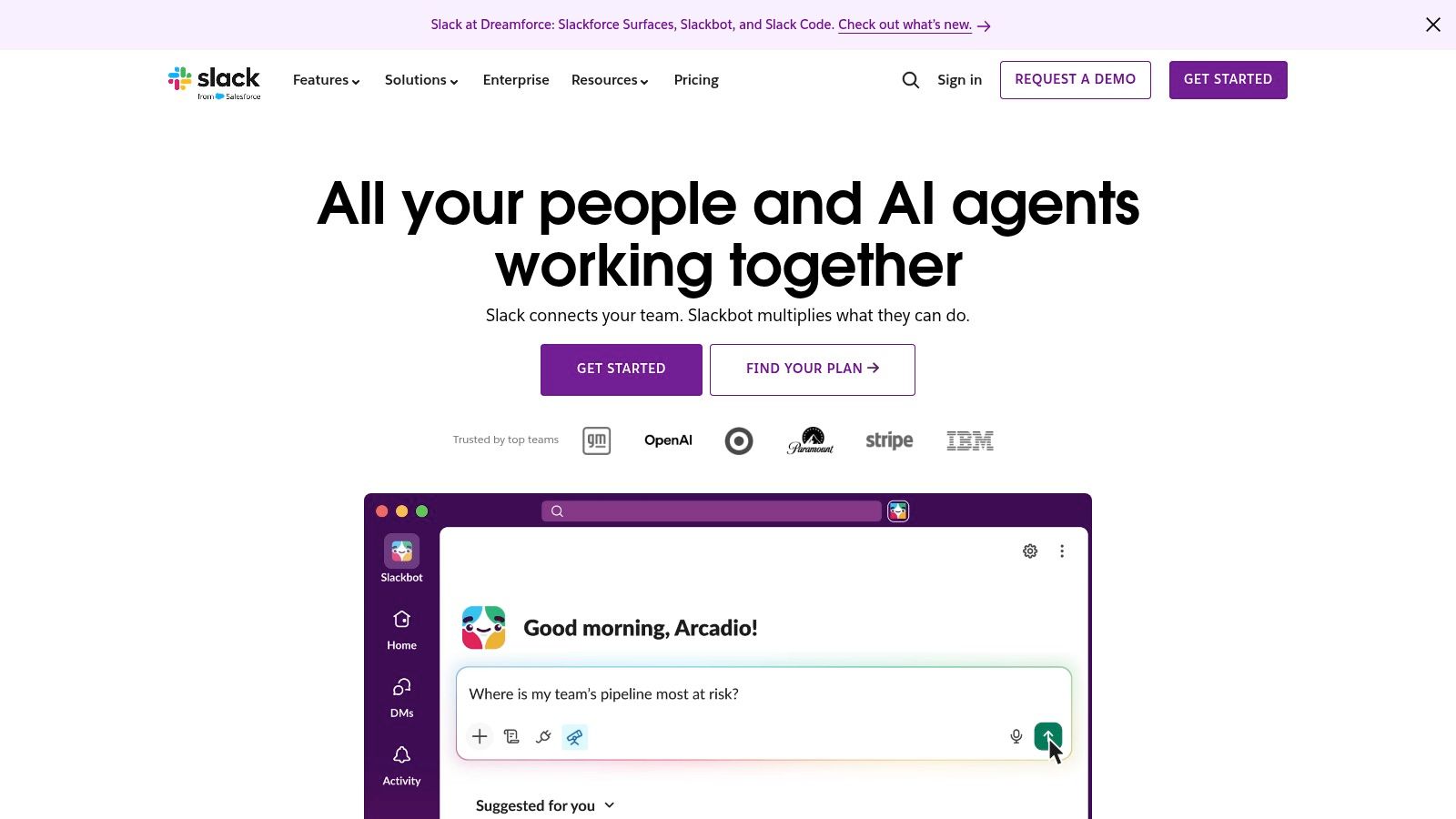
Slack is still one of the clearest choices when the primary job is fast, channel-based communication across functions. It's best for teams that need searchable discussion, fast escalation, and a broad app ecosystem that pushes updates into one place.
Its strengths are familiar but still important. Channels create topic boundaries. Slack Connect supports work with external partners. Huddles, clips, and workflow automation reduce some of the friction that would otherwise force a formal meeting.
Best fit by workflow
Slack works well for small and mid-sized teams that need speed more than rigid process. It also scales into larger organizations, but only if admins and team leads enforce naming conventions, posting norms, and notification discipline. Without that, Slack becomes a stream of interruptions rather than a coordination layer.
The key trade-off is governance versus noise. Slack is easy to adopt because people already understand chat. That same ease makes it easy to create too many channels, too many alerts, and too much duplicated decision-making.
- Choose Slack if: Your team coordinates across sales, product, support, and operations all day.
- Be cautious if: Your work depends on formal document control, strict records policies, or heavy task dependency management.
- Plan for: Channel architecture, app governance, and message retention decisions before broad rollout.
Slack's integration breadth remains a major reason buyers choose it. But in practice, that benefit only pays off when teams decide which alerts belong in Slack and which should stay inside the source application. Otherwise, integrations just move noise from one interface to another.
For platform details and plan options, use Slack's official site.
3. Microsoft Teams
Microsoft Teams is strongest when collaboration sits inside a broader Microsoft 365 operating model. If your files live in SharePoint and OneDrive, your identities live in Microsoft Entra ID, and your employees already use Outlook and Office daily, Teams can reduce stack sprawl better than most rivals.
That advantage didn't appear overnight. Microsoft's 2009 launch of the Business Productivity Online Suite marked an early shift from desktop-only office software toward cloud-hosted collaboration, combining Office apps with Exchange Online, SharePoint Online, online messaging, meetings, and calling, as summarized in this collaboration software history and adoption overview.
Where Teams wins
Teams combines chat, channels, meetings, calling, webinars, file collaboration, and administrative controls in one environment. It's a practical fit for regulated or governance-heavy organizations that want single identity, centralized policy control, and fewer disconnected vendors.
It's also hard to ignore the platform's scale. Microsoft Teams has more than 320 million monthly active users and is used by over 1 million organizations worldwide, according to this Teams usage summary. That scale doesn't prove it's best for every team, but it does signal maturity, broad organizational familiarity, and a large hiring market of people who already know the product.
Teams usually works best when you buy into the Microsoft operating model, not when you treat it as a standalone chat app.
The main downside is complexity. Teams can do a lot, but that means setup choices around file structure, permissions, meeting policy, telephony, guest access, and retention can get complicated fast. Smaller teams often underuse it. Large organizations often need dedicated admin ownership to avoid workspace sprawl.
For teams that already meet in Teams and want cleaner records afterward, AIDictation's guide to how to transcribe a Teams meeting is a useful operational add-on.
For product details, use Microsoft Teams.
4. Google Workspace
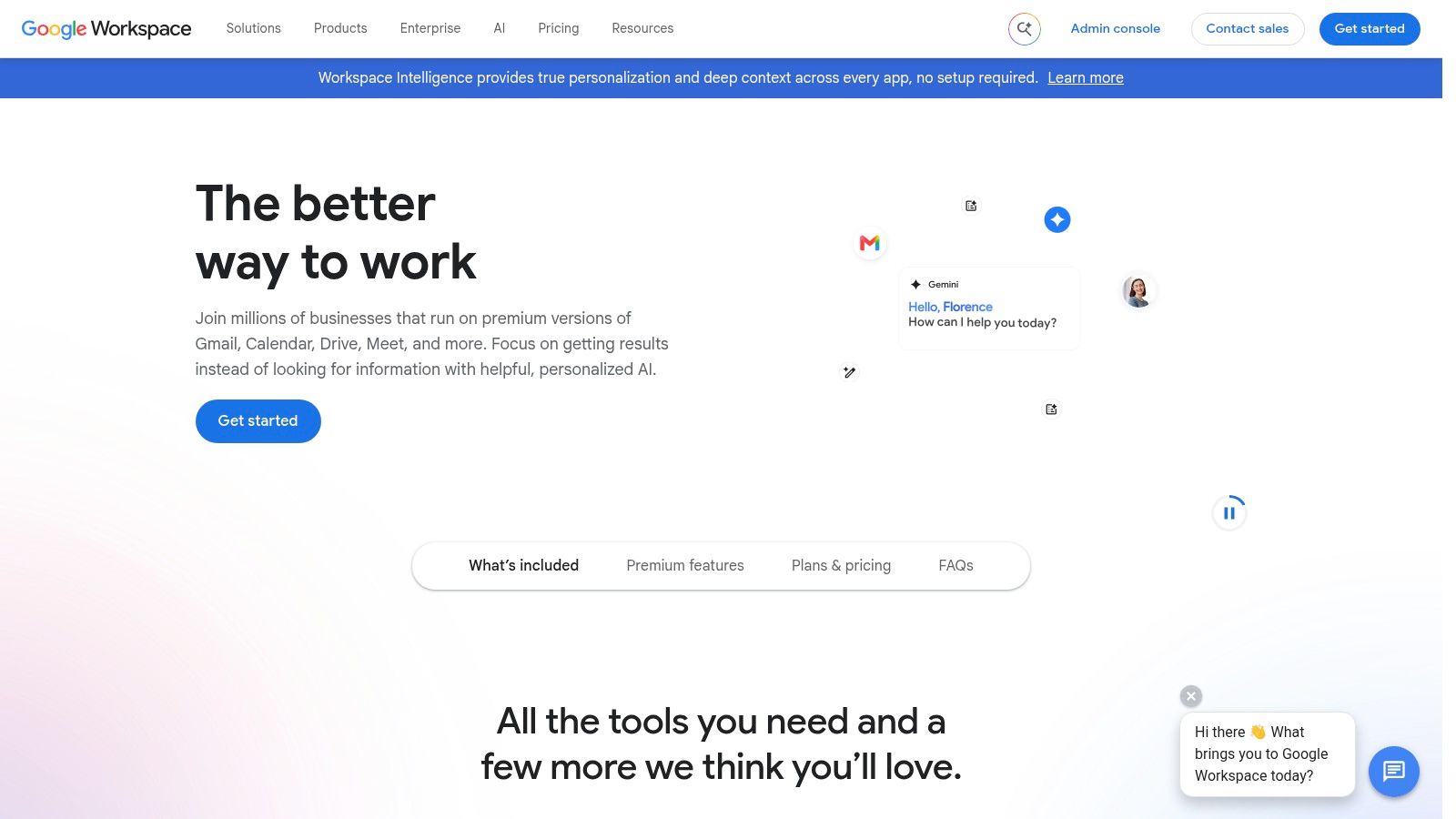
Google Workspace is the best option on this list when document collaboration is the center of the workflow. Real-time co-authoring in Docs, Sheets, and Slides is still the benchmark for teams that need people editing the same asset at the same time with minimal friction.
That makes Workspace a strong fit for startups, professional services teams, agencies, education environments, and any group that works more in shared documents than in formal project systems. Chat, Spaces, Meet, Calendar, and Drive are useful, but the suite's real power is that written work stays fluid and easy to share.
The document-first stack
Google Workspace works especially well for small and medium teams that need low-friction adoption. New users generally understand the model quickly. External sharing is usually simpler than in more locked-down enterprise ecosystems, which helps teams that work with contractors, clients, or partner organizations.
The trade-off is that Chat and Spaces don't provide the same level of communication structure many teams expect from Slack, and Workspace won't replace a serious work management platform for teams running complex dependencies.
A practical way to evaluate it:
- Best for: Teams whose main output is proposals, research, briefs, spreadsheets, and presentations.
- Less ideal for: Organizations that want one place for advanced portfolio management, dense threaded chat workflows, or strict enterprise records architecture.
- Implementation effort: Low for basic use, moderate if you need stronger admin controls and migration planning.
Google's stack also pairs well with voice capture. If your team drafts heavily in Docs, AIDictation's walkthrough on using voice recognition in Google Docs shows where dictation can speed up first drafts, notes, and revisions.
For platform specifics, visit Google Workspace.
5. Notion
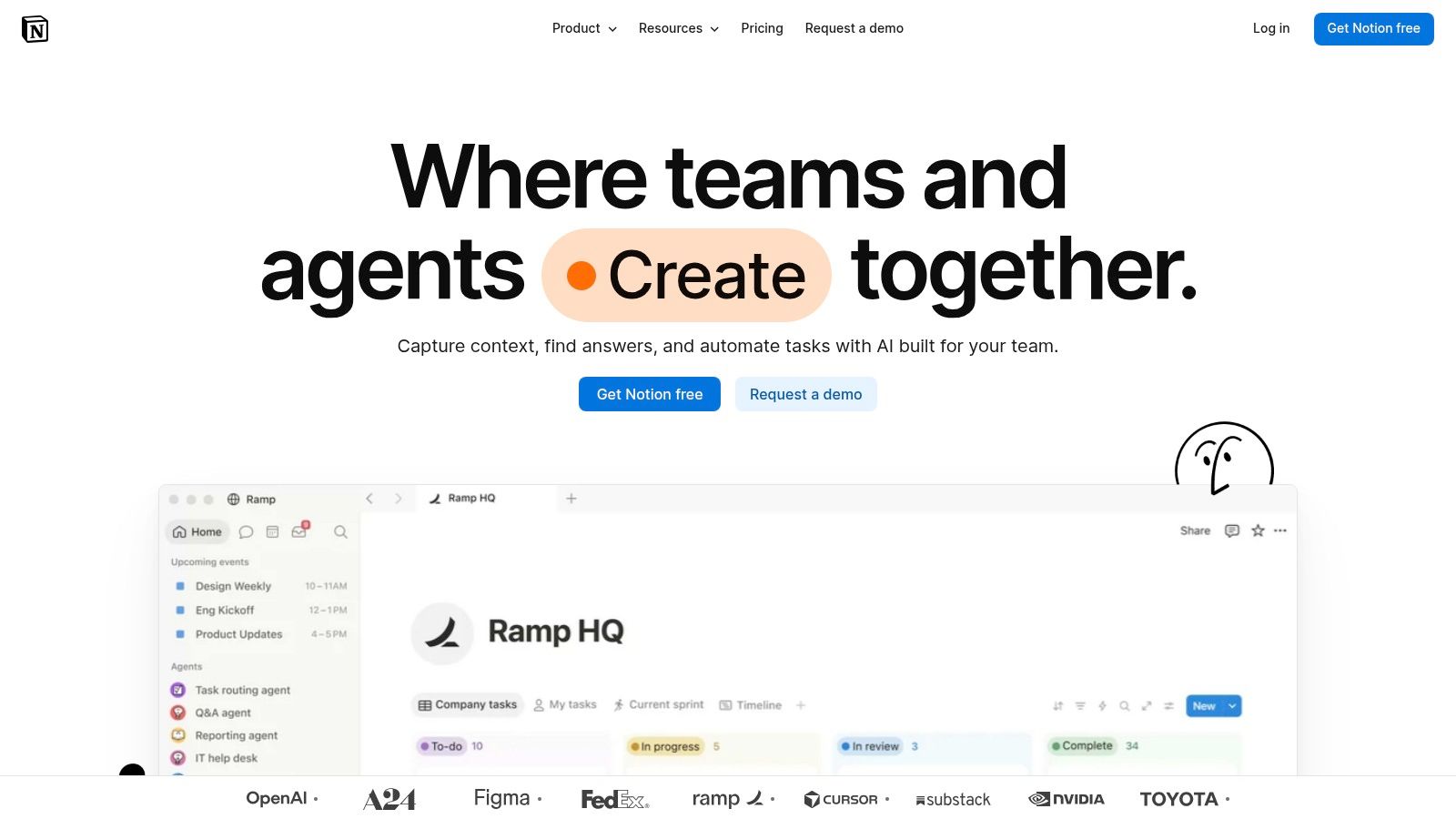
Notion is a strong choice when the job is shared documentation with lightweight execution attached. It sits between a wiki, a note system, a database builder, and a simple project workspace. That combination makes it attractive to product, operations, startup, and knowledge-heavy teams that want one place for specs, SOPs, meeting notes, and planning boards.
Its appeal is flexibility. Teams can build structured teamspaces, linked databases, views, forms, and internal portals without buying a separate wiki and task tool on day one. That often reduces tool sprawl early.
The upside and the governance risk
Notion works best when one team owns structure. Without page templates, naming rules, and clear permission patterns, flexibility turns into clutter. Teams that love Notion usually invest in workspace design. Teams that dislike it often skipped that step.
A less obvious reason to consider Notion is the shift toward written, asynchronous collaboration. A recent study discussed in this paper on collaborative tools in hybrid workplaces highlights that hybrid collaboration depends on both synchronous and asynchronous communication, and that ease of use across asynchronous messaging and collaborative writing tools can vary. That matters because Notion's value isn't just storing notes. It's helping teams turn scattered discussion into durable text.
- Good fit: Product specs, internal documentation, research repositories, handbooks, and lightweight project planning.
- Weak fit: Teams needing advanced task dependencies, complex resource planning, or standardized enterprise content governance without customization effort.
- Adoption note: Expect a stronger rollout if you ship templates before inviting everyone in.
For teams that already communicate elsewhere but need a better written system of record, Notion is one of the cleanest upgrades.
For current features and plans, see Notion.
6. ClickUp
ClickUp is for teams that want work execution to be the center of collaboration. If Slack is a communication layer and Notion is a documentation layer, ClickUp is a work management layer that tries to absorb as much surrounding collaboration as possible.
Tasks, hierarchies, docs, whiteboards, chat, forms, dashboards, automations, goals, and reporting all live in one product. That's attractive for teams that are tired of stitching together separate tools for planning, execution, and reporting.
Where ClickUp earns its complexity
ClickUp fits operations, product, marketing, PMO, and cross-functional delivery teams that need visibility into owners, timelines, dependencies, and workload. It's also attractive to budget-conscious organizations that want broad functionality without enterprise suite pricing from multiple vendors.
The trade-off is implementation effort. ClickUp gives teams many ways to model work. That flexibility means someone has to decide which fields, statuses, hierarchies, and views are standard. Without that discipline, the platform can feel heavy.
The right way to adopt ClickUp is narrow first. Pick one workflow, one team, and one reporting model before expanding.
A useful way to think about fit:
- Choose ClickUp when: Project execution is your main coordination problem.
- Avoid making it your chat replacement: Built-in communication helps, but most organizations still pair it with a stronger messaging tool.
- Budget carefully: AI features and additional capabilities can complicate cost forecasts.
For organizations that want one work OS rather than a loose collection of point tools, ClickUp deserves serious consideration. For organizations that mainly need simpler communication or document collaboration, it may be more platform than they need.
Product details are on ClickUp's website.
7. Asana
Asana is the most balanced option here for structured cross-functional planning without the heavier feel of a full work operating system. It's especially good at turning fuzzy initiatives into visible plans with owners, due dates, approvals, and portfolio-level reporting.
That makes it a strong fit for marketing, operations, product launches, internal programs, and multi-team initiatives where leadership needs visibility but contributors don't want a technical setup.
Why teams pick Asana
Asana's core advantage is clarity. Timelines, boards, forms, approvals, workload views, goals, and portfolios help teams see what's moving, what's blocked, and who owns what. It also tends to be easier for non-technical teams to adopt than tools that expose too much configuration upfront.
The limitation is that value depends on consistency. If one department uses Asana rigorously and another keeps decisions in email or chat, reporting quality drops quickly. Asana works best as a planning standard, not just as an optional task list.
- Best for mid-sized and larger cross-functional teams: Especially where campaign, launch, or program work spans many contributors.
- Less ideal for engineering-heavy issue tracking: It can support product work, but code-centric teams often prefer tools tied more directly to dev workflows.
- Governance need: Moderate. Teams need shared conventions, but not usually a deep platform admin function.
Asana is often the right answer for organizations that don't need every collaboration mode in one tool. They need dependable execution and visibility. Asana does that well.
For product information, visit Asana.
8. monday.com
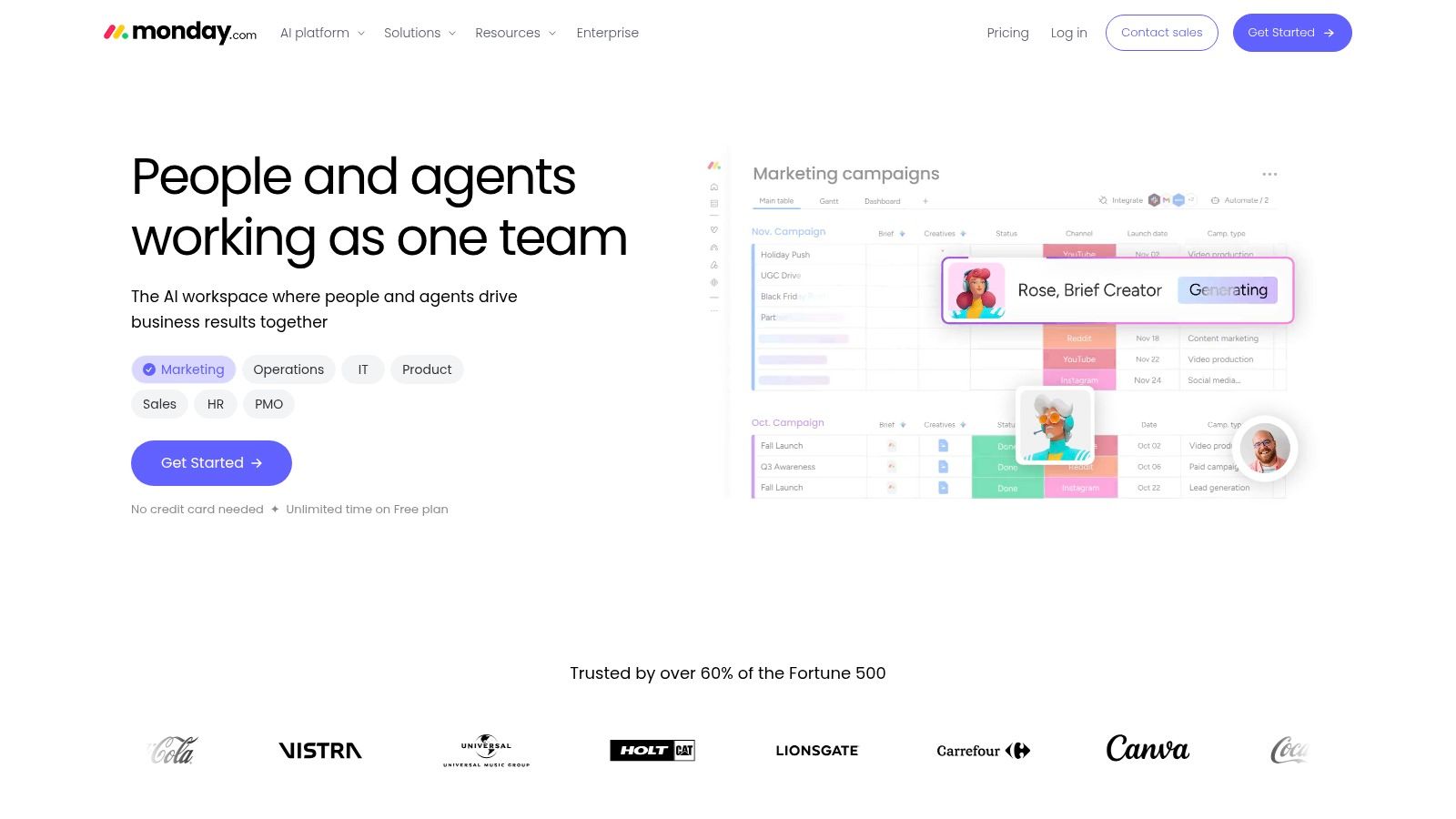
monday.com is the most modular business platform in this group. Instead of asking teams to fit one predefined operating model, it gives them visual boards, dashboards, automations, and packaged products across work management, CRM, service, and dev workflows.
That flexibility makes it attractive to business teams that want structured workflows without a technical implementation burden. Marketing, operations, sales ops, service teams, and agencies often find it easier to shape than more rigid project software.
Good for process builders
monday.com shines when a team wants to design a workflow visually, then automate pieces of it. It also helps when different departments need related but distinct setups. One team can run campaign operations while another tracks client delivery or support handoffs.
Its main drawback is pricing complexity and plan variation across solutions. Buyers need to model not only seats, but which packaged product they're standardizing on, which permissions they need, and how AI or advanced capabilities affect long-term spend.
A practical reading of fit:
- Strong fit: Teams that want customizable workflows with approachable UX.
- Weaker fit: Organizations seeking a document-centric knowledge base or a chat-first environment.
- Implementation effort: Moderate. Easier than many enterprise systems, but still needs process design.
monday.com often wins when a company wants one visual operations platform across several business functions, not just one department.
For current packages and plan details, use monday.com.
9. Atlassian Confluence
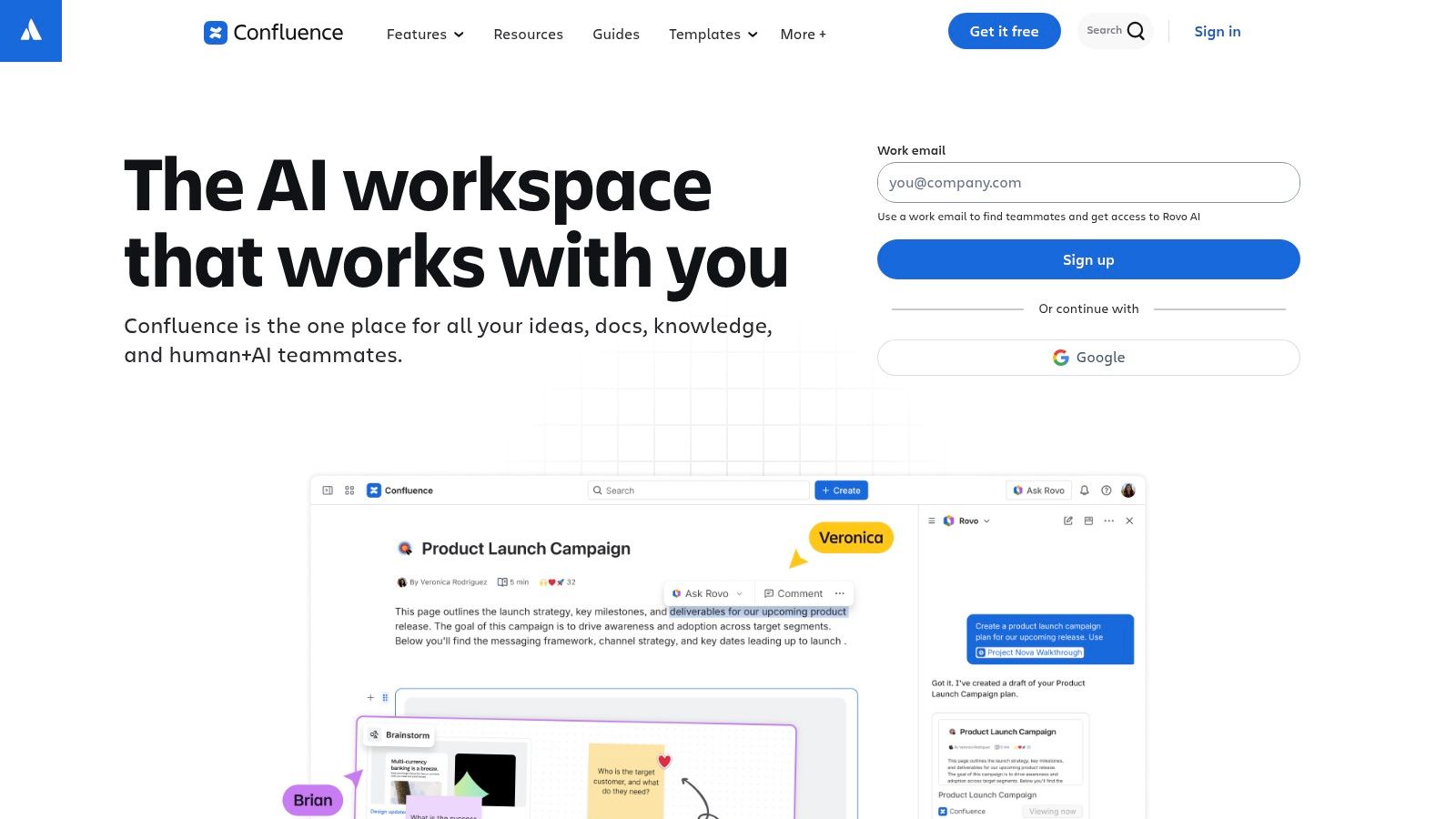
Confluence is the documentation specialist for teams that need structure, version history, and governance more than casual note-taking. It's especially strong in engineering, product, IT, and operations environments where requirements, SOPs, RFCs, and internal knowledge must stay linked to execution systems.
Its page-and-space model isn't as freeform as Notion, and that's often the point. Teams that need stronger information architecture usually benefit from those constraints.
Best used with a companion execution tool
Confluence works best when documentation is a real operating asset rather than a dumping ground. Product requirements, architecture decisions, service procedures, onboarding material, and policy pages all fit naturally. When paired with Jira or Jira Service Management, it becomes more valuable because planning and documentation can stay connected.
The trade-off is that Confluence doesn't want to be your primary work execution system. It can support collaboration around pages, whiteboards, and embedded content, but task-heavy teams still need a dedicated planning layer.
Documentation tools succeed when ownership is explicit. In Confluence, each space needs maintainers, not just contributors.
Fit summary:
- Best for: Engineering, IT, product, and operations teams with formal knowledge needs.
- Less suitable for: Teams wanting an all-in-one workspace with casual setup and lightweight governance.
- Adoption effort: Moderate, especially if migrating legacy documentation.
For organizations already using Atlassian products, Confluence is often the most sensible place to centralize durable knowledge.
For product details, see Atlassian Confluence.
10. Miro
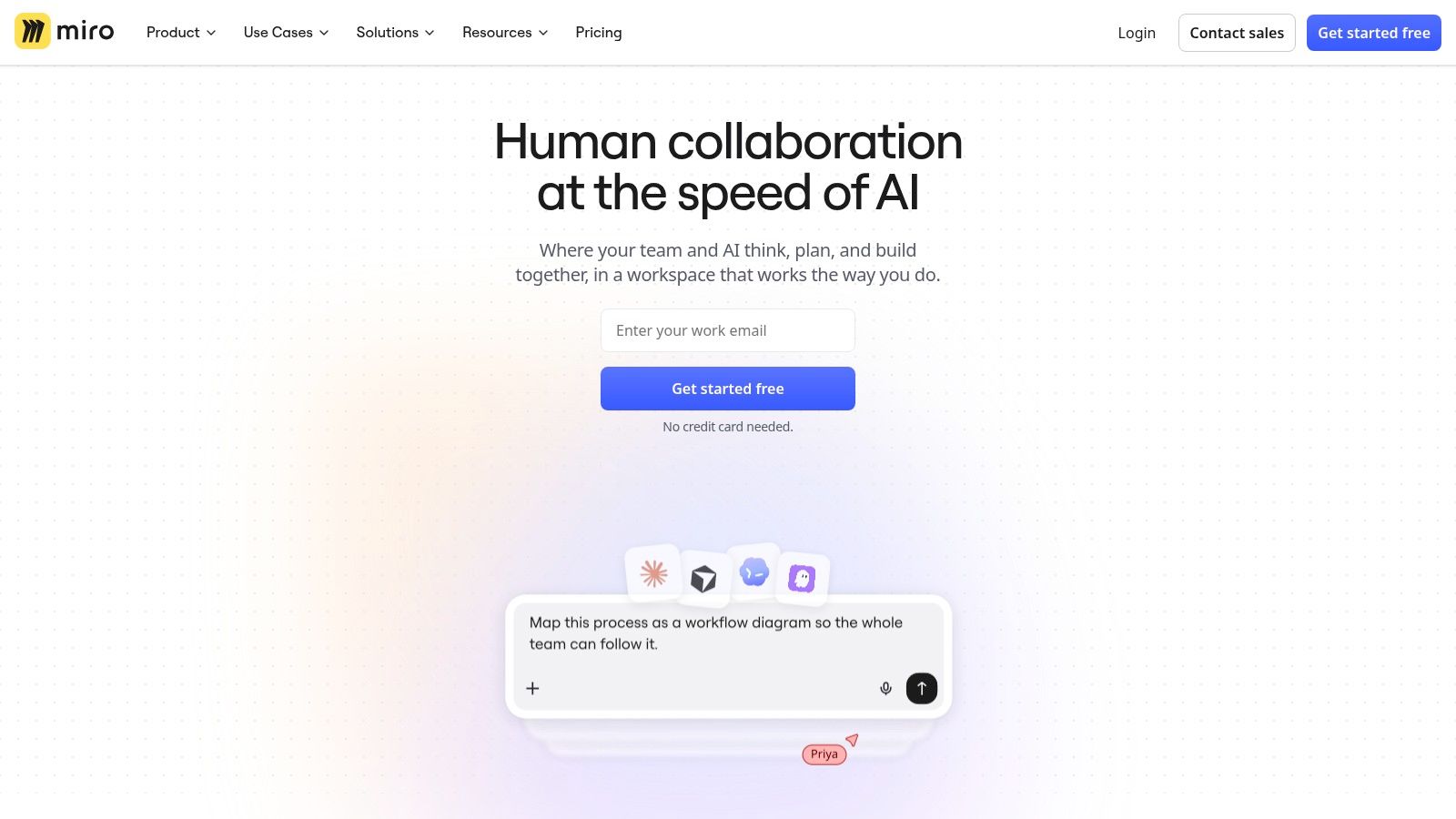
Miro is the clearest pick when the job is visual collaboration. Brainstorms, retrospectives, customer journey maps, service blueprints, roadmapping sessions, architecture diagrams, and workshop facilitation all work better in Miro than in general-purpose collaboration suites.
That matters more now because hybrid work is making coordination harder, not simpler. One analysis points out that the underserved question isn't which tool has the most features, but which setup helps distributed teams face fewer interruptions and lower coordination cost. It also notes that market growth alone doesn't prove workflow relief, even as the category expands, in this discussion of collaboration tool statistics and hybrid-work friction.
Use Miro for workshops, not for everything
Miro is excellent for teams that need to think together spatially. Product, design, research, innovation, and transformation teams often get immediate value from it because visual artifacts are part of how they decide. Templates, whiteboards, diagramming, and workshop mechanics are the point.
It's weaker as a standalone collaboration hub. Core chat is limited. Task execution is light compared with ClickUp, Asana, or monday.com. Documentation depth is weaker than Notion or Confluence.
That leads to a practical recommendation:
- Use Miro when: Workshops, mapping, discovery, and visual planning drive your work.
- Pair it with: A task system and a documentation system.
- Plan governance carefully: Especially around board sprawl, access, and data handling in larger organizations.
Miro is easiest to justify when it fills a clear visual gap in an otherwise disciplined stack. It's harder to justify when a team hopes it will become a general collaboration platform.
For current product information, visit Miro.
Top 10 Team Collaboration Tools, Feature Comparison
| Product | Core features | UX / Quality ★ | Price & Value 💰 | Target audience 👥 | Unique selling points ✨ |
|---|---|---|---|---|---|
| AIDictation 🏆 | Auto / Local / Cloud modes; Parakeet v3 on‑device; AI cleanup; meeting recording; custom dictionary | ★★★★☆, accurate, preserves mixed‑language phrasing | 💰 2,000 words/mo free → Pro $8.49/mo or $84.99/yr; lifetime option | 👥 Bilingual/multilingual pros: PMs, devs, healthcare, journalists, students | ✨ Preserves in‑sentence language mix; private offline mode; context rules per app |
| Slack | Channels, DMs, Huddles, extensive apps ecosystem | ★★★★☆, fast, searchable, can be noisy | 💰 Freemium → paid from ~$6.67/user/mo | 👥 Cross‑functional teams, external partners | ✨ Largest integration marketplace; Slack Connect; quick audio Clips/Huddles |
| Microsoft Teams | Chat, meetings, calling, recordings; deep M365 integration | ★★★★☆, enterprise‑grade, robust meetings | 💰 Included with Microsoft 365 plans (varies by license) | 👥 Microsoft‑centric organizations, enterprises | ✨ Tight Office/Identity/Compliance integration; enterprise telephony |
| Google Workspace | Real‑time Docs/Drive co‑editing, Chat/Spaces, Meet | ★★★★☆, best real‑time collaboration | 💰 Paid plans from ~$6/user/mo (tiered storage/features) | 👥 Teams needing live co‑authoring and simple sharing | ✨ Seamless real‑time editing; Gemini AI enhancements |
| Notion | Docs, databases, teamspaces, native AI & Custom Agents | ★★★★☆, flexible knowledge base, adaptable | 💰 Freemium → Teams from ~$8/user/mo | 👥 Product, research, docs teams, startups | ✨ Highly customizable pages/databases; Custom Agents for workflows |
| ClickUp | Tasks (many views), docs, whiteboards, automations, AI add‑ons | ★★★☆☆, feature‑rich, steeper learning curve | 💰 Freemium → paid from ~$5/user/mo; AI credits add cost | 👥 Teams wanting integrated PM + collaboration | ✨ Work OS: rich task hierarchies, multiple views, built‑in agents |
| Asana | Projects, timelines/Gantt, portfolios, automation | ★★★★☆, clear project structure & reporting | 💰 Freemium → paid from ~$10.99/user/mo | 👥 Cross‑functional project teams & PMOs | ✨ Strong portfolio/portfolio reporting and workload views |
| monday.com | Visual boards, automations, dashboards, packaged solutions | ★★★☆☆, visual & modular; can be complex pricing | 💰 Paid plans from ~$8/user/mo (varies by package) | 👥 Non‑technical teams, ops, sales/service functions | ✨ Highly visual boards + packaged templates for business functions |
| Atlassian Confluence | Spaces/pages, templates, page history, Jira integrations | ★★★☆☆, documentation‑centric, structured | 💰 Free tier → paid from ~$5/user/mo | 👥 Engineering/product teams needing docs + Jira | ✨ Tight Jira linkage; enterprise governance & analytics |
| Miro | Infinite canvas, templates, workshops, AI workflows | ★★★★☆, best for visual workshops & mapping | 💰 Freemium → paid from ~$8/user/mo; enterprise add‑ons | 👥 Design, product, research, workshop facilitators | ✨ Real‑time whiteboarding, templates, AI agents & data residency options |
Build a Collaboration Stack That Teams Will Actually Use
The most useful way to choose team collaboration tools is to stop asking which product is “best” and start asking which job breaks first when your team is busy. If decisions disappear into chat, start with communication and handoff discipline. If work gets delayed because no one can see ownership, start with project execution. If context gets lost every time someone leaves or switches teams, start with documentation. If your workshops are weak, use a visual tool. If valuable thinking dies in meetings or voice notes, add a capture layer.
That approach also matches how the market is evolving. Collaboration software is now core infrastructure, not a side utility, and cloud delivery dominates buyer preference while SMEs make up a large share of spending, according to the earlier cited market analysis. At the same time, adoption at scale doesn't solve overload by itself. The category can keep growing while teams still struggle with interruptions, fragmented records, and after-hours coordination.
One practical framework works well.
First, identify the dominant workflow. A support team that lives in rapid conversation doesn't need the same stack as a product org writing specs and running roadmaps. Second, define the system of record. Every stack needs a place where final decisions, plans, or documents live. For some teams that's Teams plus SharePoint. For others it's Google Drive and Docs, Notion, Confluence, or a work management platform like Asana or ClickUp.
Third, check integration and governance requirements before anyone falls in love with features. The tool that demos well may still be wrong if it doesn't fit identity management, retention policy, external collaboration rules, or existing business systems. Fourth, model real cost. That means seats, premium admin features, AI add-ons, transcription features, and implementation effort. Cheap-looking tools get expensive when every useful capability sits behind a different plan tier.
Fifth, run a representative pilot instead of a symbolic one. Don't test with a side project that no one cares about. Use a live workflow with real deadlines, real stakeholders, and a mix of users who represent how your organization works. That's where adoption friction appears. It's also where you learn whether a tool reduces coordination effort or creates one more place to check.
Specialists often matter more than buyers expect. A strong stack doesn't have to force every job into one platform. In many cases, pairing works better than replacing. Slack or Teams can handle communication. Asana, ClickUp, or monday.com can run execution. Notion or Confluence can hold durable knowledge. Miro can support visual planning. AIDictation can capture meetings, dictate specifications, and turn spoken ideas into usable documentation before that finished work lands in the team's chosen workspace.
That last step is easy to overlook. Teams often spend heavily on systems that store information, while underinvesting in how information gets created in the first place. If note quality is poor, if multilingual contributors lose phrasing precision, or if meetings never become usable records, the rest of the stack inherits messy inputs. The best collaboration environment isn't the one with the largest feature list. It's the one that moves work cleanly from conversation to decision to documented action.
AIDictation gives teams a practical missing layer in many collaboration stacks: fast voice capture that turns meetings, ideas, and rough spoken drafts into clean written output. If your team already uses Slack, Teams, Google Docs, Notion, or Confluence, AIDictation can help you get better notes and documentation into those systems with less typing and less lost context.
Frequently Asked Questions
What does 10 Team Collaboration Tools for Every Workflow cover?
Most advice about team collaboration tools starts with a platform and works backward. That's the wrong order.
Who should read 10 Team Collaboration Tools for Every Workflow?
10 Team Collaboration Tools for Every Workflow is most useful for readers who want clear, practical guidance and a faster path to the main takeaways without guessing what matters most.
What are the main takeaways from 10 Team Collaboration Tools for Every Workflow?
Key topics include Table of Contents, 1. AIDictation, Where it fits best.
Ready to try AI Dictation?
Experience fast voice-to-text on your device. Free to download.
Download FreeRelated Posts
Meeting Transcription and Summary Workflow That Works
A practical meeting transcription and summary workflow covering capture, cleanup, action items, templates, and privacy settings.
AI Transcription for Meetings: A Practical Guide
Discover how AI transcription for meetings works, from on-device to cloud models. Learn accuracy, privacy tradeoffs, and best practices for adoption.
Choosing a Meeting Note Taking App: A 2026 Guide
Find the best meeting note taking app for your team. Our 2026 guide covers key features, selection criteria, security, and tips for professionals.