Meeting Transcription AI: Accuracy and Privacy
Most buying guides treat meeting transcription AI like a dictation scoreboard. A vendor posts a 95 percent accuracy claim, and the comparison stops. That promise is the wrong one. A quiet headset demo is not a room of people talking over a laptop microphone. The words can look finished while a decision is pinned on the wrong person, or the room goes quiet because everyone knows a tool is listening.
Think of a court reporter who must hear a noisy gallery and also name the witness. Meeting software has the same double job. It should give you a timed, speaker-labeled transcript and a short list of decisions and action items. Headline word accuracy does not tell you whether those labels are safe to act on, or whether people will still disagree out loud. Judge every tool on your own recordings.
Table of Contents
- What Meeting Transcription AI Is For
- On-Device Versus Cloud Processing
- When a Transcript Is Safe to Act On
- Meetings and Interviews Worth Transcribing
- Privacy Rules That Change What People Say
- Selecting a Transcription Tool
- Piloting a Local-First Setup on Your Meetings
What Meeting Transcription AI Is For
A transcript can get nearly every word right and still mislead a team. In a room with four people, a laptop in the middle, a phone by the window, and a humming HVAC system, two people may start speaking at once. Meeting transcription AI turns that conversation into time-stamped text, labels speakers, and may draft decisions and next actions. Unlike solo dictation, it has to work out who said what.
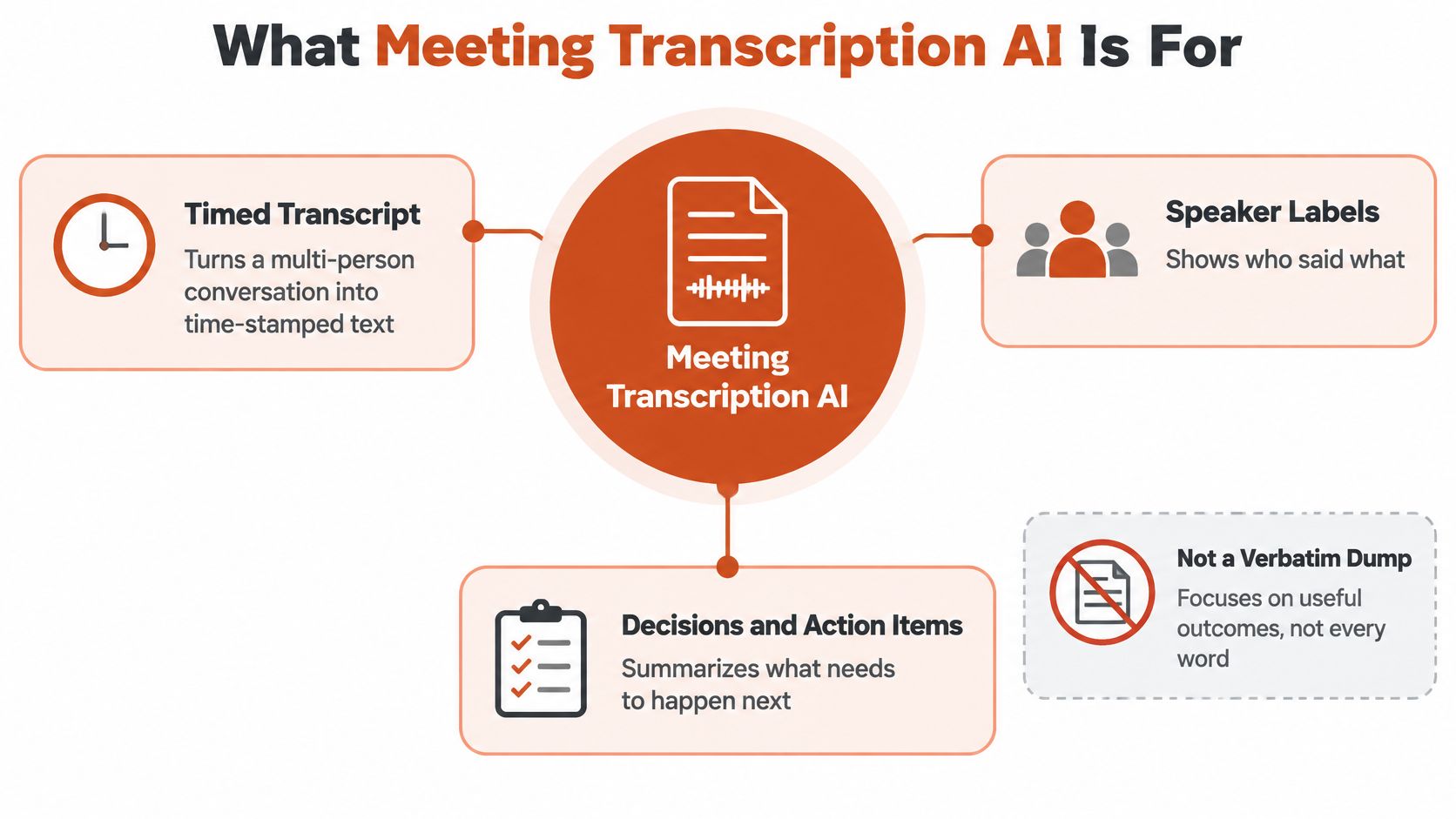
Distant mics before any model
Before software can recognize speech, sound reaches a distant laptop or phone microphone, bounces around the room, and mixes with background noise and overlapping voices. Speech recognition then estimates the words, while speaker diarization assigns them to different voices.
A 2019 multi-microphone study illustrates the difference between clean dictation and meeting audio. Using seven streams from devices such as laptops and phones, the system reached a 22.3% word error rate on non-overlapping speech, within 3 percentage points of a close-talking microphone. When the system also had to attribute words to speakers, speaker-attributed word error rose to 26.7%. Compared with a single device, extra microphones improved speaker-attributed results by 14.8% with three microphones, 20.3% with five, and 22.4% with seven. Diarization error was 13.6% when 10% of the speech overlapped. The test set was the NIST 2007 Rich Transcription conference meetings: eight meetings at four sites, with four to six participants each and 31 speakers.
A clean summary can still attach a decision to the wrong person. Producers also use transcripts for checking episode transcripts before guest pitches, where identifying who said a line matters as much as finding the words. For meeting transcription, the practical test is whether the transcript preserves both.
On-Device Versus Cloud Processing
Treat processing as one path with a fork, not as two unrelated products. The meeting always moves through the same stages.
- Capture. Speech comes from a room mic, a headset, or the call audio.
- Trim. The system finds speech and cuts long silence.
- Recognize. A model turns sound into words. This is the fork.
- Separate. Speakers are labeled and times are stamped.
- Clean up. Punctuation lands, fillers drop, and a draft of decisions and actions appears.
On-device keeps the audio on the computer and can run with no network. Cloud sends audio, or features drawn from it, to a larger model that is usually better at accents, overlap, and cleanup. Hybrid, sometimes called auto, starts local and uses the cloud only when a connection exists and your privacy rules allow it. A local model still needs enough chip and memory. Cloud quality still depends on the recording, not the logo on the app.
| Mode | Where audio goes | Strength | Main limit | Best fit |
|---|---|---|---|---|
| On-device | Stays on the computer, works offline | Low latency and no upload | Weaker on overlap, accents, and cleanup | Confidential internal talk |
| Cloud | Sent to the provider while connected | Better noise, language, and summaries | Retention, search, and training risk | Noisy or multilingual calls under a contract |
| Hybrid or auto | Local first, cloud only when allowed | Balances speed and polish | Easy to misread which mode ran | Mixed private and routine days |
What you give up on each row
On-device is the row for a personnel conversation or unreleased product detail. You get speed and you skip the upload. You give up some skill on heavy overlap, strong accents, and the last pass of grammar. If the laptop is old or the memory is tight, the model may lag or refuse the file. That is a hardware limit, not a reason to bounce the audio to a server you did not choose.
Cloud usually wins when the room is noisy, the call is multilingual, or the vocabulary is full of product names. Summaries tend to read more smoothly. You pay for that with questions you must answer in writing: how long audio and text are kept, who on the admin side can search them, and whether the provider may train on them. A contract that does not answer those points is not a technical detail. It is the product.
Hybrid fits a week that mixes confidential one-to-ones with ordinary project calls. The risk is quiet. The app may look local while a weak network moment sent the file out. You should be able to see which engine ran on each meeting before you trust the note.
Pick the row before you compare brand accuracy claims. A higher demo score on the wrong row is a worse tool. If offline recognition is the row you need, start with how offline speech recognition behaves when the network is off, then test that behavior on a recording you already trust.
When a Transcript Is Safe to Act On
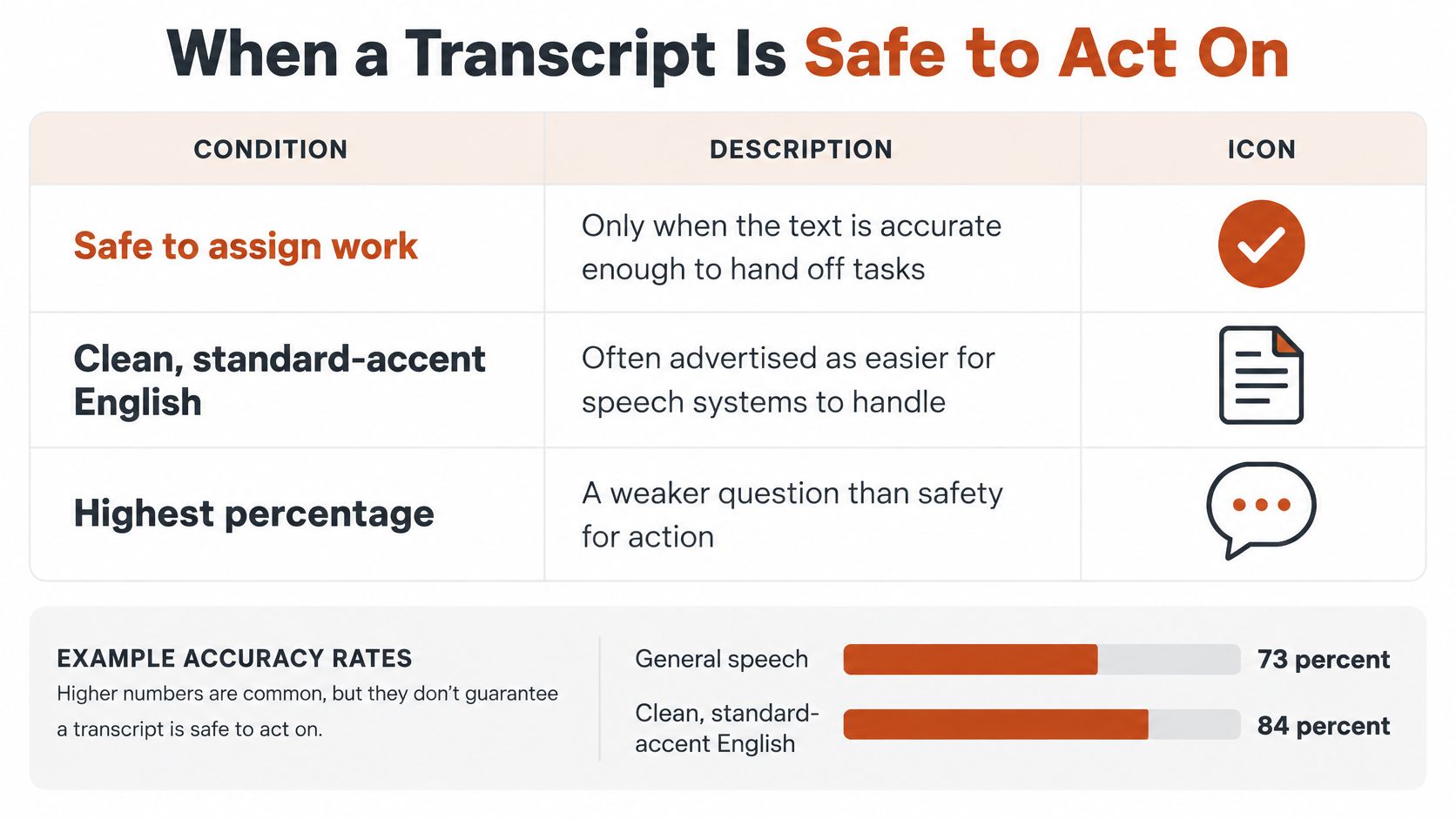
The useful question is not which tool posts the highest percentage. It is when the text is safe enough to assign work.
Market coverage commonly advertises roughly 90 to 97% accuracy for clean, standard-accent English, yet performance can fall to 75 to 88% with strong accents, overlapping speakers, background noise, or dense technical vocabulary, and medical and legal terminology can still show error rates of 8 to 15% without custom vocabulary support, according to DataIntelo's meeting-minutes market coverage. A 2025 clinical usability study in that same coverage concluded that AI-generated medical notes may be good or excellent, but editing and review remain essential.
| Condition | Reported range | What still breaks | Review rule |
|---|---|---|---|
| Clean standard-accent English | About 90–97% accuracy | Names and rare words | Spot-check names and numbers |
| Accent, overlap, noise, or jargon | About 75–88% accuracy | Cross-talk and mumbled terms | Do not auto-assign actions |
| Medical or legal terms, no custom vocab | About 8–15% error | Drug names and clauses | Full human edit |
| Speaker labels with heavy overlap | 31.6% evaluation and 36.36% test word error | Right words, wrong person | Correct labels before sharing |
A low speaker-mix score can still hide a bad transcript
Diarization error rate mixes missed speech, false alarms, and speaker confusion. Speaker-attributed word error scores the words after they are given to people. Those are different failures. On the AliMeeting multilingual-meeting benchmark, a recent diarization-aware system reported diarization error of 4.96% on the evaluation set and 3.77% on the test set, yet concatenated minimum-permutation word error stayed at 31.6% on evaluation and 36.36% on test, in a corpus whose sessions have two to four participants and more than 30% overlapping speech in some recordings, as described in this diarization-aware meeting study.
An acceptable word score can still pin an action on the wrong person.
Grammar cleanup makes that worse. A wrong drug name or a swapped owner can look finished because the commas are correct. Intake teams already know the habit of checking personal injury intake call records before a line becomes a fact. Meeting actions need the same pause.
Three rules before anyone is assigned work
- Keep the audio: Save the recording until disputed lines are checked. A transcript without the sound is an argument you cannot settle.
- Show confidence: Speaker confidence or word-level uncertainty should be visible. Hide it and people treat every line as equal.
- Block the weak line: A low-confidence sentence is not a record. Do not paste it into a ticket, a chart, or a customer email.
Healthcare, engineering, and compliance work need a human edit before publication. A routine status meeting can ship after a spot-check of names, dates, and owners. The edit itself is a skill, and transcription editing is where that pass should live, not inside an auto-sent summary.
Meetings and Interviews Worth Transcribing
Not every conversation earns a transcript. Four scenes do, and each one has an artifact worth keeping.
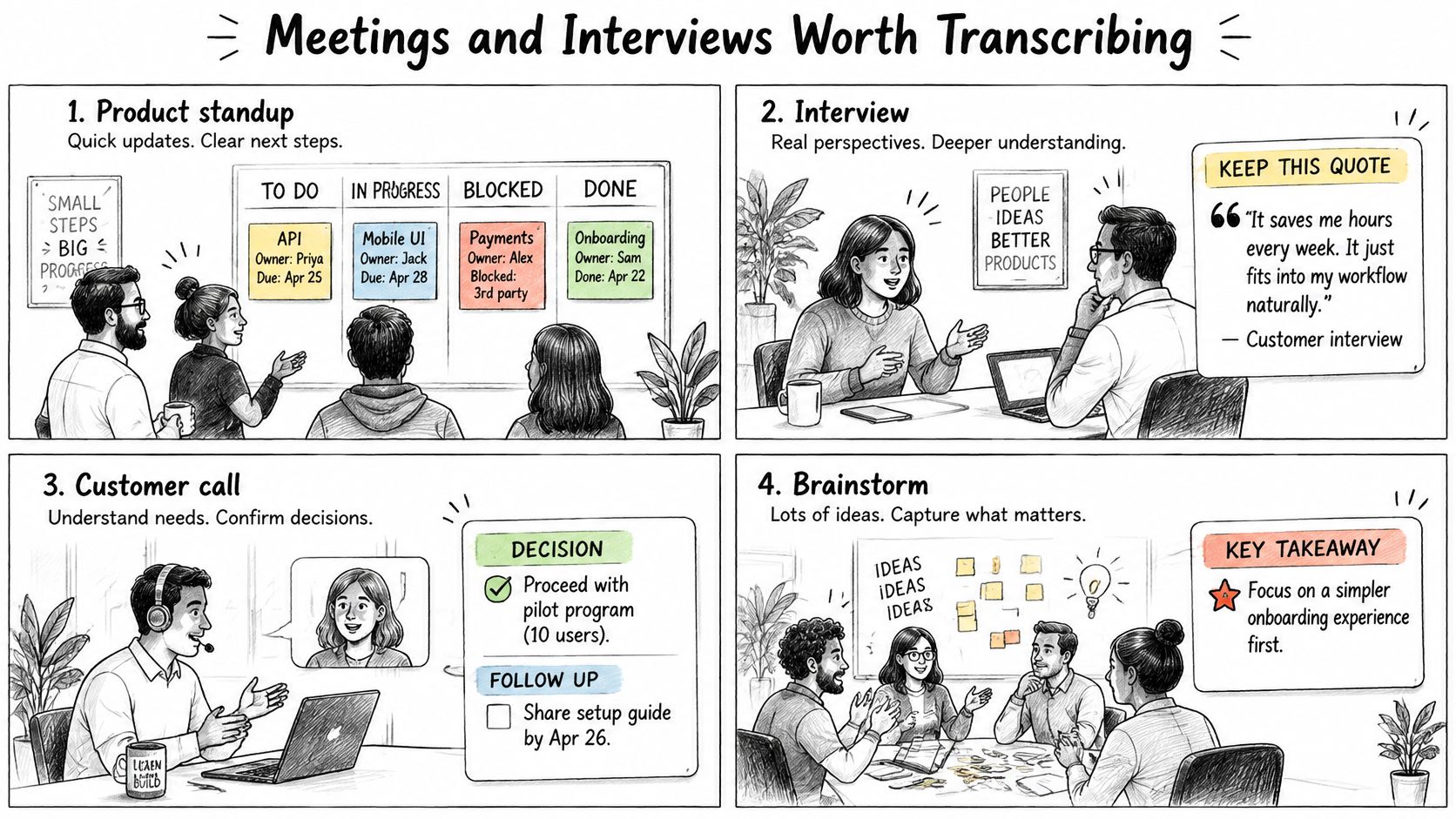
Four scenes and the note you actually keep
A product standup. Before, someone types "ship the fix." After, the note names the owner, the date, and the blocker, and it drops the rest. Spoken detail about urgency usually beats that short typed line. Keep the action list, not a verbatim dump.
A customer or user interview. You want the problem in the speaker's words, with timestamps so a quote can be checked against the recording. A paraphrase that sounds smarter than the customer is a worse research note.
A research or journalism interview. Same timestamp habit, plus a custom list for names and places before you hit record. One misspelled town can send a fact-checker down the wrong road.
A clinical or engineering handoff. Medication names, ticket IDs, and API terms should be flagged for edit. They should not auto-publish. The artifact is a marked-up note, not a clean paragraph that hid the uncertain word.
Demand is real, and it is not the same thing as quality. In an international survey of 43 professionals conducted in November 2024, 69.8% said they would use a secure AI tool that automatically generates meeting notes within seconds, according to Digiotouch AI.
A useful output is decisions, actions, and open questions in one shared doc. A useless one is a long monologue that hides who agreed. Watch the short walkthrough below if you want to see how a raw room recording turns into that shorter note, then go back to your own file and try the same cut.
Edges that still need the audio
Two people on one laptop mic, a strong accent plus code-switching, and a noisy café interview all break speaker labels faster than a quiet call. Keep the audio until the quotes are checked. Private handoffs lean local. A multilingual interview may need the cloud if everyone has agreed. Match the scene to that choice, then stop. A perfect note from a chilled conversation is still a bad meeting.
Privacy Rules That Change What People Say
Privacy here is behavior, not a badge on a pricing page. A 2025 survey cited by MSPoweruser found that 73% of businesses viewed privacy as the leading barrier to wider AI note-taker adoption, while 84% of users said they changed what they said after learning that an AI tool was listening. Another workplace study in that coverage reported that only 41% of companies required notifying external participants before an AI tool joined a call, although 74% of workers believed such notification should always occur.
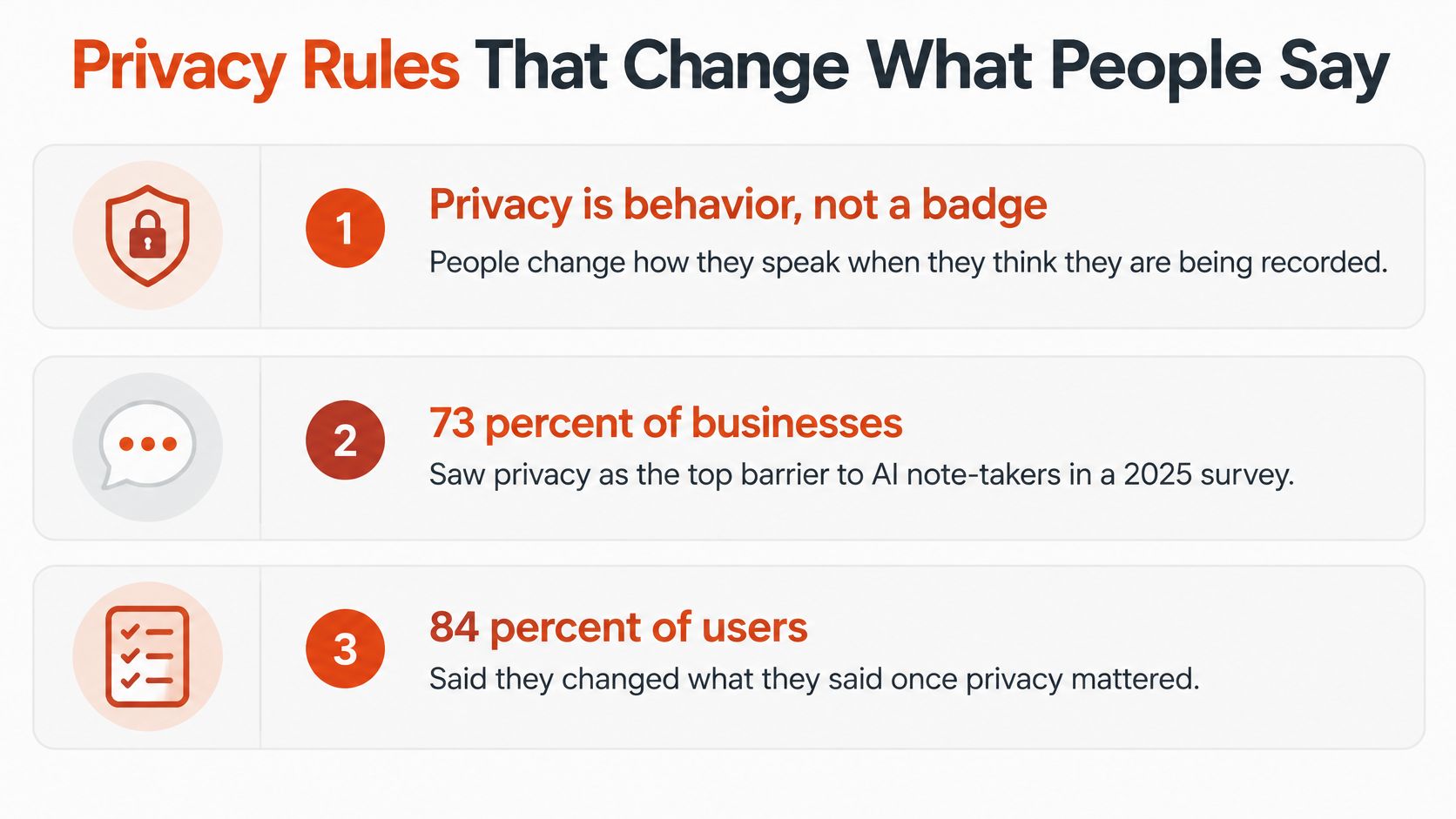
People drop sensitive context. They skip disagreement. The summary still looks complete, and the meeting got worse. That is a productivity loss with correct punctuation.
Four playbooks, not one certification
| Meeting type | Notice | Retention | Do not do |
|---|---|---|---|
| Internal project | Visible indicator and stated purpose | 30–90 days unless a decision is filed | Score employees from the transcript |
| Customer or external | Tell them before the tool joins and allow decline | Only as long as the account needs | Train models on their audio |
| Healthcare | Minimum people and systems see the audio | Clinical record rules, not chat history | Treat low-confidence lines as the chart |
| Education | Students can see that recording is on | Course window, then delete | Use transcripts for discipline |
On an internal project call, say why you are recording and show a light or an on-screen indicator. Keep audio and text for 30 to 90 days unless a decision record is filed, then delete the rest. Do not drop the transcript into a performance file.
On a customer call, tell them before the tool joins and give them a way to decline. Keep the file only as long as the account needs it. Do not train models on their audio. When you compare tools, read details on platform data privacy the way you would read a retention clause, not a logo.
Healthcare needs the smallest set of people and systems that can open the audio. Managers should not casually search clinical lines. A low-confidence sentence is not the chart. Education needs consent students can see, and a ban on using transcripts for discipline. Interview audio follows the same consent habit described in how to transcribe interviews: the guest knows the recording is on before the first question.
Across every row, separate meeting capture from employee evaluation, limit who can search, and document consent where the jurisdiction requires it. Local or offline processing is the default when the topic is personnel, health, or unreleased product detail.
If people will not speak freely, do not record.
Selecting a Transcription Tool
Judge a tool on seven checks you can run on your own recordings before you pay. A missing answer on any row is a reason to pause. Accuracy and privacy fail together: a sharp transcript with a silent retention policy fails the same test as a transcript that drops speaker labels.
| Criterion | Ask or test | Red flag |
|---|---|---|
| Speaker labels | Run an overlap sample and count wrong-person lines | Right words, wrong person |
| Processing mode | Confirm local, cloud, or hybrid per meeting | Mode unclear or cloud by default |
| Accuracy evidence | Results on accents, cross-talk, and your jargon | Only a headline percentage |
| Custom vocabulary | Add team, product, and drug terms, then remeasure | No term support for jargon |
| Retention and search | Keep period and which roles can search | Open-ended retention or open admin search |
| Training use | Written confirmation that audio does not train models | Unclear, or opt-out only |
| Consent controls | Visible indicator and a way for guests to decline | Silent bot joins the call |
Pass or pause
Ask the vendor the question in the middle column, then run the test yourself on three files you already understand. A headline percentage from a clean English demo is not evidence about your standups. If the app cannot show which mode ran, or if a bot can join without a visible indicator, stop the trial. Write the pass-fail result before any wider rollout. The pilot in the next days should only include tools that cleared this table.
Piloting a Local-First Setup on Your Meetings
Start with one recurring internal call that makes decisions. Do not start with a personnel review or a clinical discussion. Run the pilot for two weeks, and write the pass bar before you open the first file.
- Collect three real recordings. Use a quiet two-person call, a noisy multi-speaker meeting, and one interview or handoff with accents or jargon. Marketing samples do not count.
- Run the mode you would use. Keep the audio. If the week mixes private and routine calls, log which engine ran on each file so hybrid does not hide a cloud upload.
- Score a 200-word sample twice. Mark word errors and speaker errors separately. Circle every wrong name, drug, ticket, or owner. A clean paragraph with one swapped owner fails.
- Set the written bar first. Routine notes may ship after a spot-check. A wrong owner or a clinical term blocks publication. Do not move that bar because the summary "looks smart."
- Say the consent line. Write a one-line script and turn on the recording indicator for every external guest. If they decline, the meeting continues without the tool.
- Lock retention and search. Decide how long files live and who can open them. Keep transcripts out of performance files.
- Add a custom dictionary. Load team names and product terms, then rerun the worst sample. If the same names still break, the dictionary is not really applied.
- Decide after ten meetings. Keep the tool only if people still disagree out loud and the action list needs little repair.
When the labels fail
If overlap wrecks speaker labels, add a closer microphone before you buy a bigger model. A phone on the table, or a headset for the person who owns the actions, often fixes more lines than a brand switch. Then rerun step 3 on the same 200 words so you can see the change.
For Mac users, AIDictation is one way to start local-first. Auto mode picks the speech recognition engine for the situation, offline or online. Local mode runs with no internet. The microphone is used only when you choose to dictate, record, or transcribe, and audio or transcript content is not used to train the product's own models. That still does not replace the written bar above. Your recordings decide what ships.
If the room goes quiet because a bot joined, turn the tool off. A complete transcript of a cautious meeting is a worse record than a short note from a candid one.
AIDictation turns meeting audio into editable text you can correct before anyone treats a line as a decision, with on-device recognition when the conversation should stay on your Mac and cleanup when you choose a connected pass. If you are ready to judge a transcript on your own recordings instead of a headline accuracy claim, try AIDictation on one internal call and keep the file only if the labels and the room both hold up.
Frequently Asked Questions
What does Meeting Transcription AI: Accuracy and Privacy cover?
Most buying guides treat meeting transcription AI like a dictation scoreboard. A vendor posts a 95 percent accuracy claim, and the comparison stops.
Who should read Meeting Transcription AI: Accuracy and Privacy?
Meeting Transcription AI: Accuracy and Privacy is most useful for readers who want clear, practical guidance and a faster path to the main takeaways without guessing what matters most.
What are the main takeaways from Meeting Transcription AI: Accuracy and Privacy?
Key topics include Table of Contents, What Meeting Transcription AI Is For, Distant mics before any model.
Ready to try AI Dictation?
Experience fast voice-to-text on your device. Free to download.
Download FreeRelated Posts
Video Caption Generation Explained from Audio to SRT
Learn how video caption generation works end to end, from ASR and diarization to SRT/VTT export, accuracy metrics, and workflow best practices.
10 Meeting Transcript Template Resources
Compare 10 meeting transcript template resources for minutes, interviews, summaries, and action items, with practical guidance on choosing the right format.
AI Transcription for Meetings: A Practical Guide
Discover how AI transcription for meetings works, from on-device to cloud models. Learn accuracy, privacy tradeoffs, and best practices for adoption.