How to Transcribe Interviews Fast Without Losing Accuracy
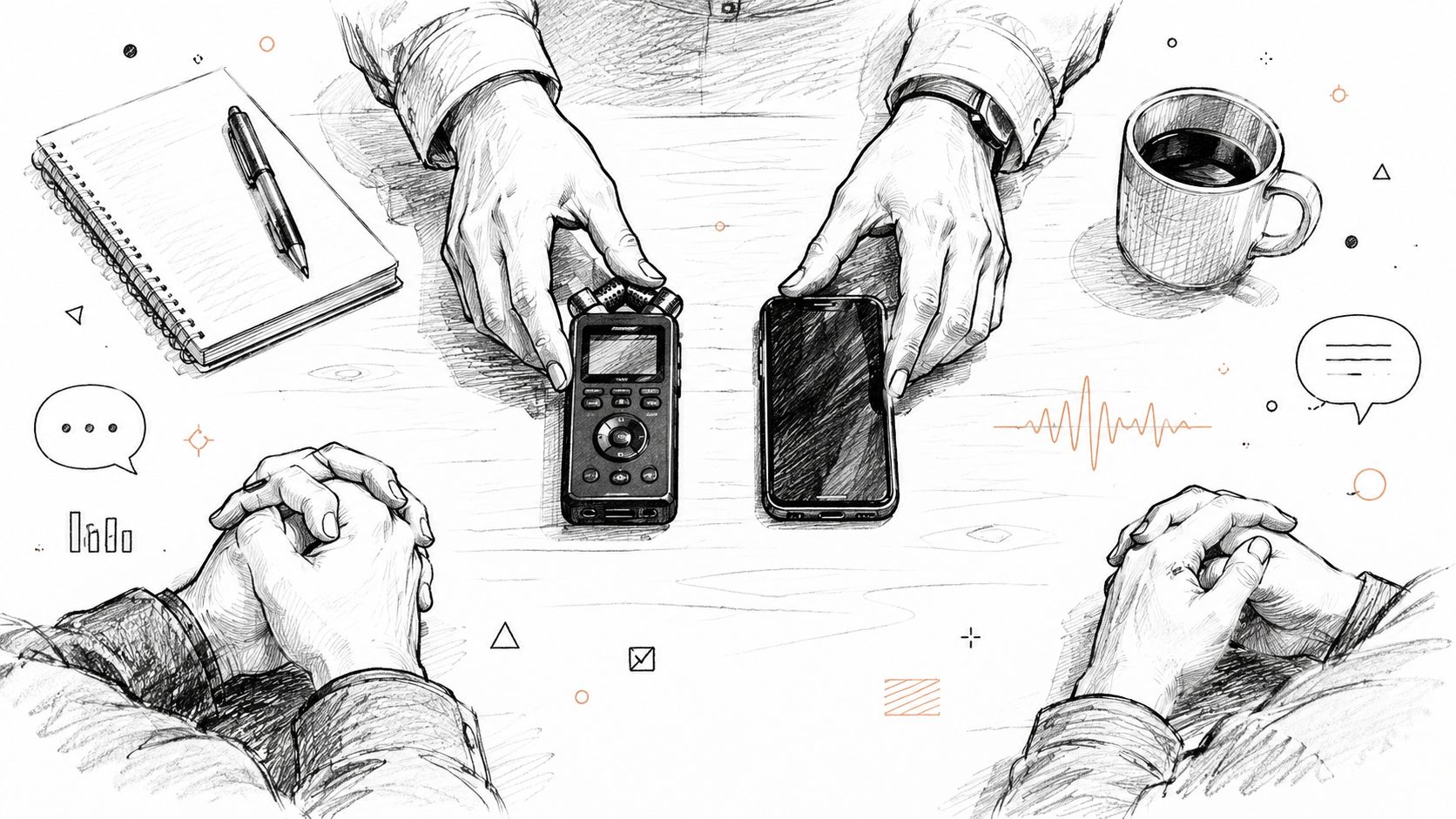
You've finished an interview, the recording is sitting on your desktop, and the deadline is already moving closer. The temptation is to press play and start typing. That approach feels direct, but it often creates avoidable work: unclear speaker changes, missing names, inconsistent timestamps, and a transcript that's either too raw to publish or too polished to support serious analysis.
Learning how to transcribe interviews well means designing the workflow before, during, and after recording. The right method depends on what the transcript must preserve, how sensitive the material is, and whether you need a readable document, a faithful research record, or both.
Table of Contents
- Why Great Interview Transcripts Start Before You Hit Record
- How to Record Interviews for Clean Accurate Transcription
- Choosing Your Transcription Workflow From Manual to AI Powered
- Cleaning Editing and Formatting Your Interview Transcript
- Quality Checks Privacy Consent and Export Essentials
- Troubleshooting Common Issues and Time Saving Tips That Actually Work
Why Great Interview Transcripts Start Before You Hit Record
The recording is clear, the deadline is close, and the first editing decision still has not been made: should the transcript preserve exactly what the participant said, or make the conversation easier to read? That choice affects consent, privacy, speaker labels, editing time, and the way readers interpret hesitant or unfinished answers.
A qualitative researcher may need pauses, interruptions, repeated words, and meaningful silences for analysis. A journalist usually needs the speaker's meaning and voice without every filler, false start, or incomplete sentence. A legal or compliance record may require strict verbatim treatment. Decide the purpose before recording, because changing standards halfway through creates avoidable rework.
Manual transcription is already slow. One Oregon government guide estimates 4 to 6 hours per hour of recorded interview, while an empirical summary reports a mean of 6.3 hours per audio hour and recommends planning for 5 to 8 hours. The figures and planning guidance appear in this research overview of interview transcription speed. Without a defined finish line, you can spend that time editing toward a standard the project never required.
Choose fidelity before formatting
Use verbatim transcription when speech patterns carry analytical or evidentiary value. Preserve repetitions, false starts, significant pauses, interruptions, and relevant nonverbal events. Correct obvious recording artifacts if needed, but do not make a participant sound more fluent or certain than they were.
Use intelligent verbatim for journalism, podcast production, reports, and content development. Remove distracting fillers and repeated fragments, repair grammar only when the change leaves the meaning intact, and retain distinctive wording. If hesitation is central to an answer, keep it. Readability should not erase evidence about how the answer was given.
Write a short project brief covering:
- Purpose: Is the transcript for coding, publication, quotation, accessibility, legal review, or internal reference?
- Speaker labels: Will you use names, roles, initials, or neutral labels such as Interviewer and Participant?
- Timestamps: Do you need them at speaker changes, paragraph starts, notable events, or unclear passages?
- Events: How will you mark laughter, silence, interruption, crying, background speech, or unintelligible audio?
- Output: Will the final file be DOCX, TXT, SRT, VTT, or an import for another research system?
Set expectations with the participant
Tell the participant that you are recording, explain how the recording and transcript will be used, and obtain consent under the rules for your location and project. For sensitive interviews, state who can access the files, whether transcription will occur online, and how long the material will be retained.
Privacy affects the workflow choice. Local transcription keeps sensitive audio on the working device, while Cloud transcription can reduce manual setup but sends the recording to an external service. Choose based on the project's consent terms, security requirements, and the service's data handling. Do not upload confidential material just because it is convenient.
Prepare names, organizations, product terms, medical vocabulary, and specialist language before recording. A custom dictionary setup for transcription can reduce repeated corrections when a guest uses terminology ordinary language models may not recognize.
Practical rule: Decide what you are willing to preserve before the first difficult answer. Deadline pressure is where fidelity and readability get confused.
How to Record Interviews for Clean Accurate Transcription
The cheapest transcription improvement is usually better audio, not a more expensive subscription. Speech recognition systems can work with imperfect recordings, but noise, room echo, distant microphones, and overlapping speakers make every later stage harder. A clean recording also makes human verification faster because you can understand the original without repeated relistening.

Set up an in-person interview
Choose a room with soft furnishings and limited mechanical noise. A hard, empty room produces reflections that blur consonants. Turn off fans where possible, move away from refrigerators and busy corridors, and avoid placing the recorder beside a laptop speaker or vibrating phone.
Put the microphone between the speakers, close enough to capture voices clearly without forcing anyone to lean toward it. If you're using separate microphones, record each person on an independent track when your equipment allows it. A single phone on a table can work for a quiet conversation, but it gives you fewer options when one voice is much softer than the other.
Run a short test before asking the first substantive question. Listen through headphones, not only through the recorder's built-in speaker. Check that both voices are audible, that the room isn't adding a distracting hum, and that the recording file is being saved.
Keep a backup whenever the interview matters. A second recorder or a phone placed in a different position can rescue the project if the primary device fails. Synchronize the devices at the beginning with a brief clap or spoken marker, then leave them running.
Control a remote conversation
For remote interviews, use the platform's highest practical audio quality and record locally when that option is available. Ask each participant to use headphones and a stable microphone, and request that they mute notifications. A separate local recording is often easier to transcribe than a compressed platform download.
Ask participants not to speak over one another. Natural overlap is sometimes meaningful, so don't interrupt every exchange, but establish a simple rhythm: one person finishes, the other begins. Crosstalk is one of the hardest conditions for both speaker labeling and word recognition.
Use consistent filenames that include the date, project, participant identifier, and recording version. Keep the original untouched, then create working copies for noise treatment, conversion, or transcription. Before uploading any file, confirm that the service and workflow match your privacy obligations. For a practical approach to reducing distracting room sound before transcription, see this guide to background noise reduction for spoken audio.
Brief the speakers without making them unnatural
Tell participants to repeat names and technical terms if the recording catches them poorly. Ask them to pause briefly after a long answer if you need clean chapter or topic boundaries. Don't demand artificial, perfectly separated speech. Your aim is a natural conversation with enough space for the recorder and transcript editor to distinguish voices.
Choosing Your Transcription Workflow From Manual to AI Powered
The right workflow depends on what an error would change. Manual transcription remains useful for short recordings, highly sensitive material, or analysis that depends on pauses, hesitations, and other features of speech. It gives the transcriber immediate context, which can resolve ambiguous wording, but sustained listening and typing consume substantial time. A large interview project can require many more hours of transcription work than recording time, so plan capacity before choosing a manual process.
AI-assisted transcription changes the balance. It produces a searchable draft quickly, suggests speaker labels, and reduces repetitive typing. Human review remains necessary for names, specialist terms, negations, ambiguous phrases, consequential quotations, accents, and overlapping speech. Research discussed in this academic discussion of AI interview transcription identifies these as continuing problem areas even when AI is useful for the first pass.
A hybrid workflow usually fits professional interview work. Let AI create the draft, then listen closely to passages that affect the argument, evidence, or published wording. Correct those sections and apply the project's rules for speaker labels, timestamps, and verbatim detail. You avoid typing every ordinary sentence from scratch while keeping human judgment where it matters.

Compare the trade-offs
| Workflow | Time per Audio Hour | Accuracy Strengths | Best For |
|---|---|---|---|
| Manual | Often several hours of work, depending on audio and conventions | Maximum control over wording, pauses, and events | Sensitive material, highly detailed qualitative analysis, strict verbatim records |
| AI assisted | Fast draft generation, followed by human review | Strong first pass when audio is clear, with searchable text and possible speaker separation | Journalism, podcasts, interviews for content, routine research drafts |
| Hybrid | Less typing than manual work, with time reserved for verification | Combines machine speed with human judgment on difficult passages | Most professional interview projects, especially when quality and turnaround both matter |
Choose the transcript style before processing the file. Verbatim preserves fillers, repetitions, false starts, pauses, and relevant vocal events, making it appropriate for discourse analysis or a strict record. Intelligent verbatim removes distracting fillers and minor repetitions while retaining the speaker's meaning and distinctive phrasing. A readable transcript for publication usually needs this second approach, but quotations still require comparison with the recording.
Privacy also changes the workflow. For a publication, verify every quotation and proper name. For academic research, retain the source transcript separately from a reader-friendly version. For confidential interviews, decide whether the audio may leave the device before selecting a cloud service.
AIDictation offers three relevant paths. Local Mode runs Parakeet v3 on Apple Silicon for offline processing, which suits private recordings that should remain on a Mac. Cloud Mode provides AI cleanup, context-aware formatting, filler removal, and handling of self-corrections when connected. Auto Mode switches between available engines according to the recording and connection. Teams handling hiring interviews can consult this guide to AI hiring compliance when personal information requires careful controls.
Speech-to-text quality is commonly evaluated with word error rate, or WER, rather than by relying only on a general impression after proofreading. A smooth-looking transcript can still misrecognize names, negations, or technical vocabulary. Choose the engine based on audio conditions, data sensitivity, the required level of fidelity, and the review time you can provide.
Cleaning Editing and Formatting Your Interview Transcript
A raw transcript is a draft, not a deliverable. The fastest reliable edit separates listening, attribution, and presentation instead of trying to perfect every sentence in one pass.

Start with a correction pass
Read the transcript while listening to the recording. A playback speed around 1.2x can keep the work moving without making ordinary speech difficult to follow, but slow down for names, numbers, accents, and overlapping dialogue. Correct obvious recognition errors first, and mark uncertain passages instead of guessing.
Use a simple notation for unresolved audio, such as [unclear] with a timestamp. A marked uncertainty is more trustworthy than a confident sentence that the speaker never said. If context later resolves the phrase, return to it during the final pass.
Next, assign speaker labels. Use stable labels throughout the document, and don't alternate between a person's name, initials, and role. If the identity is uncertain, use neutral labels until you verify it against the recording.
Decide what to remove
For an intelligent-verbatim transcript, remove fillers only when they don't carry meaning. Repeated “you know” may be disposable in a feature draft, but a long hesitation before an answer may matter in a research transcript. Preserve false starts when they reveal a change of thought, correction, or emotional shift.
Keep the speaker's vocabulary. Editing “gonna” into “going to” may be reasonable for a formal report, but it can erase voice in a quoted interview. Don't turn a conversational answer into polished prose unless you're creating a separate narrative adaptation.
The practical guide to transcription editing is useful when you need to distinguish mechanical cleanup from changes that affect meaning. Tools that remove fillers or format paragraphs can accelerate the first pass, but the editor still decides what the conversation means.
Use this sequence:
- Correct words: Fix recognition mistakes and verify names.
- Mark speakers: Apply consistent labels and resolve uncertain turns.
- Insert timestamps: Add them where the project needs audio traceability.
- Apply conventions: Handle pauses, interruptions, laughter, and unclear speech consistently.
- Create the reader version: Improve spacing and remove approved clutter without altering substance.
Treat conventions as methodological choices
There isn't one universal rule for pauses and ellipses. One university transcription conventions guide allows ellipses for pauses or interruptions and recommends consistency for bracketed events and unclear speech. Other guidance rejects ellipses for pauses and uses a dedicated pause marker or punctuation based on duration.
That disagreement isn't a formatting nuisance. It reflects the difference between a transcript designed for close analysis and one designed for comfortable reading. Decide whether a pause is evidence, a structural break, or merely an artifact of natural speech, then document the choice in your methods note.
When you need to see the editing relationship between audio and text, a transcript editor with synchronized playback can help. For general guidance on using transcription in research, journalism, or content production, the following video provides another practical reference.
Quality Checks Privacy Consent and Export Essentials
The final review should target errors that change meaning, not just visible typos. Read the transcript once without audio to catch broken sentences and inconsistent labels, then listen selectively to anything that could affect interpretation, attribution, or publication.
Names deserve special treatment. Check people, places, organizations, product names, acronyms, dates, measurements, and numbers against the recording and your interview notes. Homophones can pass a spellcheck while changing the sentence completely. Search the document for every occurrence of a key name or technical term, then make the spelling uniform.
Use a short verification checklist
- Speaker consistency: Confirm that each turn belongs to the right person.
- Quotation accuracy: Replay every passage you plan to publish or cite.
- Unclear audio: Keep markers and timestamps instead of filling gaps from assumption.
- Formatting: Check paragraph breaks, headings, timestamps, and bracket conventions.
- Source preservation: Store the raw machine transcript and the edited version separately.
Consent is part of transcript quality because a technically perfect record can still be mishandled. Tell participants that the conversation is being recorded, obtain the required permission, and provide a clear option to decline where your process allows it. For interviews involving health information, employment decisions, legal matters, or vulnerable participants, limit access and define retention and deletion practices before the files arrive.
Cloud processing can be convenient, but confidential interviews may call for an on-device workflow. Local processing means the audio stays on the computer while recognition runs there, which reduces the number of systems involved in handling the recording. Cloud services can offer more extensive cleanup and formatting, but they require you to assess storage, access controls, contractual terms, and transfer practices. AIDictation describes SOC 2 as pending and uses 256-bit SSL for connected services, but those details don't replace your own privacy review or the consent requirements attached to the project.

Export for the next task
Choose the format based on what happens next. DOCX suits editorial review and comments. TXT is useful for analysis tools and plain-text archives. SRT and VTT support captions, but they require timing and line-length checks. Keep a master copy with timestamps, then create a clean reading copy rather than deleting traceability from the only file.
Troubleshooting Common Issues and Time Saving Tips That Actually Work
The common advice to “just improve the audio” isn't enough once an interview has already happened. Rescue the difficult sections locally instead of restarting the entire transcript. Isolate a short segment, listen with headphones, and compare an alternate recognition pass if your workflow supports more than one engine.
For overlapping speech, separate the voices manually where possible and mark simultaneous dialogue rather than forcing one speaker's words into the other speaker's paragraph. For accents or multilingual interviews, build a glossary from the recording, then use it to correct recurring names and terminology. Mumbled phrases deserve a timestamp and a second listen, not a plausible sentence invented from context.
Background noise can mask consonants, so don't expect filler removal or formatting to repair missing speech. Clean the audio copy, process the short problem segment again, and retain the original recording for auditability.
The fastest transcript is the one you don't have to redo.
Use keyboard shortcuts for play, pause, rewind, and speed changes. Batch similar files when the tool supports it, and create reusable context rules for professional, casual, or technical output. Automation should remove repetitive formatting, not erase hesitation, uncertainty, or disagreement that matters to the interview.
AIDictation can turn uploaded interview audio or video into editable text, while its Local, Cloud, and Auto modes let you choose between offline privacy and connected cleanup features. Use the workflow that matches your recording and consent requirements, then visit AIDictation to test a practical transcription setup for your next interview.
Frequently Asked Questions
What does How to Transcribe Interviews Fast Without Losing Accuracy cover?
You've finished an interview, the recording is sitting on your desktop, and the deadline is already moving closer. The temptation is to press play and start typing.
Who should read How to Transcribe Interviews Fast Without Losing Accuracy?
How to Transcribe Interviews Fast Without Losing Accuracy is most useful for readers who want clear, practical guidance and a faster path to the main takeaways without guessing what matters most.
What are the main takeaways from How to Transcribe Interviews Fast Without Losing Accuracy?
Key topics include Table of Contents, Why Great Interview Transcripts Start Before You Hit Record, Choose fidelity before formatting.
Ready to try AI Dictation?
Experience fast voice-to-text on your device. Free to download.
Download Free