10 AI Tools for Product Managers in 2026
You leave a customer call with three useful quotes, two conflicting feature requests, and a vague promise to “get a draft out by EOD.” Ten minutes later, you are in roadmap review. By lunch, you are turning meeting notes, Slack fragments, and stakeholder opinions into something engineering can build.
That workflow is common. It is also where a PM loses time.
AI helps most when it cuts the conversion work between product inputs and product decisions. The win is not “more content.” The win is faster movement from interview transcript to insight, from discussion to PRD, and from roadmap debate to a clear next step. For PMs, that means less manual summarizing, fewer context switches, and less time spent reformatting the same information for different audiences.
The useful way to evaluate AI tools for product managers is by workflow, not novelty. Some tools are strongest in discovery. Others reduce documentation drag. Others help connect planning to delivery so decisions do not get lost between systems. If you want a starting point focused on that day-to-day PM use case, this guide to AI tools built for product managers is a practical reference.
Teams are also using AI beyond notes and planning. If predictive workflows are on your roadmap, this SigOS guide on churn prediction is worth reading.
The rest of this guide follows the actual PM job: discovery, documentation, prioritization, and delivery. That makes the trade-offs clearer, because the right tool depends less on headline features and more on where your team loses time today.
Table of Contents
- 1. AIDictation
- 2. Productboard
- 3. Aha! Roadmaps
- 4. Jira Product Discovery + Atlassian Intelligence / Rovo
- 5. Linear
- 6. Notion
- 7. Coda
- 8. Airtable
- 9. Dovetail
- 10. Miro
- Top 10 AI Tools for Product Managers, Feature Comparison
- From Tools to Strategy: Making AI Your Co-Pilot
1. AIDictation
Most AI tools for product managers focus on analysis, prioritization, or research summaries. The daily bottleneck is often simpler. You have spoken input everywhere. Customer calls, stakeholder debriefs, feature walk-throughs, post-meeting takeaways, and rough PRD drafts that live as messy bullets until someone cleans them up.
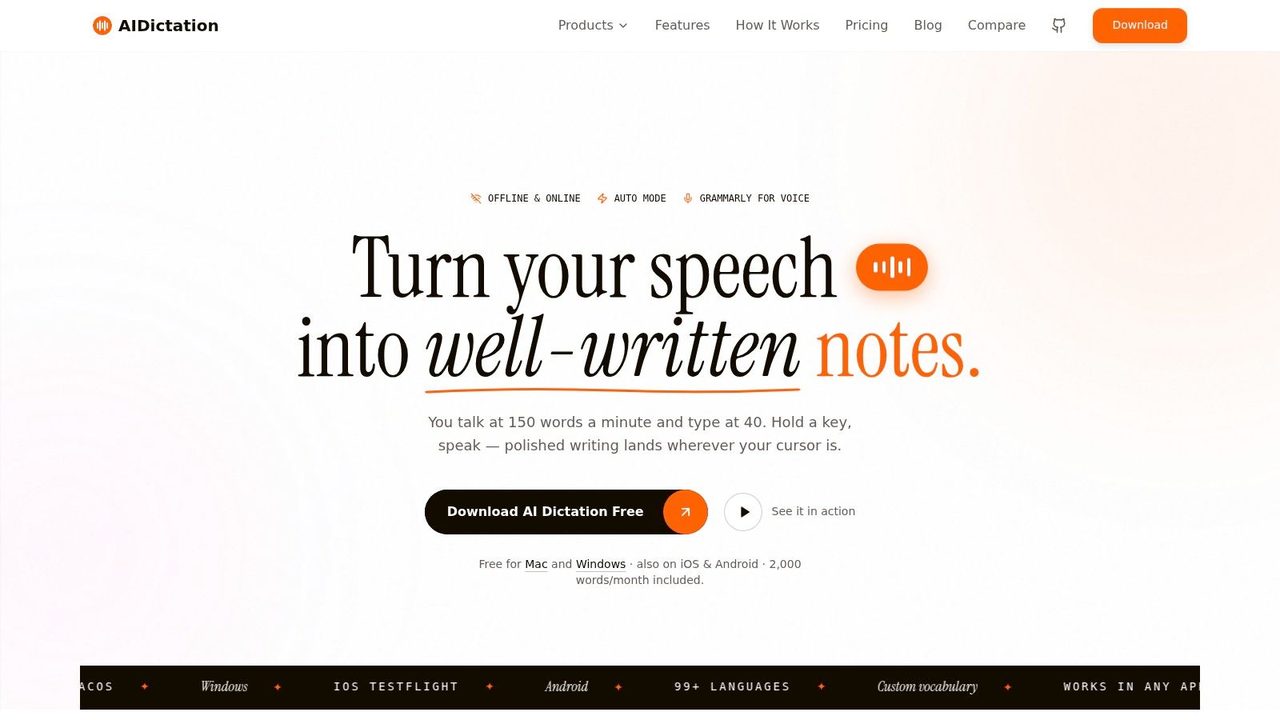
AIDictation is the best tool I've seen for that specific problem. It's a voice-to-text app for macOS that turns rough spoken drafts into clean writing you can put to use. Instead of just transcribing words, it fixes punctuation, removes filler, restructures rambling input, and formats text based on where you're writing.
Why it works for PM documentation
What makes it stand out is the workflow design. Auto Mode switches between available engines, Local Mode runs on-device with Parakeet v3 on Apple Silicon, and Cloud Mode adds AI cleanup and context-aware formatting when you want more polish. For PM work, that matters because not every note belongs in a cloud pipeline.
The privacy angle is more important than most roundups admit. Existing coverage often ignores the requirement for local, on-device AI when PMs handle unreleased product details or regulated information. That gap shows up clearly in Scrum Alliance guidance on AI for product managers, which helps explain why privacy-safe documentation workflows deserve more attention than they usually get.
Practical rule: If your notes include roadmap decisions, customer escalation details, or sensitive product terminology, start local and only add cloud cleanup when the content is safe to send.
AIDictation also supports custom vocabulary and app-specific context rules. That's unusually useful for PMs. You can dictate into email one minute, Slack the next, then move into a technical spec without constantly re-teaching the tool how to handle feature names, internal acronyms, or engineering phrasing.
Workflow example
A realistic PM flow looks like this. You finish a stakeholder call, dictate the rough summary immediately, send the output into your notes app, then reuse the cleaned draft as a PRD skeleton, a Jira summary, and a follow-up email. That removes the tedious conversion layer that usually eats the rest of the hour.
The free tier includes 2,000 words per month and doesn't require an account, which makes it easy to test before rolling it into your workflow. Pro plans include monthly, annual, and lifetime options, plus features like audio and video transcription, translation to English, and unlimited model access through the product's AIDictation workflow page for product managers.
- Best use case: Turning spoken notes into ready-to-edit PRDs, meeting summaries, and stakeholder updates.
- What works well: Local privacy, cloud polishing when needed, custom vocabulary, per-app formatting rules.
- Main limitation: The free plan is for evaluation, not heavy daily use. Full file transcription and broader AI cleanup sit behind Pro.
- Website: AIDictation
2. Productboard
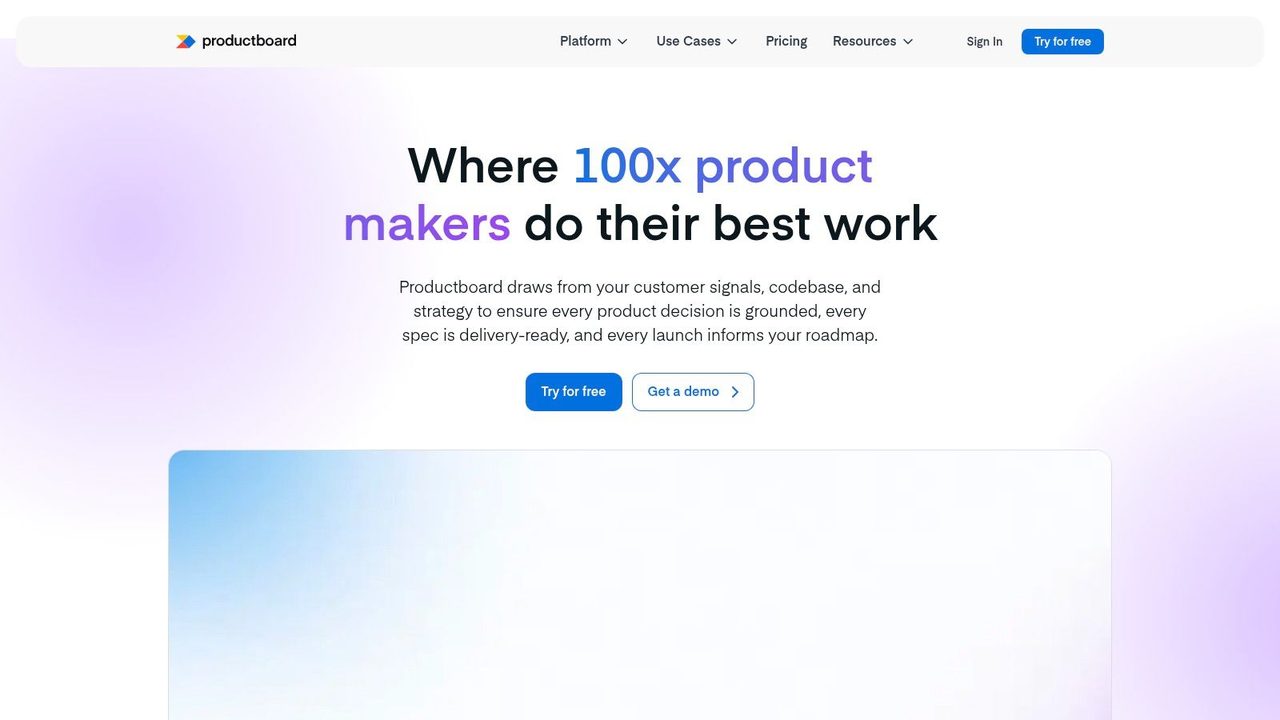
Productboard is for PMs who want AI tied directly to feedback and prioritization, not floating in a separate writing tool. Its value comes from connecting customer input, feature ideas, and roadmap decisions in one system so the AI can help with synthesis and drafting in context.
Productboard AI and Spark make sense if your team already centralizes feedback in Productboard; AI can summarize recurring requests, cluster themes, and accelerate PRD creation without losing the evidence trail behind the decision.
Where it fits best
I'd use Productboard when the biggest problem isn't writing speed. It's traceability. PM teams often move too quickly from feedback to feature proposal, and six weeks later nobody can explain why an item was prioritized. Productboard helps preserve that chain.
The trade-off is cost and usage design. AI features rely on credits, and Productboard pricing scales with makers, so the platform gets more expensive as your core PM group grows. It's a better fit for teams that already believe in centralized feedback hygiene than for lightweight startups improvising in docs and spreadsheets.
Productboard works best when your roadmap discussion starts with linked evidence, not opinions collected in separate tools.
Its native role in roadmap planning also makes it a strong companion to broader planning habits like building a clear project roadmap structure for cross-functional teams.
- Best use case: Feedback-driven prioritization and PRD drafting tied to customer evidence.
- What works well: Strong linkage between feedback, insights, and roadmap choices.
- Main limitation: Credit-based AI usage can feel restrictive for heavy drafting workflows.
- Website: Productboard
3. Aha! Roadmaps
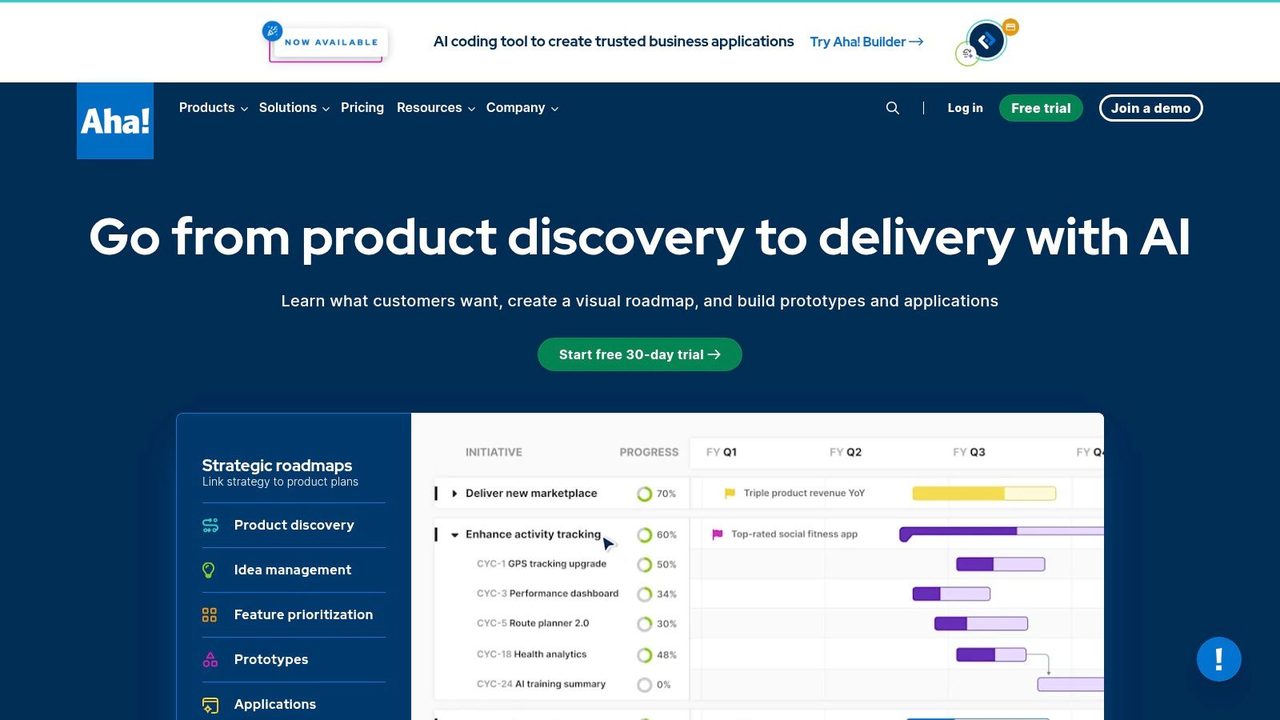
Aha! Roadmaps is one of the more complete product management systems on this list. It's not trying to be a single AI trick. It's trying to support the full product planning lifecycle, then layer AI across ideas, whiteboards, features, releases, and updates.
That makes it useful for mature PM organizations with established planning rituals. If your team already works with formal strategy models, scoring systems, release plans, and executive reviews, Aha! fits naturally. The AI assistant helps speed up the writing and summarization inside those workflows instead of asking you to rebuild your process around a chatbot.
Best for structured planning teams
Aha! is strongest when product ops discipline already exists. You can use AI to draft feature definitions, summarize status, and prepare release communications, but the bigger win is consistency. Teams stop recreating planning artifacts from scratch every cycle.
The downside is weight. Small teams can feel buried under setup, taxonomy, and configuration. That isn't a flaw if your organization needs rigor, but it's a real implementation cost. Some PM teams buy Aha! hoping for speed, then realize they also signed up for process maturity.
- Best use case: End-to-end product planning with AI assistance embedded across artifacts.
- What works well: Strong governance, mature planning structure, useful support for release and feature documentation.
- Main limitation: More platform than many startup-stage teams need.
- Website: Aha! Roadmaps
4. Jira Product Discovery + Atlassian Intelligence / Rovo
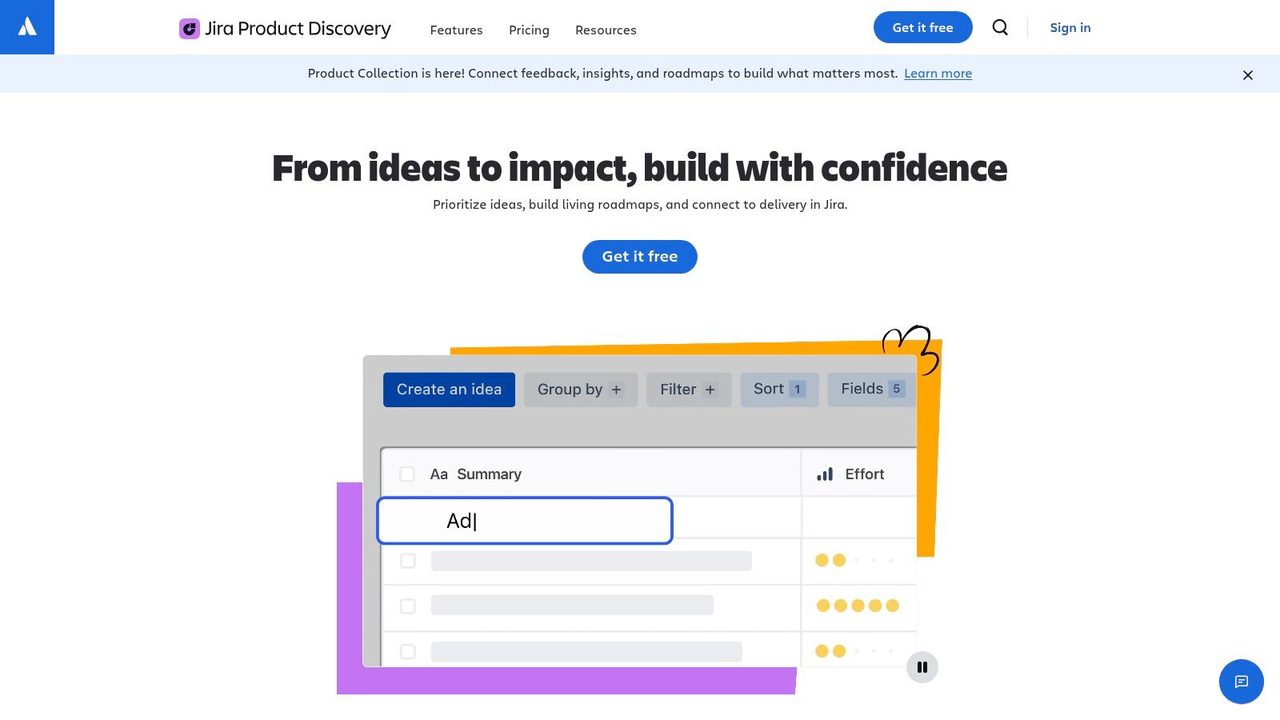
If your company already lives in Jira and Confluence, Jira Product Discovery is the least disruptive way to add AI to product discovery. You capture ideas, rank them, attach insights, and connect the result directly to delivery. That handoff matters more than flashy generation features.
Atlassian Intelligence and Rovo add search, summarization, and agent-style support across the ecosystem. In practice, that means less hunting across docs, tickets, and project spaces when you need to reconstruct context for a decision.
Best when discovery must connect to delivery
This stack shines in organizations where PMs struggle to keep discovery and execution aligned. Idea boards in one tool and delivery plans in another usually create handoff loss. Jira Product Discovery reduces that friction because the output already sits in the same operating environment engineering uses.
The limitation is that the AI and pricing model can feel like a moving target. Rovo usage, pooled credits, and evolving packaging require admin attention. Also, cloud-only deployment won't work for every environment, especially if your organization has strict data handling constraints.
For Atlassian-heavy teams, convenience is the feature. Fewer integrations usually means fewer broken workflows.
- Best use case: Discovery-to-delivery alignment inside a Jira and Confluence environment.
- What works well: Native handoff into Jira execution and broad search across Atlassian knowledge.
- Main limitation: Cloud dependency and evolving AI consumption models add complexity.
- Website: Jira Product Discovery
5. Linear
Linear is the execution tool I'd pick when speed and clarity matter more than broad process coverage. It keeps planning tight, issue management clean, and collaboration with engineering unusually fast. The AI layer follows that same philosophy. It's there to reduce friction in triage, summaries, and scope discussions, not to turn Linear into an all-purpose PM suite.
That's why Linear works well for product teams with strong engineering partnership. PMs can move from rough issue framing to clearer execution faster, especially when GitHub context is part of the workflow.
Fast execution with lightweight AI
Linear Agent and related automations are promising because they stay close to the work. Thread summaries, scope suggestions, and code-aware sessions are practical features. They save time exactly where PMs and engineers usually lose momentum.
The trade-off is maturity. Some AI capabilities are still evolving, and metered usage means teams should watch how often they rely on higher-cost actions. If you want a stable, rigorously governed AI system for enterprise planning, Linear isn't the first pick. If you want a fast operating system for shipping, it's excellent.
Teams exploring agent-based workflows alongside PM tooling may also want to see how others manage AI employees with Hermes.
- Best use case: PM-engineering execution, issue triage, and fast sprint coordination.
- What works well: Speed, clean UX, practical AI support inside execution flows.
- Main limitation: Some AI features are still beta-like and billing models are still settling.
- Website: Linear
6. Notion
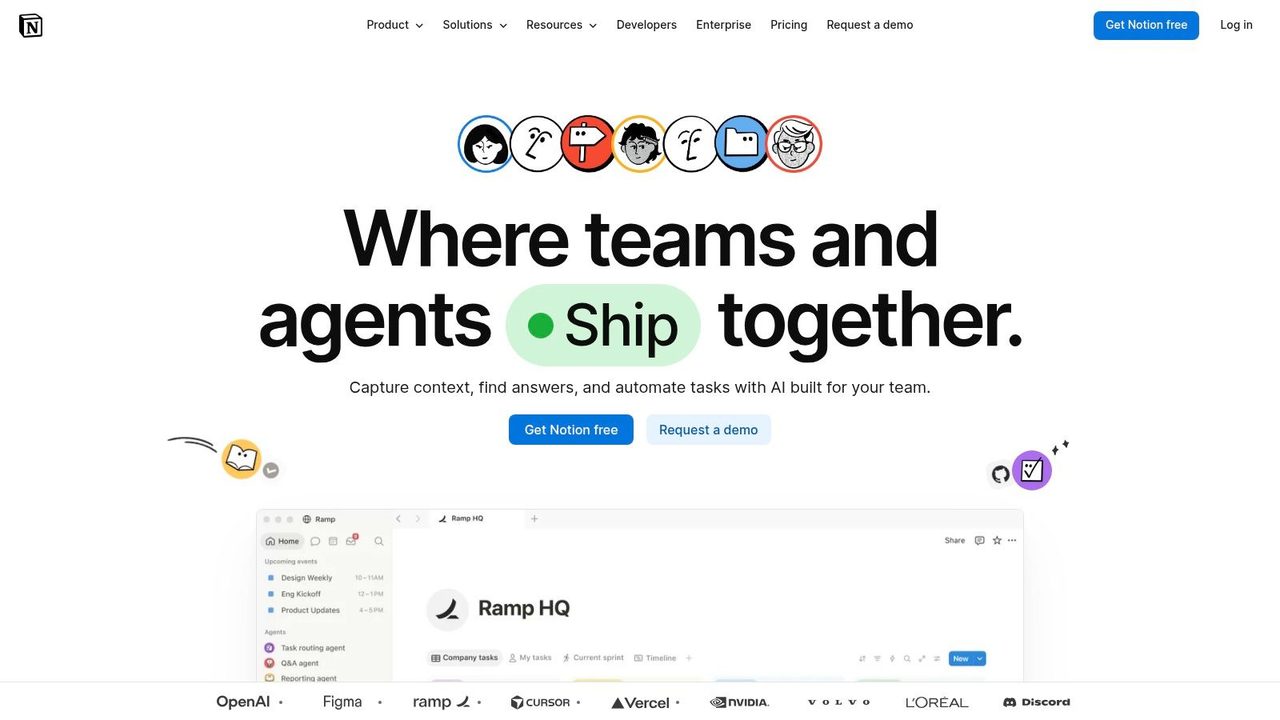
Notion remains one of the most practical AI tools for product managers because so much PM work already happens in docs. PRDs, decision logs, launch plans, retrospective notes, meeting records, and stakeholder updates all fit naturally inside a docs-first workspace.
Its AI features support that reality well. Summaries, drafting help, meeting notes, search, and custom agents all sit close to the underlying content, so you don't spend your day exporting context into another tool just to get help writing or retrieving information.
Strong default for docs-first PM teams
Notion is best when your operating model is flexible and documentation-heavy. You can build decent wikis, simple roadmaps, team spaces, and specs without a lot of implementation overhead. For many PM teams, that's enough. The gain isn't specialization. It's convenience and adoption.
The caution is governance. Once a company scales, Notion can sprawl fast. AI increases that risk because it becomes easier to generate more content than anyone maintains. Custom agents also add another layer of pricing and operational complexity that smaller teams may not need yet.
- Best use case: PRDs, internal documentation, meeting notes, and knowledge retrieval.
- What works well: Low friction, broad flexibility, strong drafting support in the place PMs already write.
- Main limitation: Governance and consistency get harder as usage expands.
- Website: Notion
7. Coda
A common PM failure mode looks like this. The spec lives in one doc, open questions sit in a project tracker, launch readiness lives in a spreadsheet, and stakeholder updates get rebuilt every week from scratch. Coda is one of the few tools that can pull those pieces into a single operating document.
That matters for workflow, not just convenience. Coda works well when a PM artifact needs both narrative and structure: a PRD tied to decisions, a launch plan tied to owners and status, or a planning doc that updates from the same tables the team uses to run execution. Coda AI adds value inside that system by summarizing notes, drafting sections, filling table fields, and helping maintain recurring updates without forcing the team into a separate assistant.
Best for PM workflows built around living docs
I recommend Coda for teams that want documentation to behave like software. It can support discovery synthesis, planning, reviews, and stakeholder reporting in one place, with buttons, formulas, tables, and automations doing part of the operational work.
The trade-off is setup cost. Coda pays off after someone defines the doc model well: which tables are the source of truth, how pages inherit context, who owns updates, and where automation is worth the complexity. If that foundation is weak, AI will generate more output inside a system nobody trusts.
A practical workflow example: use one Coda doc as the hub for a product initiative. Research notes feed a findings table, the PRD pulls from those findings, open decisions roll into a review page, and the weekly stakeholder update is generated from the same underlying records. That reduces copy-paste work and keeps the team closer to one shared version of reality.
Coda also shows up in content and publishing operations, where structured docs drive repeatable workflows. This guide to AI content in Notion is a useful adjacent example.
- Best use case: Living PRDs, cross-functional planning hubs, and operating docs that mix prose with structured workflows.
- What works well: Connects specs, trackers, and updates in one system with AI embedded in the working doc.
- Main limitation: Setup quality determines the outcome. Poor architecture creates fragile docs and extra maintenance.
- Website: Coda
8. Airtable
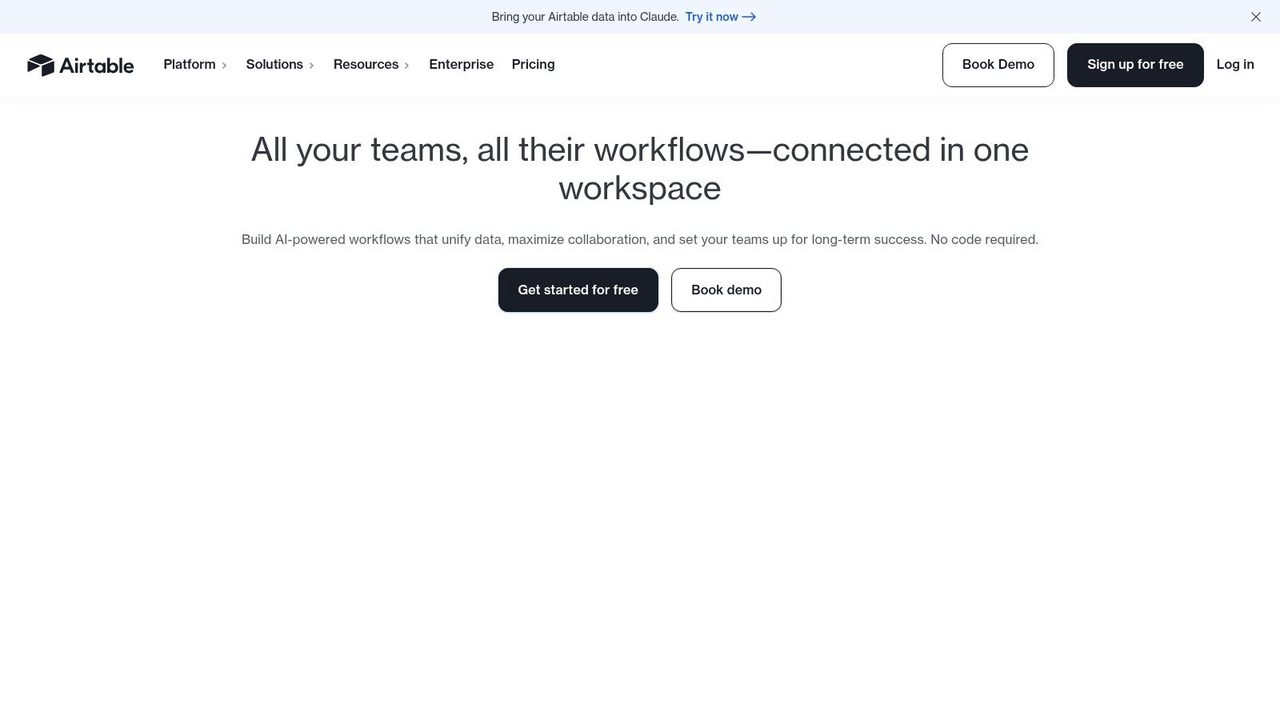
Airtable is less about writing specs and more about structuring the operational layer around product work. It's strong when your PM organization needs one place to organize launch planning, research repositories, roadmap inputs, partner requests, or go-to-market dependencies across teams.
Its AI features are useful because they sit inside records, automations, and interfaces. That lets you generate content, analyze documents, and enrich structured data without abandoning the system that holds your process.
Best for structured product operations
Airtable works best for PMs who think in systems. If you need connected datasets and lightweight internal apps more than traditional PM software, it can be a better fit than roadmap-specific platforms. It's especially good when product, operations, and GTM teams need a shared source of truth.
The weakness is the same thing that makes it powerful. Good Airtable setups require schema design. If nobody owns the structure, the base turns into another confusing operations layer. AI helps after the model is in place. It doesn't replace the need for one.
- Best use case: Product ops, launch coordination, and structured discovery assets.
- What works well: Strong relational organization, useful interfaces, solid admin controls.
- Main limitation: Advanced setups take planning, and AI feature access depends on plan and usage.
- Website: Airtable
9. Dovetail
You finish five customer interviews, export the transcripts, and then the core work begins. Someone has to pull themes, connect quotes to decisions, and make the findings usable for people who were not in the room. Dovetail exists for that part of the PM workflow.
For discovery-heavy teams, Dovetail solves a specific problem. Research evidence is hard to operationalize when it lives across call recordings, notes, survey responses, and support tickets. Dovetail brings those inputs into one research repository, then uses AI to transcribe, summarize, tag themes, and surface patterns while keeping the underlying source material attached. That traceability matters. It is what lets a PM say, "this priority came from repeated user friction," and show the evidence.
Best for discovery workflows that need a real research repository
Dovetail is strongest when research is recurring, not occasional. Teams that run interviews every week, review sales calls, or synthesize support pain points get more value because the repository compounds over time. The AI helps with speed, but the bigger advantage is consistency. Patterns become easier to revisit across quarters, and new PMs can understand past decisions without starting from scratch.
A practical workflow looks like this: record interviews, send transcripts into Dovetail, let AI generate summaries and suggested themes, then review the tagging before sharing a synthesis readout. From there, move validated insights into your roadmap or planning system. If your team is still piecing this process together, a clear research documentation workflow for product teams helps define what should live in the repository versus what belongs in a decision doc.
There are trade-offs. Dovetail is excellent at evidence management, but it will not replace your planning stack, and it still needs human judgment. Auto-tagging can over-group distinct problems or miss context that matters for prioritization. Setup also takes discipline. Taxonomy, templates, and research ops habits determine whether the repository becomes a durable asset or another place where insights go stale.
Good research tools do more than shorten synthesis time. They help the rest of the company trust how product decisions were made.
- Best use case: Interview synthesis, repository management, and evidence-backed insights.
- What works well: Clear research workflows, traceable source material, fast AI-assisted synthesis.
- Main limitation: Requires process ownership and a separate system for planning and delivery.
- Website: Dovetail
10. Miro
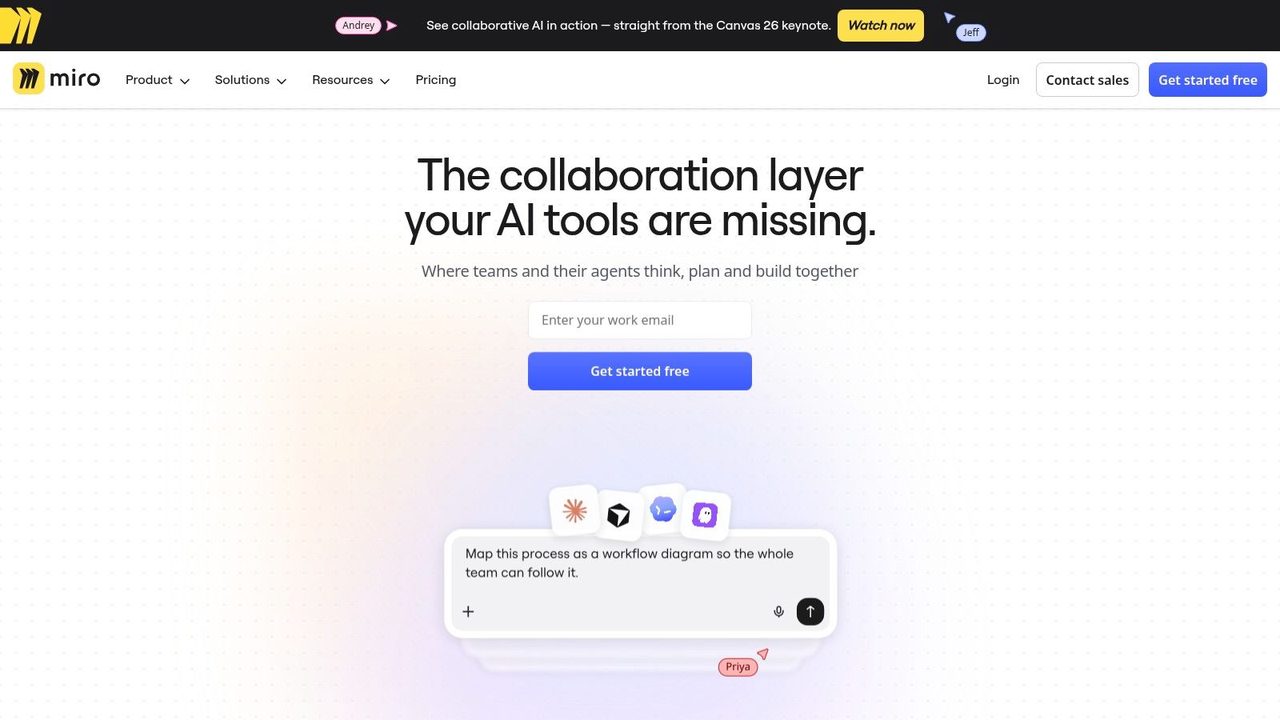
Miro is where a lot of early product thinking starts. Workshops, journey maps, brainstorms, affinity clusters, release planning boards, and rough solution concepts all fit naturally there. Miro AI speeds up the parts that usually become a drag once the workshop ends.
Clustering sticky notes, summarizing discussion output, creating flows, and pushing rough ideas toward wireframes are all practical uses. The point isn't to automate discovery. It's to shorten the distance between collaborative mess and usable direction.
Best for turning workshop chaos into direction
Miro earns its keep in cross-functional work. PMs, designers, researchers, and stakeholders can all participate without much training. That makes it valuable in the fuzzy stages of product work, especially when alignment matters more than exact wording.
Its limits are clear too. Miro is great for visual thinking, not final system-of-record discipline. If your team leaves artifacts in Miro too long, they become hard to operationalize. Use it to accelerate ideation and alignment, then move decisions into your actual PM stack.
- Best use case: Discovery workshops, journey mapping, and visual synthesis.
- What works well: Fast collaboration, strong visual organization, helpful AI clustering and summarization.
- Main limitation: Better for ideation than for durable delivery management.
- Website: Miro
Top 10 AI Tools for Product Managers, Feature Comparison
| Product | Core features | Quality ★ | Value / Price 💰 | Target 👥 | Unique ✨ |
|---|---|---|---|---|---|
| AIDictation 🏆 | Hybrid Auto/Local/Cloud dictation; grammar & punctuation cleanup; meeting & file transcription | ★★★★★, accurate in noise & accents | 💰 Free 2,000 words/mo; Pro $8.49/mo; lifetime $199 | 👥 PMs, devs, clinicians, support & marketing | ✨ Local Parakeet v3 on Apple Silicon; per-app context rules; custom vocabulary |
| Productboard | AI PRD drafts, feedback summarization, roadmaps & prioritization | ★★★★ | 💰 Tiered plans; AI credit model | 👥 PMs centralizing customer insights | ✨ Feedback→roadmap linkage; governance controls |
| Aha! Roadmaps | End-to-end product suite with AI for specs, release notes & whiteboards | ★★★★ | 💰 Paid tiers with AI credits included | 👥 Mature product teams & orgs | ✨ Full lifecycle coverage; prioritization scorecards |
| Jira Product Discovery | Idea capture, prioritization, native Jira/Confluence integration | ★★★★ | 💰 Part of Atlassian plans; pooled Rovo credits | 👥 Jira/Confluence shops | ✨ Native delivery alignment; Rovo agents & org-wide credits |
| Linear | Fast issue tracking; Linear Agent for triage, summaries & GitHub-aware sessions | ★★★★ | 💰 Simple plans; AI features metered (beta) | 👥 Engineering-first PM/design teams | ✨ Code-aware AI sessions; low-friction UI |
| Notion | Docs/wiki with AI writing, meeting notes, enterprise search & Custom Agents | ★★★★ | 💰 Paid tiers include AI; Custom Agents credit-billed | 👥 Cross‑functional teams, docs & PRDs | ✨ Flexible DBs + Custom Agents for automation |
| Coda | Doc-as-app platform with AI tables, Packs & automations | ★★★ | 💰 Monthly AI credits per Doc Maker pooled | 👥 Makers, ops & product teams building living PRDs | ✨ Structured docs-as-apps; transparent credit model |
| Airtable | Relational bases with AI fields, agents, document analysis & automations | ★★★★ | 💰 Tiered plans; AI credits/add-ons | 👥 Data-oriented PMs & GTM teams | ✨ AI-native fields + embedded agents |
| Dovetail | Research repository: transcription, tagging, theme extraction & synthesis | ★★★★ | 💰 Plan-based AI allowances; higher tiers for advanced features | 👥 UX researchers & PMs needing evidence-based insights | ✨ Research-first synthesis; executive-ready summaries |
| Miro | Collaborative whiteboard with AI clustering, summarization & prototyping helpers | ★★★ | 💰 Pooled AI credits per plan; add-ons for heavy use | 👥 Discovery teams, designers & workshop facilitators | ✨ Visual clustering & wireframe/prototype acceleration |
From Tools to Strategy: Making AI Your Co-Pilot
Monday starts with a customer call, a backlog review, two Slack threads about scope, and a leadership update due by 3 p.m. The PM failure mode is easy to spot. Notes live in one place, feedback in another, decisions in a third, and AI gets used as a grab bag of small tricks across all of them. The result is more cleanup work, more copy-paste, and less confidence that the team is acting on the same signal.
AI pays off when it supports a PM workflow from input to decision. That usually means choosing tools by the job they serve, not by how impressive the demo looks. Discovery tools should help turn raw interviews and feedback into patterns you can trust. Documentation tools should reduce the time between a conversation and a usable PRD. Delivery tools should sharpen handoff quality, expose risk earlier, and cut status-chasing.
That framing lines up with how product leadership is changing. Egon Zehnder describes a shift toward higher-value PM work, where AI helps with early synthesis and drafting so product leaders can spend more time on judgment, sequencing, and customer understanding in its analysis of how AI is redefining the product manager's role. In practice, that is the key advantage. Faster writing matters. Better decisions matter more.
A simple way to start:
- Discovery: Use Productboard or Dovetail when feedback volume is high and the team struggles to separate loud opinions from repeated customer pain.
- Documentation: Use Notion, Coda, or AIDictation when meetings generate useful raw material but turning it into specs and follow-ups keeps slipping.
- Delivery: Use Jira Product Discovery or Linear when prioritization, handoff, and execution context break down between product and engineering.
- Operating system work: Use Airtable or Coda when roadmap inputs, launch readiness, or cross-functional dependencies need more structure than a static doc can give.
- Workshops and synthesis: Use Miro when ideation sessions produce a wall of sticky notes but no clear decision.
The workflow example matters more than the tool name. A strong setup looks like this: customer interviews flow into Dovetail for synthesis, recurring themes move into Productboard or Jira Product Discovery for prioritization, approved decisions become specs in Notion or Coda, and delivery work lands in Linear or Jira with enough context for engineering to act without another meeting. That is how AI becomes part of the operating cadence instead of another browser tab.
There is also a governance point that experienced teams learn early. AI output quality depends on source quality, naming discipline, and clear ownership. If feedback is messy, tags are inconsistent, or nobody decides which summary becomes the official version, the tooling just accelerates confusion. As noted earlier, the teams getting durable value tend to set usage rules, define where final decisions live, and judge success by product outcomes rather than time saved alone.
One caution is easy to miss. A lot of AI advice for PMs overweights strategy artifacts like roadmaps and feature ideas, while underweighting the daily operational drag of documentation, decision logs, and handoff prep. Pragmatic Institute makes that point in its discussion of AI tools for product managers. I agree with that trade-off. In many teams, the highest-return automation is not idea generation. It is reducing the hours lost turning rough working notes into something the team can build from.
Start with one repeated bottleneck. Define the workflow around it. Then choose the tool that fits the job, the team, and the implementation cost. That is the difference between experimenting with AI and improving product management.
Frequently Asked Questions
What does 10 AI Tools for Product Managers in 2026 cover?
You leave a customer call with three useful quotes, two conflicting feature requests, and a vague promise to “get a draft out by EOD.” Ten minutes later, you are in roadmap review. By lunch, you are turning meeting notes, Slack fragments, and stakeholder opinions into something engineering can build.
Who should read 10 AI Tools for Product Managers in 2026?
10 AI Tools for Product Managers in 2026 is most useful for readers who want clear, practical guidance and a faster path to the main takeaways without guessing what matters most.
What are the main takeaways from 10 AI Tools for Product Managers in 2026?
Key topics include Table of Contents, 1. AIDictation, Why it works for PM documentation.
Ready to try AI Dictation?
Experience fast voice-to-text on your device. Free to download.
Download FreeRelated Posts
Project Management Workflows: Patterns, Metrics & Real
Discover project management workflows with proven patterns, key metrics, and real-world examples to streamline your team's success.
10 Best Productivity Tools for Teams in 2026
Boost your output with the best productivity tools for teams. Explore our 2026 list of project management, communication, and AI tools to work smarter.
Product Manager Documentation: Essential 2026 Guide
Master product manager documentation. Write clear PRDs, roadmaps & specs to align teams & drive results. Get templates & best practices for 2026.