8 Agile Documentation Best Practices for 2026
Teams don't have to choose between shipping quickly and documenting responsibly. The popular interpretation of agile documentation, “write as little as possible,” is too blunt. The useful standard is write what helps someone make, use, support, review, or govern the product, then keep that information current without turning every sprint into a documentation project.
The Agile Manifesto, first published in 2001 by 17 software practitioners, established the principle of valuing working software over comprehensive documentation. That principle didn't eliminate documentation. It redirected documentation toward delivery, collaboration, traceability, and change.
The practices below apply to product managers, developers, technical writers, healthcare professionals, and other knowledge workers. Each one explains what to do, why it matters, where the trade-off sits, and how to begin. Voice-first capture can make the first draft faster, especially when typing is the obstacle, but it doesn't replace source control, peer review, accessibility testing, consent policies, or ownership.
Table of Contents
- 1. Living Documentation with Voice-First Input
- 2. Modular, Minimal Documentation with Structured Templates
- 3. Documentation as Code with Voice-Driven Workflows
- 4. Embedded Team Knowledge Through Meeting Transcription and Searchable Archives
- 5. Just-In-Time Documentation with Voice Capture at the Point of Knowledge
- 6. Cross-Functional Documentation for Shared Understanding and Accountability
- 7. Decision Records and Architecture Documentation via Voice Capture
- 8. Accessibility-First Documentation with Voice Generation and Multi-Format Output
- 8-Point Agile Documentation Practices Comparison
- Turn Eight Practices Into a Sustainable System
1. Living Documentation with Voice-First Input
Living documentation changes with the product instead of waiting for a large end-of-project rewrite. Requirements, decisions, technical explanations, and operational guidance should evolve alongside the work they describe. This approach reflects the agile preference for concise, workflow-integrated artifacts documented in a peer-reviewed study on agile coordination artifacts.
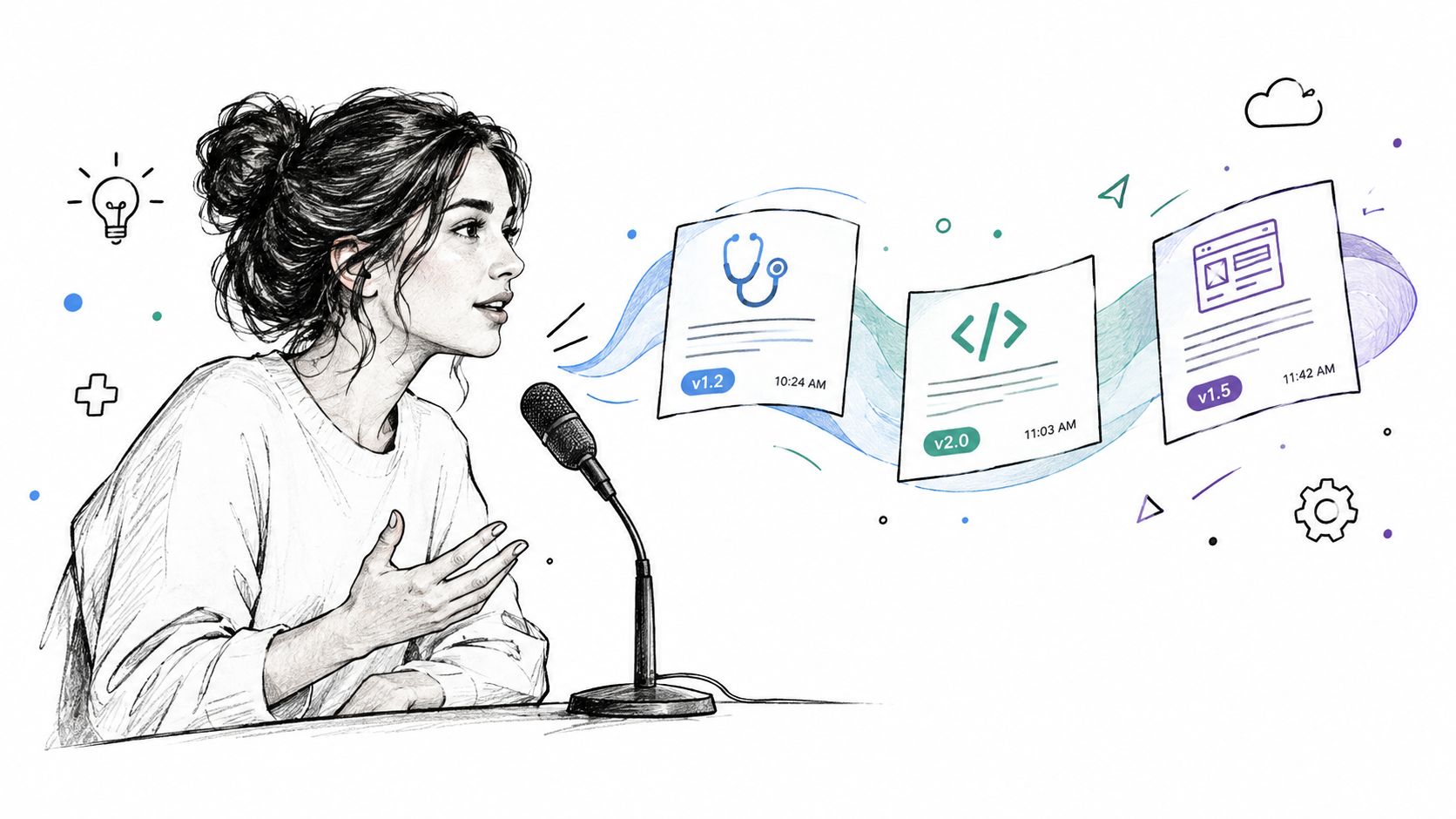
Voice capture helps when the knowledge exists but nobody wants to stop and type it. A developer can dictate an architectural decision after sprint planning, a product manager can capture stakeholder feedback while the context is fresh, and a clinical professional can prepare a patient note using an approved workflow. AIDictation can turn those spoken drafts into structured text, but a human still needs to verify names, terminology, facts, and sensitive details.
Practical rule: Capture close to the moment of knowledge, then review before publication.
Create reusable dictation templates for recurring artifacts:
- User stories: “As a [user], I need [capability], so that [outcome]. Acceptance criteria: [criteria].”
- Decision notes: “Decision, context, alternatives, consequences, owner.”
- Clinical notes: Use only an approved, privacy-reviewed structure appropriate to the setting.
- Technical specifications: “Purpose, inputs, behavior, errors, dependencies, open questions.”
AIDictation's custom dictionary can help with API names, medical terminology, product jargon, and proper names. Context rules can also adapt formatting by destination, such as a professional style for specifications or a technical style for an editor. For healthcare, don't treat a dictation tool's privacy claims as a substitute for your organization's compliance review. Confirm consent, retention, access, and approved processing paths before capturing protected information.
Start with one recurring moment, such as the end of sprint planning. Dictate the draft, assign an owner, review it with the relevant subject-matter expert, and link the final artifact to the work item. That small loop creates living documentation without asking the team to maintain a second process.
2. Modular, Minimal Documentation with Structured Templates
Minimal documentation works best when “minimal” describes the size of the artifact, not the quality of its thinking. A focused decision record, one-page specification, endpoint summary, or user story is easier to review and update than an all-encompassing document that tries to serve every audience.
Templates protect that focus. They give contributors a predictable place for the information that matters and make omissions visible. A product manager might use a short requirements template, while a developer uses an architecture decision record and a technical writer uses a reference-page structure. A clinical team may need a problem-focused note, but that template must follow the organization's approved clinical and privacy requirements.
A useful template should answer four questions:
- Purpose: What problem does this artifact solve?
- Audience: Who needs it, and what will they do with it?
- Required content: Which fields are essential for safe, accurate use?
- Maintenance: Who reviews it, and what event triggers an update?
Voice input reduces the friction of filling those fields, especially for people who think more clearly while speaking. AIDictation's Auto Mode can choose between on-device recognition and cloud processing, while cloud processing can apply cleanup and formatting when that route is approved. The output still needs a technical or domain review. Speech recognition can mishear a product name, reverse a qualifier, or turn a spoken list into ambiguous prose.
Teams can use content structure guidance to make templates easier to complete and easier to scan. Store the template itself in GitHub, GitLab, or the team's controlled knowledge system, alongside instructions for voice capture and review.
Review templates based on actual use. If contributors skip a field because it rarely changes a decision, remove or revise it. If support repeatedly asks for information that the template omits, add a focused prompt. The trade-off is deliberate: a short template may leave out background, but a bloated template creates stale content and weak ownership.
3. Documentation as Code with Voice-Driven Workflows
Documentation as code treats written information like a maintained product asset. Teams store it in version control, review changes through pull requests, build it through automation, and publish it through a controlled pipeline. That model is useful when documentation must remain traceable to code, configuration, releases, or policy.
Voice capture belongs at the drafting stage, not at the approval stage. A developer can dictate the explanation behind a code change, an API endpoint summary, a README update, or release notes. A technical writer can turn that rough explanation into publishable content. The repository remains the source of truth, and the pull request remains the place where reviewers check accuracy, scope, links, examples, and terminology.
A practical workflow looks like this:
- Capture context: Dictate what changed, why it changed, and who needs to understand it.
- Normalize the draft: Correct product names, commands, code syntax, headings, and links.
- Open a documentation change: Include the dictated context in the pull request description or draft file.
- Run checks: Apply link validation, formatting rules, required-section checks, and build tests.
- Review and merge: Have a subject-matter expert verify behavior before publication.
Local Mode can be useful for private drafting or offline code comments, while Cloud Mode may provide additional cleanup when organizational policy permits it. Neither mode removes the need to inspect the result. Dictated code identifiers, version strings, flags, and punctuation deserve the same scrutiny as copied code.
Treat voice transcription as an authoring accelerator, not as an approval mechanism.
Document the difference between narrative prose and technical syntax in your team guidance. A spoken explanation can be polished for clarity, but a command must preserve exact spelling and punctuation. Link the final page to its code, release, or issue so future maintainers can follow the trail. Teams that already use tools for workflow automation can connect publication and validation steps, but the workflow should fail safely when documentation is incomplete or technically incorrect.
4. Embedded Team Knowledge Through Meeting Transcription and Searchable Archives
Meetings contain decisions that never reach the project space. Planning sessions explain intent, retrospectives reveal recurring friction, architecture reviews preserve trade-offs, and multidisciplinary discussions expose constraints that a polished document may omit. Transcripts can preserve that context, but they shouldn't become a warehouse of unreviewed conversation.
Set a clear policy before recording. Define which meetings may be transcribed, who must consent, how long records are retained, who can access them, and which topics require a different process. In healthcare and other regulated settings, patient or client information requires particular care. A transcription workflow must fit the organization's privacy, security, and records requirements.
AIDictation's audio transcription can support both live capture and post-meeting processing. Use metadata that makes archives useful, such as project, date, meeting type, attendees, and decision status. Searchability only helps if the team knows what belongs in the archive and how to locate it.
A good operating pattern separates capture from formalization:
- Capture: Record or dictate the discussion with the required consent.
- Triage: Mark decisions, action items, unresolved questions, and sensitive passages.
- Verify: Ask action owners to confirm commitments and ask decision owners to verify wording.
- Promote: Convert important decisions into a specification, decision record, ticket, or runbook.
- Archive: Retain the transcript according to policy and preserve links to the formal artifact.
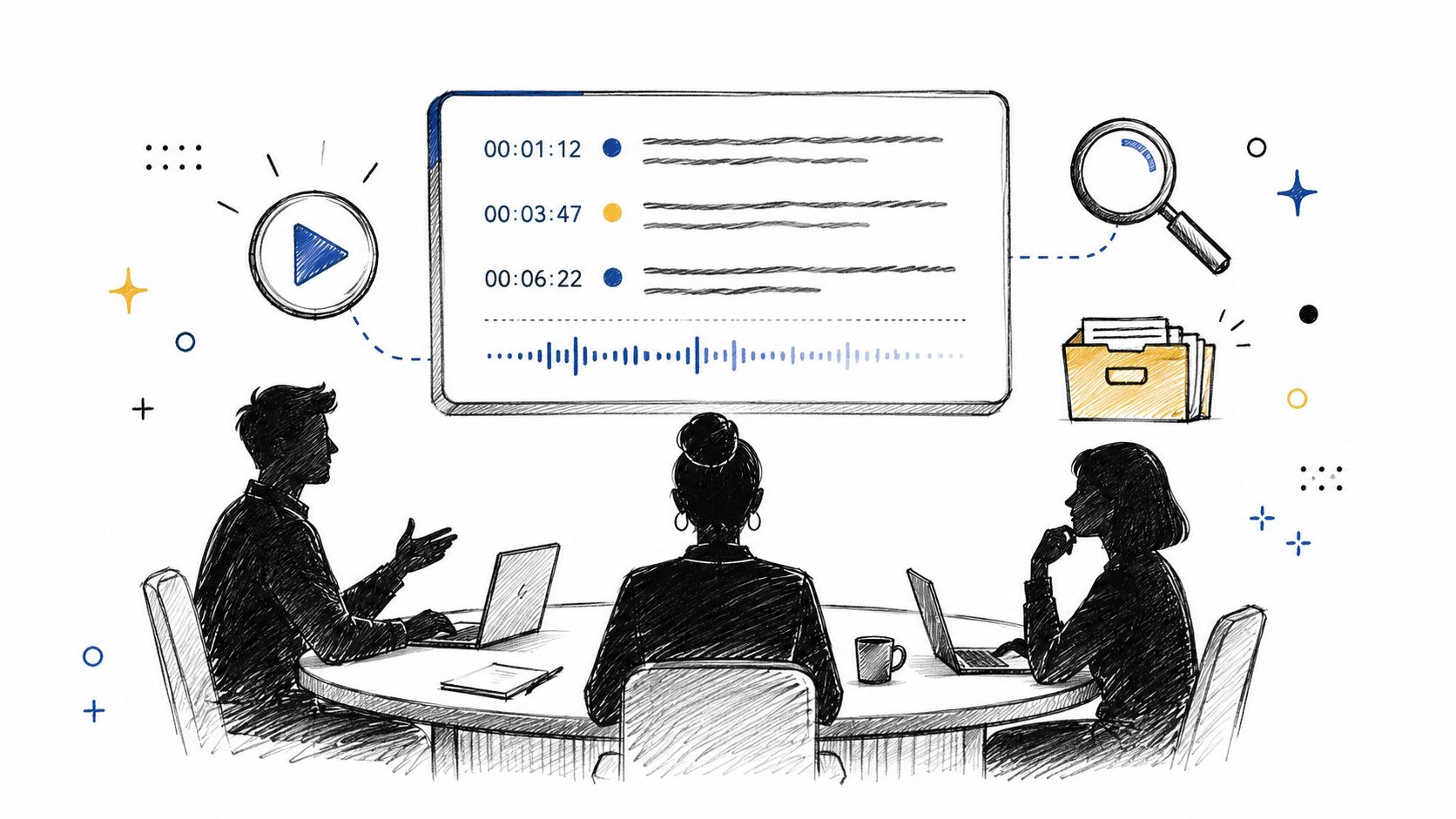
Meeting archives should complement documentation, not replace it. A transcript records what people said, including uncertainty and repetition. A decision record states what the team decided, why, who owns it, and what consequences follow. For a more focused workflow, see meeting transcription and summary guidance.
5. Just-In-Time Documentation with Voice Capture at the Point of Knowledge
The best time to document a workaround is often immediately after solving the problem. The person who understands the failure, diagnosis, and resolution can explain it while the details are still available. Waiting until the sprint closes transfers the work to someone with less context and increases the chance that the rationale disappears.
Just-in-time documentation doesn't mean publishing every rough note. It means capturing the useful explanation at the point of knowledge, then deciding whether it deserves a formal home. A developer might explain why a service behaves unusually, a DevOps engineer might record the recovery sequence after an incident, and a product manager might dictate an insight after a research call.
Use a voice-friendly capture format:
Problem: What happened, and who was affected?
Solution: What action restored or improved the situation?
Why: Why did this solve the problem?
Watch out for: What assumption, limitation, or failure mode matters next time?
Next step: What should someone link, test, or update?
This structure captures decision rationale, not just the final instruction. That distinction matters when a future maintainer faces different conditions and needs to judge whether the old solution still applies.
AIDictation can help produce a first draft through dictation and audio or video transcription. Use context rules to add tags or route the content toward a ticket, incident record, support article, or internal note. For sensitive work, choose only an approved processing mode and avoid placing confidential information into an unapproved destination.
Create documentation triggers around real work:
- After a difficult fix: Capture the diagnosis and the misleading paths.
- After a support resolution: Record the user-visible symptom and verified remedy.
- After deployment: Explain environment-specific steps and rollback concerns.
- After research: Preserve the observation, evidence, uncertainty, and product implication.
Review captures during a regular knowledge session. Promote the high-value notes, link them to commits or tickets, and archive the rest. This keeps JIT documentation lightweight without allowing temporary notes to become an accidental source of truth.
6. Cross-Functional Documentation for Shared Understanding and Accountability
A document can be technically correct and still fail the people who need it. Developers may describe implementation details, while support needs symptoms and resolution steps. Product managers need user outcomes, operations needs procedures, and compliance teams need evidence of control. Cross-functional documentation works when each audience can find its relevant explanation without forcing every reader through every detail.
Start by separating perspectives in the artifact. A feature page might contain For users, For support, For developers, and For operations sections. An API page might pair endpoint behavior with authentication requirements, common failure responses, support implications, and a user-facing example. The structure makes disagreement visible before publication.
Voice capture can bring more people into authorship. Run a short session in which each role explains the same change in its own language. A developer can describe constraints, a product manager can explain the user need, a support lead can identify recurring confusion, and an operations owner can state the deployment or monitoring requirement. A writer or designated owner then consolidates the material instead of pasting separate transcripts together.
Use a review matrix rather than asking everyone to review everything:
- Engineering: Verify behavior, dependencies, examples, and technical terminology.
- Product: Verify user value, scope, and intended outcomes.
- Support: Verify troubleshooting paths and customer language.
- Operations: Verify procedures, permissions, alerts, and rollback steps.
- Compliance or privacy: Verify required controls and handling restrictions.
Context rules can help format a spoken draft for its destination, but they can't resolve a conflict between roles. Assign one accountable owner, record unresolved questions, and define which reviewer has authority over each section. Build a shared glossary for terms that differ across departments. If “workspace,” “account,” and “tenant” mean different things to different teams, the glossary is operational infrastructure, not editorial decoration.
Cross-functional documentation is especially valuable during handoffs. It reduces dependence on a single expert, but it takes longer to review than a document written for one role. That trade-off is justified when the feature crosses team boundaries or carries operational, customer, or regulatory consequences.
7. Decision Records and Architecture Documentation via Voice Capture
Teams often remember what they chose and forget why. Months later, a maintainer sees a database, framework, deployment pattern, or integration and assumes the choice was arbitrary. An Architecture Decision Record preserves the reasoning while the discussion is still available.
Keep the format compact enough to complete during the same work session:
- Question: What decision required attention?
- Answer: What did the team choose?
- Because: Which constraints, evidence, or priorities shaped the choice?
- Consequences: What becomes easier, harder, safer, or more expensive?
- Alternatives considered: What credible options did the team reject, and why?
- Status and owner: Is the decision proposed, accepted, superseded, or retired?
Voice capture works well here because architecture discussions are explanatory by nature. One person can dictate the initial ADR while the group supplies corrections. AIDictation's custom dictionary may help with specialized terminology, and a private local workflow can support initial drafting when the subject matter is sensitive. Cloud cleanup can be useful only where the organization allows that processing and where reviewers verify the technical result.
A decision record should explain the constraint, not merely announce the choice.
Link each ADR to relevant pull requests, issues, code, diagrams, and later decisions. Maintain an index by topic, such as data storage, deployment, identity, or observability. During sprint planning or architecture review, check whether a proposed change conflicts with an existing decision. If it does, create a superseding record rather than editing history behind the scenes.
The trade-off is maintenance. An ADR may become inaccurate when the system changes, but deleting it can erase important context. Mark it superseded, link to the replacement, and preserve the historical record. Assign an owner or review trigger so the team knows who checks it when a related component changes.
This practice is most valuable for choices that future contributors are likely to question. Don't create a record for every minor implementation detail. Create one when the decision affects architecture, risk, compliance, cost, operability, or the team's future options.
8. Accessibility-First Documentation with Voice Generation and Multi-Format Output
Accessibility starts with the source, not with the final export. A document should have clear structure, meaningful headings, descriptive links, readable language, keyboard-friendly interaction, and content that doesn't depend on color or visual interpretation. Voice-to-text can make authoring more accessible for contributors, while transcripts and audio can create additional ways for readers to consume information.
Multi-format output is useful when each format serves a real need. Markdown supports version control and reuse. HTML supports web navigation and assistive technology. PDF may suit controlled printing or formal distribution. Audio can support people who prefer listening, but audio alone shouldn't replace a navigable text alternative.
A voice-first workflow can begin with a spoken walkthrough. A developer explains an integration, a trainer narrates a procedure, or a product manager describes a feature. The team then turns the transcript into a structured guide, adds screenshots or code examples where needed, and checks whether the written version stands on its own.
Accessibility review should include:
- Transcript accuracy: Check names, commands, numbers, links, and specialized terms.
- Structure: Confirm heading order, lists, tables, labels, and meaningful link text.
- Screen-reader use: Test navigation and ensure visual context has an equivalent description.
- Captions: Add captions or a complete transcript to video documentation.
- Language clarity: Remove filler and ambiguity without stripping necessary nuance.
- User testing: Include people with disabilities and people who use the content in different languages or formats.
AIDictation can support spoken drafting and audio or video transcription, but automated formatting doesn't prove accessibility. A transcript may be grammatically clean yet still omit who is speaking, what a diagram shows, or which action a user should take. Use web standards guidance for developers as part of a broader review process, and test the actual published output.
The trade-off is production effort. Supporting multiple formats takes more coordination than publishing one page, so prioritize content used by varied audiences, content tied to critical workflows, and content where an inaccessible format would block participation.
8-Point Agile Documentation Practices Comparison
| Approach | Implementation complexity 🔄 | Resource requirements ⚡ | Expected outcomes 📊 | Ideal use cases ⭐ | Key advantages / Tips 💡 |
|---|---|---|---|---|---|
| Living Documentation with Voice-First Input | Moderate, setup voice tooling, templates, VCS integration | Moderate, dictation service, custom dictionary, privacy controls | Continuous, up-to-date docs; faster capture; compliance support | Clinical notes, ADRs, real-time meeting capture | Lowers typing friction; use templates and peer review |
| Modular, Minimal Documentation with Structured Templates | Low–Moderate, design templates and governance | Low, templates + basic VCS and dictation | Concise, discoverable modules; lower maintenance overhead | One‑page ADRs, API summaries, user stories | Enforces consistency; review templates regularly |
| Documentation as Code with Voice-Driven Workflows | High, Git + CI/CD + linting and PR workflows | High, build pipelines, repo infra, technical contributors | Rigorous, versioned docs with automated publishing | Developer docs, large codebases, regulated environments | Enables PR reviews; use local mode for code comments |
| Embedded Team Knowledge via Meeting Transcription & Archives | Moderate, transcription, speaker ID, search index, policies | Moderate, storage, transcription engine, access controls | Searchable transcripts with rationale, onboarding aid, audit trails | Distributed teams, case conferences, retrospectives | Tag transcripts, define retention/consent, extract actions |
| Just‑In‑Time (JIT) Documentation with Voice Capture | Low–Moderate, triggers, templates, cultural adoption | Low, quick-capture tools and KB links | Timely, accurate captures; reduced documentation backlog | Post-incident notes, debugging, lab/field findings | Create capture triggers; use voice-friendly templates |
| Cross‑Functional Documentation for Shared Understanding | Moderate–High, coordination, facilitation, review cycles | Moderate, stakeholder time, templates, glossaries | Shared context, fewer handoff errors, faster onboarding | Cross-team features, compliance processes, operations handoffs | Role-based sections; schedule syncs; maintain glossaries |
| Decision Records & Architecture Documentation via Voice | Moderate, ADR templates, linking, review discipline | Low–Moderate, dictation + repo integration | Preserved rationale, traceable decisions, better onboarding | Architecture reviews, platform choices, design trade-offs | Use ADR template; assign a scribe; link ADRs to PRs |
| Accessibility‑First Documentation with Voice Generation | Moderate–High, multi-format pipeline + accessibility QA | Moderate, audio/video storage, transcript tooling, testing | Multi-format outputs (text/audio/video), compliance, wider reach | Training, public docs, patient education, tutorials | Generate transcripts/audio, test with users, ensure semantic markup |
Turn Eight Practices Into a Sustainable System
Don't launch all eight practices at once. Start with one recurring documentation moment that already exists, such as sprint planning, an architecture review, an incident closeout, or a product research session. Choose a focused template, capture the first draft by voice when that removes friction, then assign a reviewer and publish the result in the team's accepted source of truth.
The key is to separate capture, editorial work, approval, and maintenance. AIDictation can support capture through Auto Mode, Local Mode, Cloud Mode, custom dictionaries, context rules, and audio or video transcription. It can help turn spoken requirements, meeting notes, technical explanations, and rough decisions into usable drafts. It shouldn't be treated as a replacement for version control, peer review, accessibility checks, consent, access controls, or documentation governance.
Privacy requires judgment at every stage. Define which conversations may be recorded, whether participants have consented, which processing mode is permitted, how long drafts and transcripts remain available, and where the approved copy belongs. In healthcare and other regulated environments, align the workflow with organizational requirements before capturing sensitive information. A clean transcript is still the wrong artifact if the team stored it in the wrong system or exposed it to the wrong audience.
Measure documentation as a product rather than counting pages. A technical documentation KPI framework groups useful signals into usage, feedback, performance, quality, and collaboration. Those categories can help a team ask better questions: Can people find the right page? Do readers understand it? Are support requests revealing gaps? Do reviewers correct the same issue repeatedly? Does the artifact remain accurate after a related change?
Ownership matters as much as authoring speed. The challenge is often not document volume, but deciding who updates an artifact, when stale content should be archived, and how people discover the right version. Guidance on linkability, tagging, and context-aware documentation management reinforces the need to treat documentation as a living system with owners, review triggers, and visible documentation debt.
Use this selection guide:
- Need consistency: Start with modular templates.
- Need fresh context: Use just-in-time voice capture.
- Need technical rationale: Create ADRs.
- Need institutional memory: Maintain reviewed meeting archives.
- Need better handoffs: Use cross-functional formats.
- Need traceability: Adopt documentation as code.
- Need continuous change: Maintain living documentation.
- Need broader reach: Design accessibility-first, multi-format outputs.
AIDictation can reduce the authoring friction that causes useful knowledge to remain spoken or unwritten. Teams still create the quality system around it. For a broader perspective on scaling content workflows, see this Veo3 AI scaling framework, then choose one documentation habit your team can put into practice this sprint.
AIDictation turns spoken requirements, decisions, meeting notes, and technical explanations into clean drafts for agile documentation workflows. Use its local or cloud-based modes, custom dictionary, context rules, and transcription features where they fit your privacy and review process, then visit AIDictation to start capturing knowledge with less typing.
Frequently Asked Questions
What does 8 Agile Documentation Best Practices for 2026 cover?
Teams don't have to choose between shipping quickly and documenting responsibly. The popular interpretation of agile documentation, “write as little as possible,” is too blunt.
Who should read 8 Agile Documentation Best Practices for 2026?
8 Agile Documentation Best Practices for 2026 is most useful for readers who want clear, practical guidance and a faster path to the main takeaways without guessing what matters most.
What are the main takeaways from 8 Agile Documentation Best Practices for 2026?
Key topics include Table of Contents, 1. Living Documentation with Voice-First Input, 2. Modular, Minimal Documentation with Structured Templates.
Ready to try AI Dictation?
Experience fast voice-to-text on your device. Free to download.
Download FreeRelated Posts
Project Documentation: Your Guide to Success in 2026
Stop ignored, outdated project documentation. Learn to create, manage, and maintain effective documentation your team will actually use & value.
Structured Note Taking: Build a Powerful Knowledge Base
Transform messy notes into a powerful knowledge base with structured note taking. Explore Cornell, Outline, and more for all professions.
Master Your Note Taking Workflow
Ditch clutter. Build a repeatable note taking workflow. Capture ideas effortlessly, organize intelligently, & find anything you need.