Lecture Transcription Software: 10 Options Compared
The most popular advice about lecture transcription software is to rank tools by the accuracy number on the homepage, then pick the longest feature list. I would not start there. A transcript is only useful if it fits how you study, where the recording is allowed to live, and what you still have to do with the text.
Accessible captions are a learning artifact, not a raw dump of words. Australian higher-education guidance says they need to be synchronized, segmented into readable phrases, punctuated, speaker-identified where relevant, and supplemented with meaningful non-speech information such as sound effects or changes in tone, in a submission on caption quality. That standard matters for anyone using inclusive online schooling for hearing needs, and it also matters when a clinical note or a methods section cannot afford a silent error.
This list sorts ten options by capture path. Live cloud capture, uploaded files, and fully on-device processing are different products. Students with open recording policies can chase search and summaries. Researchers and healthcare staff should match consent and retention rules first. A beautiful cloud transcript of audio you were not allowed to upload is the wrong tool.
Table of Contents
- 1. Free Transcription Tool, Transcribe Audio to Text Online
- 2. Otter.ai
- 3. Notta
- 4. Glean
- 5. Transkriptor
- 6. TurboScribe
- 7. Rev
- 8. Sonix
- 9. Descript
- 10. MacWhisper
- How the ten tools compare on capture method, offline use, and education pricing
- Match the Tool to Your Data Rules Before You Match the Features
1. Free Transcription Tool, Transcribe Audio to Text Online
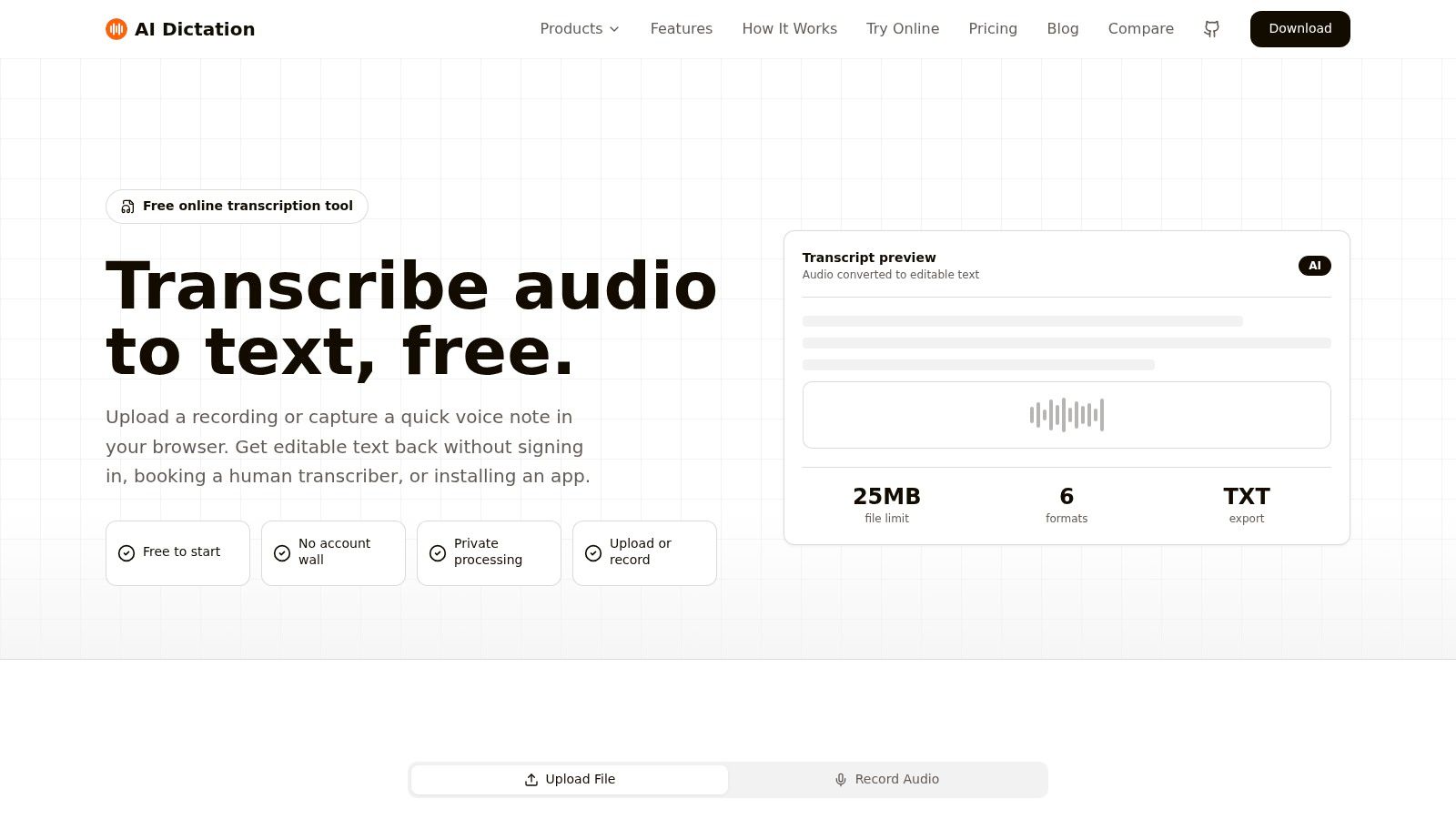
A recorded lecture is a file problem, and files go to upload tools. AIDictation's free transcription tool runs in the browser: you send the recording and get text you can read, search, and reuse. No desktop install on this page, and it is listed as free. It handles existing audio rather than live dictation, which is the Mac app's job.
The upload screen is plain on purpose.
Generic engines stumble on course vocabulary. One study found accuracy rising from 75% to 88% after minimal training, then from 91% to 94% after a customized dictionary and pronunciation information, in lecture recognition research from Villanova. Course names, drug names, and lab jargon still need a human pass. The AIDictation Mac app carries a custom dictionary for names and technical terms for exactly that vocabulary, and this browser page does not replace the review step.
What the upload path is good for
No install: Open the page, send the file, and work from the text.
Existing audio: Recorded lectures, voice memos, and other files you already have.
A simple job: Read, search, and reuse the transcript instead of replaying the hour.
Cost: The tool is listed as free, so it is a sane first test before a semester subscription.
It will not capture speech as the lecturer talks. Before you rely on it for a backlog, test a short clip in the language and file format you use. AIDictation also runs separate free pages for Spanish, French, Chinese, Japanese, Arabic, and German transcription, so route non-English audio to the matching page rather than forcing it through one. If the recording itself is still an open question, the guide to a lecture recording app covers the capture side before you transcribe.
Practical rule: Upload a ten-minute excerpt with your own terminology before you trust any free file tool with a full course.
2. Otter.ai
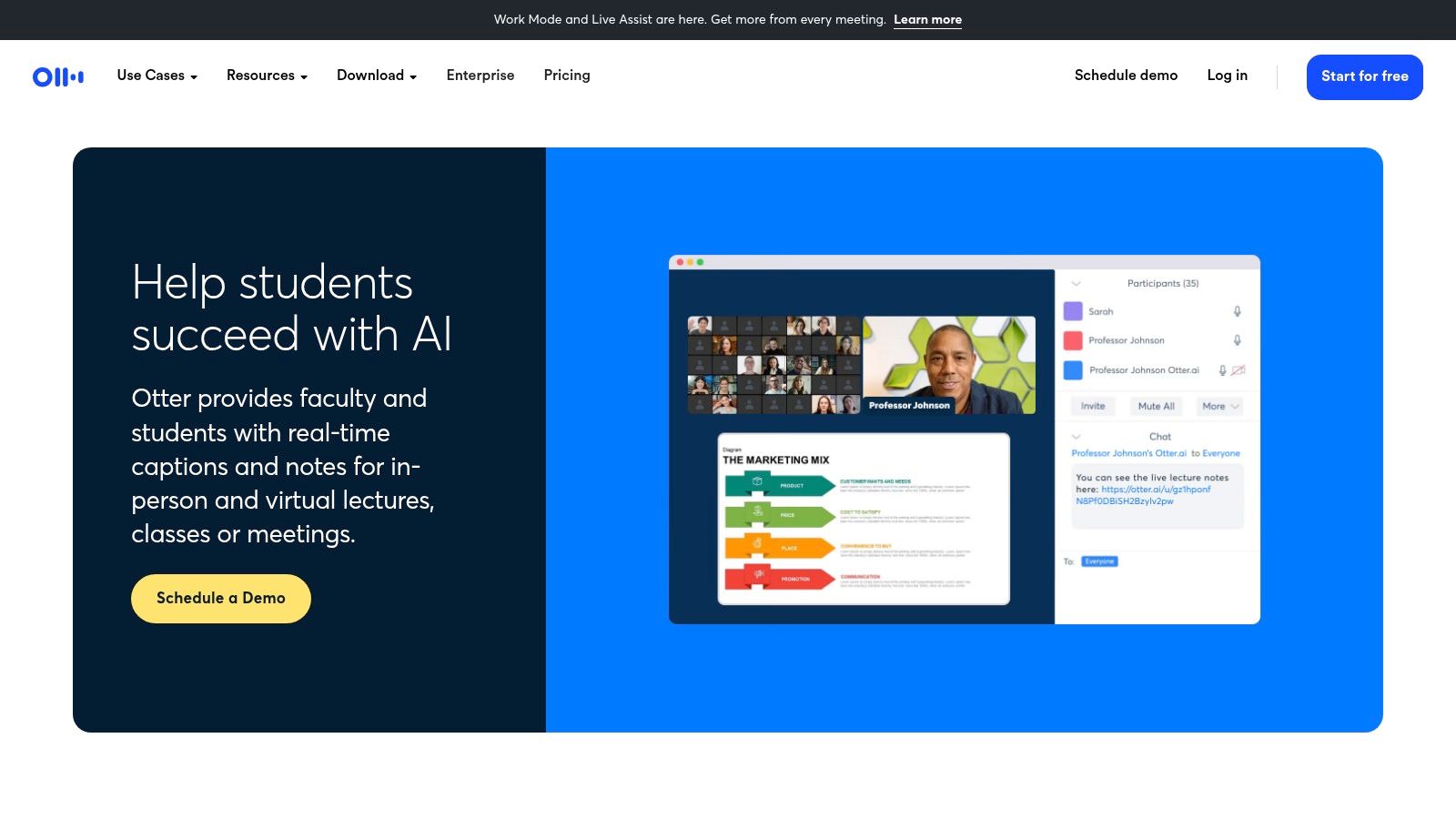
Say you are in a live seminar, the slides move fast, and you are allowed to record. Otter for education is built for that moment. It transcribes and captions in real time, then leaves you a searchable transcript with highlights, comments, automated summaries, and slide capture on supported virtual sessions. Web, iOS, and Android all reach the same notes.
Students in academic English settings already use live text to monitor speech accuracy, manage communication breakdowns, support turn-taking, and reduce anxiety, as described in recent higher-education work on real-time transcription. Otter fits that live scaffold. It is a weaker fit when the only job is a private file that must stay off someone else's server.
Student workflow: Recording, transcript, and review sit in one place, so you are not replaying the whole class to find one definition.
Correction load: Specialized terms and muddy lecture-hall audio still need edits.
Privacy: Cloud recording and calendar-connected meeting capture will not satisfy every clinic or lab policy.
If your “lecture” is really a recurring meeting, compare it with other meeting transcription software before you standardize on one login.
The live view is the product, not a side feature.
3. Notta
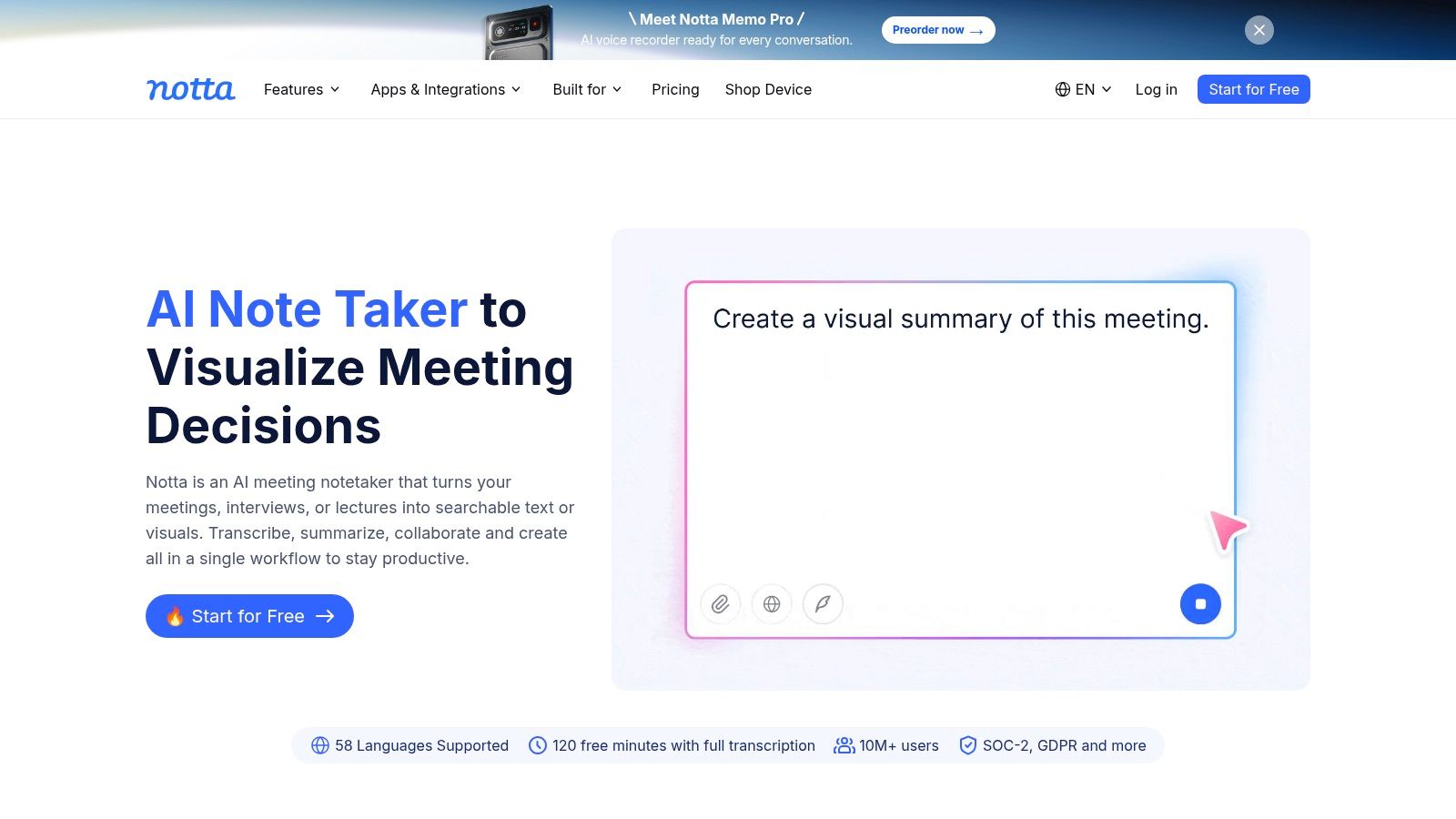
Notta is the split-path option. It takes live speech and uploaded audio or video, then adds transcripts, AI notes, and multilingual transcription and translation. Eligible students and faculty can get an education discount on specified plans at Notta.
I would use it when a course mixes English lectures with readings or guest talks in another language, and when the school already allows cloud processing. Language learners get a transcript they can compare with the audio. That is more useful than a summary alone.
Free-plan limits can make a full-length class awkward to run every week, so treat the free tier as a trial, not a semester plan. AI notes should be checked against the transcript or the recording. A confident summary of a misheard drug name is worse than a rough transcript you can see.
Cloud multilingual tools help when translation is worth the data exposure. They are the wrong default for audio that must never leave the building.
4. Glean
Glean is for the student who wants a study system, not a text file. It records in-person or online classes, turns the audio into searchable text, and ties time-linked highlights and notes back to the recording. Slides, images, summaries, and quizzes show up depending on edition and access. Details live at Glean.
Lecture-first layout: Key moments stay attached to the audio, so revision is not a scroll through undifferentiated paragraphs.
Recall tools: Summaries and quizzes go past “export TXT and hope.”
Campus licensing: Access often depends on the institution, the plan, or the edition, so ask the disability or learning-support office before you pay yourself.
The trade-off is weight. If you only need a downloadable transcript for a methods appendix, Glean is more product than the job requires. If your school already licenses it, use that license and skip a second cloud account.
5. Transkriptor
Transkriptor is an upload-and-edit workspace with study extras. It transcribes recorded audio or video, identifies speakers, and exports TXT, SRT, and Word. Translation is available. Qualifying paid plans add summaries, AI chat, and custom templates, and the education offer advertises a discount.
That mix suits a student who already has Panopto or phone files and wants captions plus a document, not a live notepad.
Review tools: Editing, playback, and speaker labels help when a seminar has more than one voice.
Exports: SRT is the format you want if the transcript must become captions, not just notes.
Plan math: Subscription minutes expire rather than roll over, so a heavy exam month can burn a quiet month's allowance. The free tier is for testing. AI study features sit on paid plans.
I would not pick it when the audio cannot be uploaded, or when you need the text while the lecturer is still talking.
6. TurboScribe
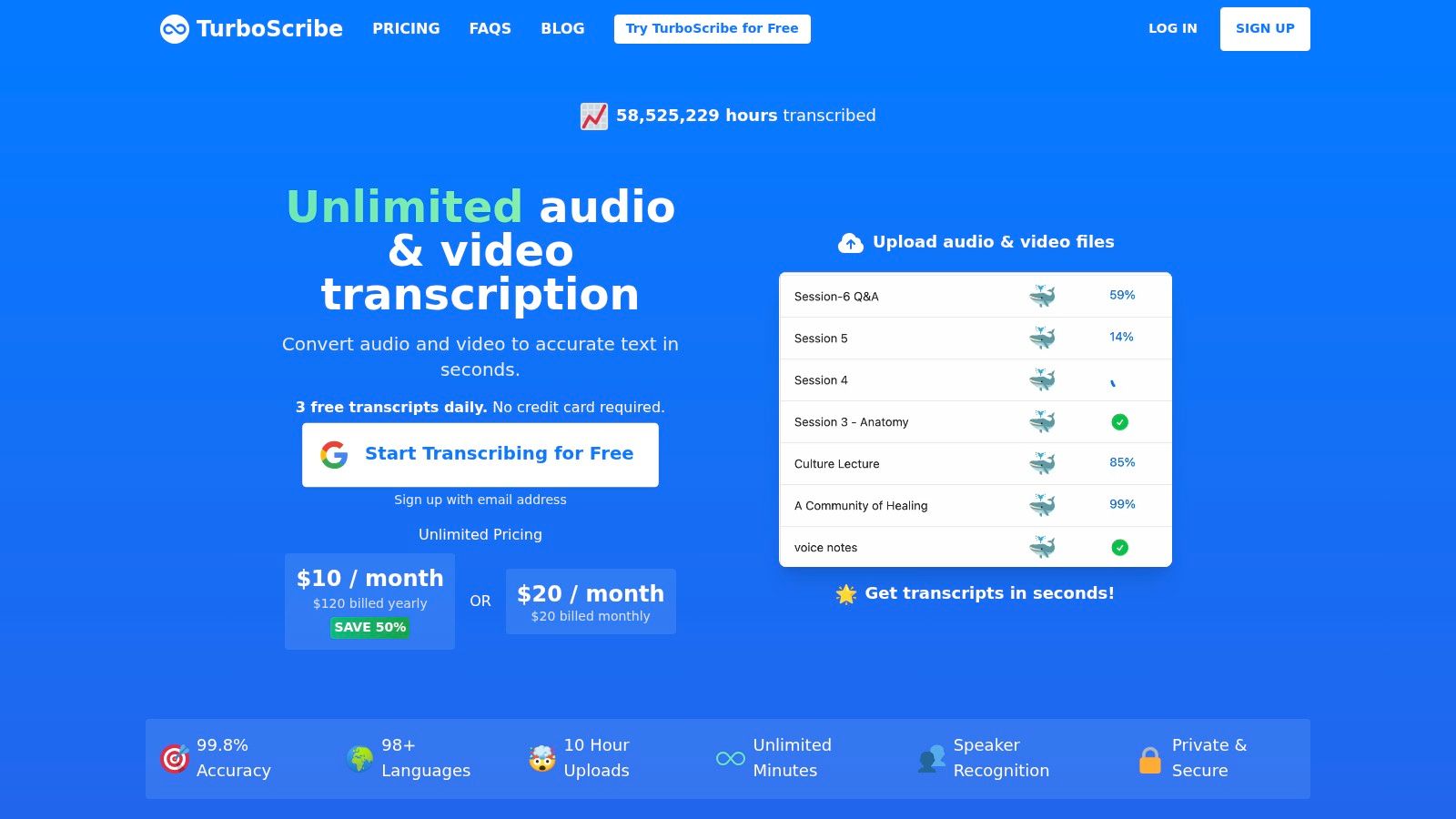
TurboScribe is a browser uploader for people who already hold the files, including long ones and old backlogs. The vendor says it supports more than 98 languages. The free plan allows three transcripts a day, each up to 30 minutes. The paid plan takes files up to 10 hours and batch uploads. Start at TurboScribe.
The pricing is easier to explain than per-minute billing, which matters when a lab shares one login. Long-file support is the practical win for a 90-minute class you do not want to chop.
The free 30-minute cap means a full lecture gets split or it waits for a paid plan. There is no live note-taking layer. Every file goes to the cloud, so this is not the tool for interviews or clinical audio that must stay on the machine.
Batch upload is the reason to open it.
7. Rev
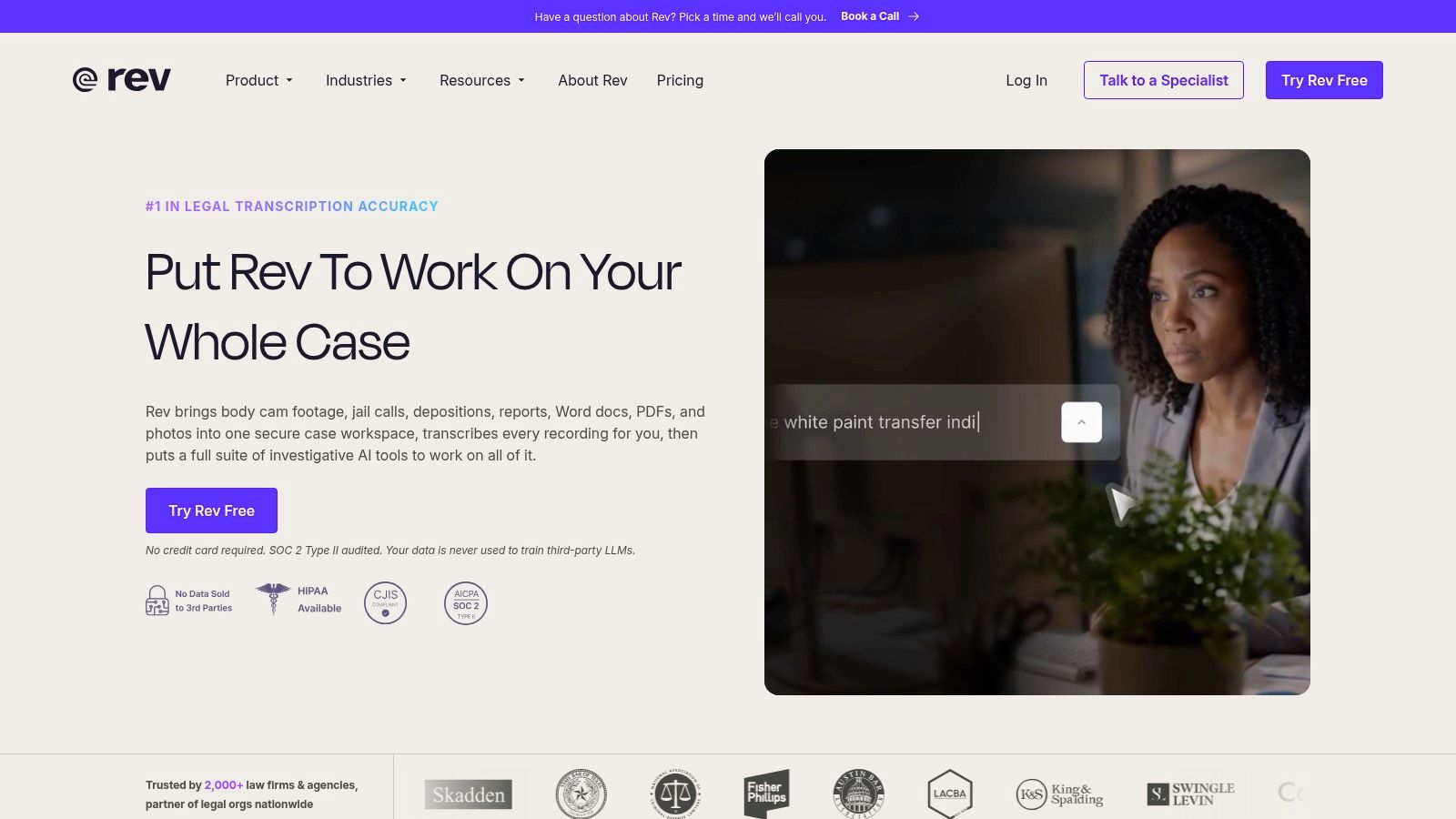
Rev is the option I keep for recordings where a wrong word has a consequence. You can run AI transcription on uploaded audio or video, record from the mobile app, edit, and export. You can also order a human transcript when the file warrants a person.
Independent testing of 11 speech-recognition services on higher-education lectures found an average word error rate of 7.0%, with individual rates from 3.8% to 45.0%, in a 2024 evaluation of lecture ASR. An average that wide is why “the AI looked fine on the demo” is not a quality system. Human review costs substantially more than automation. Use it for the accommodation copy, the deposition-style interview, or the lecture that will be published. Use automation for personal study drafts.
Rev is thinner on lecture-specific study tools than Glean or Otter. You are buying a transcript, not a quiz engine. Technical terminology in the AI pass still needs a check.
8. Sonix
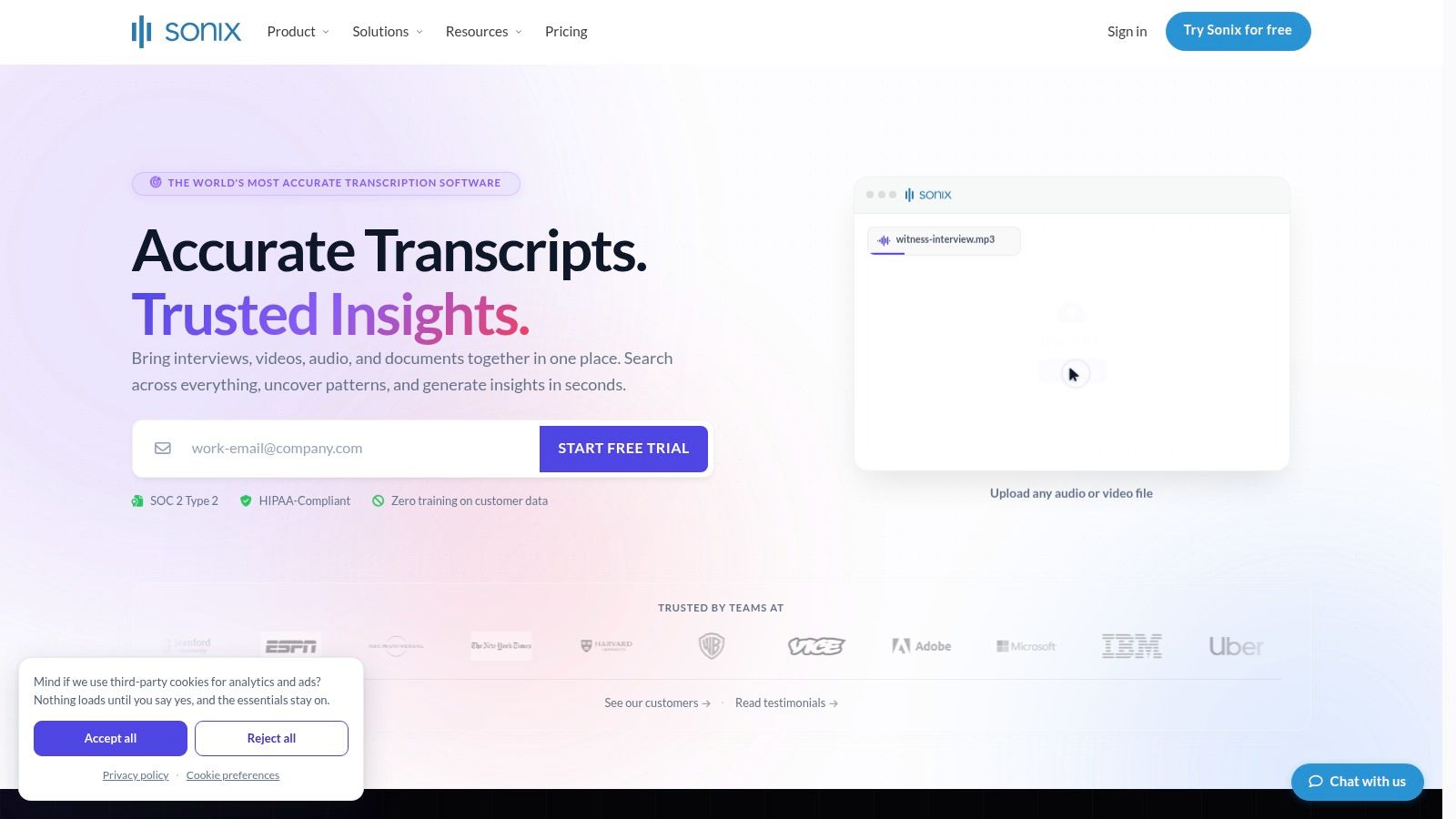
Sonix is a general transcription workspace that happens to be good at occasional lectures. You upload audio or video, then search and edit in the browser, with playback beside the text. Exports include DOCX, PDF, and TXT. Translation and subtitles are there, and pay-as-you-go pricing is prorated by duration. Qualifying students and educators may get a discount via Sonix.
Pay-as-you-go fits a researcher who transcribes three interviews this month and none next month. Integrated editing matters more than a summary when you must correct names before anyone else reads the file.
You bring your own recording. Costs climb if every class is long and weekly. It is not a student note app with quizzes and slide capture, and the audio still leaves the device.
For irregular academic audio, rent the minutes. Do not subscribe to a live note-taker you will not open.
9. Descript
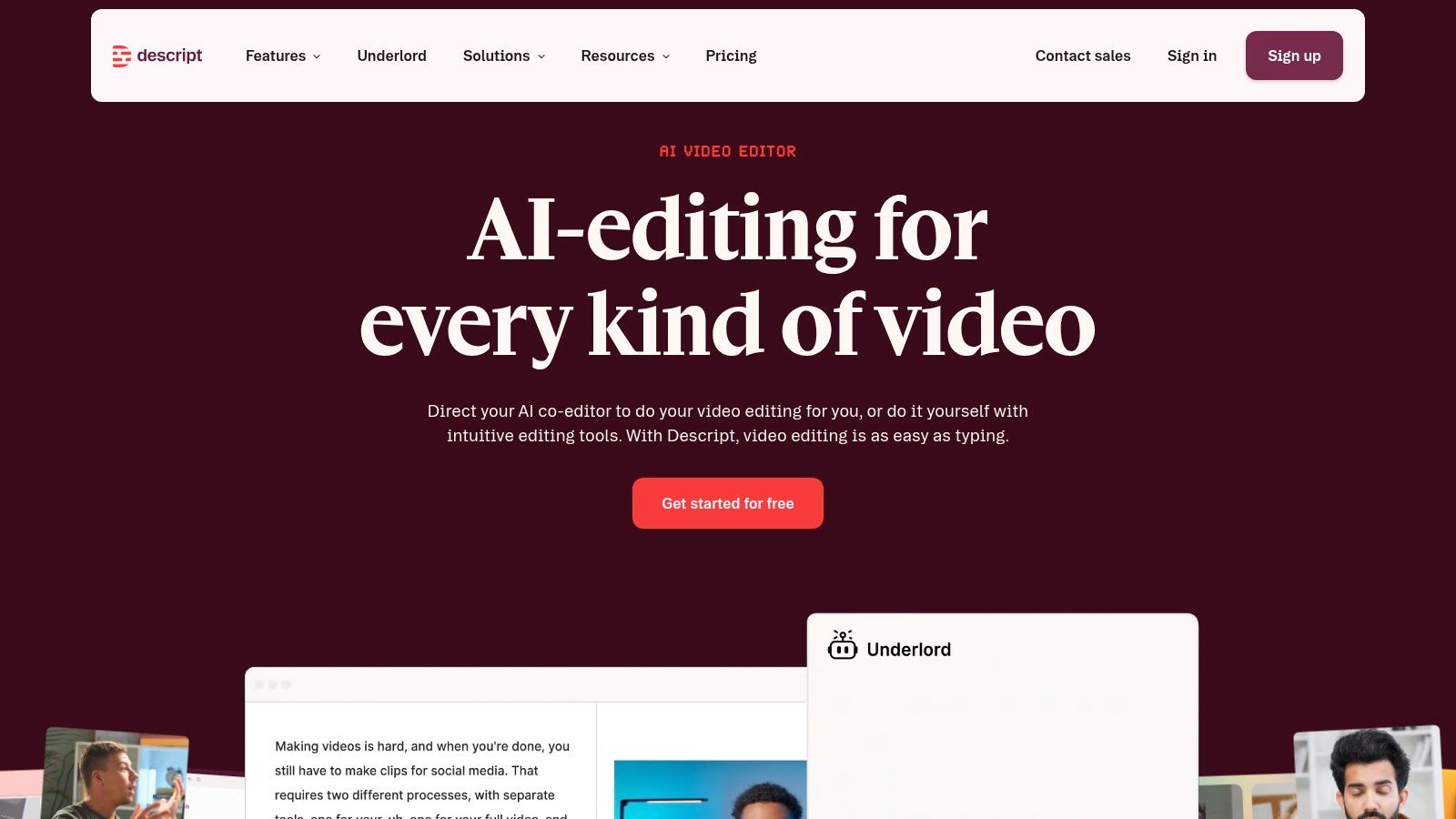
Descript treats the transcript as the editing surface. It transcribes audio and video, detects speakers, writes captions, and lets you change the media by changing the text. Qualifying plans add audio cleanup and filler-word removal. There is a free plan for testing the workflow at Descript.
Use it when the lecture is also a recording you must publish. A teaching demo, a conference talk, or a podcast episode belongs here. Speaker detection plus caption export saves a second tool.
Skip it when you only need study notes. Monthly transcription allowances change by plan, and the video features are overhead if you will never cut the file. Students who want highlights and quizzes will feel the product pulling toward production, not revision.
Cleanup: Filler-word removal helps a public cut. It can also hide the hesitations you needed as a study cue, so keep an unpolished copy.
10. MacWhisper
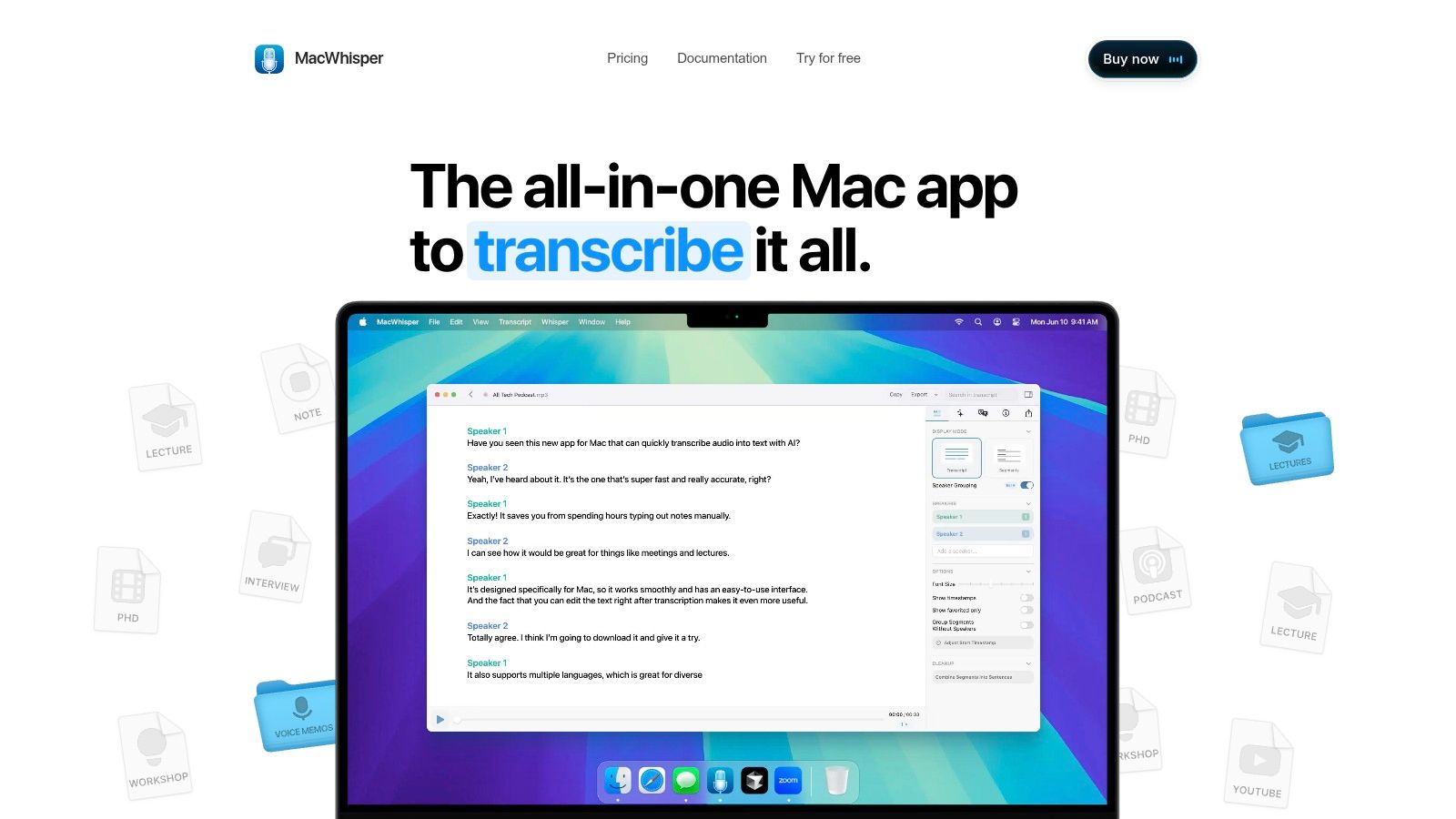
MacWhisper is the on-device answer for people who already have the file and will not upload it. The Mac app transcribes audio and video with local models, multiple languages, and text or subtitle exports. Pro adds batch transcription, speaker recognition, and more export formats. The direct-download Pro version is a one-time license at MacWhisper.
Speed and accuracy depend on the Mac and the model you pick. That is the honest limit of local processing. It is Mac-only, so Windows and Chromebook users are out. It will not build a full semester of quizzes and slide-linked notes.
Local mode on our own Mac dictation app follows the same privacy idea for live speech. Audio stays on the machine, which is the posture I want for clinical dictation and sensitive interviews. For a file-to-text comparison, see how AIDictation compares with MacWhisper.
The interface is a transcriber, not a course hub.
How the ten tools compare on capture method, offline use, and education pricing
Read the table with three questions in mind. Does the tool capture live audio or only take files you already have? Once it has the audio, does it leave your device, and where does it go? Finally, does the school pay less than a regular subscriber? The first two questions decide whether a tool is even allowed under your institution's data rules. The third only matters after that.
| Item | Best for | Live capture | Processing location | Education pricing |
|---|---|---|---|---|
| Free Transcription Tool, Transcribe Audio to Text Online | Free browser transcription of existing recordings | No; upload recordings | Cloud; audio is uploaded through the browser | Free to use; no paid plan to discount |
| Otter.ai | Live lectures, searchable notes, and summaries | Yes; real-time captions and transcription | Cloud; live audio processed on Otter's servers | Education offering for schools and universities |
| Notta | Live and recorded lectures, including multilingual coursework | Yes; live transcription for classes | Cloud; live sessions and uploaded files processed online | Discount for eligible students and faculty |
| Glean | Lecture notes linked to recordings and study materials | Yes; records in-person or online classes | Cloud; recordings stored alongside student notes | May be available through institutional programs |
| Transkriptor | Recorded lectures with editing, exports, and review tools | No; built around uploaded files | Cloud; uploaded audio and video | Education discount advertised |
| TurboScribe | Long or multiple existing lecture recordings | No; primarily upload-based | Cloud; every file goes to the cloud | No dedicated education rate |
| Rev | Transcription with an option for human review | Yes; mobile recording and transcription | Cloud; uploaded recordings processed on Rev's servers | No dedicated education rate |
| Sonix | Occasional lecture transcription and transcript editing | No; users upload recordings | Cloud; uploaded audio and video | Discounts may be available to qualifying students and educators |
| Descript | Transcription as part of audio or video editing | No; works on recorded audio and video | Cloud; recordings processed online | No dedicated education rate |
| MacWhisper | Private, on-device transcription on Mac | No; transcribes files you already have | On-device; local models run on the Mac | One-time Pro license; no education rate noted |
The pattern is clear. Every cloud row sends lecture audio to someone else's server, whether it arrives live or as an uploaded file. MacWhisper is the only row where the file never leaves the machine. For live speech rather than files, AIDictation's dictation app offers a local mode that keeps audio on the device, while its free Transcribe Audio to Text tool works through browser uploads like the other file-based services. If your data policy forbids external processing, that distinction decides the shortlist before features ever come into it.
Match the Tool to Your Data Rules Before You Match the Features
Start with where the recording is allowed to go. If audio must stay on the device, shortlist MacWhisper or another local workflow, then compare models and exports inside that shortlist. If you are a student in live classes and the school allows cloud capture, Otter or Glean will serve you better than a pure file uploader, because search, highlights, and summaries are the study layer. If you already hold recordings and only need text, the free browser upload, TurboScribe, Sonix, or Transkriptor is the smaller tool.
Healthcare staff should treat the transcript as draft clinical language, not a finished note. In 2024, 71% of responding U.S. Colleges of Osteopathic Medicine offered at least one transcript or captioning service, according to a study in the Journal of Osteopathic Medicine. Availability is not the same as a policy that lets patient audio leave the building. Medical dictation still needs a custom vocabulary and a human check of drug names and doses.
Older webcast research found transcripts useful and acceptable at about 25% word error rate or lower, and later correction work found that starting from automatic output worked worse than writing from scratch once error rates passed 30%, in studies of lecture transcript usability. Test any plan on a real ten-minute excerpt with your terminology, then read the output against the audio. Keep the searchable timestamps. Do not let a summary replace the words the lecturer said.
If audio cannot leave the device: Use on-device transcription and skip cloud meeting bots.
If the class is live and policy allows cloud: Use Otter for capture, or Glean when the school wants a full study workspace.
If the file must be trusted in public: Budget for human review on Rev, or edit hard in Sonix before anyone else relies on it.
If you will also cut video: Descript earns its complexity. Otherwise it does not.
Permission still comes before software. Record only what your institution, your patients, or your interview subjects allow, and do not share the file because the transcript looks clean.
If you need lecture audio turned into editable text without installing a separate uploader, AIDictation's free transcribe tool handles files you already have, and the Mac app can keep sensitive dictation on the device. Pro also covers audio and video transcription when a recording should become clean text you can paste into notes or documentation. Try the workflow that matches your data rules at AIDictation.
Frequently Asked Questions
What does Lecture Transcription Software: 10 Options Compared cover?
The most popular advice about lecture transcription software is to rank tools by the accuracy number on the homepage, then pick the longest feature list. I would not start there.
Who should read Lecture Transcription Software: 10 Options Compared?
Lecture Transcription Software: 10 Options Compared is most useful for readers who want clear, practical guidance and a faster path to the main takeaways without guessing what matters most.
What are the main takeaways from Lecture Transcription Software: 10 Options Compared?
Key topics include Table of Contents, 1. Free Transcription Tool, Transcribe Audio to Text Online, What the upload path is good for.
Ready to try AI Dictation?
Experience fast voice-to-text on your device. Free to download.
Download FreeRelated Posts
Meeting Recording and Transcription Guide
Master meeting recording and transcription with a step-by-step workflow, accuracy benchmarks, HIPAA and consent rules, and the best tools for clean transcripts.
Transcribing Audio Files: A Practical Workflow That Works
Learn a practical workflow for transcribing audio files, from prep and engine choice to cleanup, timestamps, and HIPAA-ready privacy.