AI Transcription: How Audio to Text Works
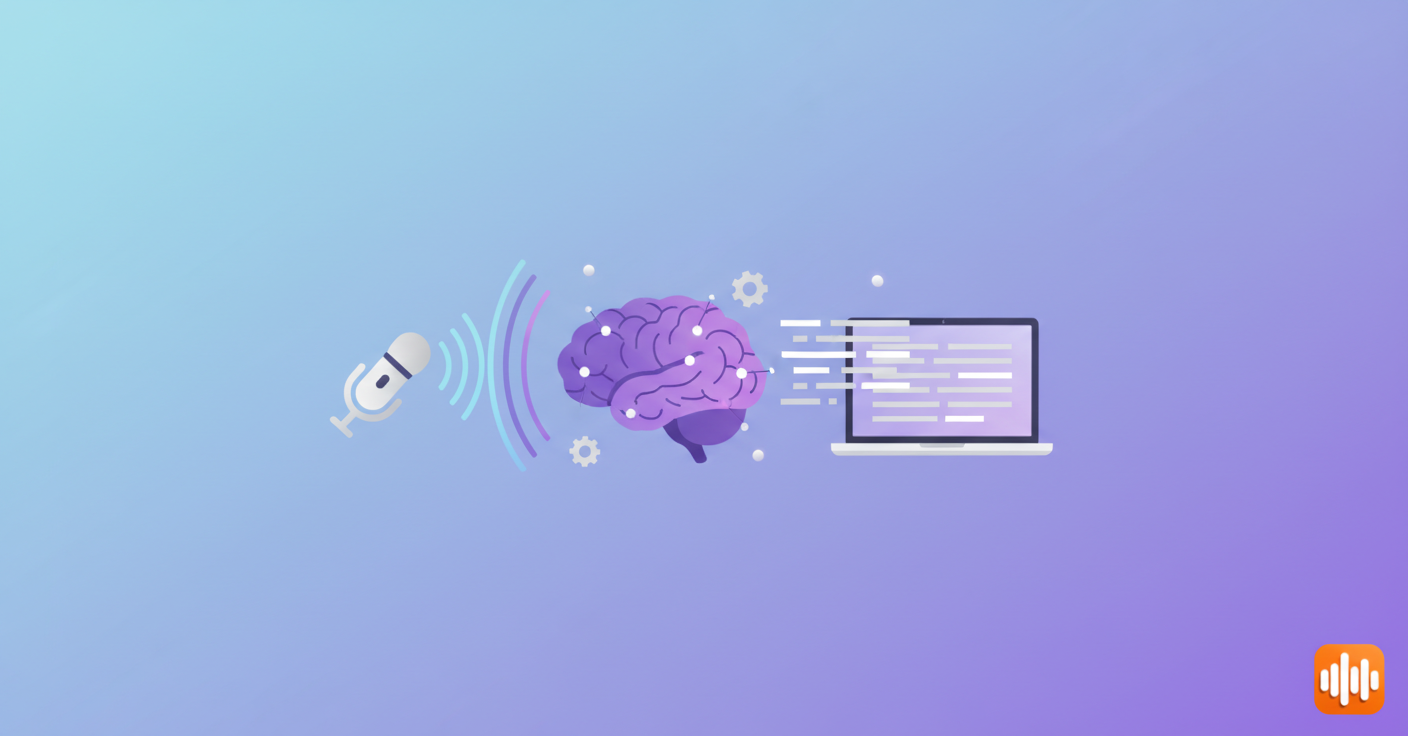
Transcribing audio used to be tedious—hire someone, wait days, get a bill for $60-180 per hour of content. AI changed that. Today, an hour-long interview becomes a searchable transcript in minutes for a fraction of the cost.
Whether you're a journalist managing dozens of interviews, a researcher cataloging field recordings, or a content creator repurposing videos into blog posts, AI transcription saves serious time. The accuracy has improved dramatically. Services that once choked on accents or background noise now handle real-world audio with impressive reliability. For a focused look at the top tools, see our best AI transcriber comparison.
This guide covers how AI transcription actually works, what separates decent tools from the mediocre ones, and how to choose the right solution for your workflow. For a broader comparison of all voice-to-text options, see our best voice to text software in 2026 roundup.
What Is AI Transcription?
AI transcription uses machine learning models to convert audio or video into written text. Unlike old speech-to-text systems that relied on rigid grammatical rules, modern AI learns patterns from real-world voices.
Here's what happens under the hood: Neural networks process audio through an acoustic model and language model working in sequence, predicting what word comes next based on acoustic patterns and context. Whisper—OpenAI's transcription model—trained on 680,000 hours of multilingual audio. That massive dataset is why it handles messy real-world audio way better than earlier systems that trained on formal speech.
The accuracy sweet spot lands around 95-99% for clear audio in quiet environments. Add background noise, heavy accents, or technical jargon, and accuracy dips—but not catastrophically. Most AI systems highlight areas where they're uncertain, letting you know where a human review pass matters.
Why AI Transcription Beats Hiring Someone
Speed: A one-hour interview transcribed manually? Plan on 4-6 hours. AI handles it in 2-5 minutes. Modern speech to text technology has made this kind of speed standard.
Cost: Professional transcription runs $1-3 per minute. One hour costs $60-180. Most AI tools charge $0.01-0.05 per minute or flat-rate subscriptions ($15-30/month). The economics are brutal for manual work once you scale beyond a few hours.
Consistency: Humans get tired. Accuracy drops after two hours of repetitive listening. AI maintains identical accuracy across a 10-hour batch or a 5-minute clip.
Volume: Need 100 hours transcribed? That's impossible with people. AI scales to any size without hiring additional staff.
The catch: AI makes mistakes humans don't. It mishears proper names, confuses similar-sounding words, and struggles with specialized terminology (medical jargon, legal terms, technical product names). That's why smart workflows use AI for the heavy lifting, then have someone spend 15 minutes reviewing the transcript. If you're looking for mobile-friendly options, our best voice to text apps guide covers lightweight tools for quick transcription on the go.
How Accuracy Varies in AI Transcription
Accuracy isn't one-size-fits-all. Several factors determine how well it performs:
Audio quality: Clean recording in a silent room? 98%+ accurate. Noisy coffee shop with multiple people talking? Expect 85-90%.
Speaker familiarity: The AI adapts to your voice as it works. First minute might hit 90% accuracy. By minute 30, it's adapted and hits 97% as it learns your speech patterns.
Language and accents: English has the most training data (Whisper saw 99,000 hours of English audio). Other languages got less. Heavy accents or uncommon dialects reduce accuracy across the board.
Specialized terminology: General conversation? Reliable. Medical records or legal documents need specialized models or human review to catch domain-specific terms.
The best tools degrade gracefully. They don't just fail on bad audio—they handle variable quality smoothly. A 10-second stretch of unintelligible noise won't tank an otherwise clear transcript.
Real-World AI Transcription Workflow
You're a podcast producer. You've recorded 45 minutes of an interview. Here's the actual process:
- Upload (5 seconds)
- Processing (2-5 minutes depending on service and audio quality)
- Review and edit (10-15 minutes to fix names, add punctuation, verify accuracy)
- Export (30 seconds in whatever format you need)
Total: 15-25 minutes for a 45-minute episode. Compare that to paying a transcriptionist $45-90 and waiting 2-3 days. The productivity difference is transformative.
Another angle: Legal firms recording client calls. AI transcription creates instantly searchable archives. You can search for specific discussions across 100 hours of recordings—try doing that with paper notes or memory.
Choosing an AI Transcription Tool
Different tools solve different problems. Factors that genuinely matter:
Accuracy on YOUR content: A tool might claim 99% accuracy but perform poorly on your use case (thick accents, technical terms, overlapping speakers). Always test with your actual audio before committing.
Integration: Does it work where you already are? Notion users, Slack teams, video editors—pick tools that integrate with your workflow instead of forcing export/import cycles. Our guide to transcription software dives deeper into integration options across platforms.
File formats: Working from MP3, WAV, or M4A files? The MP3 to text guide walks through every transcription method — browser-based, desktop app, and Whisper CLI — with timing and accuracy notes for each.
Privacy: Some services hold onto audio indefinitely. Others delete immediately. Some let you run transcription locally on your own hardware—our offline voice to text guide covers the best local-processing options. Your choice depends on content sensitivity.
Language support: Working across multiple languages? Verify the tool handles them. English transcription is mature and reliable. Mandarin, Arabic, Hindi—quality still varies significantly.
Speed vs accuracy trade-offs: Some services prioritize accuracy (offering human review). Others optimize for real-time transcription. Pick the tool that matches how you actually work.
Pricing structure: Per-minute pricing ($0.01-0.10/minute) works for light usage. Flat subscriptions ($15-50/month) make sense for heavy volume. Some offer hybrid models.
Common AI Transcription Mistakes
Skipping the editing phase: AI isn't flawless. Proper names, brand names, and technical terms require review. Budget 5-10 minutes per hour of audio for cleanup.
Using garbage audio: Transcription accuracy depends entirely on input quality. A decent USB microphone ($20-50) beats built-in laptop audio every time. Invest there first.
Putting sensitive content on cloud services: If privacy matters (medical records, legal docs, confidential meetings), either use on-device transcription or run open-source tools locally. A Whisper app running on your hardware keeps everything private. Check vendor privacy policies carefully.
Expecting one tool to handle everything: A tool that crushes podcast transcription might fail on legal depositions. The "best" tool depends on your specific needs.
Aiming for perfection: AI transcription is step one, not the final product. Expecting 100% accuracy sets you up for frustration. Accept 95%+ accuracy and fix the rest manually.
Where AI Transcription is Heading
Current models are hitting accuracy plateaus. Improvement now comes from better training data and specialized versions rather than breakthroughs in algorithms. Watch for:
- Real-time transcription improving: Google Meet's live captions are 85-90% accurate now. Expect that to hit 95%+ as models improve.
- Specialized models: Instead of one general-purpose model, expect versions fine-tuned for medicine, law, tech, and other fields.
- Local processing: Privacy concerns push transcription onto devices. Models are shrinking and getting faster—soon you'll run full transcription on your phone without cloud connectivity. Voice to text apps are already moving in this direction.
- Speaker identification: Figuring out who said what in group conversations. Currently imperfect, but improving rapidly.
Frequently Asked Questions
What's the difference between AI transcription and voice-to-text dictation?
Transcription converts pre-recorded audio into text. Dictation captures speech in real-time as you speak. Transcription handles finished content—dictation creates new content hands-free. Tools optimized for one don't necessarily work for the other.
How accurate is AI transcription compared to humans?
Modern AI (Whisper, Google Speech-to-Text) hits 95-99% accuracy on clear audio. Professional human transcriptionists also average 95-98% accuracy. The difference is negligible. AI's advantage is speed—seconds instead of hours—and cost.
Can AI transcription handle multiple speakers?
Yes, with limits. Modern AI identifies speaker changes (diarization) and separates audio streams. But consistently labeling "Speaker 1" vs "Speaker 2" across long recordings is still rough. For group conversations, expect 80-90% accuracy on who said what, 95%+ accuracy on the actual words.
Is AI transcription private?
Depends on the service. Cloud platforms (Google, AWS, Azure) temporarily store audio then delete it. Some smaller services keep data longer. For sensitive content (medical, legal), use on-device transcription or check privacy policies closely. Open-source tools like Whisper let you run everything locally on your own hardware.
How much does AI transcription cost?
Pricing varies:
- Pay-per-minute: $0.01-0.10 per minute ($0.60-6 per hour)
- Subscriptions: $15-50/month for unlimited transcription
- Free tiers: 30-300 minutes monthly on most platforms
- Open-source: Free if you handle the technical setup
Choose based on your actual volume.
Can AI transcription handle background noise?
Modern models handle noise better than older systems, but it still impacts accuracy. A bustling coffee shop (70dB ambient noise) might drop accuracy from 98% to 85%. Heavy rain, traffic, or overlapping voices makes it worse. Best practice: record in quiet spaces when possible. If you can't, accept lower accuracy and budget extra editing time.
Ready to Turn Audio Into Text?
AI transcription has matured past the "neat experiment" stage into a genuinely useful productivity tool. The accuracy is good enough for most workflows. The cost is low enough that it beats manual transcription at any scale. If you're still transcribing manually or hiring transcriptionists, you're leaving efficiency on the table.
Try a tool with your actual audio first. Upload a 5-10 minute sample and see how it handles your specific use case. Most services offer free trials or minimal-cost testing. Pick the one that integrates smoothly into your workflow and matches your privacy needs.
Ready to streamline your content creation? Download AI Dictation free and start dictating instead of typing.
Frequently Asked Questions
What's the difference between AI transcription and voice-to-text dictation?
AI transcription converts pre-recorded audio into text using machine learning. Dictation captures speech in real-time as you speak. Transcription works on finished content—dictation creates new content hands-free.
How accurate is AI transcription compared to humans?
Modern AI transcription achieves 95-99% accuracy on clear audio. Professional human transcriptionists average 95-98% accuracy. AI wins on speed (seconds vs hours) and cost ($0.01-0.05 per minute vs $1-3 per minute).
Can AI transcription handle multiple speakers?
Yes. Modern AI identifies speaker changes and separates audio. However, labeling 'Speaker 1' vs 'Speaker 2' consistently across long recordings remains challenging—expect 80-90% accuracy on speaker identification, 95%+ on actual words spoken.
Is AI transcription private?
It depends on the service. Cloud services (Google, AWS) delete audio temporarily. For sensitive content, use on-device transcription or open-source tools like Whisper that run locally on your hardware—maximum privacy.
How much does AI transcription cost?
Pay-per-minute services charge $0.01-0.10 per minute. Flat subscriptions run $15-50/month. Most offer free tiers with 30-300 minutes monthly. Open-source tools are free if you handle the technical setup.
Ready to try AI Dictation?
Experience fast voice-to-text on your device. Free to download.
Download FreeRelated Posts
8 Best Bilingual Dictation Apps: 5 Tested + 3 Baselines
We tested five bilingual dictation apps on Russian-English code-switching, plus three common baselines. Compare WER, language recall, script, and workflow.
Audio & Video Transcription Powered by AI: A Practical Guide
Learn how audio & video transcription powered by AI works, what affects accuracy, and how to pick the right workflow for interviews, lectures, and meetings.
AI Dictation vs Diktuy: Russian-English Accuracy Test
We tested AI Dictation vs Diktuy on the same Russian-English recording. Compare WER, English-word preservation, full transcripts, and errors.