Best AI Writing Assistant: 10 Tools Compared
You're dictating polished notes into a Mac, asking an AI to remove filler words without flattening your voice, then switching to a marketing document where every sentence must follow a brand guide. Across the office, another colleague is drafting inside Microsoft 365 or Google Workspace, while a clinical team is asking a more serious question: where does sensitive text go, and who controls it?
That's why the best AI writing assistant isn't one universal winner. The right choice depends on your input method, editing depth, workplace integrations, privacy requirements, governance model, language needs, and budget. A voice-first app solves a different problem from a grammar checker, a marketing platform, or an enterprise assistant grounded in company files.
This comparison evaluates each product by the job it performs. You'll find separate recommendations for macOS dictation, regulated workflows, developer documentation, multilingual writing, marketing operations, long-form editing, and everyday rewriting. Pricing and plan details can change, so verify current terms on each vendor's site before buying. If you're also cleaning copied text for publication, you may want to strip SynthID watermarks before final review.
Table of Contents
- 1. AIDictation
- 2. Grammarly
- 3. Microsoft Copilot for Microsoft 365
- 4. Google Workspace with Gemini
- 5. Jasper
- 6. Writer
- 7. QuillBot
- 8. ProWritingAid
- 9. Wordtune
- 10. DeepL Write
- Top 10 AI Writing Assistants, Feature Comparison
- Choose by Workflow, Not by Feature Count
1. AIDictation
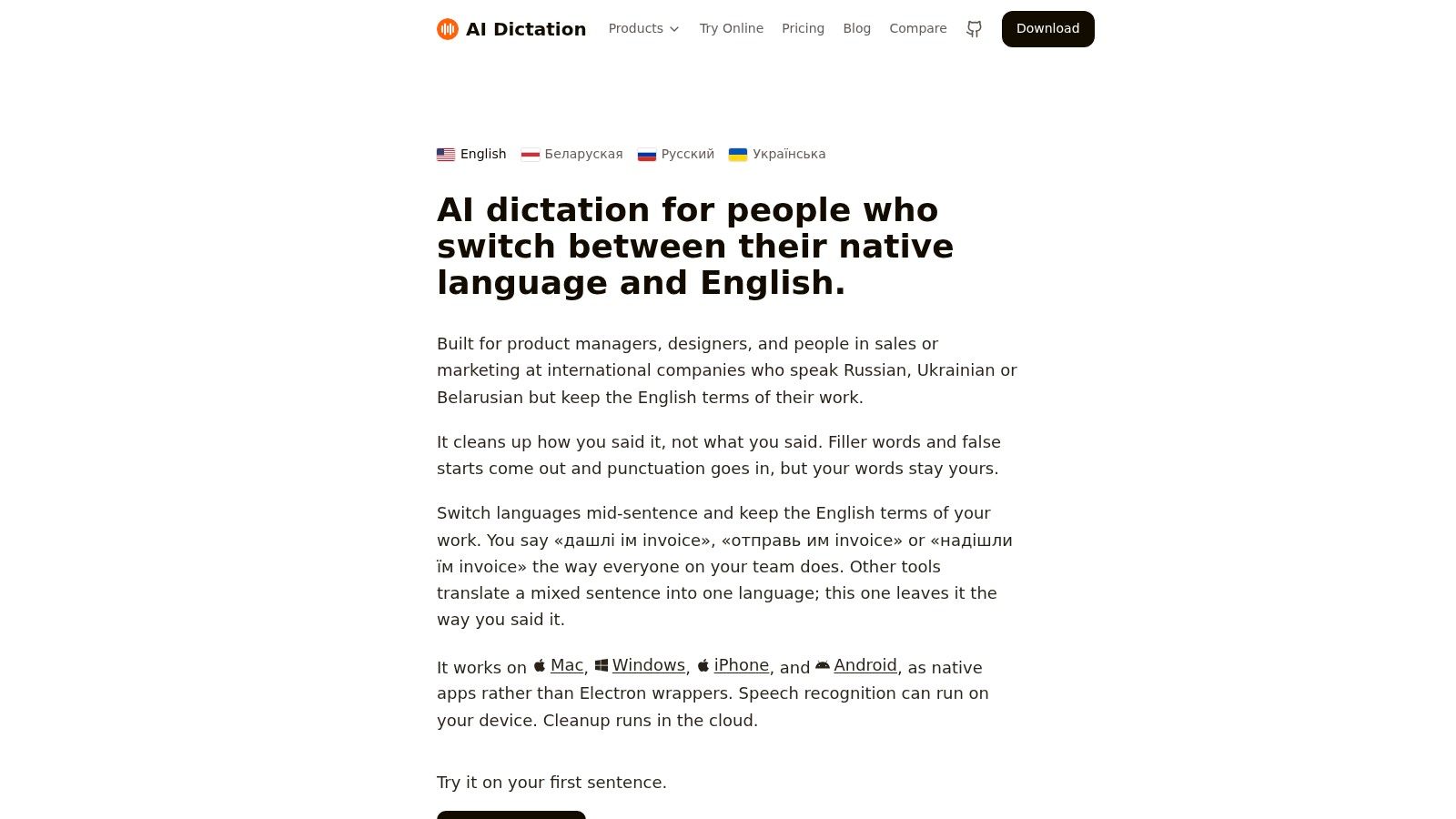
AIDictation fits workflows that start with speech rather than a blank document. It converts dictation into formatted text across macOS and provides native apps for Windows, iPhone, and Android. That makes it useful for professionals who think aloud, record meeting notes, or draft while switching between applications. Its value lies in the combined workflow: recognition, cleanup, formatting, and app-aware output.
Auto Mode chooses between on-device and cloud recognition. Local Mode runs Parakeet v3 on Apple Silicon, enabling private dictation without an internet connection or data leaving the Mac. Cloud Mode adds AI cleanup, including punctuation, filler-word removal, grammar correction, context-aware formatting, and treatment of self-corrections. A spoken explanation can become an email, list, or technical paragraph instead of remaining an unedited transcript.
Why multilingual dictation stands out
AIDictation targets workflows that combine Russian, Ukrainian, Belarusian, and English. The product team reports a head-to-head test where the system retained 26 of 27 English words in a dense bilingual clip, with an estimated word error rate of about 11.6% for that clip, as documented on the AIDictation product site. The result is relevant to engineers, researchers, and multilingual professionals whose technical terms should remain intact.
Its custom dictionary stores names, specialist vocabulary, and technical terms. Context rules can adjust output by application, using professional formatting in email, casual phrasing in chat, or technical conventions in an editor. Integrations include Gmail, Google Docs, Slack, VS Code, Figma, and Notion. The guide to voice-to-text on Mac provides further workflow details.
Privacy and plan considerations
AIDictation is open source and provides a free allowance or trial without requiring a card. Product materials list 2,000 free words per month. Pro is listed at $8.49 per month or $84.99 per year. Verify the current allowance and plan terms on the pricing page before purchase, since these details can change. Pro adds unlimited cloud and local models, translation to English, and audio or video transcription.
Practical rule: Use Local Mode for sensitive drafts, then test Cloud Mode only where your organization permits external processing.
AIDictation suits macOS voice-to-text, developer documentation, product specifications, meeting notes, and multilingual drafting. It is less suitable as a complete enterprise administration layer. Offline recognition may still require corrections for noisy audio, rare names, and unusual terminology. Healthcare teams should confirm current BAA, HIPAA, retention, and centralized administration requirements before deployment. Cloud connections use 256-bit SSL, while SOC 2 compliance is pending, according to the publisher's product information.
2. Grammarly
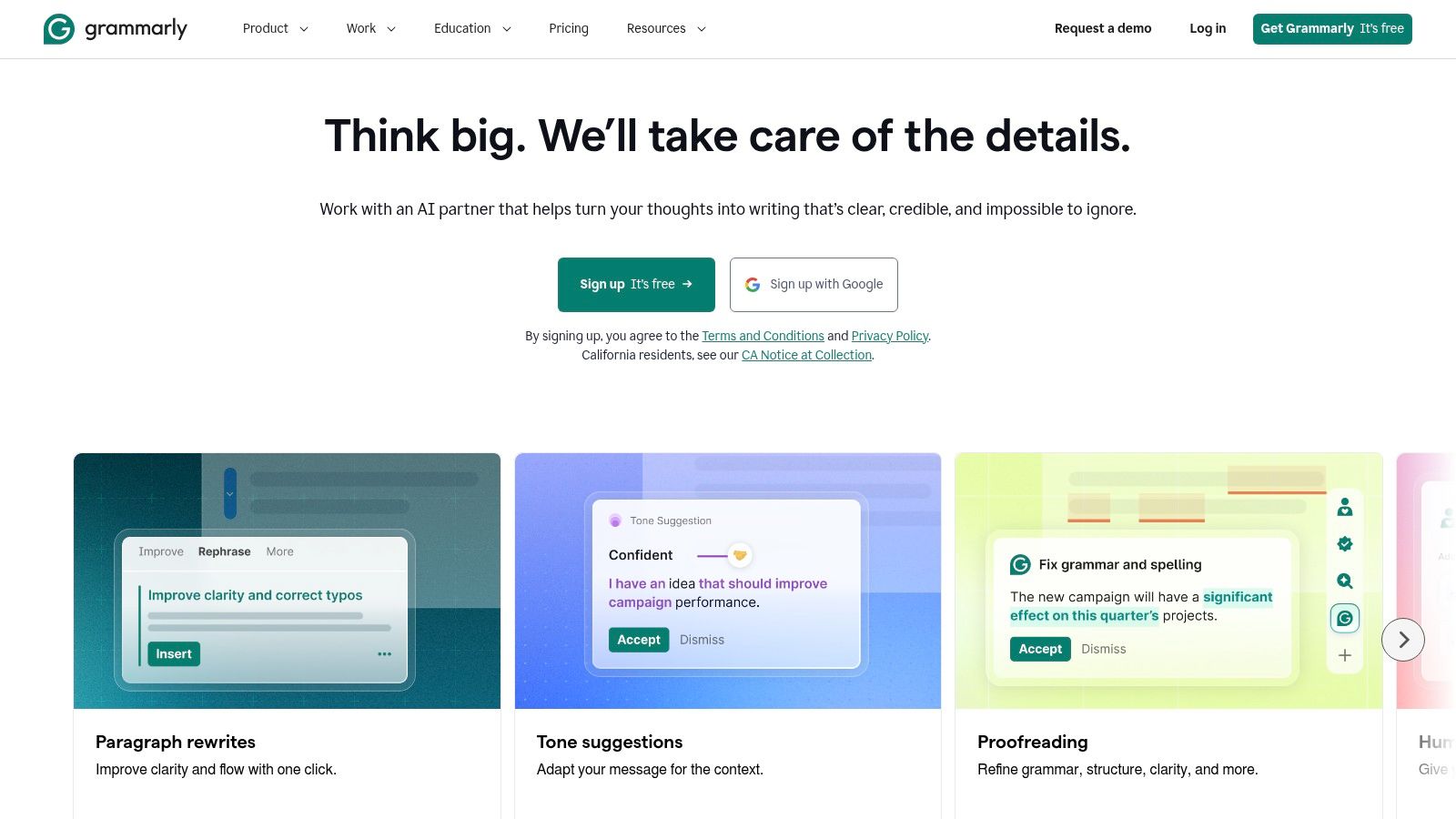
Grammarly remains the most practical general-purpose editor for people who write in many places. It works through browser extensions, desktop and mobile applications, Google Docs, Microsoft Office, email, and other common writing surfaces. That breadth matters because teams rarely write in one controlled editor. They move from customer emails to documents, tickets, presentations, and internal messages throughout the day.
Its core strength is real-time correction and refinement. Grammarly checks grammar, spelling, clarity, tone, and style, then offers rewrites for sentences or passages. AI prompts support drafting and revision, while team features such as style guides and snippets help organizations standardize recurring language. The result is less a voice-to-text system or campaign engine and more a layer of quality control that follows the user.
Best fit for everyday editing
Grammarly is a strong match for business users, technical teams, and distributed organizations that need consistent writing without forcing everyone into a new workspace. A support agent can adjust tone in an email, a developer can clarify release notes, and a manager can make a stakeholder update more direct without opening a separate application. Its low-friction placement is the product's defining advantage.
Teams should distinguish editing convenience from deep editorial analysis. Grammarly can improve clarity and tone quickly, but it isn't designed to critique an entire book, manage a complex campaign workflow, or replace a specialist dictation tool. For a closer look at AI grammar correction, compare whether your main bottleneck is sentence quality or getting words onto the page.
Governance and pricing limits
Recent packaging centers on Pro and Enterprise offerings for individuals and organizations. The free tier doesn't include every advanced capability, and plagiarism checking and AI-generated-text detection are available in higher plans. Enterprise buyers should pay attention to governance requirements because features such as BYOK and DLP require Enterprise access, according to the product plan information.
Grammarly advertises SOC 2 Type II coverage and enterprise controls on its website. That makes it more suitable for organizations that need a mature security posture, though buyers still need to check data processing, retention, administrator controls, and sector-specific obligations. Choose Grammarly when the priority is broad everyday editing and team consistency, not dictation, campaign automation, or manuscript-scale critique.
3. Microsoft Copilot for Microsoft 365
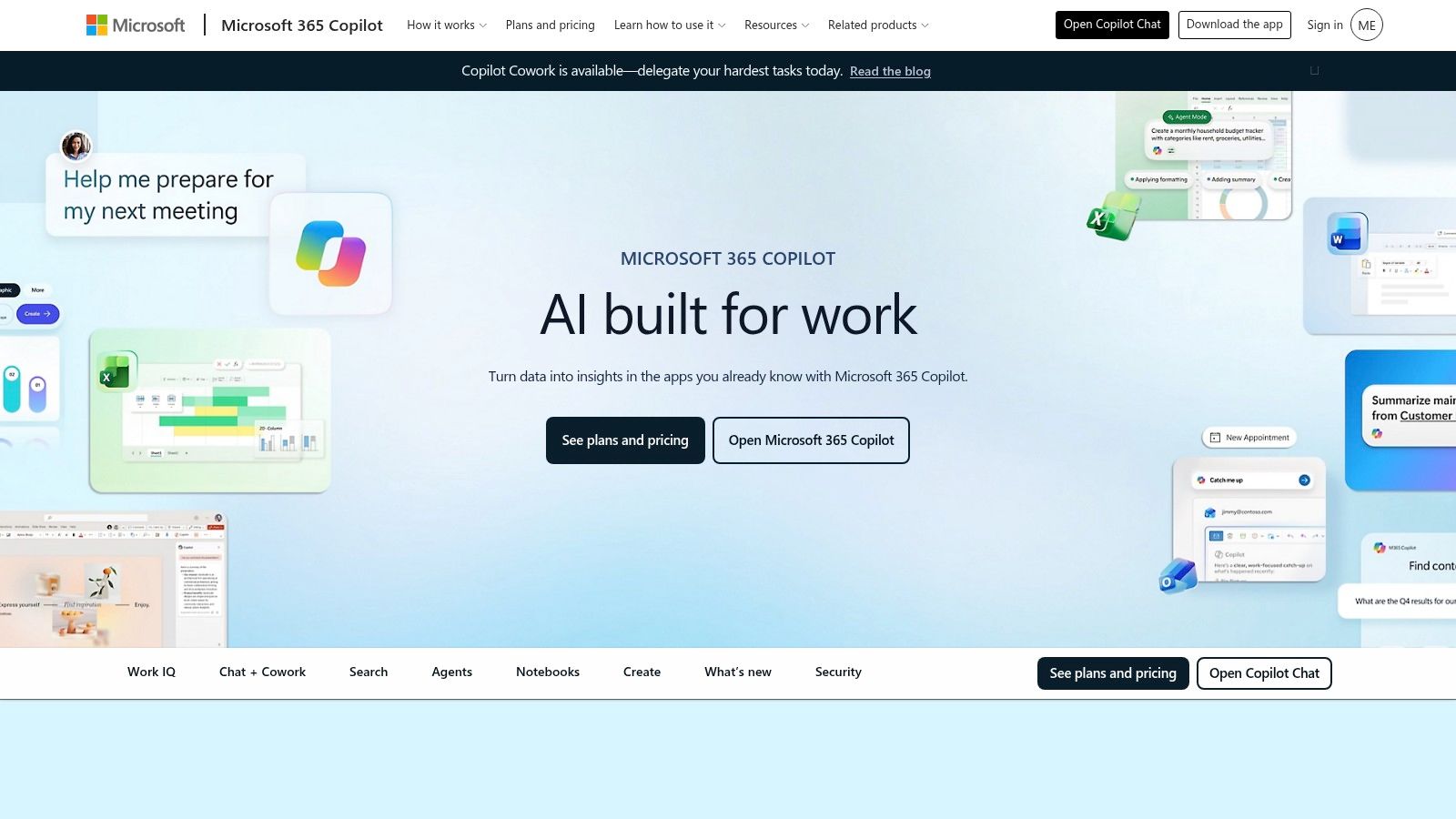
Microsoft Copilot for Microsoft 365 is the logical candidate for organizations that already live in Word, Outlook, PowerPoint, Excel, and Teams. Its value comes from placement and access to the Microsoft environment, not from being a standalone writing editor. Users can draft and rewrite in Word, summarize email threads in Outlook, create presentation narratives in PowerPoint, explore data in Excel, and summarize meetings or chats in Teams.
That integration changes the buying question. A company standardized on Microsoft 365 may gain more from an assistant embedded in existing permissions and identity systems than from a technically impressive tool that requires copy-and-paste between applications. Copilot can ground work in organizational content where the tenant configuration and permissions allow it, which is especially relevant for internal documents and meetings.
Where it earns its place
Copilot is strongest for workplace productivity. A product manager can turn notes into a draft specification in Word, summarize a Teams discussion, and prepare an executive presentation without moving between unrelated tools. An analyst can use Excel assistance alongside written explanations, while an executive can turn an email thread into a concise briefing.
It isn't the best choice for every writing job. Copilot doesn't replace a specialized editor for long-form literary structure, a dictation app for speech-first workflows, or a marketing platform built around brand voice. Its output also depends on the quality and accessibility of the organization's source material. Poorly governed files can produce an assistant experience that feels less useful than the license promises.
Licensing and governance
Copilot requires eligible Microsoft 365 base licenses and adds cost to existing subscriptions. The product uses a per-user licensing model rather than exposing users to usage-metered API decisions, but the total budget still depends on the organization's current Microsoft estate and eligibility. Verify the current license combination directly with Microsoft 365 Copilot.
For regulated teams, the important evaluation is tenant configuration, permissions, retention, auditability, and information barriers. Copilot is a strong enterprise fit when Microsoft 365 already provides the required foundation. It's a weaker fit when the team works primarily in other applications or needs multilingual dictation and app-specific voice cleanup.
4. Google Workspace with Gemini
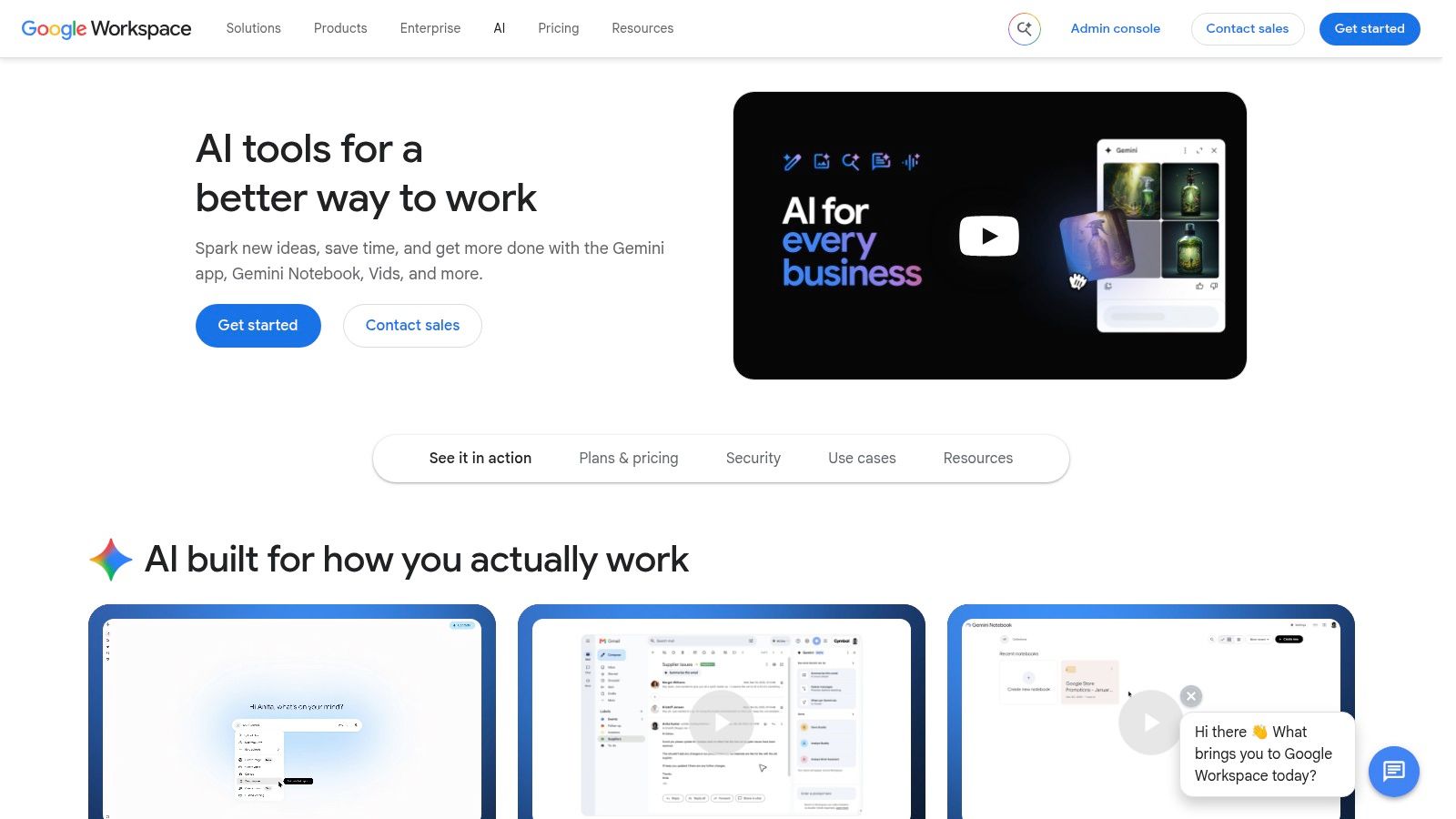
Google Workspace with Gemini takes the same integration-first approach from the Google side. Its writing features appear in Docs and Gmail, while related capabilities extend across Sheets, Slides, Meet, and research-oriented Workspace surfaces. Teams already working in shared Google files get drafting, rewriting, summarization, and assistance without introducing another primary editor.
That makes Gemini particularly useful for collaborative organizations. A writer can draft in Docs while colleagues comment in the same file, a sales team can refine Gmail messages, and a meeting-heavy group can use summaries alongside its existing Workspace habits. The benefit is continuity. Users don't need to export content to a separate AI workspace to improve a paragraph.
A native choice with configuration dependencies
Gemini fits Google-native knowledge work better than specialist editing. It can help create a first draft, shorten an explanation, summarize a document, or reshape an email. It's less clearly suited to manuscript-level diagnostics, advanced marketing operations, or offline dictation.
Feature availability depends on the Workspace plan, language, and administrator settings. That qualification matters for buyers comparing screenshots or public demonstrations with their own environment. Admin controls can include DLP, IRM, and CSE options for sensitive information, but organizations must confirm which controls apply to their plan and configuration.
The product's value rises when a team already shares knowledge through Drive and collaborates in Docs. It falls when writers need application-independent input, specialized terminology management, or a standalone editing environment. Users who want to dictate directly into Google Docs should compare Gemini's capabilities with a dedicated voice-recognition workflow in Google Docs.
How to evaluate it responsibly
Start with representative documents rather than a generic prompt. Test a customer email, an internal policy, a technical specification, and a sensitive document under the organization's actual administrator settings. Check what the assistant can access, how permissions are respected, and how reviewers identify unsupported or incorrect statements.
Google packages Gemini capabilities into Business and Enterprise Workspace plans, but exact functionality and availability can change. Confirm current terms on Google Workspace with Gemini. For teams committed to Google Workspace, it's one of the most convenient options. For everyone else, the integration advantage may not justify switching workflows.
5. Jasper
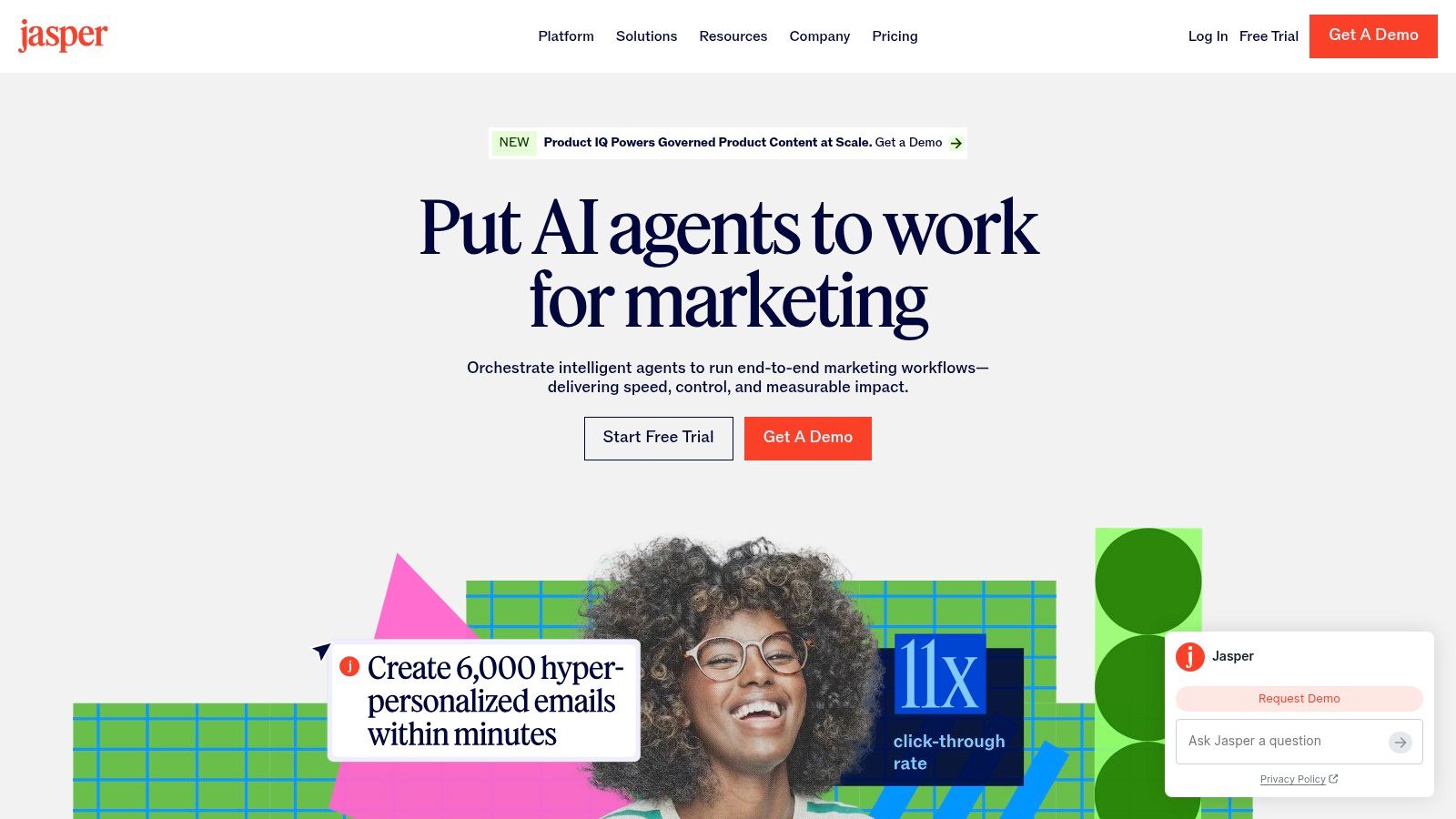
Jasper is built for marketing teams that need more than isolated rewrites. Its Brand Voice, Knowledge, and Audiences features help teams provide the context behind a campaign, define how the company should sound, and adapt messages for different audiences. That makes Jasper a better fit for coordinated marketing production than a general editor that treats every prompt as a new conversation.
The platform supports Canvas and agents for repeatable workflows, with tools aimed at producing multiple assets across a campaign. A team can use shared knowledge and voice controls to reduce variation between writers, channels, and stakeholders. Jasper's specialization matters here. It's not just trying to write a sentence that sounds polished. It's trying to make many pieces of content sound as though they belong to the same organization.
The marketing operations advantage
Jasper works well for campaign briefs, landing-page copy, email concepts, social variations, and blog workflows. Its strongest users are likely to be marketing teams with an established positioning framework, approved terminology, and recurring content needs. Without that source material, Brand Voice controls can't compensate for a weak strategy.
A marketing leader should judge Jasper on consistency across assets, not on whether one generated paragraph beats a general-purpose assistant. The platform can help teams create a repeatable process, but human review still matters for claims, differentiation, legal language, and channel fit. Marketing copy often looks fluent before it becomes accurate or strategically useful.
Cost and technical boundaries
Jasper offers plans for individuals and teams, while API access is available on Business and Enterprise plans. The public product structure can change, and enterprise terms may require a sales conversation, so check Jasper's current offering before committing.
Jasper is less suitable for deep technical documentation, detailed editorial diagnostics, or regulated clinical writing unless the organization separately validates its controls and review process. It's a strong choice when the central problem is brand-led marketing at scale. It's overpowered for someone who only wants occasional grammar fixes or quick email rewrites.
6. Writer
Writer is the most governance-oriented option in this comparison. It targets organizations that need controlled, on-brand, compliant content across systems, rather than a lightweight assistant for individual sentences. Its feature set includes style guides, Personality profiles, a Knowledge Graph, agents, playbooks, connectors, and administrative controls such as SSO, SCIM, audit logs, and granular governance.
That combination makes Writer especially relevant to regulated and workflow-heavy environments. A healthcare organization, financial services team, or large enterprise can define how content should be produced and monitored instead of relying on every employee to write prompts responsibly. Writer's workflow model also extends beyond drafting, with agents and playbooks supporting repeatable processes.
A serious candidate for clinical use
Writer advertises HIPAA and BAA options at Enterprise level, which gives healthcare buyers a starting point for due diligence. It does not mean every deployment is automatically compliant. A clinical team still needs to confirm the exact agreement, data flows, retention settings, access controls, human review obligations, and approved use cases with the vendor and its own compliance function.
For regulated writing, a product claim is only the beginning. Require the contract, configuration details, and review controls before putting protected information into production.
Writer is well suited to internal knowledge, policy content, customer communications, and controlled marketing operations. It can also support technical and operational documentation where terminology and approval paths matter. Its main limitation is that the public site emphasizes capabilities more clearly than self-serve pricing. Starter and Enterprise details may require checkout or contact with sales, and BAAs are handled through the enterprise process.
Why it isn't the default for individuals
An individual writer may find Writer too platform-heavy. The value appears when governance, automation, and shared standards justify implementation work. Buyers should assess connector coverage, administrator effort, model and data controls, audit requirements, and workflow ownership before focusing on output quality alone.
Writer's positioning aligns with broader enterprise adoption. The enterprise market coverage identifies enterprises as the largest end-user segment and describes commercial and enterprise demand as about 60% of the market in 2025. The same source reports that writing assistants represented 34.0% of generative AI activity, ahead of conversational agents at 28.9%. Those figures support a practical conclusion: enterprise buyers need governance around writing workflows, not just access to a clever text generator.
7. QuillBot
QuillBot is a paraphrasing-first suite for users who need quick alternatives, summaries, and language cleanup. Its tools include a Paraphraser with multiple modes, grammar checking, summarization, plagiarism checking, AI detection, and a basic chat experience. Extensions and applications cover browsers, Word, macOS, iOS, and Android.
This makes QuillBot attractive to students, ESL writers, multilingual professionals, and anyone revising an existing passage rather than developing a complete document from a blank page. A user can shorten a paragraph, vary its tone, simplify phrasing, or create a summary without learning a complex campaign or enterprise platform.
Fast rewriting with a review requirement
QuillBot's main benefit is speed and breadth. It gathers several common editing jobs in one accessible interface, and team plans are available with volume discounts. That convenience comes with a clear limitation: paraphrasing can change emphasis, weaken qualifications, or subtly alter meaning. The more technical or consequential the source text, the more carefully the user should compare the rewrite with the original.
The tool is better for surface transformation than deep editorial diagnosis. It won't replace a specialist long-form editor that examines structure, repetition, readability, and chapter-level coherence. It also isn't a natural first choice for enterprise governance, clinical deployment, or brand-managed campaign production.
Who should choose it
Choose QuillBot when you regularly rewrite study notes, simplify professional English, summarize source material, or produce alternative wording for routine communication. Don't treat its AI detector or humanizer features as proof of authorship, quality, or compliance. Such outputs need context and human judgment, especially in academic and workplace settings.
For multilingual users, QuillBot can be a useful text-based complement to voice-first tools. Someone who dictates a rough passage in mixed language may still need a separate system for accurate recognition, terminology preservation, and app-aware formatting. QuillBot begins after text exists. That distinction separates it from AIDictation and explains why both can appear in the same workflow without being interchangeable.
8. ProWritingAid
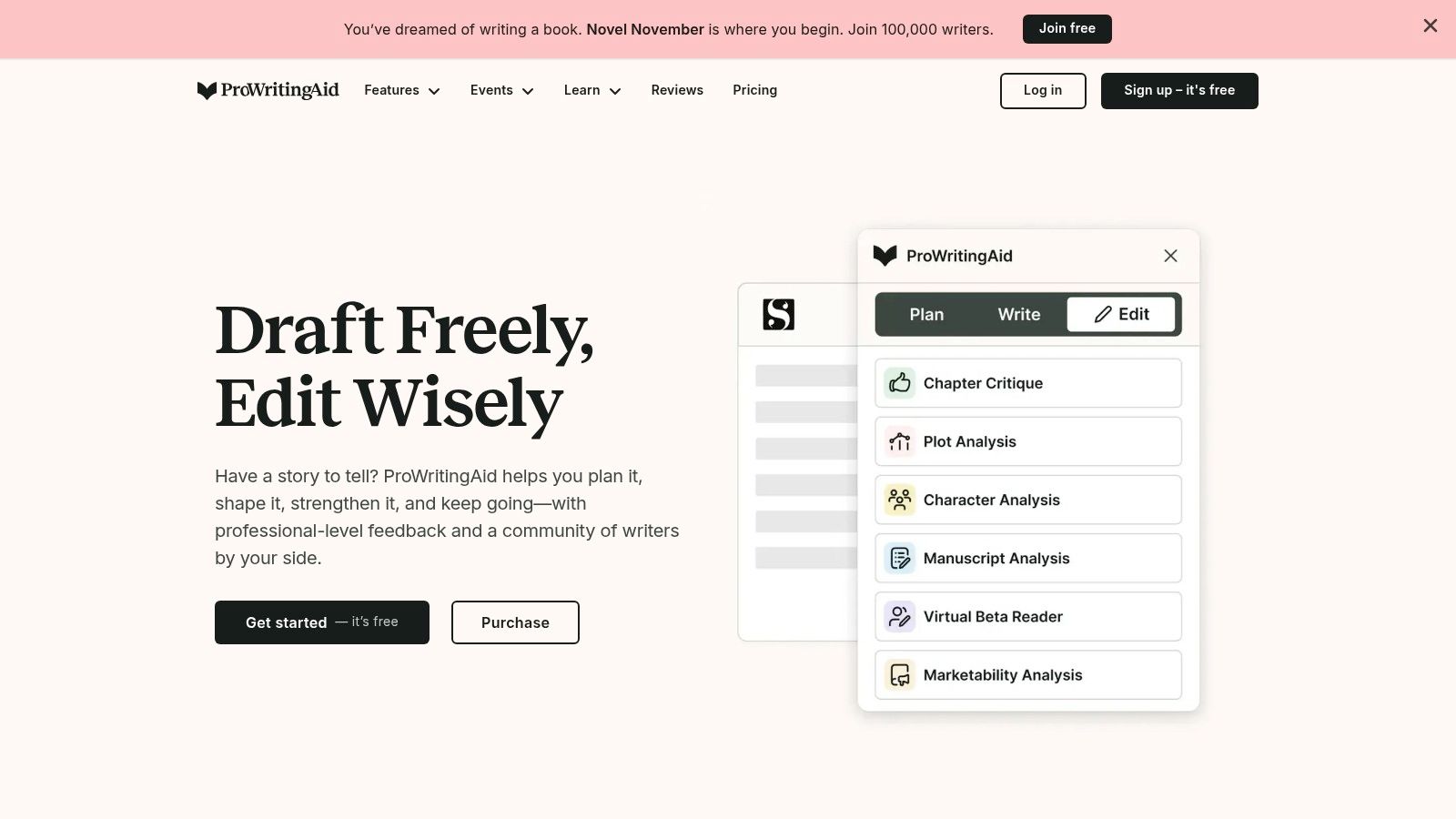
ProWritingAid is the strongest option for writers who want an editorial diagnostic environment rather than a simple correctness checker. It provides 25-plus in-depth analysis reports covering style, readability, and related writing patterns, according to the product information on ProWritingAid. It also supports terminology and style guidance, rephrasing tools, desktop and editor integrations, Sparks for generative assistance, and chapter critique for manuscript-scale work.
That combination suits novelists, academics, technical writers, and editors who need to understand why a document feels uneven. A grammar correction may fix a sentence, but a style and readability report can reveal repetition, excessive passive construction, inconsistent pacing, or terminology drift across a larger piece.
Built for long-form review
ProWritingAid's key distinction is depth across the document. It's useful when the writer has already drafted substantial material and needs structured feedback before publication. Chapter Critique offers a manuscript-oriented perspective, while Sparks can rewrite, expand, or summarize sections. Technical writers can also use terminology and style support to keep documentation consistent.
The product isn't optimized for dictation, enterprise knowledge grounding, or marketing asset orchestration. It may be more tool than a casual email writer needs, and users should understand that generative features and Chapter Critique can have daily limits depending on the plan. Higher-tier functionality and limits vary by pricing option.
Pricing flexibility, with limits to verify
ProWritingAid offers subscription choices and lifetime license options, which can appeal to users who prefer a one-time purchase. The lifetime option doesn't eliminate the need to inspect feature boundaries. Confirm what the selected plan includes, especially for Sparks, chapter analysis, integrations, and usage limits.
Use ProWritingAid when the cost of shallow editing is high, such as a book, thesis, complex guide, or technical documentation set. If your problem is getting thoughts out quickly, start with dictation. If your problem is making a finished manuscript coherent and readable, ProWritingAid is the more relevant specialist.
9. Wordtune
Wordtune is a lightweight assistant for rewriting, summarizing, and improving everyday communication. Its browser extensions for Chrome and Edge and its iOS app put assistance close to emails, tickets, documents, and other routine writing surfaces. The interface is designed for quick decisions, such as making a sentence clearer, changing its tone, or improving fluency.
That simplicity is Wordtune's advantage over larger platforms. An individual doesn't need to configure a knowledge base, build a campaign agent, or adopt a new document environment. The user selects text, requests a rewrite, and reviews the result in place.
Best for individuals who polish constantly
Wordtune fits professionals who write frequent emails, support responses, internal updates, and short documents. Its plans include usage-capped options and an unlimited tier, but the exact limits and current pricing should be confirmed on Wordtune by AI21 Labs. Clear plan boundaries make it easier for an individual to estimate usage than a system whose cost depends on broader API consumption.
It's less capable as an enterprise platform. Compared with Writer, Wordtune offers fewer governance and security features for large organizations. Compared with ProWritingAid, it provides less structural analysis for long-form work. Compared with AIDictation, it assumes you're starting with typed text rather than spoken input.
Don't confuse speed with editorial coverage
Wordtune can make a sentence more fluent, but it won't necessarily validate a technical claim, preserve a carefully qualified statement, or enforce a company-wide style guide. Users should review changes that affect meaning, especially in legal-adjacent, clinical, financial, or customer-facing writing.
Choose Wordtune for fast, budget-conscious rewriting and fluency improvements. It's a sensible individual tool when you want help inside the browser and don't need deep workflow automation. For a team that needs centralized controls, shared terminology, or auditability, look higher in the list.

10. DeepL Write
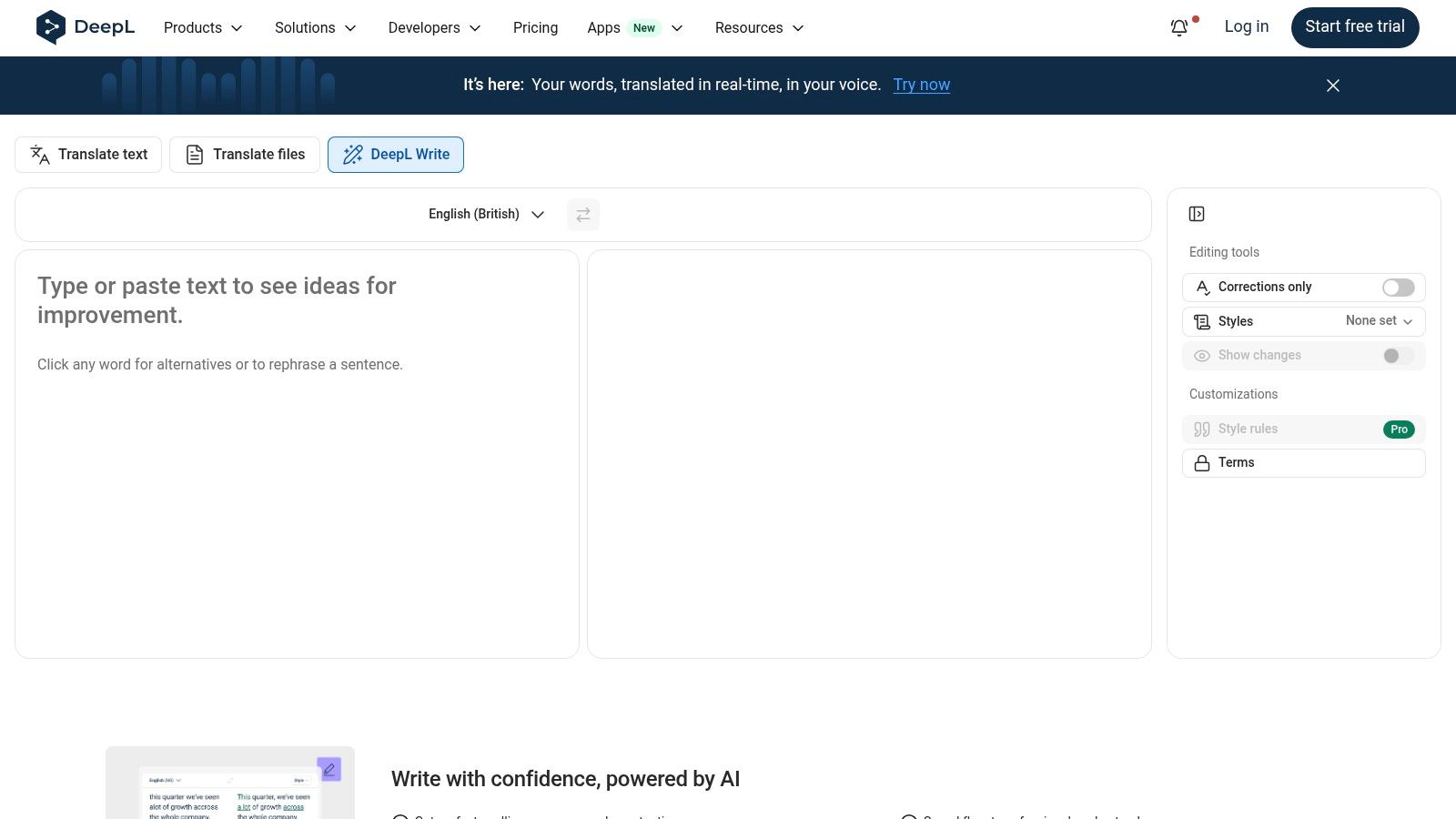
DeepL Write is a strong choice for multilingual professionals who care about natural phrasing, tone, and audience fit. It complements DeepL Translator and focuses on refining written language rather than managing a complete content operation. That makes it particularly useful for ESL writers, international teams, and professionals who draft in one language and deliver work in another.
The tool can rewrite passages, improve clarity, and adjust tone or style. DeepL also provides integrations and enterprise trust resources for Microsoft 365 and Google Workspace environments. Its positioning includes a commitment that customer content won't be used to train models, but buyers should verify the current wording, scope, retention terms, and regional availability before using sensitive material.
A multilingual fluency specialist
DeepL Write is most valuable after the writer has established meaning. It can help make an English email sound natural, refine a translated passage, or adjust wording for a particular audience. It isn't a substitute for a bilingual subject-matter expert when a document contains clinical terminology, contractual obligations, or culturally sensitive claims.
Compared with QuillBot, DeepL Write has a clearer multilingual and translation-adjacent identity. Compared with AIDictation, it's text-first rather than speech-first. Compared with Jasper, it offers fewer campaign planning and brand operations tools. Those differences make the choice easier once the workflow is explicit.
Privacy and pricing questions
A free tier supports basic use, while DeepL Write Pro is available as an add-on to DeepL Pro. Pricing and availability can vary by region, so review the current DeepL Write terms rather than relying on an old comparison. Enterprise buyers should inspect administrative controls, integrations, data processing, and contract language.
Choose DeepL Write when the central problem is multilingual fluency and polished expression. If your priority is offline recognition, mixed-language dictation, or app-specific formatting, AIDictation is a better starting point. If you need document-wide diagnostics, ProWritingAid offers more editorial depth.
Top 10 AI Writing Assistants, Feature Comparison
| Product | Core features | Accuracy & UX (★) | Pricing & Value (💰) | Target audience (👥) | Unique selling points (✨) |
|---|---|---|---|---|---|
| AIDictation 🏆 | Hybrid Auto/Local/Cloud dictation; AI cleanup; custom dictionary; app integrations | ★★★★☆, strong real-world speech handling; cloud cleans noisy input | 💰 Free tier (2–5k words); Pro: ~$8.49/mo or $84.99/yr; lifetime options for unlimited | 👥 Multilingual professionals, medical/dev docs, privacy-conscious users | ✨ Auto Mode chooses best engine; Local Parakeet v3 on Apple Silicon; preserves mixed-language terms; strong privacy |
| Grammarly | Real-time grammar, tone, rewrite suggestions; plagiarism checks; org tools | ★★★★★, polished inline corrections & style prompts | 💰 Free; Pro & Enterprise (per-user pricing) | 👥 Writers, business teams, general professionals | ✨ Mature integrations; org style guides & analytics |
| Microsoft Copilot (M365) | Inline drafting, summarization, data analysis, meeting recap | ★★★★☆, deep app-context results inside Office apps | 💰 💰 Per-user add-on on top of eligible M365 plans | 👥 Enterprises standardized on Microsoft 365 | ✨ Tenant-grounded AI; enterprise identity & governance |
| Google Workspace + Gemini | Drafting, summaries, research tools across Docs/Gmail/Meet | ★★★★☆, native Workspace assist; fast in-context help | 💰 Included in certain Business/Enterprise Workspace tiers | 👥 Workspace users, research teams, admins needing controls | ✨ Native Workspace integration; Notebook & admin DLP controls |
| Jasper | Brand voice, knowledge, campaign Canvas, agents | ★★★★, marketing-first UX for scalable copy production | 💰 Subscription tiers; business plans for teams | 👥 Marketers, content teams, agencies | ✨ Brand Voice & Knowledge enforcement; campaign workflows |
| Writer (Writer.com) | Brand/style guides, Knowledge Graph, agents, enterprise controls | ★★★★☆, enterprise-focused UX with governance | 💰 Enterprise/Starter tiers; contact sales for BAAs/pricing | 👥 Regulated industries, large teams needing compliance | ✨ Strong governance (SSO/SCIM/audit); HIPAA/BAA options |
| QuillBot | Paraphraser, summarizer, grammar, plagiarism checker | ★★★★, fast rewrites and summaries | 💰 Free tier; affordable paid/team plans | 👥 Students, ESL users, quick-content editors | ✨ Multiple paraphrase modes; quick browser extensions |
| ProWritingAid | Deep style/readability reports; manuscript tools; Sparks | ★★★★, detailed diagnostics for long-form work | 💰 Monthly/annual; lifetime license option available | 👥 Novelists, academics, technical writers | ✨ 25+ analysis reports; chapter critiques; lifetime buy option |
| Wordtune (AI21) | Rewriting, tone, summarization; browser & mobile apps | ★★★★, snappy in-browser fluency improvements | 💰 Free; tiered plans with unlimited option | 👥 Everyday communicators, individuals, small teams | ✨ Fast rewrites; clear unlimited plan for heavy users |
| DeepL Write | Tone/refinement focused on fluency; complements DeepL Translator | ★★★★, high-quality language polish, esp. ESL | 💰 Free basic; Pro add-on with DeepL Pro subscription | 👥 Multilingual professionals, translators, ESL writers | ✨ Strong privacy stance (no training on user content); DeepL ecosystem integration |
Choose by Workflow, Not by Feature Count
The market is expanding, but adoption doesn't mean every tool solves the same problem. One market estimate places AI writing assistant revenue at USD 1.77 billion in 2025, with a projection of USD 4.88 billion by 2030 and a 22.49% CAGR, while another estimates USD 1.8 billion in 2025 and USD 5.12 billion by 2034 at a 12.8% CAGR. These projections differ because market definitions and methodologies differ, but both describe an early-stage category growing quickly. See the Mordor Intelligence market overview for the underlying estimate.
The practical implication is that buyers shouldn't select a tool because it appears on a generic “best” list. Select it according to the point where your workflow loses time or control.
- Choose AIDictation for macOS voice-to-text, local processing, mixed-language dictation, custom terminology, and app-aware cleanup. It's the strongest fit when speech is your fastest input method and privacy needs make on-device recognition valuable.
- Choose Grammarly for broad everyday editing, clarity, tone adjustment, and team consistency across browsers, documents, email, and office applications.
- Choose Microsoft Copilot or Google Workspace with Gemini when your organization already operates primarily in Microsoft 365 or Google Workspace. Native integration, identity, permissions, and existing content matter more than adding another standalone editor.
- Choose Jasper for brand-led marketing operations, campaign assets, shared voice controls, and repeatable content workflows.
- Choose Writer for governance-heavy enterprise programs, regulated environments, controlled knowledge, agents, audit logs, and workflow automation. Confirm contract terms and compliance requirements before deployment.
- Choose QuillBot or Wordtune for quick paraphrasing, summaries, fluency improvements, and routine rewriting. They're convenient, but neither should be treated as a substitute for fact-checking or deep editorial review.
- Choose ProWritingAid for long-form analysis, manuscript feedback, readability diagnostics, and terminology-aware editing.
- Choose DeepL Write for multilingual fluency, natural English, tone refinement, and teams already using DeepL's translation ecosystem.
Independent writing research supports separating drafting from review. A graduate-level study reported that generative AI reduced median assignment completion time from 150 minutes to 65 minutes, a 56.7% reduction, while average writing quality rose from A- to A. The same published study summarizes additional research, including an MIT study on writing productivity and a business study in which users wrote 59% more business documents per hour, with overall throughput up 66% across three case studies. Those results support AI as a productivity aid, not as a reason to remove human review.
Adoption data points to the same distinction. A 2026 industry survey reports that 77% of knowledge workers use AI writing tools at least occasionally, while 31% use them daily for substantive work. It also reports first-draft improvements of 40% to 56% for experienced users, with human editing recovering 25% to 40% of the saved time. The adoption research therefore suggests that the key benchmark isn't raw generation speed. It's the time required to correct, verify, format, and approve the result.
Before purchasing, test each finalist against the work your team produces:
- Input method: Do you type, dictate, record meetings, or combine all three?
- Integration: Does the tool work where your team already writes, such as macOS apps, VS Code, Gmail, Docs, Word, or Teams?
- Privacy and compliance: Can sensitive content stay on-device, and are BAA, HIPAA, DLP, retention, audit, and administrator controls available where required?
- Plan limits: Are usage caps, model access, transcription, advanced reports, or governance features restricted to higher tiers?
- Terminology: Can you preserve names, product terms, clinical vocabulary, code concepts, and mixed-language phrases?
- Review burden: How much editing does a typical draft require before a qualified person can approve it?
- Trial evidence: Can you run representative documents through the tool before committing to a subscription or enterprise contract?
A proven process matters as much as the application. Use a documented content creation workflow from LLMrefs to define research, drafting, review, optimization, and approval steps. The best ai writing assistant is the one that fits those steps without creating a new privacy risk or review bottleneck.
AIDictation turns speech into clean, ready-to-send writing with Auto Mode, private on-device Parakeet v3 recognition, cloud cleanup, mixed-language support, custom dictionaries, and app-aware formatting. If your work includes macOS dictation, developer documentation, clinical notes, meeting capture, or multilingual drafting, AIDictation is worth testing against your real workflow before you choose a text-first assistant.
Frequently Asked Questions
What does Best AI Writing Assistant: 10 Tools Compared cover?
You're dictating polished notes into a Mac, asking an AI to remove filler words without flattening your voice, then switching to a marketing document where every sentence must follow a brand guide. Across the office, another colleague is drafting inside Microsoft 365 or Google Workspace, while a clinical team is asking a more serious question: where does sensitive text go, and who controls it?
Who should read Best AI Writing Assistant: 10 Tools Compared?
Best AI Writing Assistant: 10 Tools Compared is most useful for readers who want clear, practical guidance and a faster path to the main takeaways without guessing what matters most.
What are the main takeaways from Best AI Writing Assistant: 10 Tools Compared?
Key topics include Table of Contents, 1. AIDictation, Why multilingual dictation stands out.
Ready to try AI Dictation?
Experience fast voice-to-text on your device. Free to download.
Download Free