10 Best Asynchronous Communication Tools for 2026
You don't need another message app. You need fewer moments where someone's green dot becomes your problem.
If your day keeps breaking into pings, standups, status calls, and “quick questions” that somehow become half-hour detours, the issue usually isn't effort. It's channel design. Teams that treat everything as real-time work train people to stay available instead of staying useful. That's why so many remote and hybrid teams are moving toward asynchronous communication for teams, where updates, decisions, and reviews happen on a schedule that protects focus.
The shift isn't theoretical. Asynchronous communication reduced task completion time by an average of 20.1 minutes per task, a 58.8% reduction versus synchronous methods in one published analysis, with high statistical significance (study on asynchronous task efficiency). That tracks with what strong remote teams already know. When people can think, write clearly, and respond with context, work moves faster and with less friction.
The stack matters. Some tools are good for recorded walkthroughs. Some are better for durable decisions. Some are excellent in engineering but awkward for client work. And on macOS in particular, a calm async workflow often starts earlier than people think, at the point where you turn spoken ideas into clean text instead of letting half-formed thoughts die in voice notes or meeting leftovers.
Table of Contents
- 1. AIDictation
- 2. Twist
- 3. Loom
- 4. Basecamp
- 5. Notion
- 6. Confluence
- 7. Discourse
- 8. GitHub Issues, Pull Requests, Discussions
- 9. Zulip
- 10. Front
- Top 10 Asynchronous Communication Tools, Core Features Comparison
- Your Next Step Start Small, Iterate Often
1. AIDictation
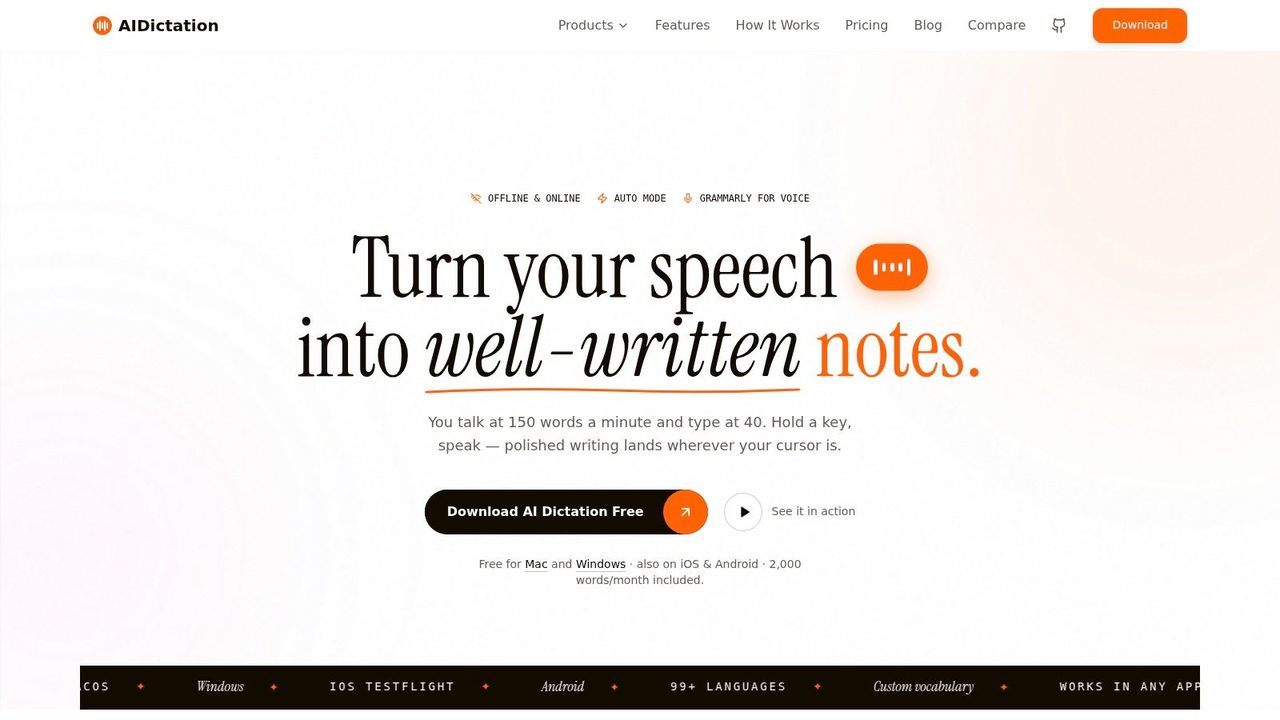
AIDictation solves a problem most async tool roundups ignore. Teams are using more voice and video to avoid meetings, but raw speech is messy. People ramble, restart sentences, leave in filler words, and send notes that are technically fast but painful to consume later.
That gap matters. Major industry reporting cited by Nextiva says 68% of remote teams now use voice or video messages to reduce meeting fatigue, while only 12% of async communication guides address how to automate cleanup such as grammar, filler-word removal, and context-aware formatting (Nextiva async communication analysis). If your team wants more voice-based async communication without lowering documentation quality, AIDictation becomes essential.
Why it stands out on macOS
On Apple Silicon Macs, AIDictation can run locally with on-device recognition, which is the setup I usually recommend when privacy or speed matters most. When you want more polish, its cloud mode cleans up punctuation, removes filler words, formats output for the context, and handles self-corrections in a way that feels much closer to “ready to send” than ordinary dictation.
That's the key difference. Most dictation tools stop at transcription. AIDictation tries to produce usable writing.
Practical rule: If a teammate will read the output later in Notion, Slack, email, or a ticket, cleanup quality matters as much as transcription accuracy.
It also gives you per-app rules, custom vocabulary for names and technical terms, broad language support, and audio or video transcription. For teams exploring more voice-first async habits, the voice dictation workflow examples from AIDictation are worth studying because they map well to actual work such as PRDs, support replies, and internal updates.
Where it fits best
AIDictation is strongest when the bottleneck is getting ideas out of your head and into polished text quickly. That makes it especially good for:
- Product work: Drafting PRDs, release notes, stakeholder updates, and decision memos.
- Developer communication: Writing code comments, bug context, handoff notes, and technical summaries without breaking flow.
- Healthcare documentation: Producing cleaner clinical notes with privacy-sensitive workflows.
- Client-facing communication: Turning rough spoken updates into usable email drafts instead of sending another meeting request.
There's a generous free tier with 2,000 words per month and no account required, then Pro plans for heavier usage. The trade-off is simple. If you only need basic dictation, the free tier is enough to test fit. If you want the best cleanup, unlimited transcription, and the full workflow value, you'll need a paid plan.
A useful comparison point is how people weigh meeting transcription tools versus writing-first voice tools. This compare Claras and Otter AI guide is a good example of that broader category split. AIDictation sits on the “turn speech into polished writing” side, and that's exactly why it belongs in an async stack.
2. Twist
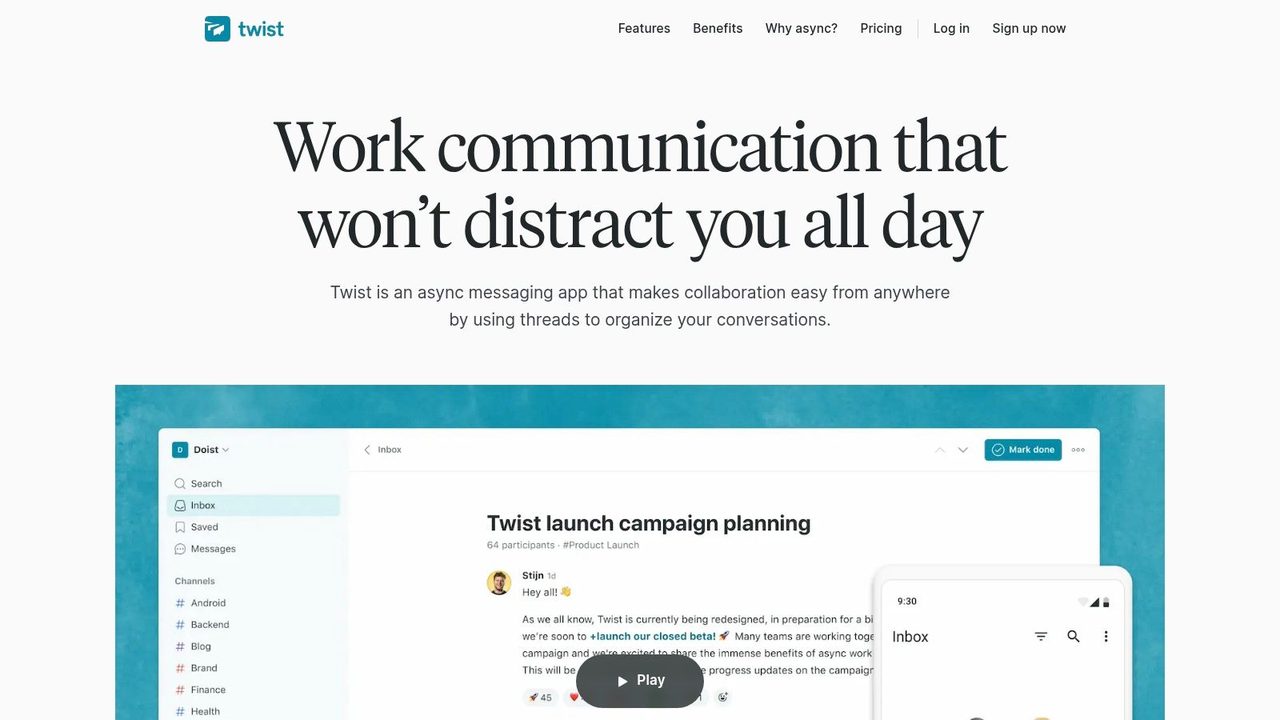
Twist is what I recommend when a team says, “Slack is where context goes to die.”
It's built around channels and threads, but the important part isn't the feature list. It's the pacing. Twist assumes people won't answer instantly, and that design choice changes behavior fast. Conversations stay tied to a topic instead of dissolving into a fast-moving room where seven subtopics compete at once.
Best for teams that want slower, better conversations
Twist works well for distributed teams that rely on written updates, decisions, and project discussions that people need to revisit later. It's especially strong for teams spread across time zones because it lowers the social pressure to appear constantly available.
The broader market is already moving in this direction. Adoption of digital collaboration tools rose from 55% of the global workforce in 2019 to 79% in 2021, and 72% of businesses introduced at least one new collaboration app in 2021 to support remote work (collaboration software adoption data). Twist fits that shift, but with a sharper point of view than general-purpose chat.
What works well:
- Thread-first communication: Topics remain readable weeks later.
- Lower notification pressure: Teams can respond when ready without looking absent.
- Guest access: Useful for contractors or clients who need limited visibility.
What doesn't:
- Less real-time energy: If your team depends on live chat bursts, Twist can feel restrained.
- Fewer integrations than Slack: The core workflow is solid, but the surrounding ecosystem is smaller.
Twist isn't the best tool for high-urgency operations. It is one of the better tools for protecting attention.
If your team's main issue is chatter, not project management, Twist is one of the cleanest asynchronous communication tools you can adopt.
For pricing and plans, see the Twist website.
3. Loom
Some things are easier to show than to write. That's where Loom still wins.
A short screen recording can replace a meeting for product walkthroughs, bug reproduction, design feedback, stakeholder updates, and support explanations. Instead of pulling four people into a call, one person records once and everyone else watches when it suits them.
Best when showing beats explaining
Loom customers recorded 88 million videos in 2024, which the source says replaced an estimated 202 million meetings (async video usage data). That number lines up with a pattern most remote teams recognize. A two-minute visual explanation often beats a long paragraph and avoids the scheduling tax of real-time review.
Loom is particularly good for:
- Product demos: Quick feature walkthroughs for internal or client audiences.
- Engineering context: Screen-based bug explanations and PR commentary.
- Support and success: Personalized answers without another call.
- Leadership updates: Human delivery without forcing a live meeting.
The main trade-off is that video creates retrieval problems if you don't manage transcripts well. A library of recordings becomes hard to search unless captions and text summaries are clean. That's why a companion workflow matters. If you're storing lots of walkthroughs, use a tool that converts recordings into searchable text, such as video and audio to text workflows, so your async video doesn't become a black box.
Raw video is fast to create. Searchable knowledge is what makes it durable.
Loom also gates some stronger AI features and storage options behind higher tiers, so it's easy to start but worth reviewing once usage spreads across the team.
For product details and plans, visit Loom.
4. Basecamp
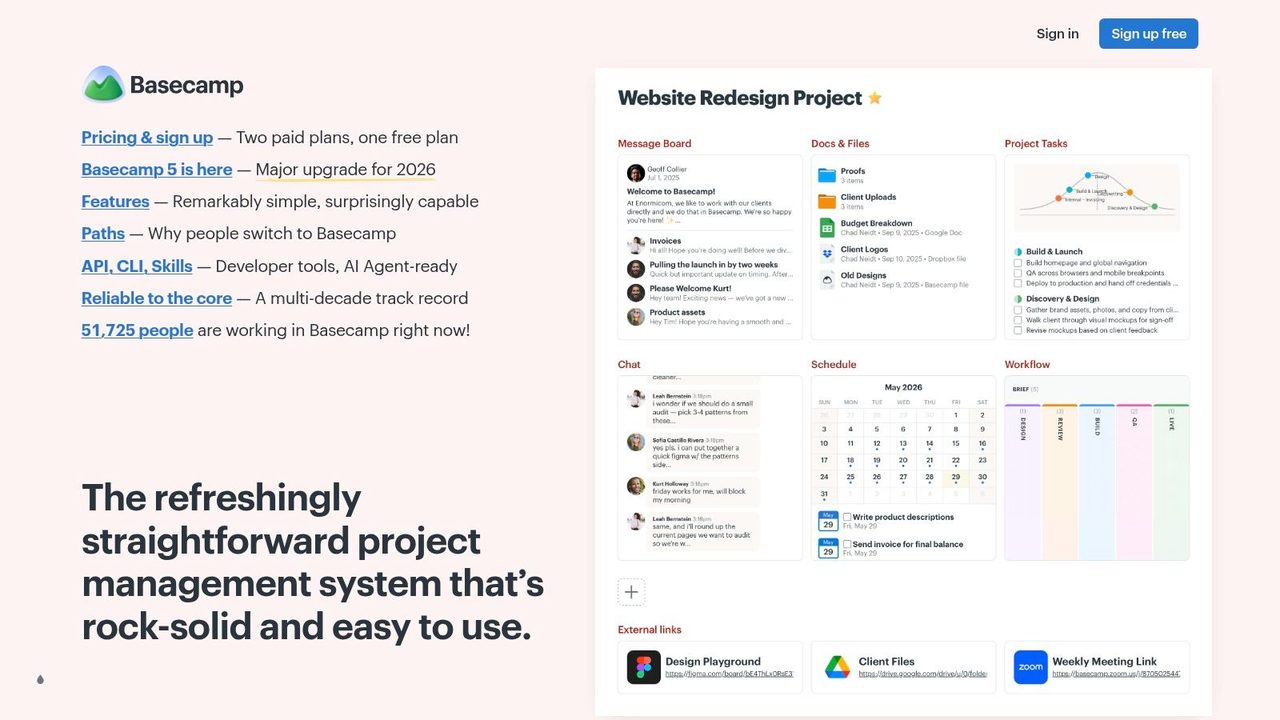
Basecamp is the tool I reach for when a team doesn't need “best of breed.” It needs “please stop making us juggle six apps.”
Its appeal is simple. Message boards, automatic check-ins, to-dos, schedules, docs, and files all sit in one opinionated system. That opinionation helps. Teams often communicate better when the software gives them fewer ways to be messy.
Best for calmer all-in-one coordination
Basecamp is good at replacing recurring status meetings with written check-ins and replacing scattered updates with one shared project home. Client-facing teams also like the guest access model because it avoids the “which system should the client use?” problem.
What I like most is the behavioral nudge. Message Boards encourage more thoughtful updates than chat. Automatic Check-ins create rhythm without another standing meeting. Docs & Files keep reference material near the work instead of buried in a separate knowledge tool.
The trade-offs are real:
- Strong for clarity, lighter for advanced PM: Teams that want complex reporting or highly custom workflows may outgrow it.
- Less flexible than modular stacks: If you want endless automations and custom views, other tools go further.
- Best for teams that accept its philosophy: If people keep demanding real-time chat behavior, they'll fight the product.
Basecamp is often strongest in agencies, operations teams, and small to midsize remote companies that value calm over configurability.
A simple way to judge fit is this. If your current stack feels powerful but tiring, Basecamp may help. If your stack feels too simple already, it probably won't.
You can review current options on the Basecamp website.
5. Notion
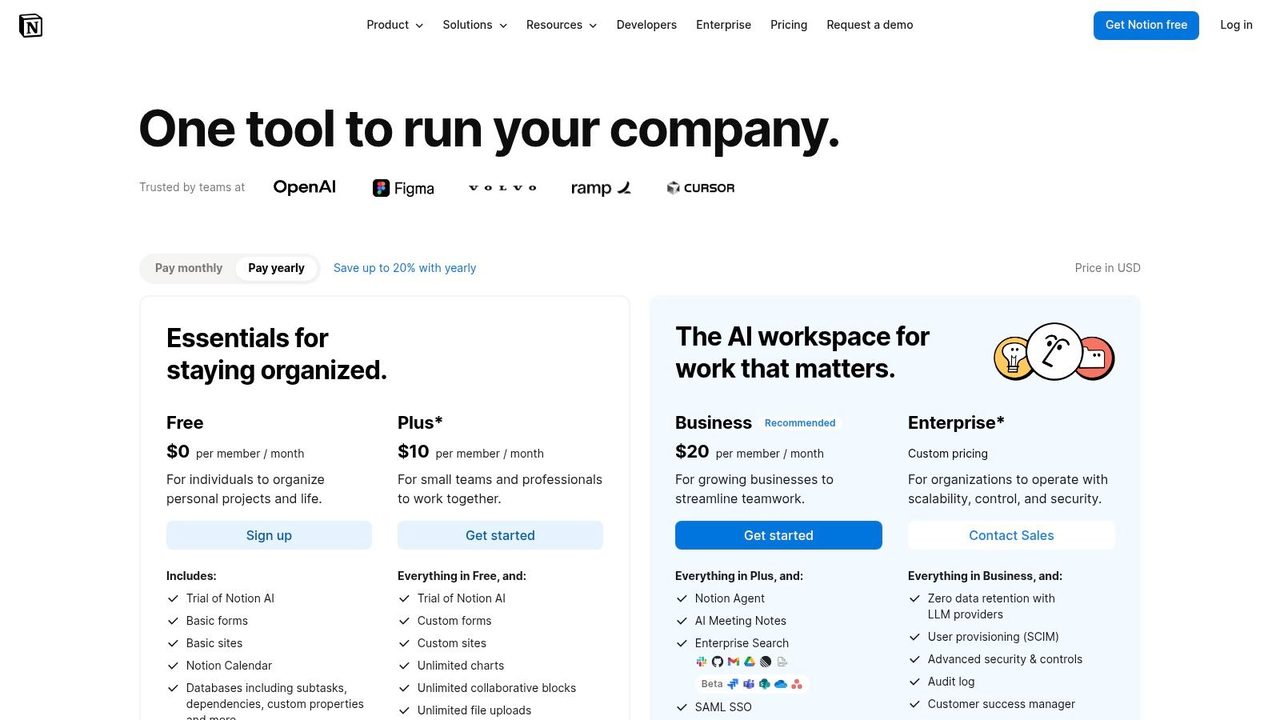
Notion isn't a messaging tool first. That's exactly why it belongs in an async communication stack.
A lot of poor communication is really poor documentation. Teams repeat the same decisions in calls because the original reasoning was never written down clearly, or it was written once and then scattered across notes, chats, and tickets. Notion gives teams one place to build living docs that people can comment on, review, and update over time.
Best for a living source of truth
Notion works best for product specs, launch plans, team handbooks, decision logs, onboarding material, and project hubs that need both structure and flexibility. Product, design, marketing, and operations teams tend to meet in Notion more naturally than they do in engineering-heavy wiki tools.
Its strength is that discussion can happen alongside the artifact itself. Comments, mentions, page history, and permissions support async collaboration without splitting the conversation too far from the document. For teams that like to dictate first and refine later, these Notion dictation workflows are especially useful on macOS.
What works:
- Great for cross-functional work: Specs and plans are easier to co-own.
- Highly adaptable: Pages, databases, and wikis cover a lot of use cases.
- Strong template culture: Teams can standardize without overengineering.
What doesn't:
- Sprawl happens fast: Without naming conventions and ownership, the workspace gets messy.
- Governance takes work: The same flexibility that helps small teams can confuse larger ones.
- AI features can complicate budgeting: Useful, but worth reviewing before broad rollout.
One practical note. Notion is at its best when your team treats it as the final written record, not as another draft surface no one maintains. If that discipline is missing, the tool won't save you.
For plan details, visit Notion pricing.
6. Confluence
Confluence is less elegant than Notion in many teams, but it's often stronger where structure, review history, and process control matter more than writing aesthetics.
If your organization already runs on Jira, the case gets stronger. Specs, RFCs, runbooks, incident writeups, and decision pages stay close to the tickets and delivery work they support. That matters when async communication has to survive employee turnover, audits, or long product cycles.
Best for structured decisions and engineering memory
Confluence shines in engineering, product, IT, and regulated environments that need durable records. Inline comments, page history, approvals, spaces, templates, and permissions all support the kind of slower, traceable communication that real async work depends on.
It's particularly good when you need to answer questions like:
- Who approved this change
- What decision did the team make
- What context existed at the time
- Where is the latest version of the process
That's not glamorous, but it's valuable. Async communication fails when teams can't reconstruct decisions later.
The downside is that Confluence can feel heavy. The interface is denser than lighter doc tools, and the best setup usually involves templates, permissions, and some administration discipline. Add-ons can also complicate cost and maintenance over time.
For engineering organizations, “easy to govern” often beats “fun to edit.”
If your team already lives in Atlassian products, Confluence is one of the safest choices for long-lived asynchronous documentation.
For current plan information, see Confluence pricing.
7. Discourse
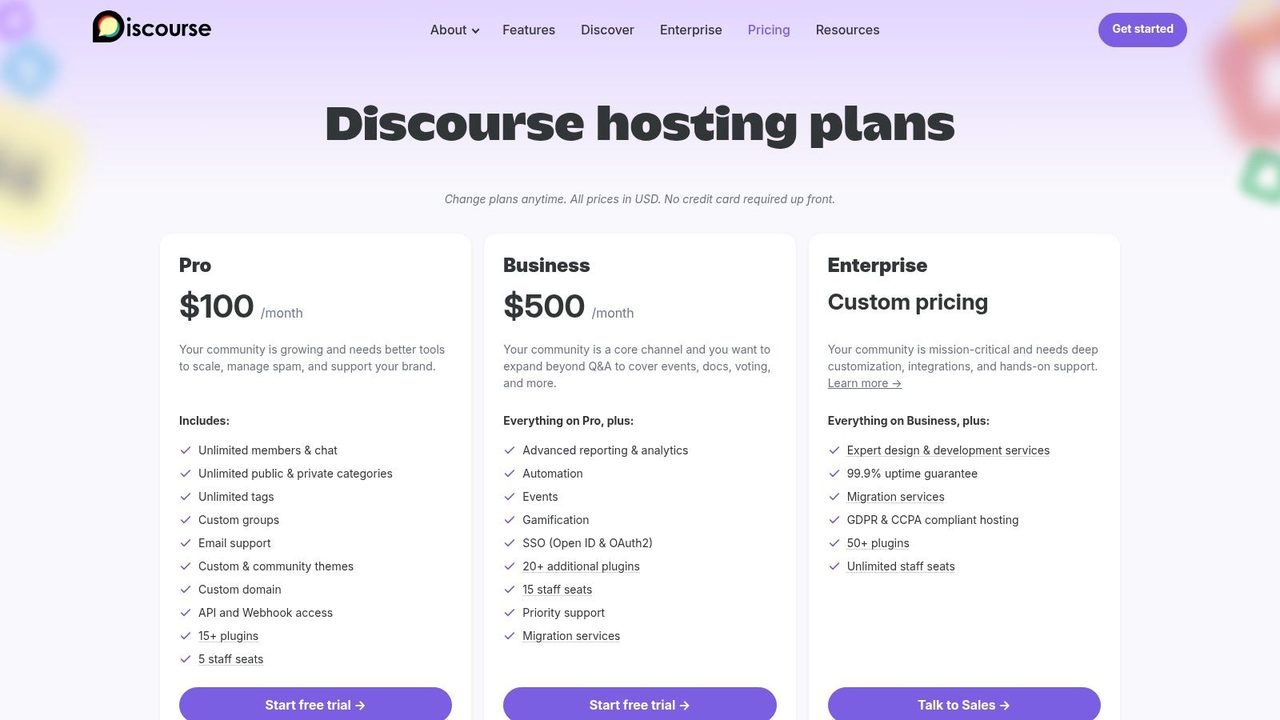
Discourse is what many internal teams should consider when chat has become their accidental knowledge base.
Forums aren't fashionable in the way chat apps are. They're often better for serious async discussion. Discourse gives you categories, topics, search, moderation, and a conversation model built for depth instead of interruption. For internal communities of practice, developer enablement, customer communities, and support-heavy teams, that's a strong combination.
Best for durable discussion at scale
Discourse works when a question should help more than one person, and when the answer should stay findable months later. That makes it a strong fit for internal knowledge-sharing programs, architecture discussions, policy Q&A, and external customer or developer communities.
Its advantages are easy to miss until you've lived through chat overload:
- Conversations stay discoverable: People can search before asking again.
- Moderation is mature: Important for larger or public-facing communities.
- Hosted or self-hosted options: Useful when infrastructure control matters.
- Plugins and Q&A patterns: Helpful for turning discussion into support assets.
The challenge is adoption. Teams used to chat may see forums as slower or more formal at first. That's partly true. You don't use Discourse for “anyone free for a quick look?” You use it for questions and discussions worth keeping.
If you're trying to build a stronger documentation culture around Confluence or similar tools, this ultimate guide for Confluence knowledge base is a useful companion perspective, especially for teams deciding where wiki content ends and discussion spaces begin.
For plans and hosting options, visit Discourse pricing.
8. GitHub Issues, Pull Requests, Discussions
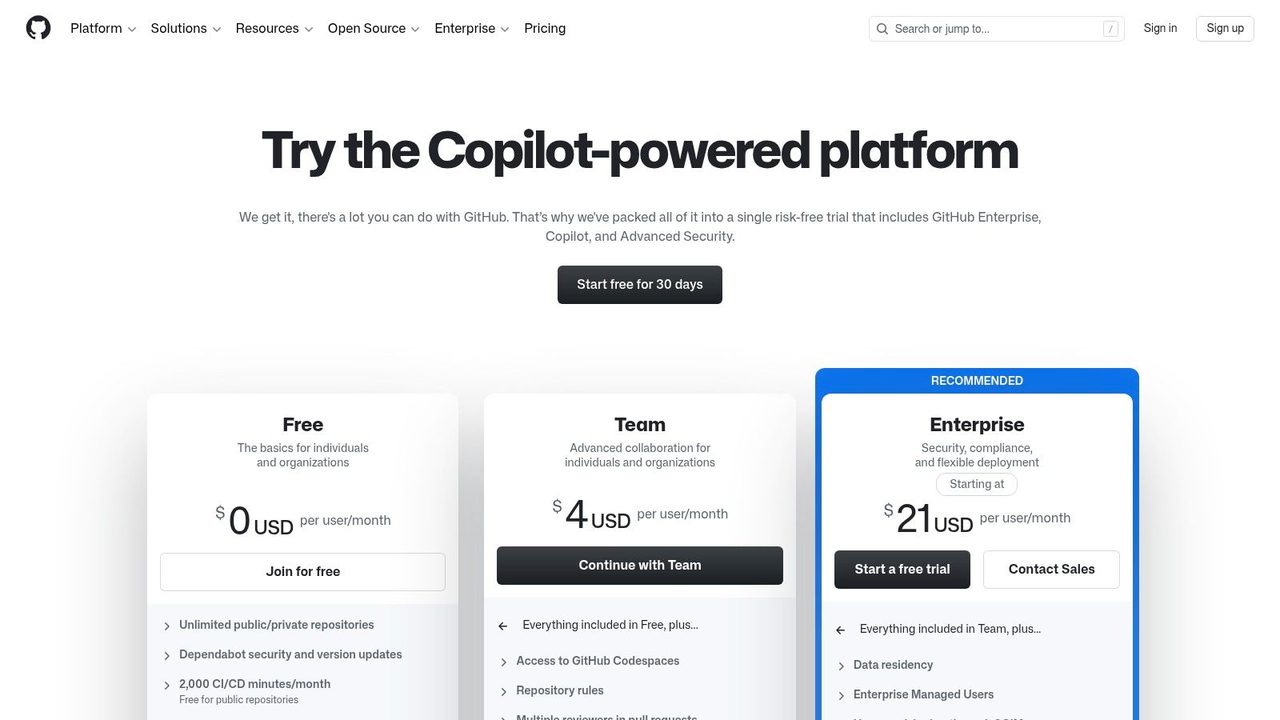
For software teams, some of the best asynchronous communication tools are already inside the development workflow.
GitHub Issues, Pull Requests, and Discussions let engineers propose changes, ask questions, review code, and document rationale without leaving the place where the work happens. That proximity matters. The best async systems reduce context switching, and GitHub does that well for technical communication.
Best for software work that should stay close to code
GitHub is strongest when the communication directly affects implementation. PR reviews, issue triage, architecture trade-offs, bug reproduction notes, release prep, and technical Q&A all benefit from staying attached to the repo and change history.
There's also a quality advantage. Writing feedback in a PR usually leads to more concrete comments than talking through changes in a meeting and hoping someone records the decisions later. Required checks, code owners, labels, assignees, bots, and notifications make the workflow auditable without becoming ceremonial.
Where GitHub works best:
- Code review: Comments stay anchored to exact lines and commits.
- Issue tracking: Clear owners and visible status reduce private backchannels.
- Technical discussions: Proposals and Q&A stay tied to the product surface.
Where it falls short:
- Not ideal for non-technical teams: Marketing, sales, and ops usually need a friendlier home.
- Notification tuning is essential: Otherwise engineers drown in repo noise.
- It won't replace broader company communication: It's a domain tool, not a company town square.
I like GitHub most when teams avoid turning Slack into a shadow review system. If the conversation changes the product, keep it near the code whenever possible.
For plan details, see GitHub pricing.
9. Zulip
A distributed engineering team finishes its workday across three time zones. By morning, a single chat channel in a typical messenger can bury bug reports, release notes, side questions, and decisions in one scrolling feed. Zulip avoids that failure mode better than almost any chat tool I've seen because conversations are split by stream and then by topic from the start.
That design changes the job the tool does. Zulip is still chat, but it behaves more like an organized discussion layer than a live room that rewards whoever was online at the right moment. For macOS users, that matters in practice. You can clear notifications, return later, and process topics one by one instead of reconstructing context from a pile of replies.
Best for teams that need high-volume discussion to stay readable
Zulip fits technical teams, research groups, open-source communities, and privacy-sensitive organizations that generate lots of parallel conversation. It is especially good when the stack needs a place for fast written exchange, but the team wants decisions and explanations to remain reviewable after the moment passes. Open-source deployment and self-hosting also make it a serious option for teams that cannot hand everything to a standard SaaS chat vendor.
The trade-off is adoption friction. Topic-based chat is better for async discipline, but it asks people to name the subject before they speak. Teams coming from Slack often resist that for a week or two, then usually stop wanting to go back once catch-up becomes manageable.
What stands out in real use:
- Topics keep parallel conversations separate: Release planning, incident follow-up, and product questions can live in the same stream without colliding.
- Strong fit for async-heavy technical work: Teams can answer later without losing the thread.
- Self-hosting and admin control are real advantages: Useful for compliance, privacy, and institutional knowledge retention.
- The ecosystem is smaller than Slack's: Expect fewer plug-and-play integrations and some workflow adjustment.
I recommend Zulip when a team has already learned an important lesson. Fast chat is not the same as clear communication. If people regularly say they cannot keep up, the fix is often better conversation structure, not fewer messages.
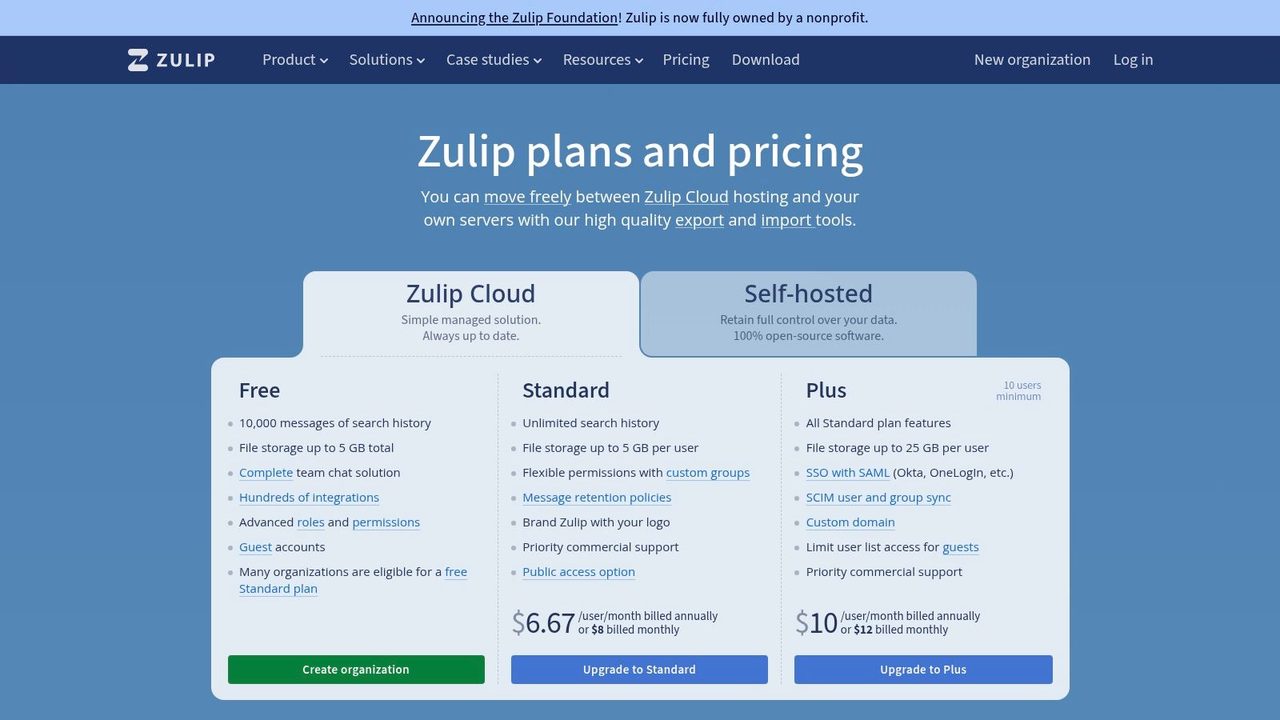
You can compare plans on the Zulip website.
10. Front
Front is what happens when email stops being a personal inbox and becomes a team workflow.
That matters because some teams can't move client communication into chat or project tools. Support, customer success, sales, operations, and partnerships often live in email, plus other channels like SMS, chat, and social. Front gives those teams shared ownership, internal discussion, assignments, and rules without the chaos of CCs and forwarded threads.
Best for customer-facing async work
Front is strongest where response quality and accountability both matter. Shared inboxes, comments, mentions, collision detection, analytics, and SLA-style workflows help teams coordinate around customer conversations without forcing everyone into live calls.
This is also where one of the biggest async pain points shows up. Emerging data cited by Vibe says 54% of hybrid teams report message ambiguity as a primary blocker in async communication, and mainstream tool guides don't provide ways to quantify response clarity or adapt tone by app context (analysis of async ambiguity and response quality). Front doesn't solve that automatically on its own, but it's a good environment to standardize tone, review drafts internally, and make customer-facing async communication more deliberate.
Front tends to work well for:
- Support teams: Shared ownership and internal collaboration in one thread.
- Success and account teams: Clear handoffs without inbox silos.
- Sales operations: Coordinated follow-up across channels.
- Service businesses: Client communication with stronger visibility.
The trade-off is setup complexity. Front is more operational than a normal inbox, and smaller teams may find pricing and AI add-ons harder to justify unless volume or coordination pain is already significant.
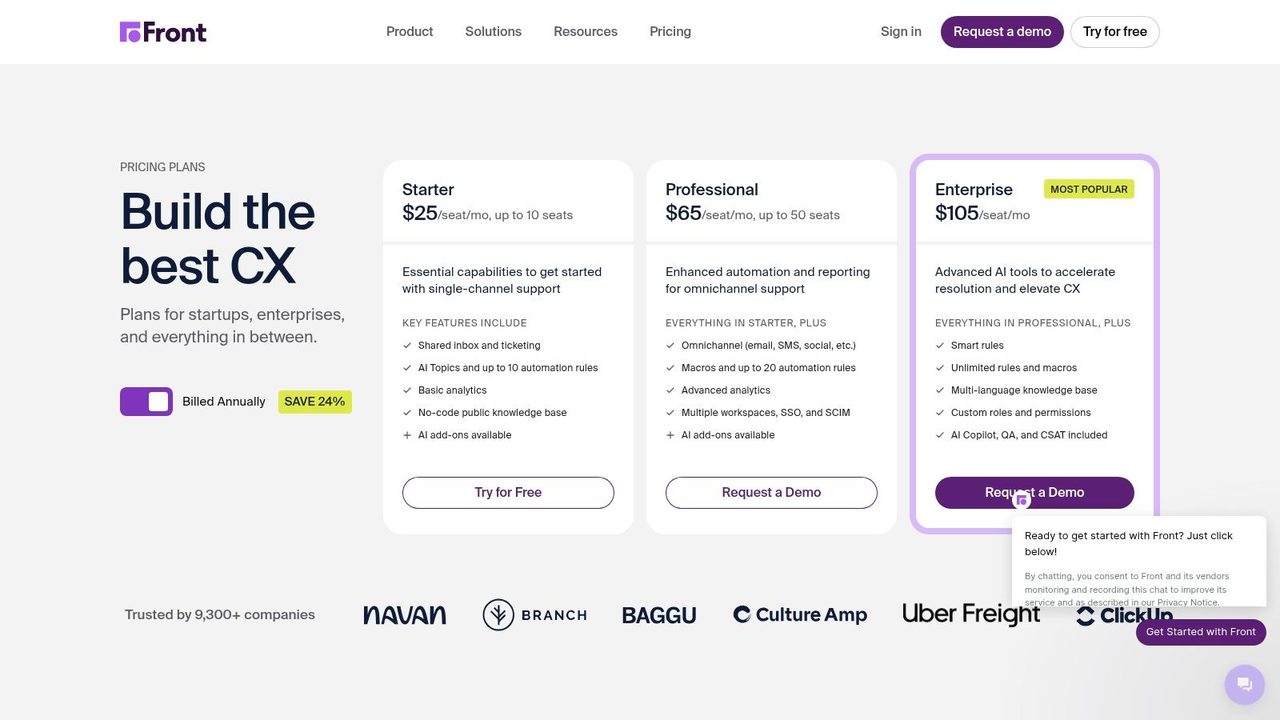
For plans and product details, visit Front.
Top 10 Asynchronous Communication Tools, Core Features Comparison
| Product | Core features | UX / Quality | Unique selling points | Target audience | Pricing / Value |
|---|---|---|---|---|---|
| AIDictation 🏆 | On‑device (Parakeet v3) + cloud Auto Mode; meeting & A/V transcription | High accuracy; auto grammar/punct; ★★★★★ | ✨ Local private dictation, per‑app context rules, custom vocab | 👥 Clinicians, writers, devs, knowledge workers | 💰 Free 2k words/mo; Pro $8.49/mo · $84.99/yr · Lifetime ~$199–$249 |
| Twist (by Doist) | Topic‑based channels & threads; per‑thread notifications; integrations | Calm async UX; easy catch‑up; ★★★★☆ | ✨ “Respond when ready” threading to reduce noise | 👥 Distributed teams wanting slow, focused comms | 💰 Free + paid plans (per seat) |
| Loom | One‑click screen+cam recording; captions; AI summaries (paid) | Fast explainer media; viewer‑friendly; ★★★★☆ | ✨ Video-first async with timestamps & comments | 👥 Product, support, stakeholders, async presenters | 💰 Free + paid tiers; 4K & AI on paid |
| Basecamp | Message boards, automatic check‑ins, todos, docs/files | Opinionated simple hub; low admin; ★★★★ | ✨ Flat‑fee scalability & built‑in async rituals | 👥 Small–mid teams wanting fewer tools | 💰 Flat fee (team plan); guests included |
| Notion | Pages, DBs, templates, teamspaces; optional AI | Flexible docs & templates; ★★★★☆ | ✨ All‑in‑one knowledge workspace & templates | 👥 Cross‑functional teams, docs & KBs | 💰 Free + per‑user paid; AI/features may cost extra |
| Confluence (Atlassian) | Structured pages, approvals, spaces; Jira integration | Enterprise governance & review workflows; ★★★★ | ✨ Audit trails, templates & tight Jira tie‑in | 👥 Product/eng teams, regulated orgs | 💰 Tiered per‑user pricing; add‑ons may increase cost |
| Discourse | Forum topics, search, moderation, plugins | Durable long‑form discussion; searchable; ★★★★ | ✨ Self‑host or hosted open‑source community software | 👥 Internal knowledge hubs, dev communities | 💰 OSS self‑host or hosted plans (per site) |
| GitHub (Issues/PRs/Discussions) | Issues, PR reviews, Discussions, CI/CD integrations | Dev‑native async; strong audit trail; ★★★★★ | ✨ Code + discussion in one place for traceability | 👥 Engineering teams & OSS projects | 💰 Free public; org pricing for private repos |
| Zulip | Streams + topic threading; roles & retention policies | Threaded chat reduces context loss; ★★★★ | ✨ Unique topic threading in chat; self‑hostable | 👥 Teams needing structured chat & privacy | 💰 Free & paid cloud; self‑host discounts |
| Front | Shared inboxes, assignments, SLAs, automations | Email‑centric collaboration; trackable SLAs; ★★★★ | ✨ Omnichannel customer workflows & analytics | 👥 Support, success, sales, ops teams | 💰 Paid plans; AI add‑ons and complexity possible |
Your Next Step Start Small, Iterate Often
The mistake many organizations make is trying to “become async” by decree. They announce fewer meetings, add a few tools, and assume the culture will sort itself out. It won't. Async works when each tool has a job, each channel has a purpose, and each person knows what deserves an immediate response versus a thoughtful one later.
Start with the pain, not the platform. If decisions disappear into chat, use Notion or Confluence to create a durable record. If engineers debate work in DMs, move that discussion into GitHub. If customers keep getting inconsistent replies, tighten the process in Front. If product updates keep turning into meetings because writing feels slow, start upstream with AIDictation so people can capture clean thoughts faster on macOS.
That “upstream” point matters more than many teams realize. Async communication quality is often decided before the message is sent. A rough voice note, a rushed Slack post, or a half-documented PR creates drag for everyone downstream. Clear async teams don't just choose good destinations for information. They also make it easy to create better information in the first place.
There's strong evidence that the shift is already underway. The use of digital collaboration platforms surged during the remote-work transition, and companies kept adding collaboration apps as distributed work matured, as noted earlier. The challenge now isn't convincing teams that asynchronous communication tools matter. It's helping them choose a stack that doesn't create a new kind of sprawl.
A practical framework helps:
- Use writing tools for durable decisions: Notion and Confluence are better than chat for anything you'll need again.
- Use video when visual context matters: Loom is excellent for walkthroughs, but only if you keep recordings searchable.
- Use thread-first tools for ongoing discussion: Twist, Zulip, and Discourse all reduce context loss in different ways.
- Keep domain work in domain tools: GitHub for code, Front for customer conversations.
- Improve message creation, not just message storage: AIDictation is valuable because it reduces the friction between speaking and producing usable written output.
Don't aim for purity. Async-first doesn't mean async-only. Sensitive feedback, urgent incidents, tense decisions, and messy brainstorming still benefit from live conversation. The point is to make synchronous communication the deliberate exception instead of the exhausted default.
I'd also recommend auditing your macOS workflow specifically. Watch where communication starts. For many people, it begins in Apple Notes, Slack, email, a PR description, a Notion page, or a support draft. If those moments feel slow, people avoid writing. Then they book a call. That's how tool friction becomes meeting culture.
Pick one recurring pain point this month. Replace one meeting series with written check-ins. Move one kind of decision into a documented template. Ask one team to record walkthroughs instead of scheduling status calls. Then review what improved and what broke. Async systems get better through tuning, not ideology.
The calmer communication stack is usually the better one. Fewer interruptions. Better records. Clearer ownership. More time for real work.
If your team wants to communicate asynchronously without turning every idea into a raw transcript or another meeting, AIDictation is a smart place to start. It helps macOS users turn spoken thoughts into clean, ready-to-send writing for docs, updates, tickets, emails, and notes, which makes the rest of your async stack work better.
Frequently Asked Questions
What does 10 Best Asynchronous Communication Tools for 2026 cover?
You don't need another message app. You need fewer moments where someone's green dot becomes your problem.
Who should read 10 Best Asynchronous Communication Tools for 2026?
10 Best Asynchronous Communication Tools for 2026 is most useful for readers who want clear, practical guidance and a faster path to the main takeaways without guessing what matters most.
What are the main takeaways from 10 Best Asynchronous Communication Tools for 2026?
Key topics include Table of Contents, 1. AIDictation, Why it stands out on macOS.
Ready to try AI Dictation?
Experience fast voice-to-text on your device. Free to download.
Download FreeRelated Posts
10 Best Productivity Tools for Teams in 2026
Boost your output with the best productivity tools for teams. Explore our 2026 list of project management, communication, and AI tools to work smarter.
Knowledge Worker Productivity: A Practical Playbook
Boost knowledge worker productivity with a practical playbook covering measurement, frameworks, async workflows, and tools that actually move the needle.
How to Improve Team Collaboration: A 2026 Guide
Discover how to improve team collaboration. Our framework helps you diagnose issues, build clear processes, and use the right tools for an effective team.