Dragon Dictation App: The Professional's Guide (2026)
The typical buyer looking at a dragon dictation app is already feeling the problem. Their day doesn't disappear in big dramatic chunks. It leaks away in notes, follow-up emails, project updates, status reports, specs, charting, and the endless cleanup that happens after every meeting or client call.
A product manager finishes a planning session and still has to turn rough thoughts into a readable brief. A developer knows exactly what a code comment should say, but loses momentum while typing it out. A clinician leaves one conversation and has to document the next thing immediately, with accuracy that matters. In each case, the bottleneck isn't thinking. It's turning spoken expertise into usable text fast enough to keep up.
That's why Dragon has stayed in the conversation for so long. It's not a novelty voice tool. It's the old heavyweight in professional speech recognition, with 29 years of continuous development and a long record in documentation-heavy fields like law, finance, and healthcare, as described in this speech recognition overview.
But the market around Dragon has changed. Windows users still have a serious enterprise-grade option. Mac users are dealing with a different reality. Cloud tools now promise convenience, while raising questions about privacy and control. And newer AI dictation apps are trying to solve a different problem than classic speech-to-text ever did.
Table of Contents
- Introduction The End of Endless Typing
- What Is the Dragon Dictation App
- How Dragons AI Achieves High Accuracy
- Common Workflows for Power Users
- Platform Limitations and Privacy Considerations
- The Mac Dilemma and The Rise of AIDictation
- Conclusion Choosing Your Dictation Tool in 2026
Introduction The End of Endless Typing
You finish a client call, open your notes, and already know what happens next. Ten minutes of writing turns into thirty because the actual work is not the ideas. It is converting fast, spoken thinking into clean text, one sentence at a time.
For people who spend the day in documentation, updates, case notes, reports, or drafts, that friction adds up quickly. The problem is not just typing speed. It is the constant interruption. Speak naturally, and the first draft often comes out faster and with more detail than it does through a keyboard.
That is why dictation remains attractive. It can remove a real bottleneck. The catch is that voice tools are not interchangeable, and the gap between casual dictation and production-grade speech workflows is still wide.
Dragon built its reputation on that gap. It was designed for users who needed more than a microphone button. In the right Windows setup, it can still be a serious tool for high-volume writing, command control, and repeatable documentation.
The distinction is important: professional users do not just want raw transcription. They want editable text, dependable formatting, and a workflow that saves time instead of creating cleanup.
In 2026, the bigger question is no longer whether Dragon can be powerful. It can. The central question is where it still fits. A Windows legal team, a hospital deployment, and a Mac-based consulting or product team are dealing with different realities now. That post-Mac-support split changes the buying decision, and it is one reason newer options such as AIDictation are getting attention from macOS users who need modern dictation without carrying a legacy Windows-first setup.
What Is the Dragon Dictation App
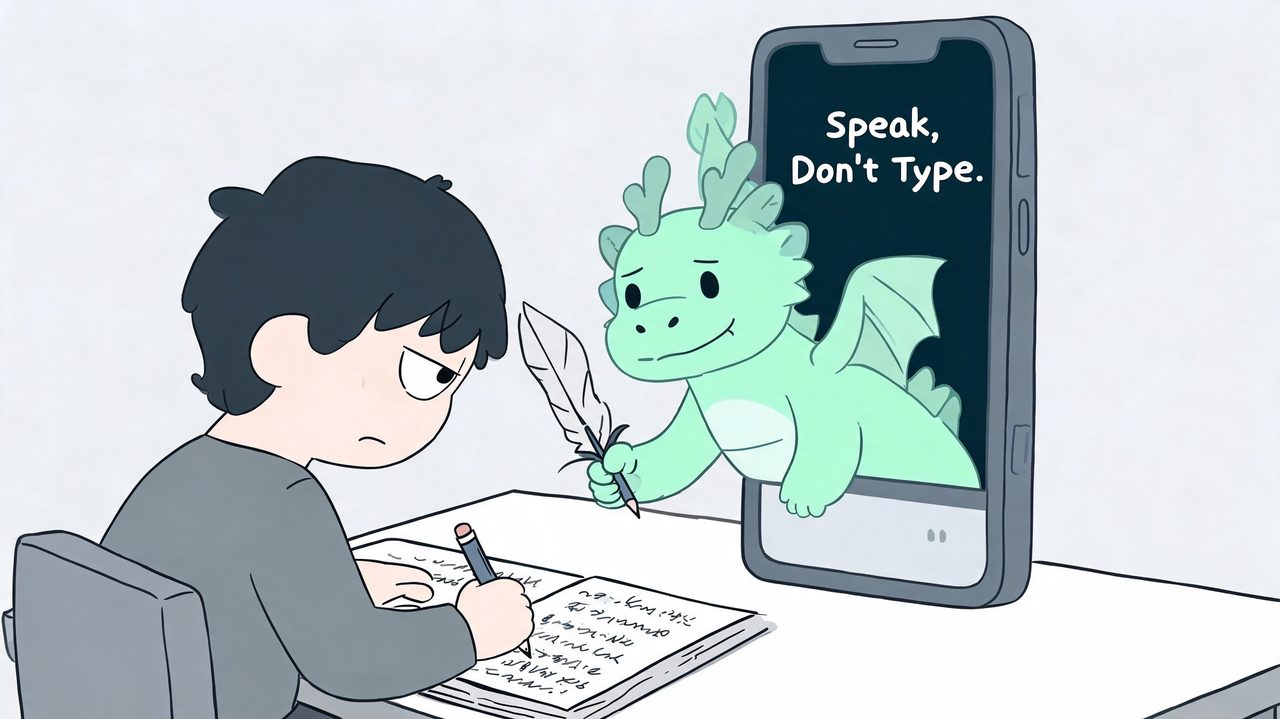
Dragon is better understood as professional speech recognition software than as a simple dictation app. The phone-style comparison causes confusion, especially for buyers who expect a lightweight tool they can install in five minutes and use the same way on every device.
What Dragon offers is broader and more demanding. It was built for people who produce a large volume of text, need repeatable formatting, and want to control parts of the editing process by voice instead of treating dictation as an occasional shortcut.
What Dragon actually includes
Dragon is an ecosystem, not a single lightweight app. In practice, it usually covers three jobs:
- Dictation and transcription: turning spoken words into editable text
- Voice commands: handling cursor movement, corrections, formatting, and some application actions by voice
- Text-to-speech: reading text back during review
That combination is why Dragon has stayed relevant in specialized environments. The value is not just getting words onto the page. The value is reducing keyboard time in documentation-heavy work where revision, structure, and consistency matter.
That distinction also explains why Dragon still has a loyal Windows user base.
Who it was built for
Dragon has historically fit best in legal offices, clinics, financial documentation teams, and other settings where staff produce the same kinds of documents every day and mistakes create extra work. In those environments, features like user profiles, custom vocabulary, command libraries, and deployment controls are not nice extras. They are part of the buying decision.
A casual user dictating messages or notes usually does not need that level of setup. A physician finishing charts, a lawyer drafting routine filings, or an analyst producing standardized reports often does.
The trade-off is complexity. Dragon generally asks for more from the system, the microphone setup, and the user. It works best when someone is willing to train usage habits, maintain profiles, and run it in a stable environment.
That is also where the post-Mac-support reality matters. On Windows, Dragon can still be a serious production tool. On macOS, it is no longer a current native option, so buyers need to separate Dragon's reputation from its present-day platform fit. For Mac users, that shifts the conversation from "Is Dragon powerful?" to "Do I want a legacy Windows-first workflow, or a modern dictation tool built for the systems I already use?"
How Dragons AI Achieves High Accuracy
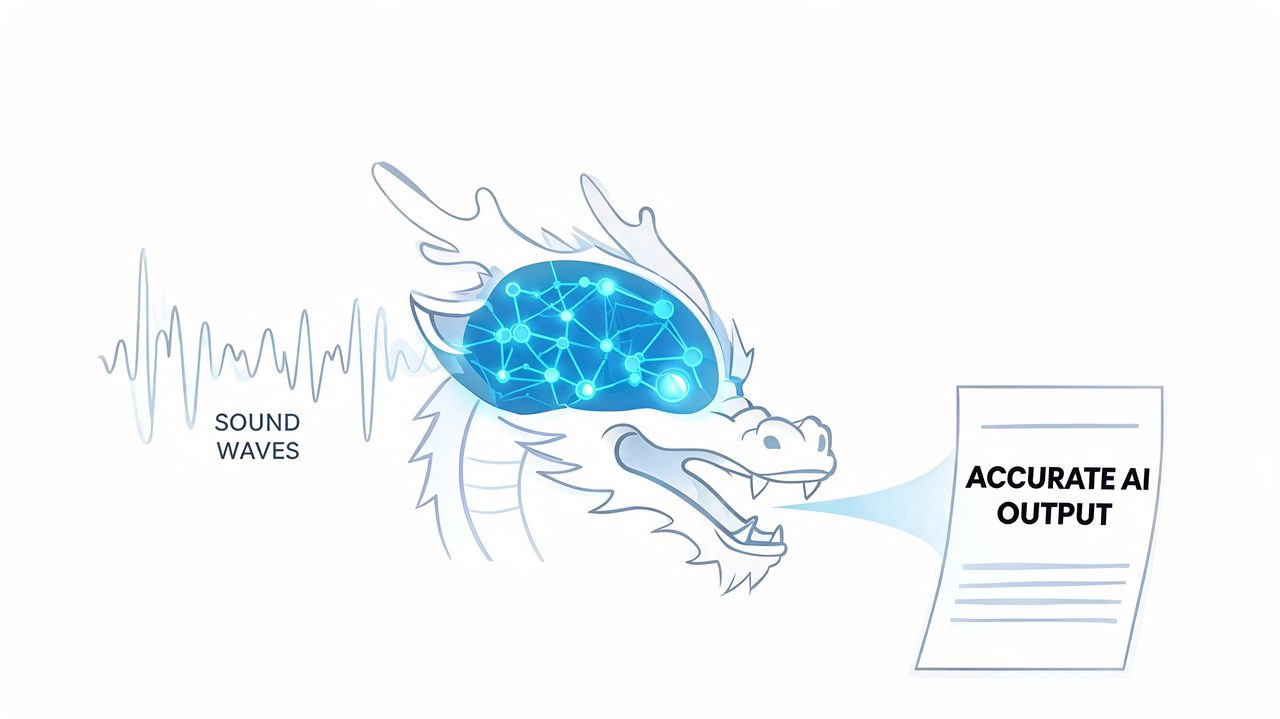
Dragon's value isn't just that it hears words. It's that it tries to model how a specific person speaks, then use that model to keep improving output over time.
Why Dragon feels different from basic dictation
Nuance says Dragon Professional v16 achieves 99% recognition accuracy with Deep Learning technology that models individual speaker voice patterns in this Dragon Professional v16 data sheet. That same document says the software is designed to perform well for users with accents and in open office or mobile environments.
The key idea is adaptation. Dragon doesn't treat every speaker as interchangeable. It builds around a user profile and updates that profile based on dictation sessions and corrections. If you've ever looked into understanding ASR technology, this is the practical difference between generic recognition and software tuned for repeated professional use.
For a broader look at how speech systems process language in real products, this guide to automatic speech recognition is useful background.
What the software learns over time
In practice, Dragon improves by observing three things:
- Your pronunciation patterns: Not just the words you use, but how you say them.
- Your corrections: When you fix output, the software uses that feedback to refine future recognition.
- Your domain vocabulary: Names, jargon, acronyms, and repeated phrases become easier to handle when they match your actual work.
That's why Dragon tends to work better for professionals with stable, repetitive language environments. A lawyer repeats case names and legal phrasing. A physician repeats specialty vocabulary. A product lead repeats roadmap terms, customer names, and internal shorthand.
The hardware side also matters. The data sheet explains that when Dragon detects a system with multi-core processors and more than 4GB RAM, it automatically selects the BestMatch V speech model during profile creation for faster performance. That's a very Dragon-like detail. It reminds you this is still a serious desktop application, not just a cloud widget.
Here's the practical payoff:
- Custom words reduce cleanup: Technical terms and client names become less painful.
- Voice commands save hand movement: “New paragraph,” “bold this,” or application control can keep flow intact.
- Long sessions become more viable: Once your profile is settled, the software feels less like dictation and more like speech-driven drafting.
What Dragon does less elegantly is hide its complexity. The same features that help power users can make the product feel heavy for someone who just wants instant, cross-platform voice typing with modern cleanup.
Common Workflows for Power Users
A PM finishes a roadmap call, a clinician has charts stacked up, and a developer needs to document a decision before switching back to code. Those are the moments where a dragon dictation app either saves real time or creates a cleanup job.
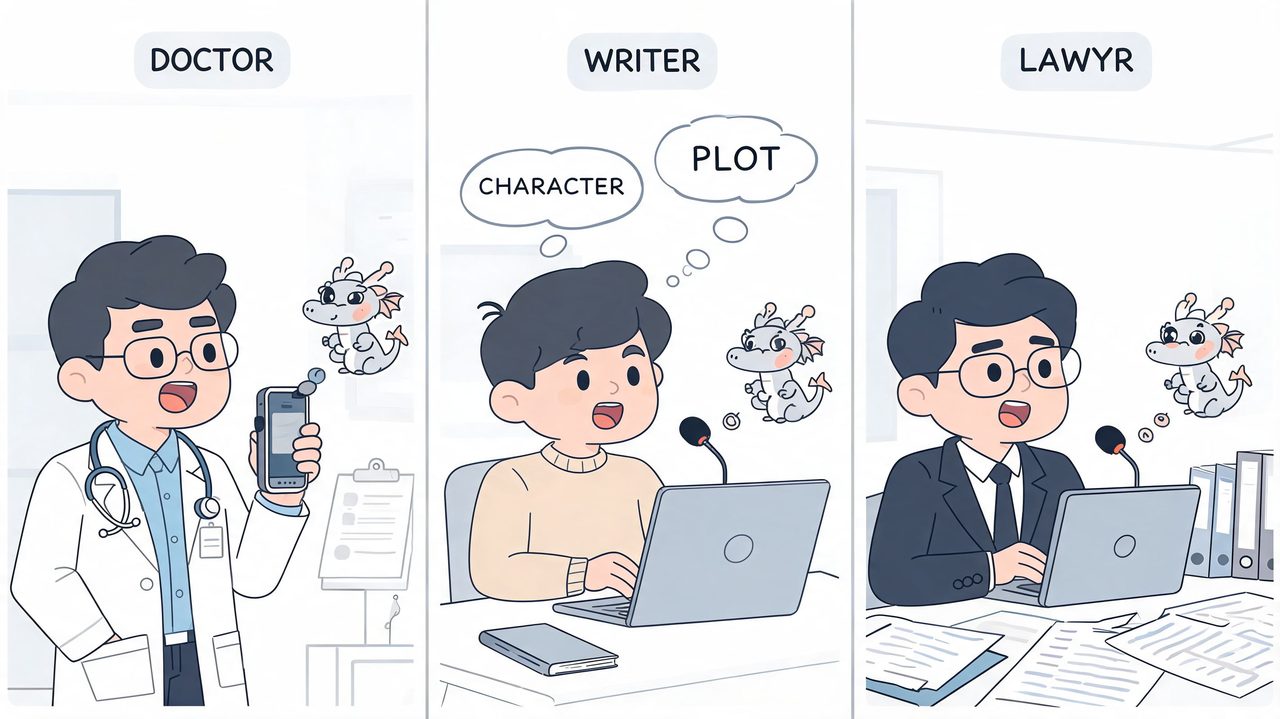
Power users usually get the most value from Dragon when they apply it to repeatable, text-heavy work. The pattern is consistent. Draft first by voice, then use commands and light correction to keep momentum. It is much less effective in messy, interrupt-driven workflows where apps, windows, and input modes keep changing, which is part of the broader reality Mac users now have to weigh against newer tools built for simpler cross-platform capture.
Product managers and documentation-heavy planning
Product managers often use dictation for structured output, not polished prose. Release notes, user stories, acceptance criteria, decision logs, and post-meeting summaries all fit well because the language repeats and the format is predictable.
Dragon can help in three practical ways:
- Faster first drafts: Speaking a backlog item or recap is often quicker than typing it line by line.
- Consistent phrasing: Repeated terms, product names, and workflow language become easier to recognize over time.
- Command-driven revision: Basic corrections, paragraph breaks, and formatting changes can happen without constant keyboard use.
The trade-off is tool friction. Product work rarely stays in one document for long. A PM may jump from Zoom notes to Jira, then to email, then to a planning doc. If dictation loses focus, misses a field, or handles app switching poorly, the time savings disappear.
Developers and technical writing around the code
Developers are usually poor candidates for full voice coding, but many are strong candidates for voice-driven documentation. Architecture notes, pull request summaries, ticket updates, incident writeups, and internal docs are the common use cases.
That is where Dragon can still make sense on Windows. A developer who is willing to train vocabulary, use correction commands, and keep a fairly disciplined workflow can reduce the amount of low-value typing around engineering work.
I usually advise technical teams to judge dictation by interruption cost, not by headline accuracy claims. If the tool lets someone capture a design rationale in one pass, correct a few terms, and move on, it earns a spot in the stack. If it demands repeated manual fixes for symbols, product names, or formatting, it becomes one more thing to manage.
Clinicians and other high-precision users
Clinical documentation remains one of Dragon's strongest use cases because the work is high volume, terminology-heavy, and governed by established language patterns. That is also why Nuance built specialized medical products and enterprise deployment options around healthcare environments.
Buyers should still separate broad marketing claims from workflow-specific proof. Publicly available marketing materials often describe accuracy and productivity in general terms, but they do not always provide quantified performance data for conditions such as open offices, regional accents, or background noise. In practice, that means a pilot matters more than a headline claim.
The same rule applies outside healthcare. Legal teams, consultants, and operations staff usually succeed with Dragon when three conditions are present:
- The workspace is controlled enough for reliable recognition
- The vocabulary is stable and repeats often
- The user is willing to correct errors in a disciplined way
If those conditions are missing, Dragon starts to show its age. That is especially relevant for Mac users, who are not just evaluating dictation accuracy anymore. They are evaluating whether a legacy desktop-first product still fits the way they work now.
Platform Limitations and Privacy Considerations
Dragon still solves a real problem, but it doesn't solve it in a platform-neutral way. That's where many evaluations go sideways.
Windows strength and deployment reality
If you're in a Windows organization, Dragon remains a serious contender. Nuance supports centralized management through the Nuance Management Center, and the desktop product is built for heavier local processing. The hardware expectations are also explicit in this Dragon Professional system requirements overview, which notes minimum and recommended RAM, processor guidance, and the split between local and cloud deployment models.
That same requirements page also draws an important line for healthcare buyers. Standard Dragon Professional doesn't support EMR integration. Teams that need EMR compatibility must use Dragon Medical speech recognition solutions instead.
Software evaluations should often be handled more like launch planning. The wrong assumption early on creates expensive cleanup later. A communications team writing an announcement would sanity-check audience, channel, and constraints before publishing. The same logic applies here, and this guide on how to optimize your product launch press release is a useful reminder that rollout success usually depends on operational fit, not just feature claims.
For healthcare-specific workflow context, this overview of Dragon medical dictation helps frame where dedicated medical products differ from general-purpose desktop dictation.
Cloud convenience and unanswered privacy questions
Cloud dictation is attractive because it promises access from more places and less local setup burden. But privacy questions get sharper as soon as the content becomes sensitive.
Nuance's own Dragon Anywhere marketing emphasizes cloud-based 99% accuracy and synchronization, yet offers minimal clarity on data residency, HIPAA compliance specifics, or what happens to voice data in cloud processing, according to this analysis of Dragon Anywhere's information gaps.
If your team handles client records, patient details, personnel information, or internal product plans, privacy isn't a checkbox. It's part of tool selection.
The practical decision is usually this:
| Model | What it gives you | What you need to verify |
|---|---|---|
| On-device dictation | Lower latency, local control, less dependency on connectivity | Device readiness, deployment overhead |
| Cloud dictation | Mobility, easier synchronization, broader service features | Data handling, retention, compliance details |
Neither model is automatically right. The mistake is treating them as equivalent for regulated or confidential work.
The Mac Dilemma and The Rise of AIDictation
A familiar scenario comes up in client calls. Someone uses a Mac every day, starts researching Dragon, and assumes there must be a current Mac version because Dragon is still such a well-known name in dictation.
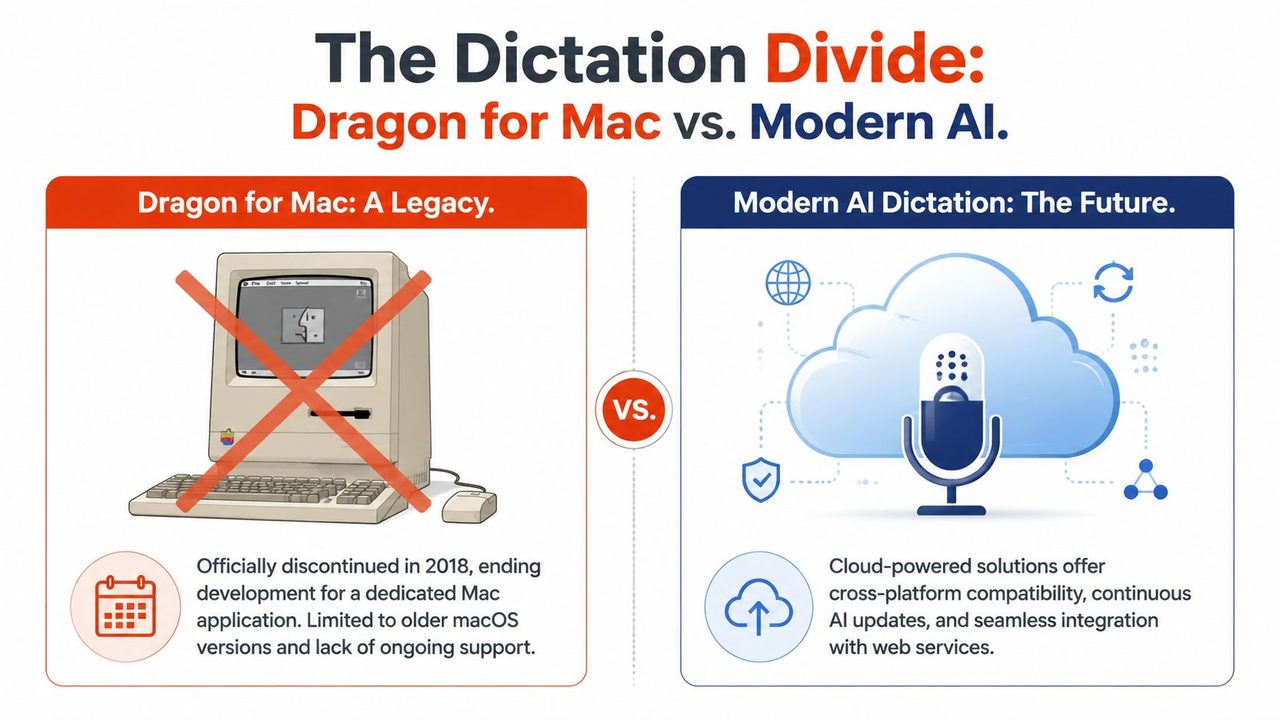
What Mac users are dealing with
That assumption breaks fast. Dragon for Mac is gone, and that changes the buying decision before features even enter the picture.
For Windows environments, Dragon still makes sense in the right setup. For macOS, the old Dragon path is a legacy path. A Mac user who wants serious dictation now has to choose among Apple's built-in tools, browser-based AI services, local speech models, or a Mac-focused dictation app that mixes transcription with cleanup.
That distinction matters because Mac buyers are usually trying to solve a current workflow problem, not preserve a legacy deployment. In practice, the request sounds more like this: voice typing in any app, better privacy control, fewer spoken punctuation errors, and less cleanup after the transcript lands on the page.
Those are not small differences. They point to a different product category.
Some tools focus on raw transcription. Some focus on local processing for privacy-sensitive work. Others try to turn spoken input into cleaner draft text with formatting, rewritten fragments, and spoken self-corrections handled automatically. If privacy policy language is part of your review process, it helps to compare how vendors explain storage, retention, and processing. This example of AI interview assistant privacy shows the level of policy detail many buyers now expect.
For a broader view of the newer category, this guide to a voice typing app for modern cross-app dictation is useful if you're comparing classic speech recognition with AI-assisted writing tools.
Dragon vs AIDictation A Comparison for macOS Users
AIDictation represents the kind of tool Mac users are increasingly evaluating instead. It is built around macOS workflows, supports local dictation on Apple Silicon, and offers cloud processing as a separate option for cleanup and formatting. That is a different design goal from classic Dragon desktop software, which was built around mature Windows dictation and command workflows.
| Feature | Dragon Ecosystem (on Windows) | AIDictation (for macOS) |
|---|---|---|
| Platform fit | Built around Windows deployment | Built for macOS workflows |
| Processing model | Desktop-first products, with separate cloud options across the broader ecosystem | Local dictation plus optional cloud cleanup |
| Privacy posture | Depends on product choice and deployment model | Local mode on Apple Silicon, with cloud mode available separately |
| Document cleanup | Strong dictation and command-based editing | Transcription plus cleanup, formatting, and handling of spoken revisions |
| Best match | Windows organizations with structured dictation workflows | Mac users who want current voice typing with less post-editing |
The trade-off is straightforward. Dragon still has real strengths on Windows, especially where teams rely on established templates, voice commands, and managed deployments. On Mac, choosing Dragon usually means accepting a workaround, adding a Windows dependency, or switching to a newer tool category built for how macOS users work now.
That is the post-Mac-support reality check. Dragon remains relevant, but mostly in the environment it still serves. Mac users should evaluate dictation tools as a fresh decision, not as a continuation of the old Dragon story.
Conclusion Choosing Your Dictation Tool in 2026
Dragon still deserves respect. On Windows, it remains a heavyweight option for people and organizations that need serious dictation, command support, centralized management, and established enterprise workflows.
But that's only part of the current market. The old assumption that professional dictation means Dragon by default doesn't hold across platforms anymore. Mac users, especially, are choosing from a newer environment shaped by cloud tools, on-device AI, privacy concerns, and output cleanup features that classic speech recognition products didn't prioritize.
The smarter way to choose in 2026 is to start with three questions.
First, what platform do you work on every day? Second, what privacy model can your work tolerate? Third, do you need raw transcription, or do you need speech turned into clean writing with less editing afterward?
If you answer those clearly, the decision usually gets easier. Dragon still fits some teams very well. It just isn't the default answer for everyone anymore, and it definitely isn't the Mac answer it once tried to be.
If you work on macOS and want a current voice-to-text workflow instead of a legacy workaround, take a look at AIDictation. It's built for Mac users who need dictation across everyday apps, with a choice between local and cloud processing depending on how they balance privacy, speed, and cleanup.
Frequently Asked Questions
What does Dragon Dictation App: The Professional's Guide (2026) cover?
The typical buyer looking at a dragon dictation app is already feeling the problem. Their day doesn't disappear in big dramatic chunks.
Who should read Dragon Dictation App: The Professional's Guide (2026)?
Dragon Dictation App: The Professional's Guide (2026) is most useful for readers who want clear, practical guidance and a faster path to the main takeaways without guessing what matters most.
What are the main takeaways from Dragon Dictation App: The Professional's Guide (2026)?
Key topics include Table of Contents, Introduction The End of Endless Typing, What Is the Dragon Dictation App.
Ready to try AI Dictation?
Experience fast voice-to-text on your device. Free to download.
Download FreeRelated Posts
8 Best Bilingual Dictation Apps: 5 Tested + 3 Baselines
We tested five bilingual dictation apps on Russian-English code-switching, plus three common baselines. Compare WER, language recall, script, and workflow.
10 Best Dictate Software for Mac in 2026
Compare the best dictate software for mac in 2026 by accuracy, privacy, pricing, features, and use case—from Apple Dictation to AIDictation.
AI Dictation vs Diktuy: Russian-English Accuracy Test
We tested AI Dictation vs Diktuy on the same Russian-English recording. Compare WER, English-word preservation, full transcripts, and errors.