10 Best Time Study Software Tools for 2026
You know a process can be better, faster, or safer, but you lack the data to prove it. A stopwatch and a clipboard only get you so far. Manual data entry is slow, error-prone, and the analysis becomes its own side project.
That’s the point where organizations often start looking for time study software. Some want a classic industrial engineering package for elemental studies and work sampling. Others need video review, standard work outputs, healthcare compliance, or simulation-ready data.
The category is also getting bigger, not smaller. The global time tracking software market is projected to grow from USD 3.8 billion in 2025 to USD 16.1 billion by 2035, at a projected 15.5% CAGR, according to Fact.MR’s time tracking software market outlook. That growth reflects a practical shift. Teams want software that captures time cleanly, turns it into usable analysis, and fits distributed work.
This guide stays focused on the tools that matter in practice. Not just stopwatch apps, but enterprise-grade manufacturing suites, healthcare-specific platforms, and modern video-analysis software. The key question isn’t which tool has the longest feature list. It’s which one matches your study method, your reporting burden, and the amount of change your team can absorb.
Table of Contents
- 1. Laubrass UMT Plus
- 2. Quetech WorkStudy+
- 3. Timer Pro Professional
- 4. AVIX Method
- 5. TiCon Time Study
- 6. Proplanner Time Studies
- 7. ProcessModel Time
- 8. Process Study
- 9. Time Study by Time Study Inc.
- 10. Time Study RN
- Top 10 Time Study Software Comparison
- Choosing Your Path to Optimized Processes
1. Laubrass UMT Plus
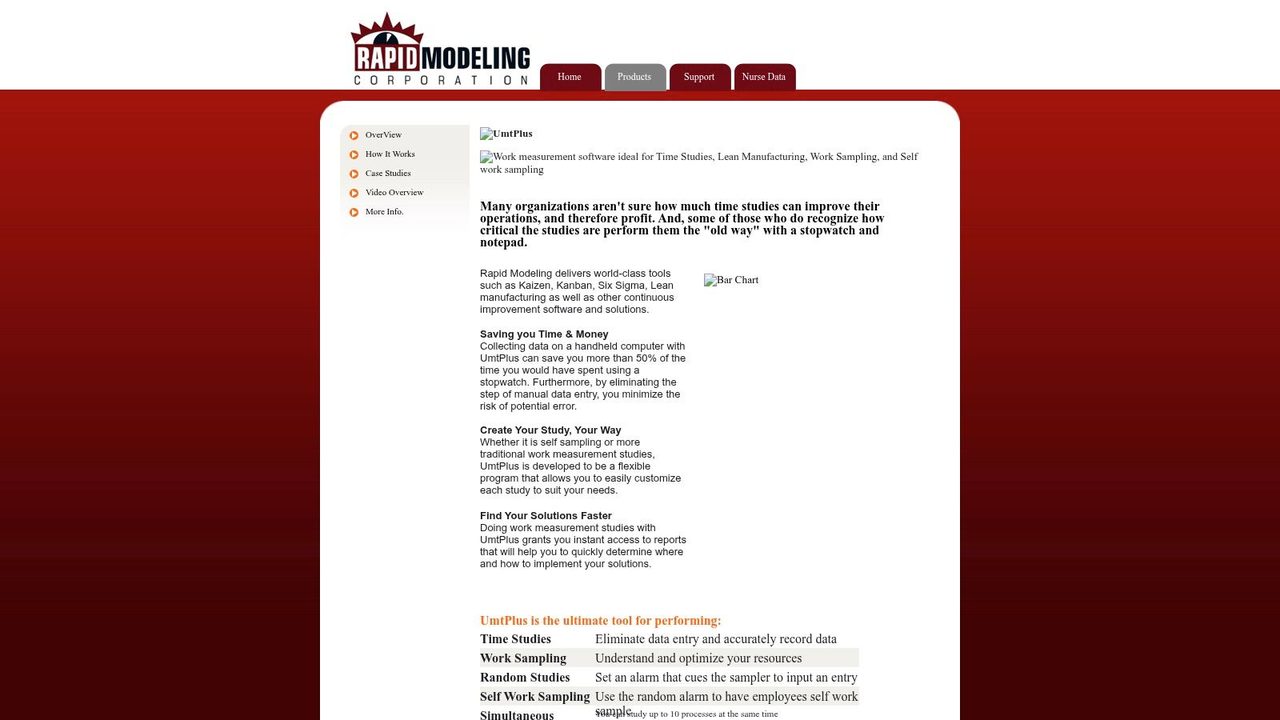
Laubrass UMT Plus is the kind of time study software that makes sense when your team still does real work measurement, not just rough cycle timing. It supports classic stopwatch studies, work sampling, self work sampling, and simultaneous studies across multiple processes. That range matters when one department wants elemental task times and another wants broader utilization data.
The suite structure is practical. UMT Manager handles study design, UMT Plus handles mobile collection, and StatUMT handles analysis and reporting. In plants and hospitals, that separation usually works better than an all-in-one app because the people designing the study often aren’t the people collecting data.
Where it fits best
This is a strong fit for manufacturing teams, healthcare operations groups, and consultants who need exportable results, repeatable templates, and reporting that won’t collapse into spreadsheet cleanup. Its Excel integration is one of the bigger strengths. If your clients or internal stakeholders still live in Excel, that matters more than a modern-looking interface.
A few practical trade-offs stand out:
- Best use case: Large studies with multiple observers, recurring templates, or formal reporting requirements.
- What works well: Built-in charts and Pareto analysis reduce the amount of hand-built reporting.
- What doesn’t: The interface is functional, not modern, and new users may feel that immediately.
Practical rule: If the final deliverable must survive finance review, operations review, and audit-style scrutiny, a mature package like this usually beats a slick lightweight app.
For teams that narrate observations while they work, pairing a formal study tool with a clean voice capture workflow can speed note-taking during gemba walks and audits. A practical example is using voice dictation workflows for operations documentation alongside structured data collection, so the analyst isn’t typing field notes after the fact.
2. Quetech WorkStudy+
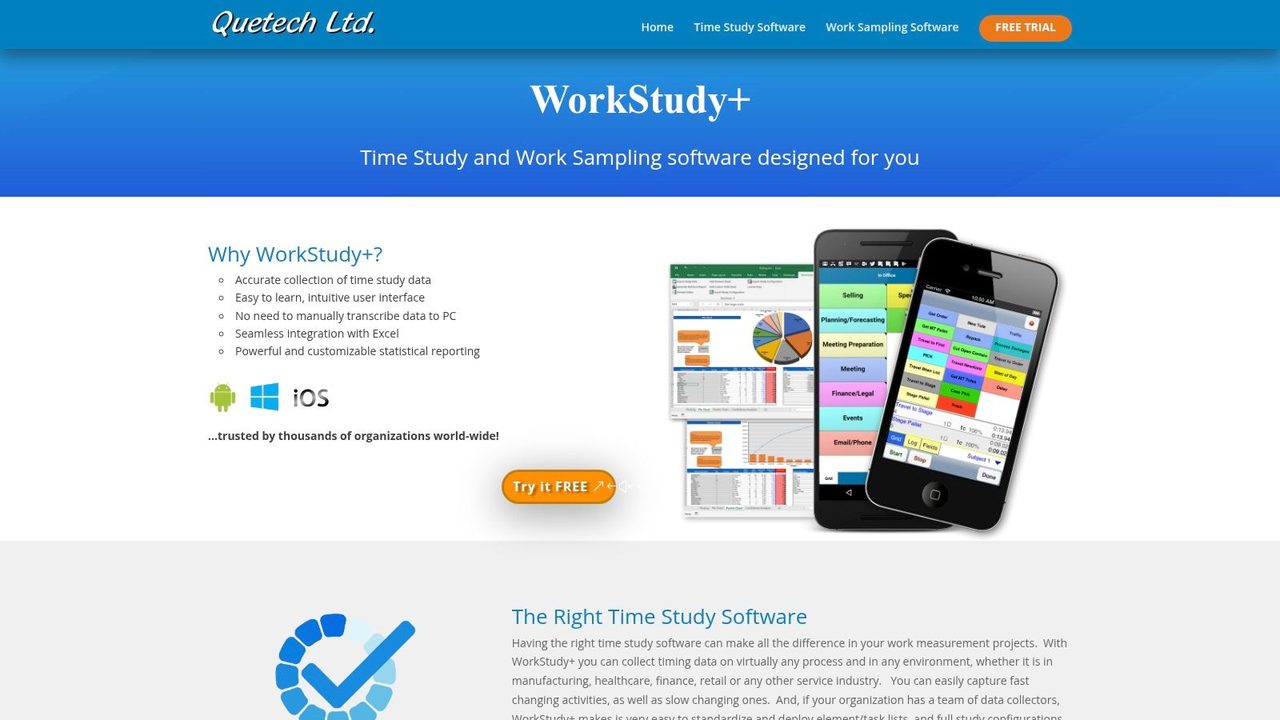
Quetech WorkStudy+ has been around long enough to earn trust from practitioners who care more about speed and consistency than software polish. It’s widely used in manufacturing, logistics, and service settings where the observer needs to switch elements fast, keep a clean element list, and get the data into Excel without friction.
That last point is the reason many teams keep it on the shortlist. A lot of time study software promises dashboards. In actual industrial engineering work, many analysts still need customizable Excel outputs because management already has established reporting formats.
Why practitioners still like it
Collectors can get productive quickly, and that matters when you’re training supervisors, temporary observers, or CI staff who don’t run studies every week. The Android capture app also helps when observations happen across lines, buildings, or customer sites.
What I’d watch for is expectation mismatch. This isn’t a glossy SaaS platform built to impress executives during a demo. It’s a pragmatic tool aimed at getting studies done with less overhead.
- Good fit: Teams that rely on Excel-centric reporting and need standardized element switching.
- Less ideal: Buyers who expect a highly visual, modern analytics experience out of the box.
- Operational strength: Distributed data capture without forcing everyone into a complicated system.
The market is also moving in Quetech’s direction. SMEs controlled 62.8% of 2024 billings in the time tracking software market and that segment is expanding at a 12.5% CAGR, while freemium and low-friction adoption models are shortening implementation cycles, according to Mordor Intelligence’s time tracking software market analysis. Even though Quetech itself is a specialized industrial tool, the broader lesson is clear. Buyers increasingly favor software that gets observers working fast instead of burying them in setup.
3. Timer Pro Professional
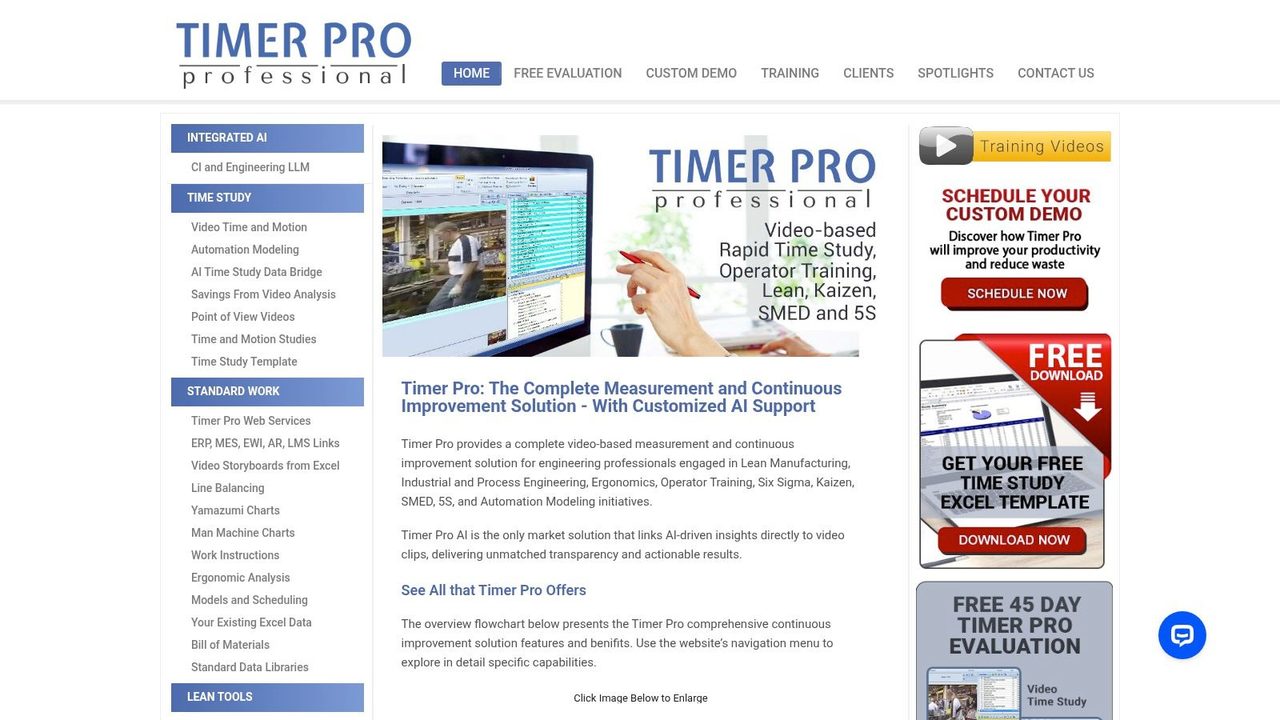
If your improvement work revolves around video, Timer Pro Professional from ACSCO belongs near the top of the list. This platform goes well beyond stopwatch timing. It supports video time and motion analysis, storyboard creation, line balancing, Yamazumi charts, standard work, and lean activities such as SMED and 5S.
That combination changes how teams use a study. Instead of timing a process once and writing a report, you can reuse the study footage for training, coaching, and standard work updates. For CI leaders, that’s often where the return comes from.
Best for video-first continuous improvement
Timer Pro makes the most sense when the study is part of a broader lean system. Plants that want to isolate value-added and non-value-added segments, generate training clips, and connect outputs to ERP or MES workflows will get more from it than teams doing occasional observational studies.
Video-based tools are strongest when the team reviews the work together. They’re weakest when one analyst becomes the only person who can interpret the footage.
The trade-off is obvious. If all you need is elemental stopwatch data for a repetitive task, Timer Pro can feel heavy. But when your work includes kaizen events, balancing reviews, operator training, and method redesign, that extra scope becomes useful instead of excessive.
A related practical point comes from history. Modern time study software still builds on the scientific management methods Frederick Winslow Taylor introduced around 1900 to 1910, and later time and motion studies expanded those foundations into more systematic work measurement, as outlined in Tulip’s guide to manufacturing time studies. Timer Pro reflects that progression well. It doesn’t just time work. It helps teams analyze method, motion, sequence, and training impact in one environment.
4. AVIX Method
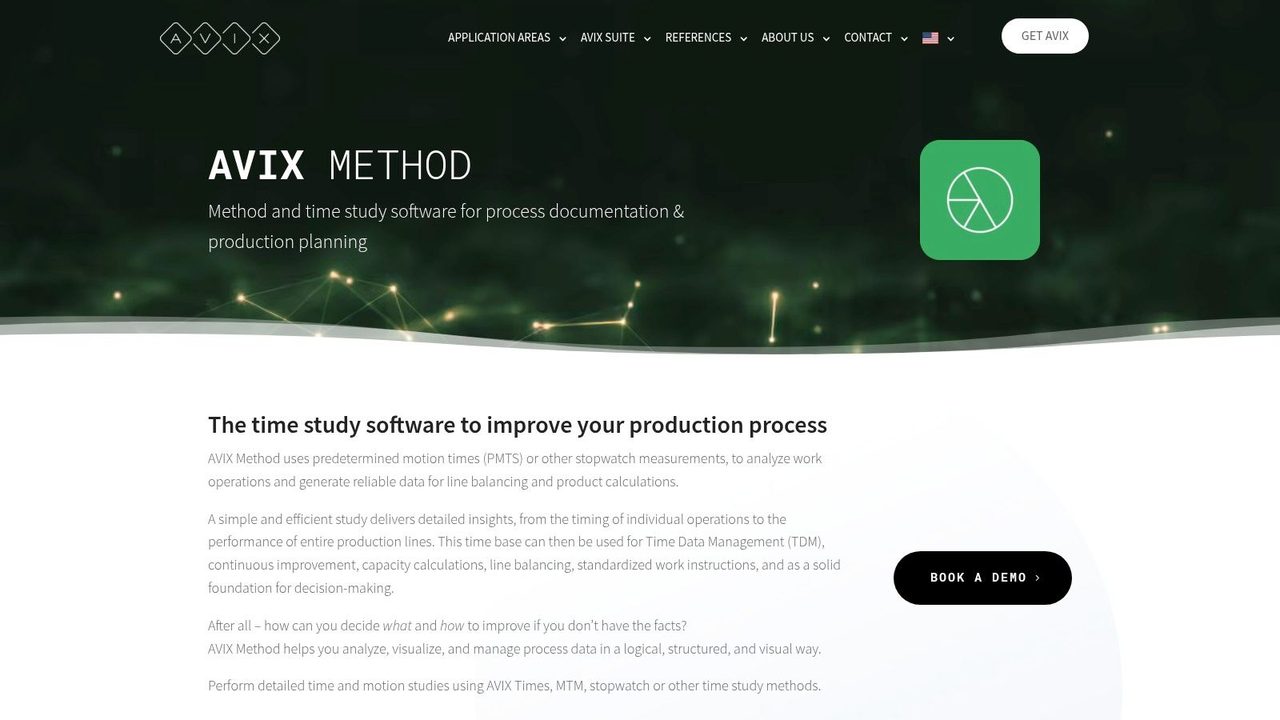
AVIX Method is a strong option when your time studies need to end in standardization, not just analysis. It handles video-based studies, stopwatch capture, and PMTS-style methods, then carries that data forward into time data management, standard work generation, line balancing, and simulation.
That end-to-end flow is what separates AVIX from lighter tools. Many platforms help you collect times. Fewer help you turn those times into publishable, maintainable standard work that operators and supervisors can use.
Strong when standardization is the end goal
AVIX suits organizations that want one platform to move from observation to work instruction. That’s useful in assembly environments where method changes, balancing decisions, ergonomics review, and communication to the floor all need to stay aligned.
A few realities come with that strength:
- What works: The suite feels cohesive when you need analysis, balancing, and publishing in one system.
- What to expect: It’s heavier than a stopwatch plus spreadsheet workflow and usually needs a more deliberate rollout.
- Who benefits most: Teams with formal CI programs, engineering ownership, and recurring standard work updates.
One common failure point in time study software selection is forgetting the documentation burden. If engineers improve the method but can’t update instructions quickly, the plant slides back to old habits. Tools that shorten that handoff are worth more than they first appear.
For teams trying to tighten that loop, better drafting habits matter too. Clear notes, faster revisions, and cleaner instructions make the software more useful in practice. A simple complement is using faster and neater writing workflows for operations documents when converting study findings into standard work and training material.
5. TiCon Time Study
TiCon Time Study from the MTM Association makes the most sense in organizations that already believe in standards-based industrial engineering. If your team uses MTM, PMTS logic, or formal ergonomics methods, this is one of the cleaner ecosystems to evaluate because it connects time study, MTM analysis, EAWS ergonomics, balancing, and planning.
That matters because mixed systems often create duplication. One tool captures observed times, another handles predetermined times, and a third handles ergonomics. TiCon reduces that fragmentation.
Best fit for MTM-driven organizations
This isn’t the easiest option for a company that just wants to digitize manual timing. Training is usually part of the package, and the software becomes much more valuable when MTM adoption is broad across engineering, planning, and continuous improvement.
Standards-based software pays off when the organization wants repeatability across sites, not just speed for one analyst.
The practical upside is consistency. The practical downside is commitment. If leadership isn’t ready to maintain standards, a simpler tool may create more value faster.
I’d put TiCon high on the list for automotive, industrial assembly, and global manufacturers that want a common method language across functions. I’d rank it lower for smaller plants doing occasional studies with no PMTS discipline behind them.
6. Proplanner Time Studies
Proplanner from Advantive approaches time study software as part of a broader manufacturing engineering stack. Its Time Studies capability supports live and video-based analysis, links study segments to methods, and connects to ergonomics, MUDA analysis, and standardized work outputs.
That architecture is useful in assembly operations where engineers don’t want isolated study files. They want time data attached to methods, labor planning, and waste analysis.
Where integration matters more than simplicity
Proplanner is strongest when a company already uses related modules or plans to build a connected engineering environment. In that setting, the software can reduce duplicate work because study segments, elemental libraries, and standard work outputs stay linked.
The downside is familiar to anyone who has deployed enterprise tools. Setup takes effort. Training takes effort. Governance takes effort.
- Best for: Enterprise manufacturing teams with an existing engineering systems roadmap.
- Less suitable for: Smaller operations looking for a fast standalone study tool.
- Real advantage: Time, method, ergonomics, and waste analysis stay connected instead of drifting apart.
This is one of those tools where buying it without process ownership creates a shelfware risk. Buying it with a strong manufacturing engineering team can create a durable system.
7. ProcessModel Time
ProcessModel Time serves a narrower purpose than many of the other tools on this list, and that’s exactly why it can be a good choice. It’s built to capture multi-station process data quickly and feed those inputs into ProcessModel simulation work.
If your real objective is discrete-event simulation, you don’t always need a huge industrial engineering suite. You need reliable inputs with low collection overhead.
Best for simulation inputs
This is a practical option for analysts who want to move from observation to scenario testing without spending weeks building a data pipeline. The workflow is comparatively simple, and that’s an advantage when the main deliverable is a model, not a full lean documentation package.
It is narrower than platforms like AVIX, Timer Pro, or TiCon. You won’t choose it for broad standard work publishing or deep ergonomics coverage. You choose it because simulation is the destination.
The rise of real-time, time-aware infrastructure reinforces that use case. The time series database software market is projected at USD 1.49 billion in 2025 and projected to reach USD 3.49 billion by 2035, with growth tied to cloud-native systems, observability, and real-time analytics, according to SNS Insider’s time series database software market report. The practical takeaway is that time data increasingly has to flow into analysis environments, not sit in static reports. ProcessModel Time fits that mindset well.
8. Process Study
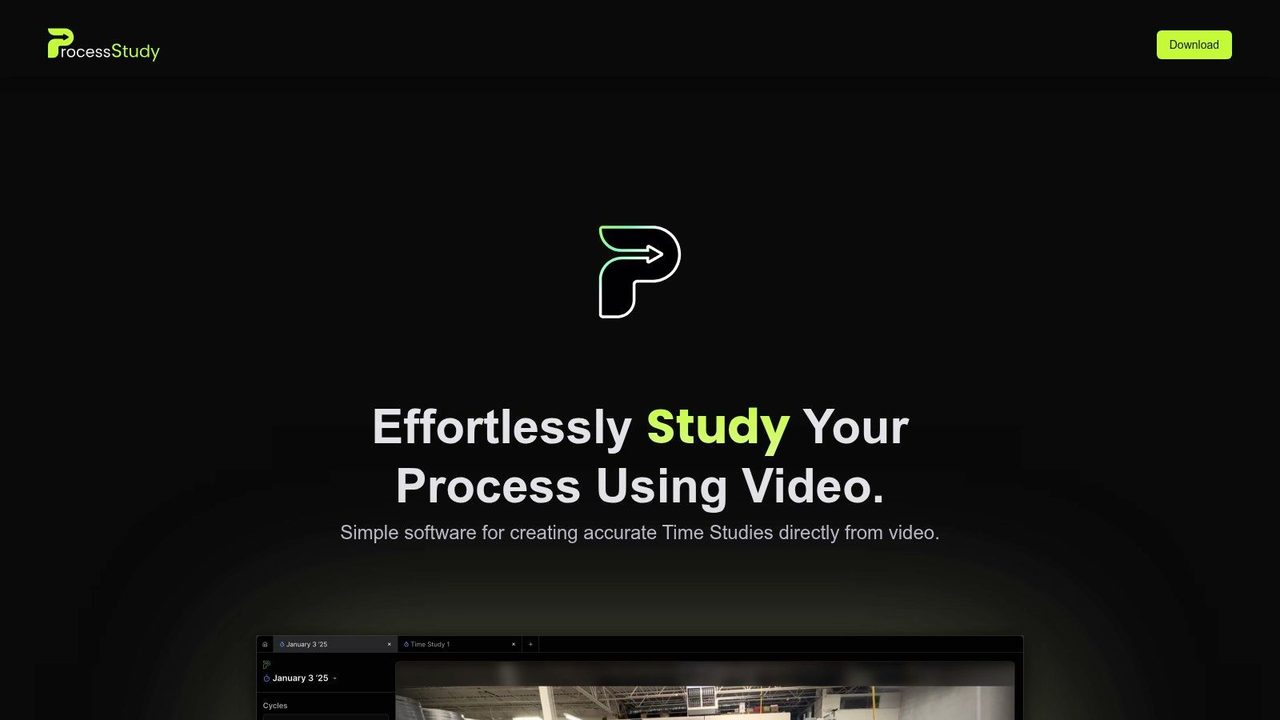
Process Study takes a lighter approach. Import a phone or GoPro video, tag steps at accelerated playback, organize clips into cycles, and export the results to CSV, Excel, or Google Sheets. For many small teams, that’s enough.
This kind of tool is useful when you want to record once and analyze later without building a whole CI software stack. It lowers the barrier to video-based time study software, especially for teams that are just moving beyond stopwatch observations.
A good lightweight option for video tagging
What works well is the speed. You can capture a process on video, revisit it with less pressure, and tag steps at faster playback. That’s often better than trying to observe, record, and interpret everything live on the floor.
What it won’t do is replace a full enterprise platform. There’s limited depth beyond tagging, cycle organization, and export.
- Best use: Ad hoc studies, pilot improvement projects, and smaller teams testing video analysis.
- Not best for: Formal enterprise rollouts that need governance, method libraries, or healthcare compliance.
- Why people like it: Minimal overhead and a short path from recording to usable data.
For knowledge workers and hybrid teams, a lightweight video study tool can pair well with spoken notes and transcript-based observations. If the analyst wants to capture context while reviewing footage, speech-to-text software for faster documentation can reduce the amount of manual note cleanup after the study.
9. Time Study by Time Study Inc.
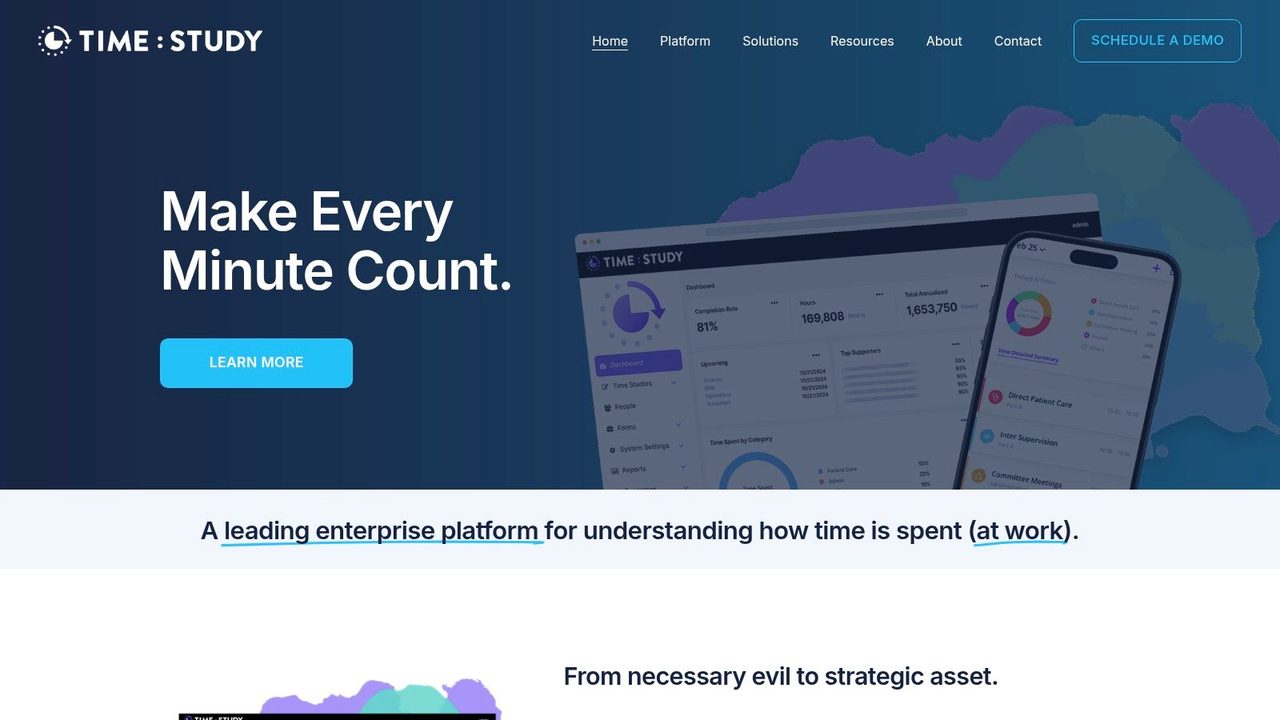
Time Study Inc. is not trying to be a factory stopwatch tool. It is healthcare-focused enterprise time intelligence software aimed at compliant provider time allocation, reimbursement support, governance, and analytics across large health systems.
That focus is a strength, not a limitation. Healthcare time studies aren’t just about observing tasks. They’re tied to auditability, reimbursement logic, organizational governance, and rollout across busy clinical environments.
Built for healthcare governance
The platform’s mobile capture, enterprise reporting, and governance controls make sense for health systems that need audit-ready documentation and repeatable workflows. If you run operations, finance, or compliance in a provider organization, those requirements matter more than whether the app feels lightweight.
The underserved issue in this segment is privacy. Many discussions of time study software focus on functionality while skipping the cloud-versus-local processing question in regulated settings. That gap is highlighted in Argent Global’s discussion of time studies and work sampling services, especially where sensitive operational data and compliance concerns intersect.
In healthcare, the best tool usually isn’t the one with the fastest timer. It’s the one that creates defensible records without disrupting clinical work.
I wouldn’t recommend this for manufacturing. I would recommend it for health systems that need scale, controls, and healthcare-specific reporting more than generic work measurement features.
10. Time Study RN
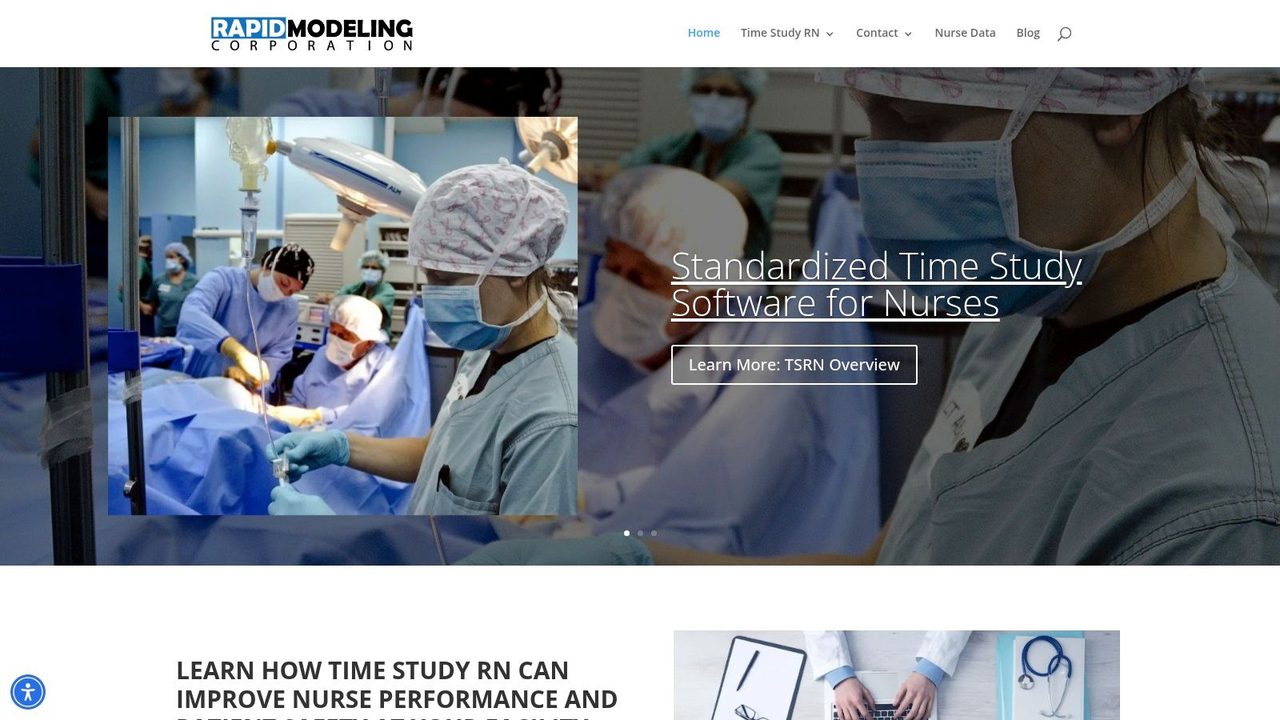
A nurse manager trying to defend staffing levels has a different problem from an industrial engineer timing an assembly cell. The study has to reflect handoffs, interruptions, charting, patient contact, and safety checks in a way clinical leaders will trust. Time Study RN is built for that job.
Its value comes from specialization. Generic time study tools can record duration, but they often need heavy setup before they reflect real nursing work. Time Study RN starts closer to the way hospitals already classify activity, which shortens study design and reduces recoding later.
Best when the goal is staffing and nursing operations
The practical use case is clear. Hospitals use tools like this for nursing workflow analysis, staffing reviews, patient flow studies, and performance discussions that need more than a basic timer log. The benchmarking component also matters because clinical leaders usually want external context, not just an internal snapshot.
The trade-off is just as clear. Time Study RN is not a general-purpose platform for plant studies, warehouse observations, or broad continuous improvement programs outside patient care.
- Strong fit: Nursing operations, patient flow studies, clinical staffing reviews
- Weak fit: Manufacturing engineering, logistics studies, or enterprise CI programs outside care delivery
- Practical benefit: The category structure is already aligned to nursing work, which reduces setup friction
For provider organizations, that focus is an advantage. If the output needs to stand up in staffing meetings, patient safety reviews, or executive discussions, a nursing-specific tool will usually get better adoption than a generic stopwatch app.
Top 10 Time Study Software Comparison
| Product | Core features | UX & Quality | Value / Price | Target audience | Standout / Unique Selling Point |
|---|---|---|---|---|---|
| Laubrass UMT Plus (UMT) | Stopwatch, work-sampling, multi-process studies, Excel reporting | ★★★★ | 💰Quote-based commercial | 👥Manufacturing & healthcare IE teams | ✨Strong Excel integration & healthcare configs · 🏆Comprehensive time-study workflow |
| Quetech WorkStudy+ | Excel-centric reports, mobile Android capture, fast element switching | ★★★★ | 💰Quote-based | 👥Distributed manufacturing/logistics practitioners | ✨Fast element switching & Excel templates · 🏆Low learning curve for collectors |
| Timer Pro Professional (ACSCO) | Video time & motion, line balancing, Yamazumi, ERP/MES links | ★★★★☆ | 💰Quote-based | 👥Orgs needing video-centric analysis & training | ✨Video-to-training clip authoring · 🏆Broad lean/CI toolkit |
| AVIX Method (AVIX Suite) | Video/stopwatch/PMTS capture, TDM, standard work, simulation | ★★★★ | 💰Quote-based | 👥CI teams wanting end-to-end capture→publish | ✨End-to-end standardization & publishing |
| TiCon Time Study (MTM) | MTM/PMTS analysis, ergonomics (EAWS), balancing, mobile timing app | ★★★★ | 💰Quote/training-based | 👥Organizations adopting MTM standards | ✨Standards-based MTM ecosystem · 🏆Method-standard integration |
| Proplanner – Time Studies | Live/video studies, ergonomics, method-linking, line balancing | ★★★★ | 💰Enterprise / quote | 👥Assembly plants using Proplanner/Advantive | ✨Tight MES & standard-work integration |
| ProcessModel Time | Multi-station capture, simulation-ready timing, fast setup | ★★★★ | 💰Paid / best with ProcessModel | 👥Simulation teams & analysts | ✨Direct feed into discrete-event simulation |
| Process Study (video time study) | Import phone/GoPro, accelerated tagging, CSV/XLS export | ★★★★ | 💰Pricing undisclosed / lightweight | 👥Small teams & ad‑hoc video studies | ✨Record‑once, analyze‑later workflow · 🏆Fast & low overhead |
| Time Study (Time Study Inc.) | Mobile capture, governance, audit-ready reporting, analytics | ★★★★☆ | 💰Enterprise subscription / quote | 👥US health systems & hospitals | ✨Audit-ready compliance for reimbursement · 🏆Scale for enterprise healthcare |
| Time Study RN | Nurse-centric configs, reporting, 50k+ shift benchmarking DB | ★★★★ | 💰Institutional / quote | 👥Hospitals, nurse managers & clinical improvement teams | ✨National benchmarking database · 🏆Tailored nursing workflows |
Choosing Your Path to Optimized Processes
The best time study software is rarely the one with the most features. It’s the one that matches your environment, your study method, and your reporting reality.
If you work in manufacturing and need broad industrial engineering coverage, Laubrass UMT Plus, Quetech WorkStudy+, TiCon, and Proplanner all make sense, but for different reasons. UMT Plus is strong when you need a mature work measurement suite with structured analysis and reporting. Quetech is a practical choice when Excel-driven workflows and fast collector onboarding matter more than visual polish. TiCon fits best when MTM and standards-based engineering are already part of the culture. Proplanner becomes more compelling when time study has to connect directly to methods, ergonomics, and enterprise engineering systems.
If your organization learns best from video, Timer Pro, AVIX Method, and Process Study each offer a different level of commitment. Timer Pro is strong for lean teams that want video analysis, line balancing, and reusable training outputs in one place. AVIX Method is better when standard work generation and communication to the floor are central requirements. Process Study works well as a lighter tool for teams that want to tag video, export results, and move quickly without adopting a full suite.
Healthcare needs a different filter. Time Study Inc. is the serious enterprise option when governance, reimbursement logic, and compliant rollout across health systems matter most. Time Study RN is the right pick when nursing workflows are the actual subject of the study and benchmarking context matters as much as raw timing.
One pattern matters across all of them. The software alone won’t fix weak study design. Teams still need clear element definitions, consistent observer training, realistic sampling, and agreement on what decisions the data will support. Good tools reduce friction. They don’t replace industrial engineering discipline.
Start with a pilot. Pick one process that is repetitive enough to measure and important enough to improve. Run a study, test the reporting flow, and see how easily the results move into training, staffing, balancing, or standard work. That first implementation usually tells you more than any demo ever will.
The category itself is moving toward broader adoption. North America accounted for 38.6% of global time tracking software revenue in 2025, according to the market view noted earlier, which reflects a mature SaaS environment and early adoption of workforce analytics in the region. In practice, that means buyers have more options than they used to, but also more overlap and more marketing noise.
The right choice is still straightforward. Buy the tool that fits the decisions you need to make, the people who will use it, and the level of rigor your operation can sustain.
If your time studies keep getting slowed down by manual note-taking, AIDictation can help on the documentation side. It turns spoken observations, meeting notes, clinical details, and process write-ups into clean text on macOS, with on-device dictation for private workflows and cloud cleanup when you want polished output fast. That makes it a useful companion to time study software, especially for engineers, healthcare teams, developers, and knowledge workers who need to capture what they’re seeing without stopping to type.
Frequently Asked Questions
What does 10 Best Time Study Software Tools for 2026 cover?
You know a process can be better, faster, or safer, but you lack the data to prove it. A stopwatch and a clipboard only get you so far.
Who should read 10 Best Time Study Software Tools for 2026?
10 Best Time Study Software Tools for 2026 is most useful for readers who want clear, practical guidance and a faster path to the main takeaways without guessing what matters most.
What are the main takeaways from 10 Best Time Study Software Tools for 2026?
Key topics include Table of Contents, 1. Laubrass UMT Plus, Where it fits best.
Ready to try AI Dictation?
Experience fast voice-to-text on your device. Free to download.
Download FreeRelated Posts
8 Workflow Optimization Examples for 2026
Explore 8 role-specific workflow optimization examples for 2026. Learn to reclaim your time with practical guides for developers, clinicians, and managers.
10 Process Improvement Techniques for 2026
Discover 10 powerful process improvement techniques to boost efficiency. Learn Lean, Six Sigma, Kaizen, and RPA with actionable steps and real-world examples.